

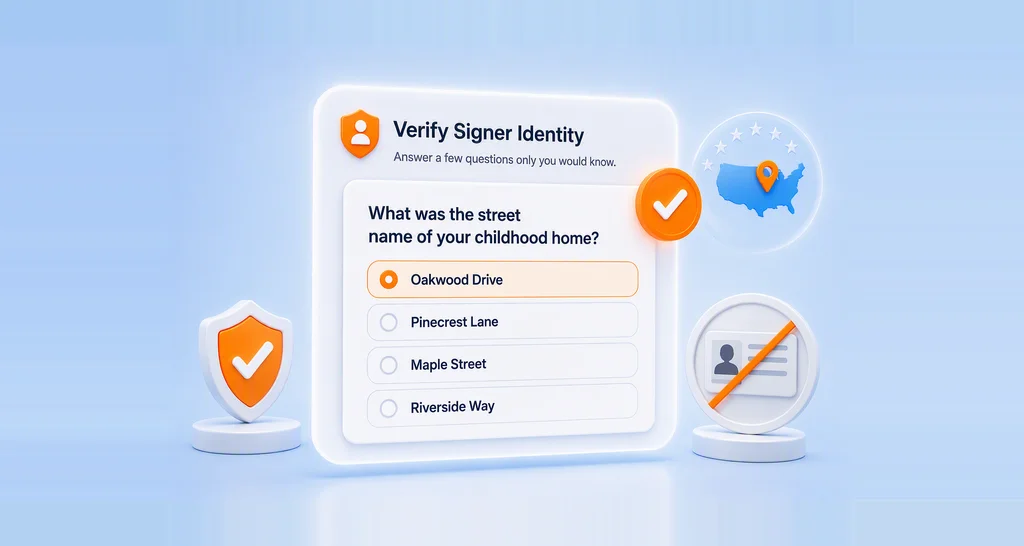
Webinar Show Notes: Verify Signers with Knowledge-Based Authentication in BoldSign
KBA authentication webinar recap: how signers verify with security questions, what happens when verification fails, and how KBA compares to ID Verification.
 Discover our mission, commitment to our customers, and leadership team.
 Stay updated with our latest news and announcements.
 Learn about the latest BoldSign products and company news.
 Earn ongoing referral fees by embedding and referring BoldSign to clients.
 Connect with us if you have any questions or need help.
 Your business is protected with BoldSign.
 Earn commission by promoting BoldSign via your site, blog, or socials.
 Join our team and build innovative software solutions.
 See the love for BoldSign from users about their experience.
 KBA authentication webinar recap: how signers verify with security questions, what happens when verification fails, and how KBA compares to ID Verification.
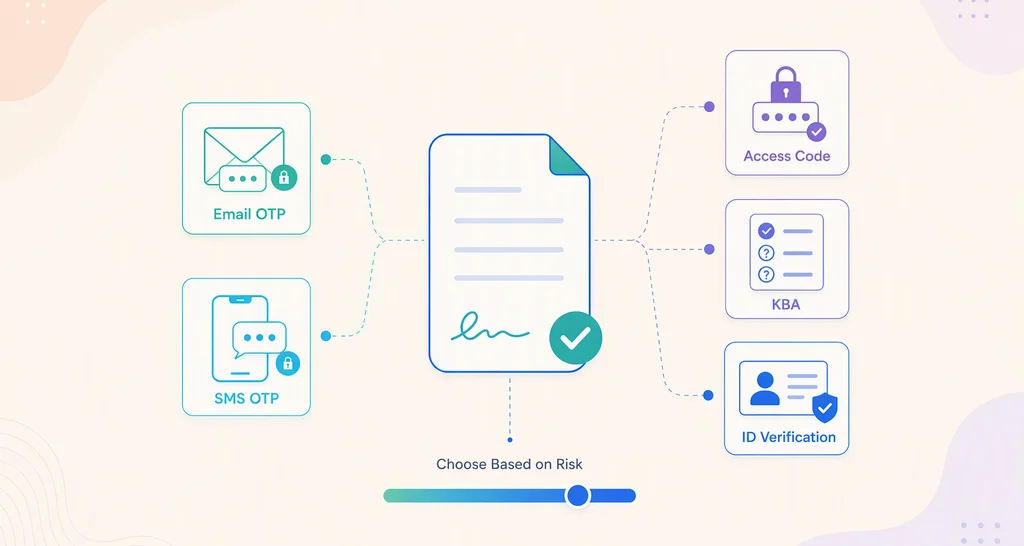
Learn how to choose document authentication levels for internal and external approvals using a simple risk-based framework for better security and control.
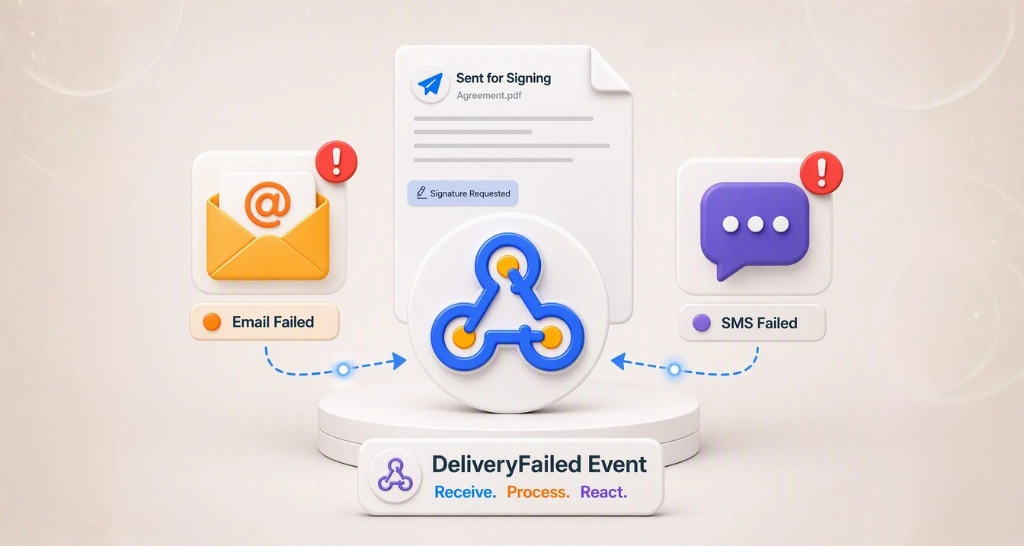
Detect email and SMS delivery failure in eSignature workflows before it stalls a signature. Learn the root causes, and how to catch failures with webhooks.
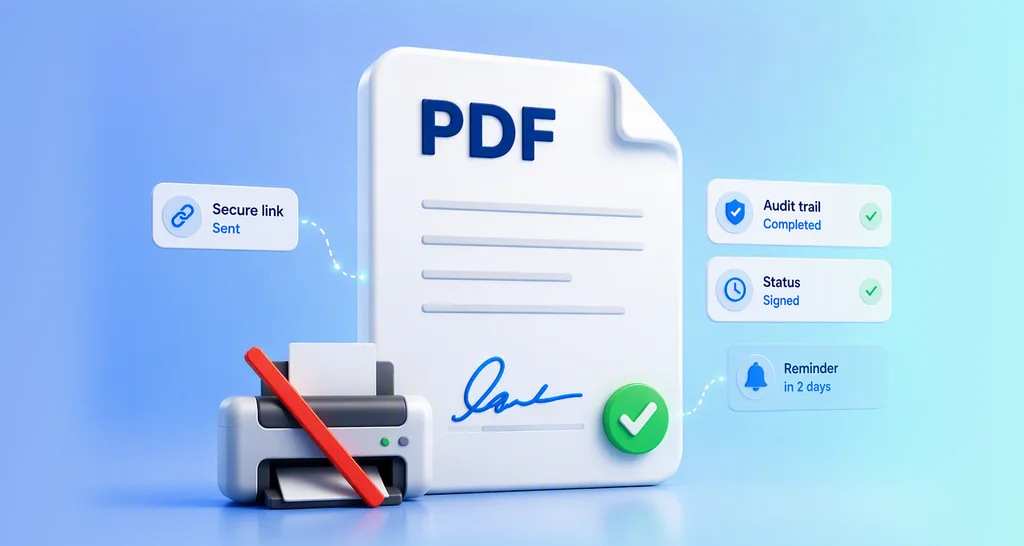
Learn how to request a signature on a PDF, add fields, send signing links, track status, and automate follow-ups for contracts, approvals, and onboarding.
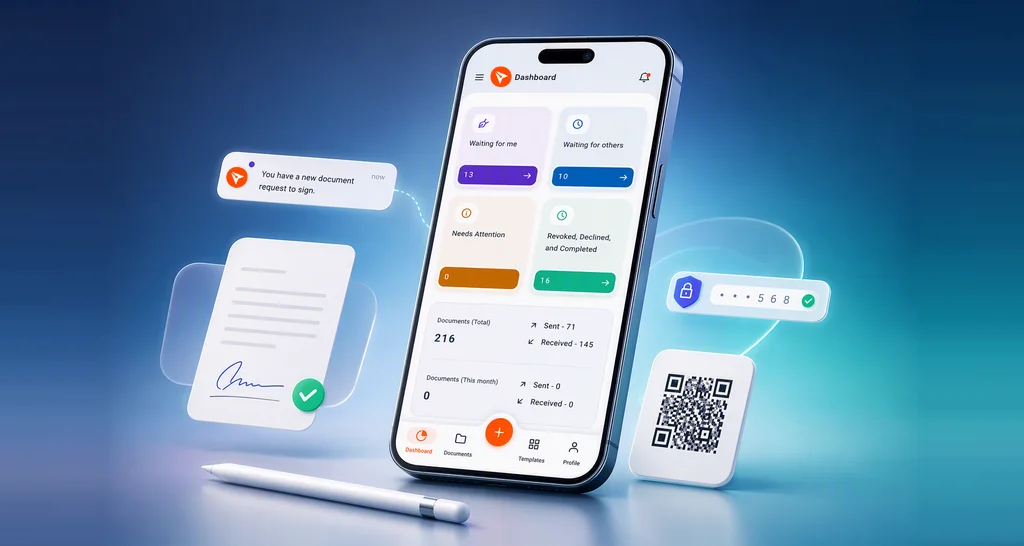
Learn how to sign documents on your phone with the BoldSign mobile app. Review requests, add secure eSignatures, and complete agreements safely from anywhere.
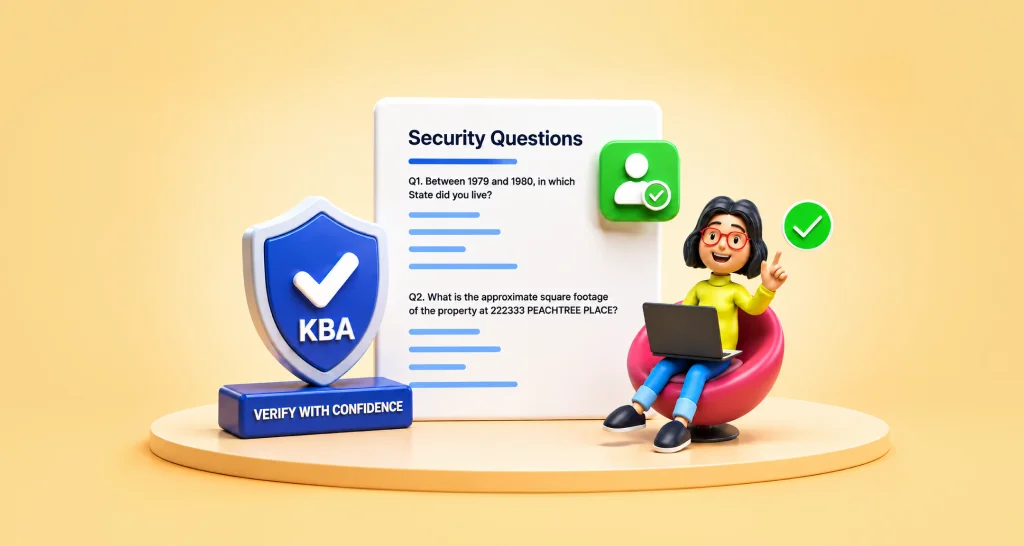
Choose knowledge-based authentication to verify signer identities, reduce fraud risk, and protect document access without ID uploads in signing workflows.
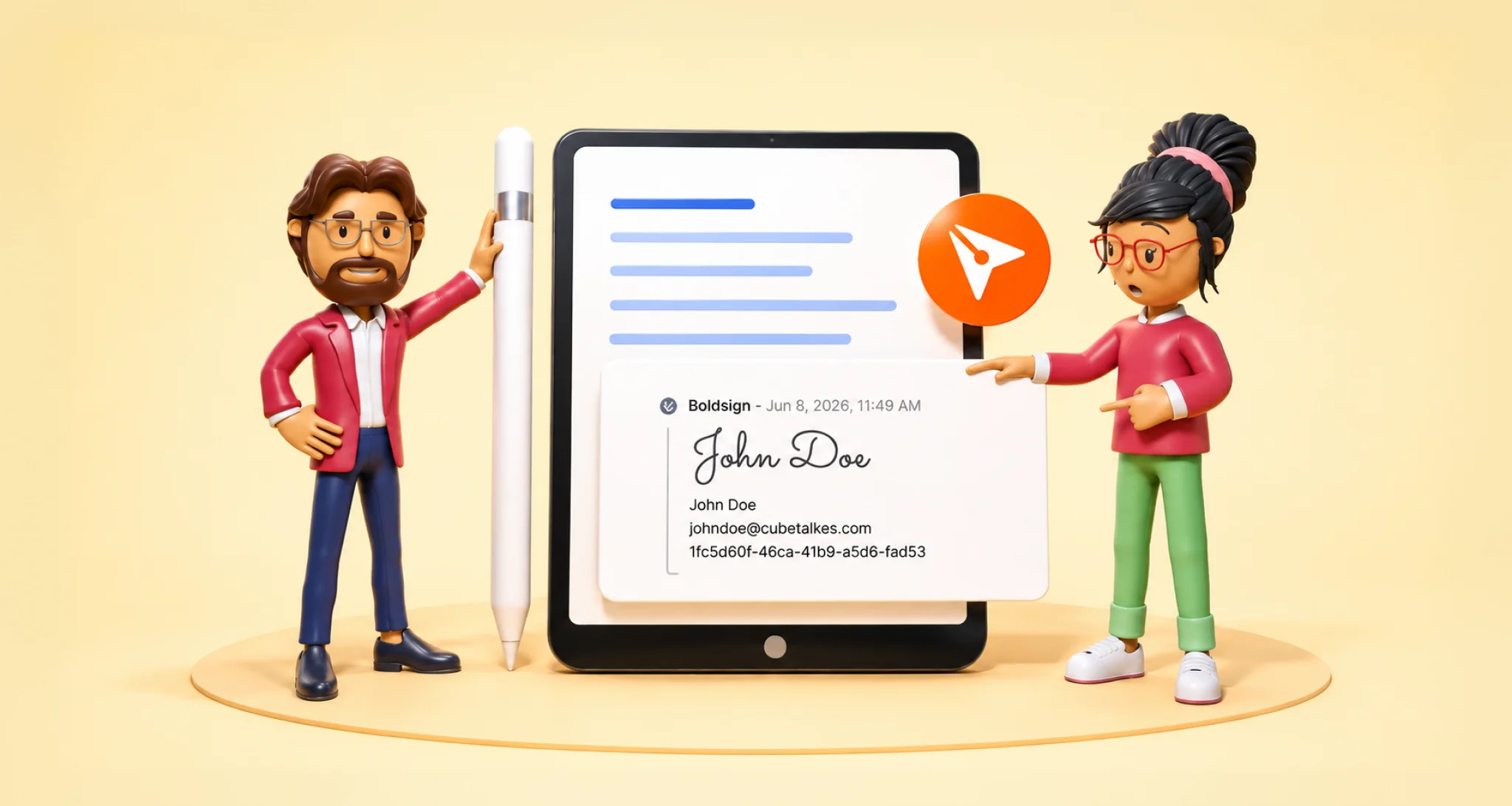
Learn how signature frame settings improve the signing experience with clearer guidance, fewer signer errors, stronger branding, and faster document completion.

Discover how BoldSign Group Signers help teams avoid approval delays by allowing any authorized member to securely sign documents via the API. Try now!
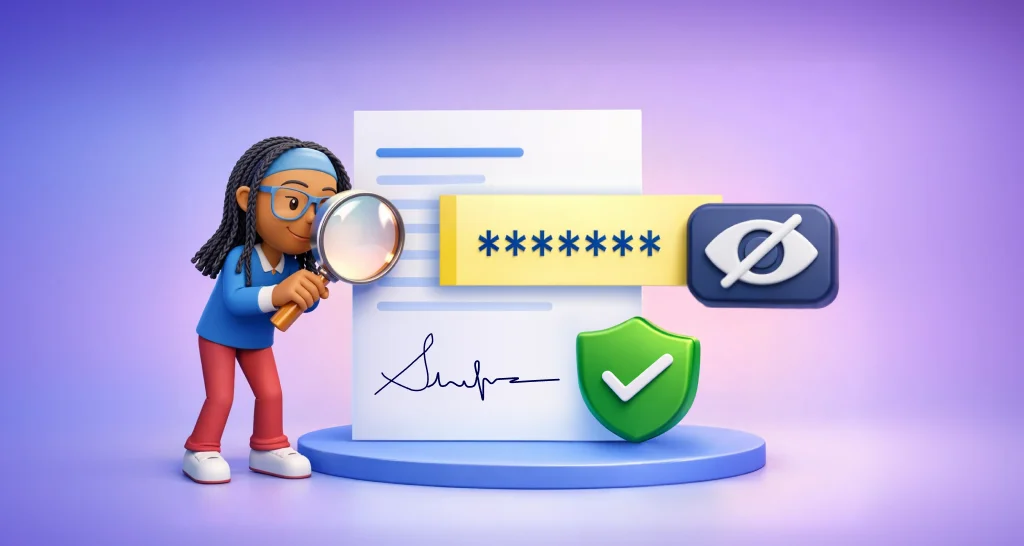
Learn how to effectively protect sensitive data with masked text in eSignature forms and securely manage confidential information in multi-signer workflows.

Learn signer authentication methods like email OTP, SMS OTP, access codes, and identity verification to secure documents and prevent unauthorized access.

Learn how Group Signers enforce directory rules so only authorized teams can sign, blocking unauthorized access and keeping workflows secure and compliant.
Learn how to use the BoldSign API to add image form fields and collect signer information by uploading IDs, receipts, or photos during the signing process.