

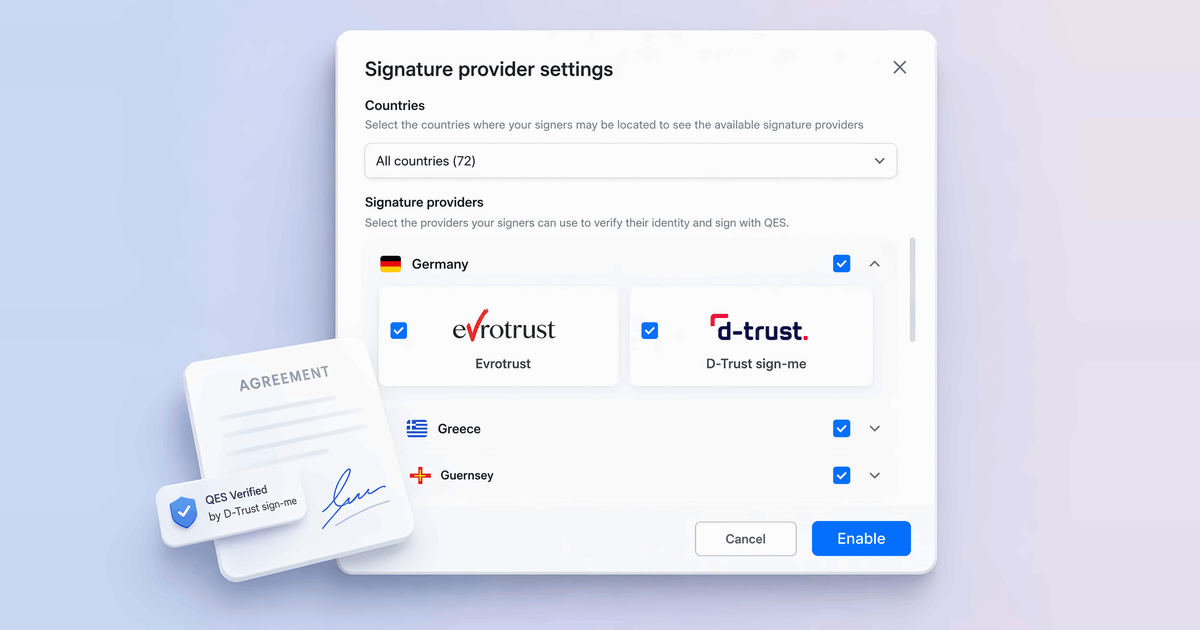
How to Get a Qualified Electronic Signature With Multiple QES Providers in BoldSign
BoldSign now lets you choose the QES providers for each country, so you can get a qualified electronic signature from more of your signers. Here's how.
 Discover our mission, commitment to our customers, and leadership team.
 Stay updated with our latest news and announcements.
 Learn about the latest BoldSign products and company news.
 Earn ongoing referral fees by embedding and referring BoldSign to clients.
 Connect with us if you have any questions or need help.
 Your business is protected with BoldSign.
 Earn commission by promoting BoldSign via your site, blog, or socials.
 Join our team and build innovative software solutions.
 See the love for BoldSign from users about their experience.
eSignature guides, API tutorials, compliance explainers and product news from the BoldSign team.
BoldSign now lets you choose the QES providers for each country, so you can get a qualified electronic signature from more of your signers. Here's how.
Our BoldSign app is now HubSpot certified. HubSpot reviewed the app and recognized it for quality. See what it does in HubSpot and which plans include it.
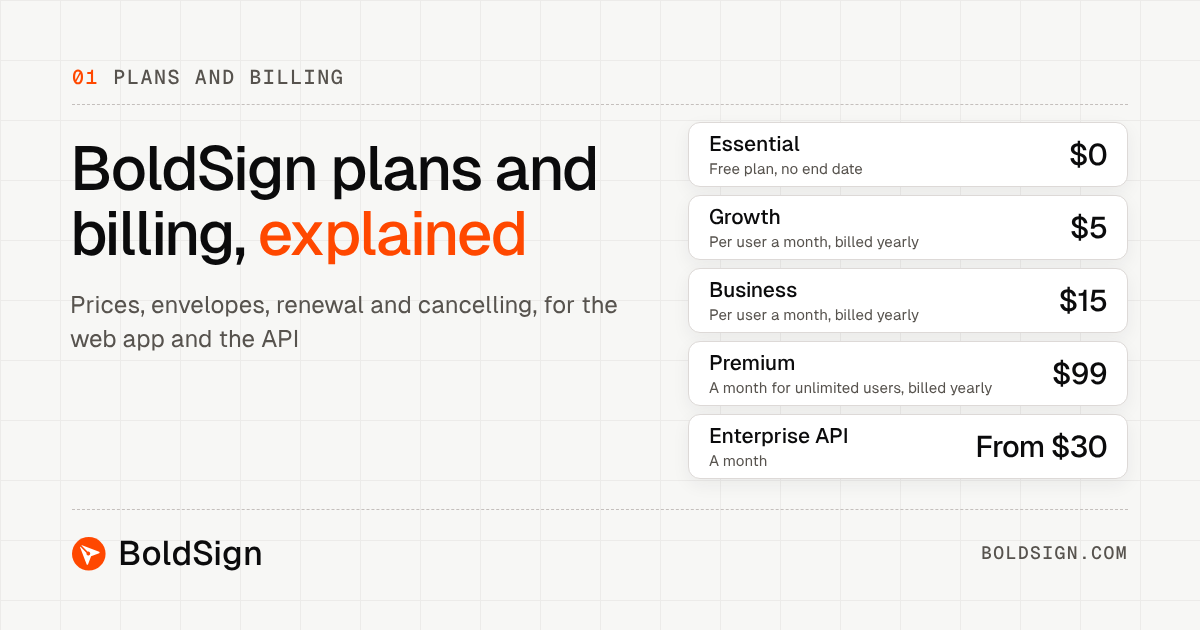
BoldSign plans and billing for the web app and API: a free plan, paid plans from $5 per user a month, envelope limits, renewal and how cancelling works.
In-store customer signatures on a tablet: how a store manager hosts the signing, what the customer needs, what it costs, and the record your store keeps.
We are happy to share a milestone: 100,000+ organizations now use BoldSign to send and sign documents. Why teams chose us and what we are building next.
Learn what passkey authentication is, how it works, where it beats passwords and OTPs, and when signer verification is still needed for document workflows.
Explore healthcare eSignature workflows that help providers collect patient consent digitally across intake, check-in, telehealth, and record management.
KBA authentication webinar recap: how signers verify with security questions, what happens when verification fails, and how KBA compares to ID Verification.
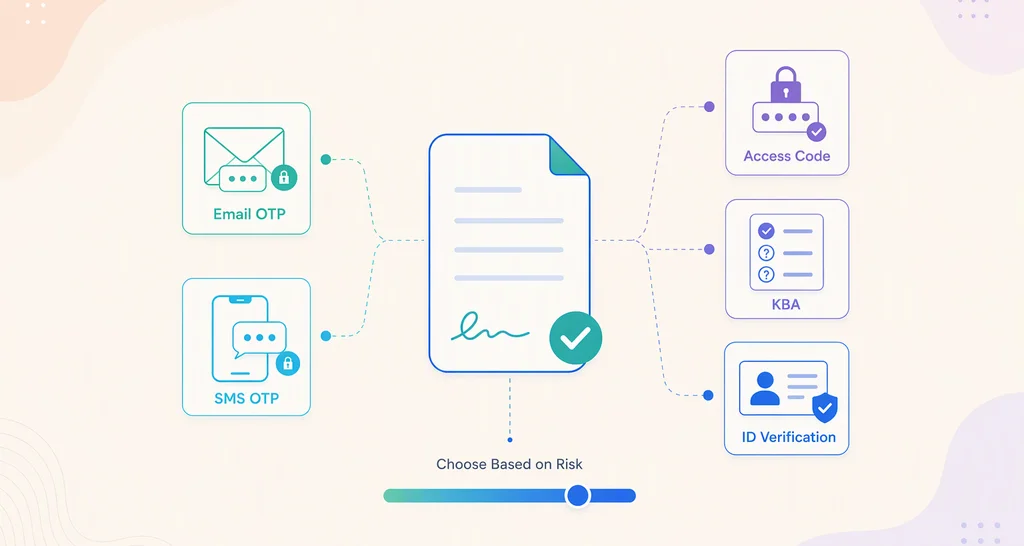
Learn how to choose document authentication levels for internal and external approvals using a simple risk-based framework for better security and control.
Learn when an initial signature can validate a U.S. contract, how courts evaluate intent, and why full signatures and secure audit trails reduce disputes.
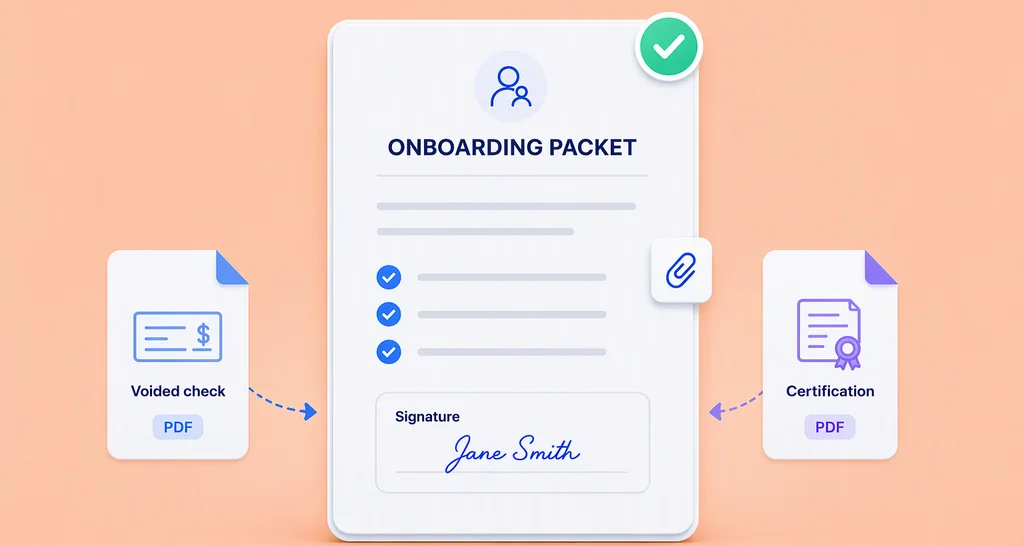
Discover how attachment fields help HR teams collect employee documents, signatures, and supporting files through one efficient digital onboarding workflow.
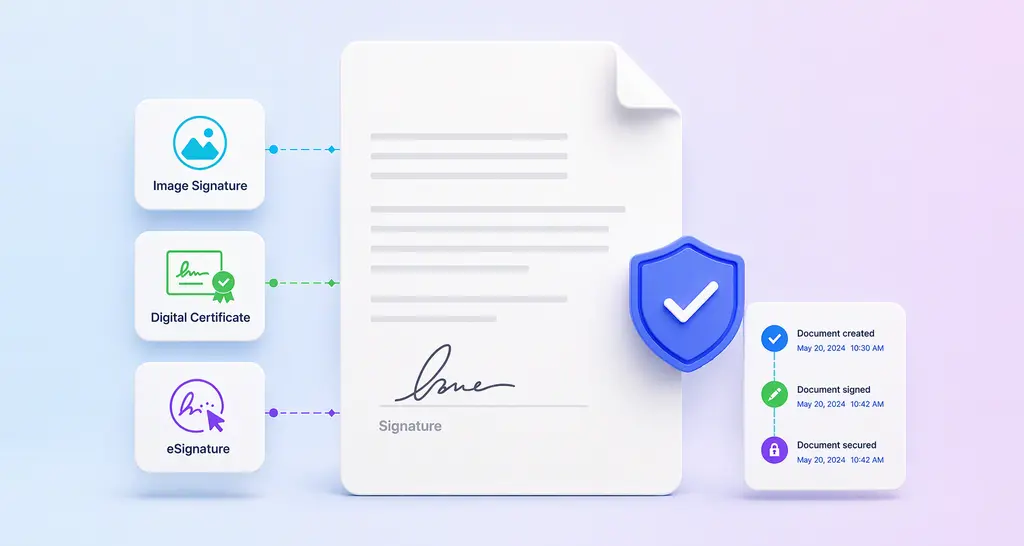
Learn how to sign a Word document and compare signature images, Word signature lines, and eSignatures to choose the most secure and reliable signing method.