BoldSign Team
TL;DR: We’re a HubSpot technology partner, and our eSignature app is now HubSpot certified. HubSpot recognizes certified apps for their quality and trustworthiness.
Our app for HubSpot has been in the HubSpot Marketplace since 2026, and teams use it to send contracts straight from their HubSpot records. Read how it started: BoldSign joins the HubSpot Marketplace.
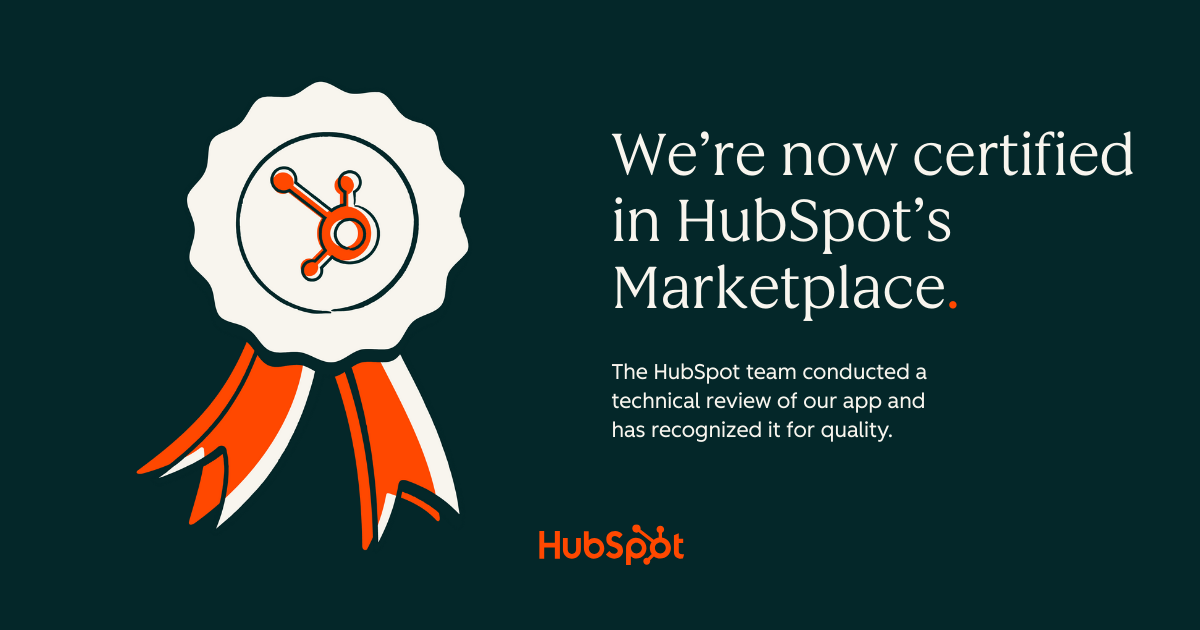
HubSpot has now certified the app. HubSpot’s developers reviewed it and recognized it for quality.
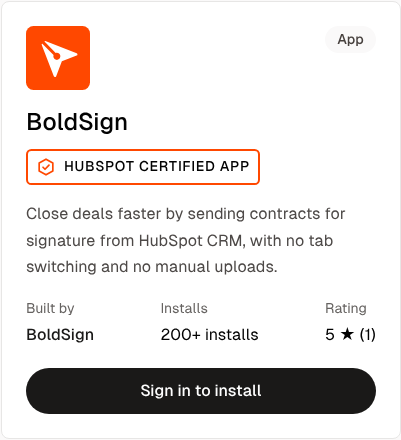
You can see the “HubSpot Certified App” badge under our name on the BoldSign listing in the HubSpot Marketplace.
What does it mean that BoldSign is a HubSpot technology partner?
We’re a member of HubSpot’s Technology Partner Program, which HubSpot runs for software companies that build integrations on its platform. We joined it with our app for HubSpot.
What does HubSpot app certification mean?
A certified app has passed an extra technical review by HubSpot’s developers and been in the HubSpot Marketplace for 6 months or more. Our app now meets both requirements.
Why does certification matter to your HubSpot team?
You want to know someone has checked an app before you connect it to your HubSpot account. HubSpot’s developers checked the BoldSign app, so you can rely on more than our word.
This matters for a signing app. It reads names and deal details from your HubSpot records, and it saves each signed contract back to the same record.
What can the BoldSign app do in HubSpot?
Your team sends, tracks and stores agreements from the contact, company or deal record, without leaving HubSpot.
- Send documents for signature from contacts, companies and deals.
- Fill templates with HubSpot properties through field mapping.
- Track each document from Sent to Completed inside the record.
- Save completed documents back to the associated record.
See how the HubSpot and BoldSign integration works for each feature.
Which BoldSign plans include the HubSpot app?
The HubSpot app works with the BoldSign Business plan and Premium plan. Billed yearly, the Business plan costs $15 per user a month, and the Premium plan costs $99 a month for unlimited users.
Prices are in USD. Both plans start with a 30-day free trial. See every feature by plan on the BoldSign pricing page.
How do you install the BoldSign app in HubSpot?
Enable HubSpot in BoldSign, then connect the two accounts. You need Super Admin permissions in HubSpot.
- In BoldSign, open Settings, select Integration, and enable the HubSpot card.
- Open the BoldSign and HubSpot connection page and select Connect Your Accounts.
- Sign in to HubSpot, review the permissions, and select Connect app.
The HubSpot integration page shows the full setup.
Ready to send contracts from HubSpot?
Your team can now send, track and store contracts from the HubSpot records it already uses, with an app HubSpot has reviewed. That keeps the deal and its signed contract in one place.
Start a free trial to connect HubSpot and send your first contract, or book a demo to see the app with your own records.
Frequently asked questions
Is BoldSign a HubSpot certified partner?
Yes. We're a HubSpot technology partner, and HubSpot certified our app after a technical review.
Which HubSpot records can I send documents from?
You can start a signature request from a contact, a company or a deal record in HubSpot.
Where are signed documents saved?
We save each completed document back to the HubSpot record it was sent from, so the signed copy sits next to the deal.
Can I fill documents with HubSpot data?
Yes. You map HubSpot properties to fields in a BoldSign template, and we fill those fields before the document goes out.
Which BoldSign plans include the HubSpot app?
The HubSpot app needs a BoldSign Business plan or Premium plan. See the BoldSign pricing page for every feature by plan.
Is there a free trial?
Yes. We offer a 30-day free trial, so you can connect HubSpot and send a test document before you buy.
Can I see the status of a document inside HubSpot?
Yes. The HubSpot record shows each document's status as it moves through Sent, Viewed, Signed and Completed.
Do I need admin rights to connect BoldSign to HubSpot?
Yes. You sign in to HubSpot with Super Admin permissions when you connect the two accounts.

BoldSign Team
The official team behind BoldSign—the simple, secure eSignature solution trusted by businesses worldwide. Our platform helps individuals and teams create, sign, and manage documents effortlessly while maintaining full compliance. Experience BoldSign yourself with a free trial or request a personalized demo to see it in action.
More posts by BoldSign Team