


How to Switch E‑Signature Providers Without Downtime: A Complete Migration Guide
BoldSign helps businesses switch e‑signature providers with zero downtime, reliable API integrations, and secure workflow migration. Migrate with confidence.
 Discover our mission, commitment to our customers, and leadership team.
 Stay updated with our latest news and announcements.
 Learn about the latest BoldSign products and company news.
 Earn ongoing referral fees by embedding and referring BoldSign to clients.
 Connect with us if you have any questions or need help.
 Your business is protected with BoldSign.
 Earn commission by promoting BoldSign via your site, blog, or socials.
 Join our team and build innovative software solutions.
 See the love for BoldSign from users about their experience.
Category
Browse general articles and updates for BoldSign’s eSignature platform. Stay informed about features, tips, and best practices for secure digital signing.
BoldSign helps businesses switch e‑signature providers with zero downtime, reliable API integrations, and secure workflow migration. Migrate with confidence.
Discover how nonprofits use BoldSign to improve pledge fundraising completion rates with secure eSignatures, automated reminders, and donor-friendly workflows.
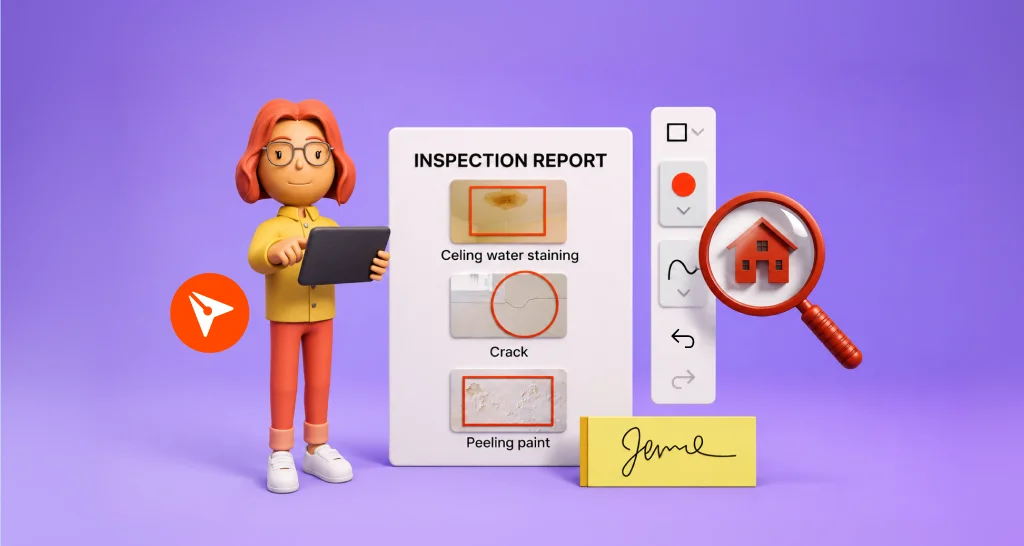
Learn how a property inspection report enhanced with visual markup helps teams identify issue locations, reduce disputes, and speed up approvals before signing.
Send contracts from Salesforce with BoldSign. Create templates, auto‑fill fields, send for signature, track status, and save signed documents in your CRM.
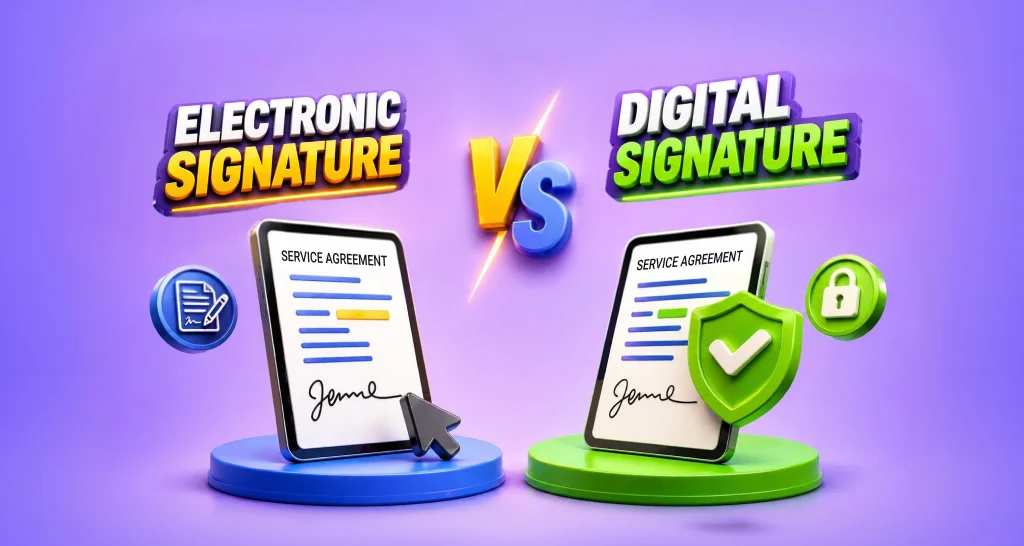
Learn electronic signature vs digital signature differences and choose the right signing method for contracts, compliance requirements, and secure workflows.
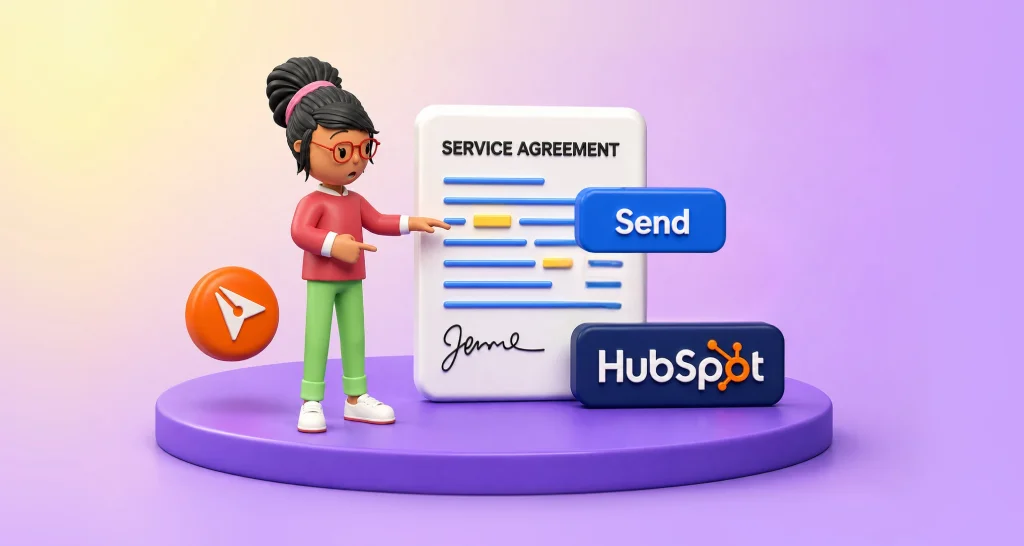
Send contracts from HubSpot with ease using BoldSign. Use templates, auto‑fill fields, track signing progress, and store signed documents directly in your CRM.

Learn what causes construction project delays and how paperwork bottlenecks like change orders and approvals slow schedules, and how eSignature resolves them.
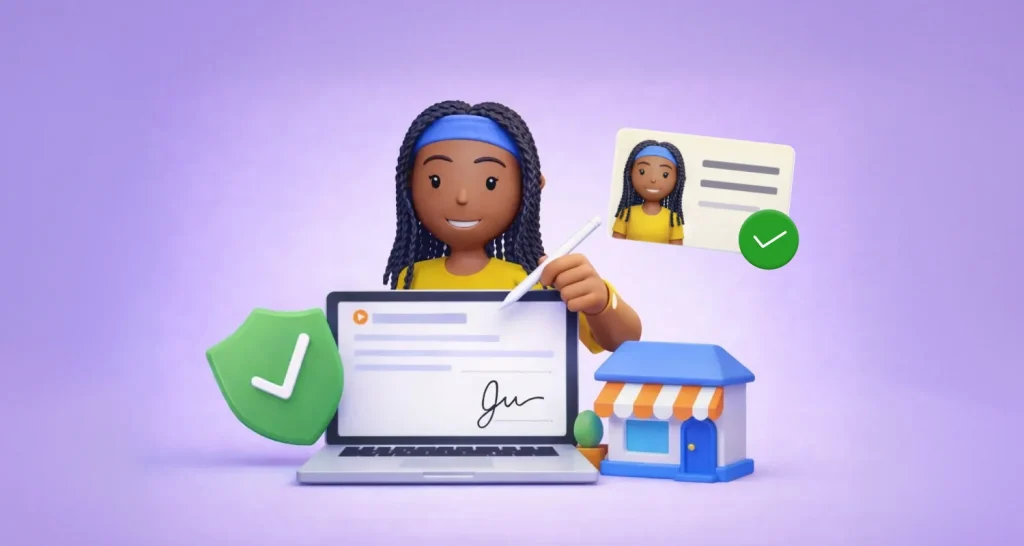
Tenant identity verification before lease signing using ID and selfie checks helps reduce fraud, prevent disputes, and enable secure remote lease agreements.

Streamline digital agreements with BoldSign using templates, audit trails, and automation to reduce delays and strengthen compliance across workflows.
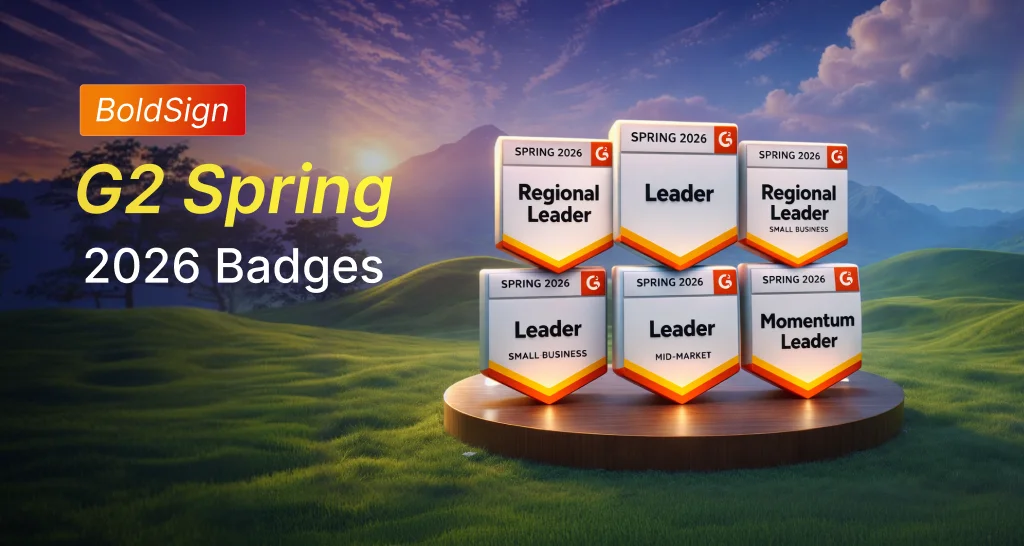
BoldSign wins six G2 awards in Spring 2026, recognized as a trusted eSignature solution for secure signing, efficient workflows, and responsive support.
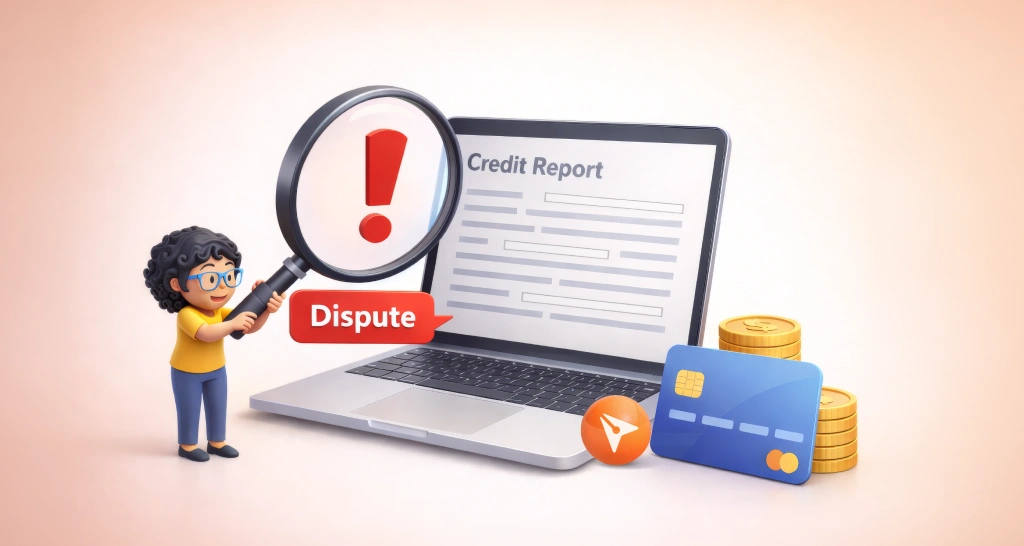
Streamline document workflows for credit repair disputes using eSignatures. Manage signing, tracking, and records for dispute‑related documents with BoldSign.
Discover how BoldSign Custom Permissions provide secure, granular access to documents, templates, and bulk sends across teams while ensuring compliance.