Free Document Scanner App
Capture, edit, organize, and export documents without ads, sign-up, subscriptions, or cloud uploads.
Scan the QR code
or tap the App Store or Google Play badge.


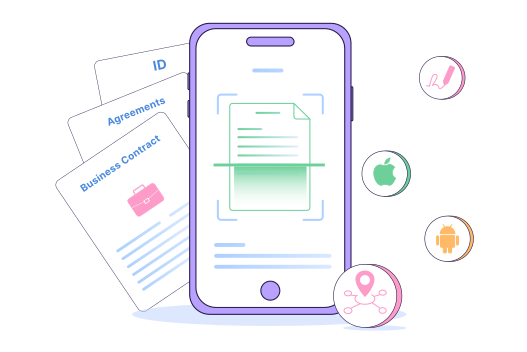

Trusted by 50,000+ businesses worldwide








Why use the Document Scanner app?
A simple way to scan documents, keep files private, and
prepare them for digital workflows.
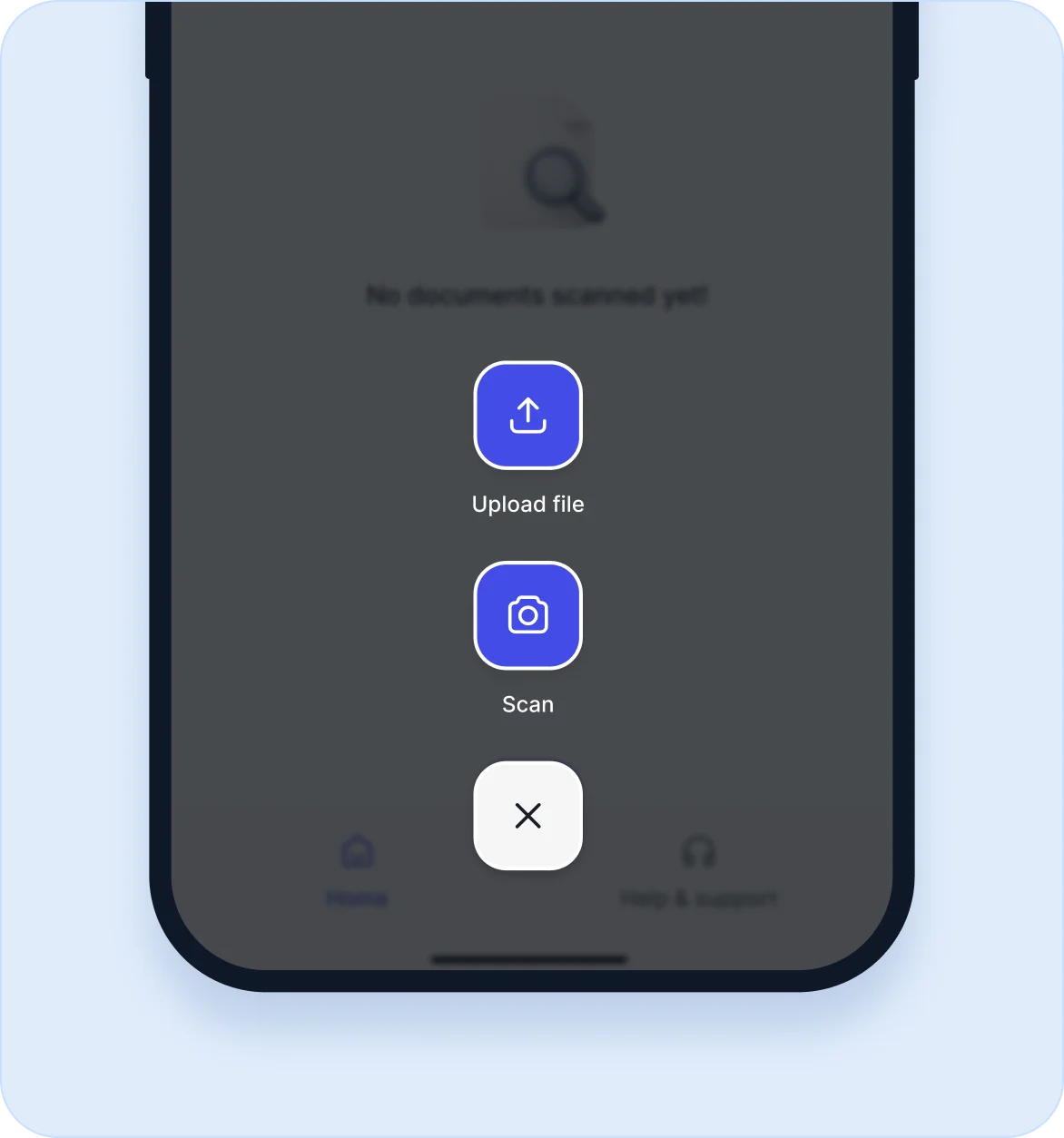
Scan or upload
Use your camera to scan documents instantly. Import saved images and create cleaner scans with edge detection.
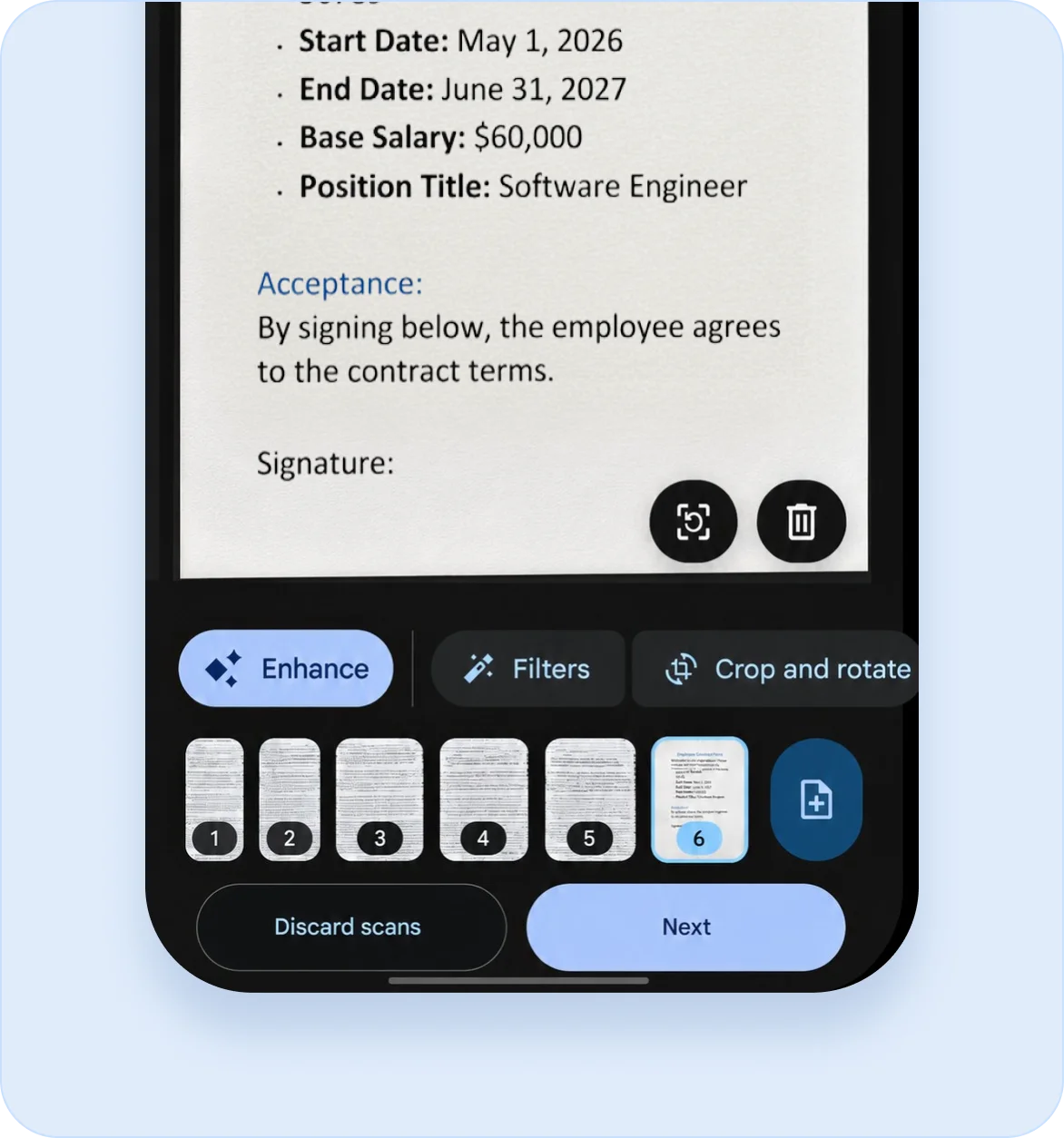
Adjust the page
Crop, rotate, reorder, and apply filters to make each scan clearer and easier to read.
Export with ease
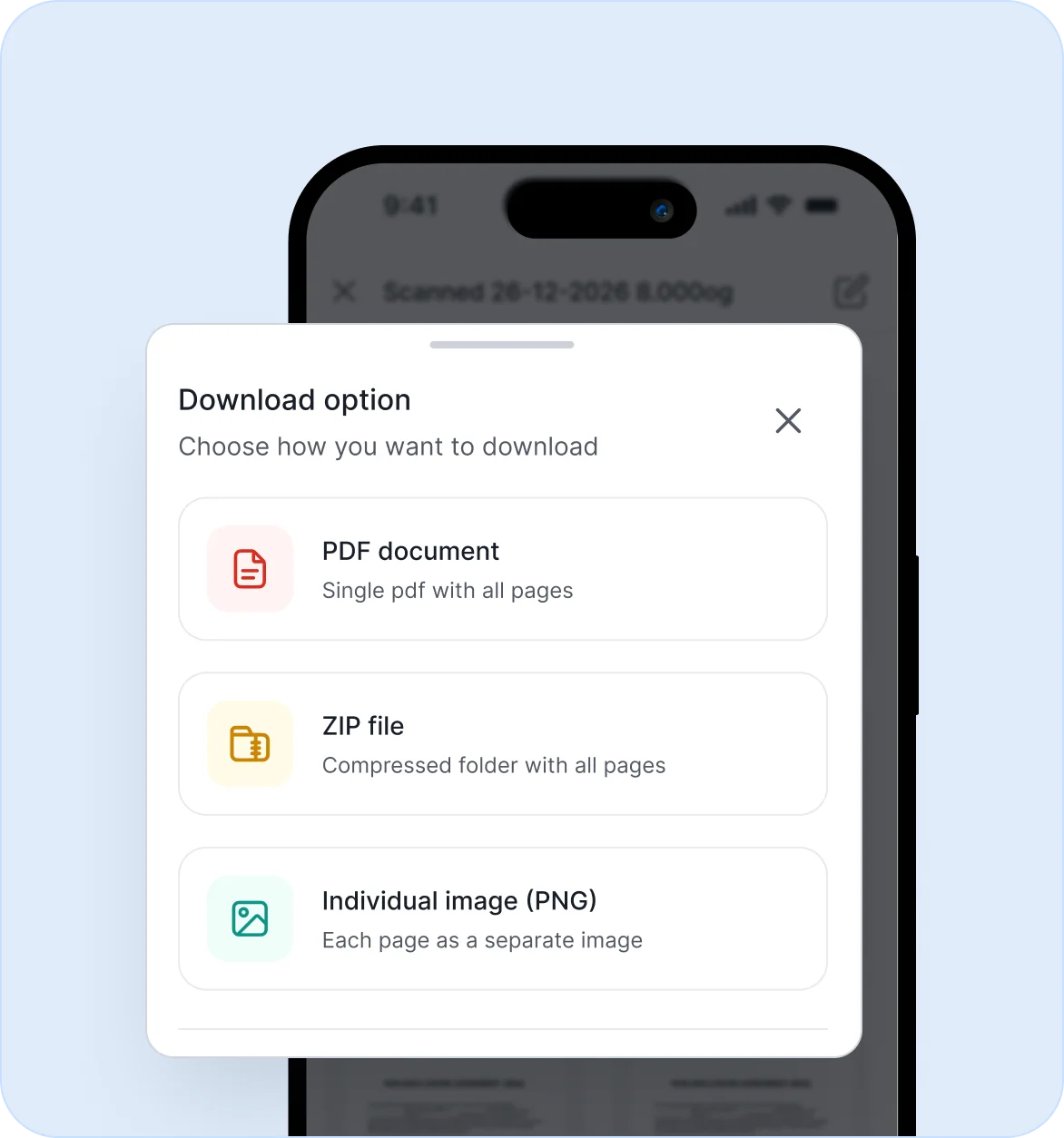
Save and share scans as PDF, JPG, PNG, or ZIP based on your workflow.
What you can do with the scanner app
Use built-in tools to capture, edit, manage, and share scanned documents.
-

Capture documents
Scan contracts, receipts, invoices, forms, notes, IDs, and multi-page documents.
-

Upload images
Add existing images from your device and convert them into digital documents.
-

Edit scans
Crop, rotate, reorder, rename, merge, and adjust scan quality.
-

Organize files
View scans in list or grid format and manage files from the app home screen.
-

Share or print
Export, share, print, or save scanned files to a folder on your device.
-

Use without sign-up
Start scanning immediately with no account creation, login, ads, or subscription.
See the BoldSign scanner app in action
Watch how to scan, edit, organize, and export documents from your
phone in a few simple steps.
Benefits of using the BoldSign scanner app
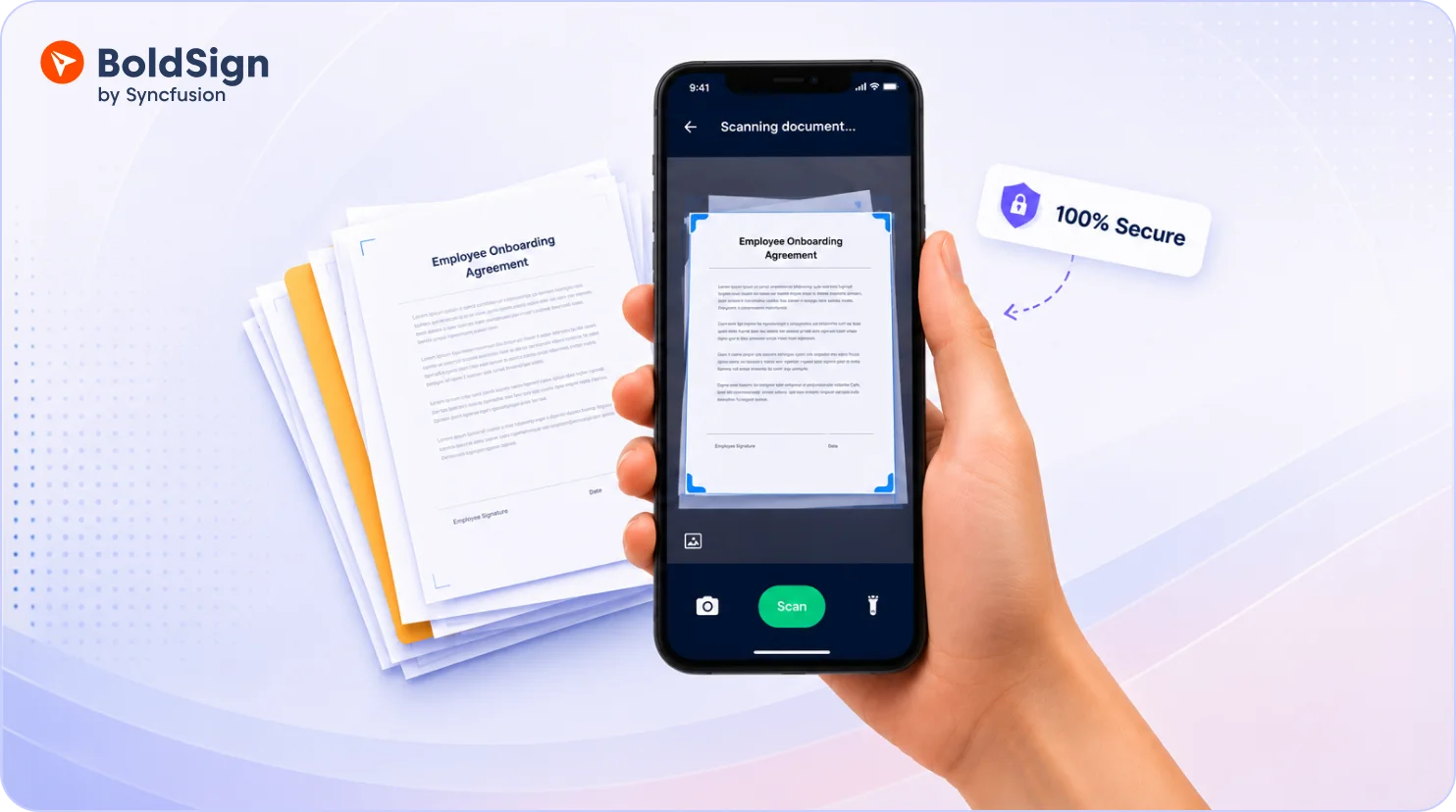
Helps teams digitize paper documents faster, reduce manual work, and move documents into eSignature workflows with less friction.
-

Speed up document handling
Scan paper documents from anywhere and prepare them for review, sharing, or signing in minutes.
-

Reduce paper dependency
Convert physical documents into digital documents and support cleaner, more organized workflows.
-

Support mobile teams
Let sales, field, admin, and operations teams scan documents on the go without extra scanning hardware.
-

Improve document readiness
Crop, rotate, merge, rename, and reorder scans before sending them for review or eSignature.
-

Keep sensitive files on the device
Scanned files stay on the user’s device, giving teams more control over document storage.
-

Move faster from scan to signature
Export scanned files and upload them to BoldSign to send for eSignature.
Frequently asked questions
Yes. The app is free to use with no ads, subscriptions, or sign-up required.
Yes. You can scan, edit, organize, and save documents without an internet connection.
Your scanned documents are stored locally on your device.
No. The app does not upload scanned documents to external servers.
You can export scanned documents as PDF, JPG, PNG, or ZIP files.
You can scan contracts, receipts, invoices, forms, notes, IDs, handwritten pages, and multi-page documents.
Yes. You can crop, rotate, reorder, rename, merge, and adjust scan quality before exporting.
Yes. Export the scanned file and upload it to BoldSign to send it for eSignature.
Turn scanned documents into signed agreements
Try BoldSign 30-day free trial
- No credit card required
- 30-day free trial
- No credit card required