How to Switch E‑Signature Providers Without Downtime: A Complete Migration Guide
 Yvone Atieno Odhiambo 7 min read
 TL;DR: Switch eSignature providers safely by migrating in phases, keeping old and new systems running in parallel, testing integrations thoroughly, and only cutting over once workflows are stable.
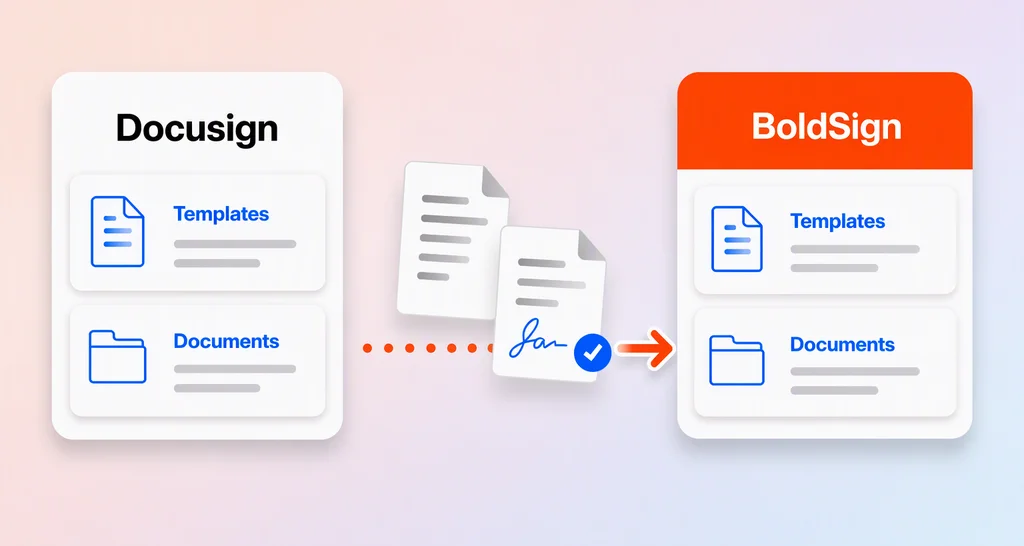
Switching eSignature providers does not have to disrupt active workflows. A smooth migration starts with auditing your current setup, mapping templates and API behavior, running old and new systems in parallel, testing webhooks and integrations, training users, and cutting over gradually.
BoldSign can support low-disruption migration with reusable templates, APIs, SDKs, webhooks, sandbox testing, and resources for teams moving from legacy eSignature workflows.
Why businesses switch eSignature providers
Organizations rarely migrate eSignature platforms without a clear reason. Common drivers include:
- Rising costs or unpredictable pricing
- Limited integrations or scalability issues
- Poor user experience or slow adoption
- Compliance and security requirements
- Need for better APIs and automation
- Difficulty managing templates, webhooks, or document volume
As document volume grows, these limitations become harder to ignore. The challenge is not simply choosing a new provider. It is moving without breaking the workflows your teams already depend on.
The biggest migration risk: Broken workflows
Your eSignature platform is not just a standalone tool. It is often connected to:
- CRM and ERP systems
- Approval workflows
- APIs and webhooks
- Notifications and automations
- Document storage systems
- Audit trail and compliance processes
If these connections break during migration, documents may get stuck, notifications may fail, and downstream systems may receive incomplete or inconsistent data.
That is why a successful migration should focus on behavior parity first. Before redesigning anything, make sure the new system can reproduce the workflows that already work today.
What low-disruption migration really means
A low-disruption migration is designed to keep active workflows running while the new platform is configured, tested, and rolled out gradually.
In practice, this means:
- Keeping in-flight documents on the current provider
- Running old and new systems in parallel for a defined period
- Testing templates, APIs, webhooks, and notifications before production use
- Moving workflows incrementally instead of all at once
- Maintaining a rollback plan in case a workflow needs to pause or revert
The goal is simple: preserve business continuity while reducing migration risk.
Step-by-step guide to switching eSignature providers
Key stages include:
Audit your current eSignature environment
Start by documenting how your current system is used.
Map:
- Templates and document workflows
- User roles and permissions
- API integrations
- Webhook events and payloads
- Notification rules
- Stored documents
- Audit trails and retention requirements
- CRM, ERP, or storage connections
- Active documents still awaiting signature
This gives your team a clear migration baseline and prevents critical workflows from being missed.
Define your migration requirements
Before configuring the new provider, define what the new platform must support.
Include:
- Must-have features
- Compliance and security needs
- Integration requirements
- API and webhook behavior
- Template and field mapping needs
- Reporting and audit trail expectations
- Performance and volume requirements
- Support and training needs
A clear requirement list reduces rework and helps your team validate the new platform against real business workflows.
Map workflows for behavior parity
The goal of migration is not to redesign every process on day one. First, recreate the existing behavior. Optimization can come later.
Use a mapping table like this:
| Migration area | What to validate |
| Templates | Roles, fields, signing order, reminders, expirations |
| Recipients and signers | Signer roles, CC recipients, approvers, and routing logic |
| Fields and tabs | Required fields, dates, initials, checkboxes, text fields, and conditional fields |
| Webhooks | Event names, payloads, retry behavior, and status mapping |
| APIs | Authentication, endpoints, request format, response format, and error handling |
| Notifications | Sender, signer, reminder, completion, and failure messages |
| Audit trails | Completed document access, signing history, certificates, and retention policy |
| Storage | Where completed documents are saved and who can access them |
This helps your team confirm that the new workflow behaves like the old one before users depend on it.
Run both systems in parallel
Avoid a hard cutover where every workflow switches at once.
Instead:
- Keep the current provider active for in-flight documents
- Send selected new documents through the new provider
- Move one department, document type, or workflow at a time
- Monitor each workflow before expanding
- Keep a fallback route available during the transition
Running systems in parallel gives your team time to validate the new process without interrupting active agreements.
Migrate APIs and integrations carefully
If your workflows depend on APIs, treat this as a dedicated workstream.
Review:
- API key or OAuth differences
- Endpoint mapping
- Request and response formats
- Template ID mapping
- Signer role mapping
- Embedded signing behavior
- Webhook events and retries
- Error codes and failure handling
- Rate limits
- Duplicate request handling
- Completed document retrieval
- Audit trail retrieval
- Sandbox and production credentials
Test API workflows in a sandbox environment before moving production traffic. This helps developers validate the full request-to-completion flow before users are affected.
Test everything before scaling
Testing is where many migrations succeed or fail.
Validate:
- Document creation
- Template behavior
- Field placement and required fields
- Signing order
- Notifications
- Webhook delivery
- CRM or ERP updates
- Completed document storage
- Audit trail access
- Error handling
- User permissions
Use realistic test cases, not only simple happy paths. Include expired documents, declined documents, failed notifications, missing recipients, and webhook retry scenarios.
Train teams and communicate changes
Technology alone does not guarantee a smooth migration. Users need to know what is changing and what stays the same.
Prepare:
- Quick-start guides for senders
- Updated internal process documentation
- Clear instructions for finding completed documents
- Guidance on document statuses
- Escalation paths for failed sends or signing issues
- A list of workflows that still use the old provider during transition
Good communication reduces confusion and helps teams adopt the new platform faster.
Create a rollback plan
A rollback plan helps your team respond quickly if a workflow does not behave as expected.
Define:
- Which workflows remain on the old provider during transition
- Who can approve a rollback
- How failed workflows will be rerouted
- How documents sent during transition will be reconciled
- How long both systems will remain active
- When the old provider can be safely decommissioned
This does not mean you expect failure. It means your migration plan is prepared for real-world issues.
Execute a gradual cutover
Once workflows are tested and users are trained, begin moving production workflows in phases.
For example:
- Start with low-risk internal documents
- Move standard customer agreements next
- Migrate complex API-based workflows after validation
- Keep high-risk or regulated workflows for later phases
- Decommission old workflows only after the new process is stable
Do not rush the final switch. Stability is more important than speed.
Best practices for a smooth migration
- Preserve behavior before optimizing workflows.
- Run old and new systems in parallel during transition.
- Test APIs, webhooks, templates, notifications, and audit trails.
- Keep active documents on the original provider until completion.
- Train users before expanding rollout.
- Maintain a rollback plan.
- Track issues during the pilot phase.
- Decommission legacy workflows only after validation.
Common mistakes to avoid
Avoid these migration pitfalls:
- Migrating every workflow at once
- Redesigning templates before behavior parity is confirmed
- Ignoring webhook and event compatibility
- Skipping realistic failure-case testing
- Underestimating integration complexity
- Losing access to historical audit trails
- Decommissioning the old provider too early
- Failing to train senders and admins
Many migration issues are not caused by the new platform. They happen because teams switch too much, too quickly, without validating the full workflow.
What to look for in a new eSignature provider
When choosing a new eSignature platform, prioritize:
- Developer-friendly APIs and SDKs
- Reliable webhook support
- Flexible template management
- Signing order and workflow automation
- Clear document status tracking
- Secure audit trails
- Sandbox testing options
- Transparent pricing
- Support for phased rollout
- Helpful migration documentation
These capabilities make it easier to migrate safely and scale the platform after rollout.
How BoldSign supports low-disruption migration
BoldSign can help teams reduce migration risk by supporting workflow recreation, API-based integrations, webhooks, sandbox testing, and phased rollout planning.
Reusable templates
Teams can recreate common document workflows using templates with predefined fields, signer roles, instructions, and routing logic.
APIs and SDKs
BoldSign provides APIs and SDKs that help developers connect signing workflows to internal systems, CRMs, ERPs, and custom applications.
Webhooks
Webhook events help connected systems receive document status updates such as sent, viewed, signed, declined, or completed.
Sandbox testing
A sandbox environment allows teams to test integrations, validate workflows, and simulate real-world signing scenarios before production rollout.
Migration resources
For teams moving from legacy eSignature providers, BoldSign resources can help map common concepts such as templates, fields, recipients, signing order, and webhook behavior.
The practical goal is not to change everything at once. It is to recreate the workflows your business depends on, validate them carefully, and then improve them over time.
Final thoughts
Switching eSignature providers does not need to disrupt your business. The safest approach is to migrate gradually, preserve workflow behavior, test thoroughly, and cut over only when the new process is stable.
With the right plan, your documents keep moving, your integrations continue working, and your teams gain confidence in the new platform before the old one is retired.
Ready to make the switch?
Start a free trial of BoldSign or book a demo to see how your signing workflows can be migrated through a phased, low-disruption rollout.
Yvone Atieno Odhiambo
Yvone is a Technical Assistant at BoldSign who specializes in creating clear documentation and engaging videos. She combines her technical skills and creativity to deliver user-focused solutions. Connect with her on LinkedIn.
More posts by Yvone Atieno Odhiambo