


Electronic Signature in Healthcare: Where They Help Most
Learn how electronic signatures in healthcare streamline consent forms, patient intake documents, secure approvals, and everyday clinical workflows efficiently.
 Discover our mission, commitment to our customers, and leadership team.
 Stay updated with our latest news and announcements.
 Learn about the latest BoldSign products and company news.
 Earn ongoing referral fees by embedding and referring BoldSign to clients.
 Connect with us if you have any questions or need help.
 Your business is protected with BoldSign.
 Earn commission by promoting BoldSign via your site, blog, or socials.
 Join our team and build innovative software solutions.
 See the love for BoldSign from users about their experience.
Browse general articles and updates for BoldSign’s eSignature platform. Stay informed about features, tips, and best practices for secure digital signing.
Learn how electronic signatures in healthcare streamline consent forms, patient intake documents, secure approvals, and everyday clinical workflows efficiently.
Explore how Claude and OpenAI reshape AI for healthcare by reducing admin delays, accelerating workflows, and improving HIPAA‑ready document processes.

Learn how long electronic signatures should be stored and how to protect signed records by understanding essential e‑signature retention requirements.
Use BoldSign eSignature for Salesforce to send contracts from records, map fields, track status, and store signed PDFs back in Salesforce. No tab switching.
Learn how SOC 2 certification strengthens e-signature security. Understand scope, audit periods, Type I vs. Type II reports, and what customers should verify.
BoldSign is now on the HubSpot Marketplace. Send, track, and store eSignatures in HubSpot to reduce delays, cut admin work, and close faster.

Improve nonprofit board governance with electronic approvals and digital signatures to speed decisions, strengthen compliance, and cut paperwork.
Download BoldSign’s free eBook to evaluate eSignature platforms with confidence. It covers compliance, security, signer experience, integrations, and scale.
Leave a review of BoldSign and unlock a $20 donation to World Central Kitchen. Make an impact in just five minutes!
Add ID verification to rental applications with BoldSign, verifying ID and selfie before signing to reduce fraud and provide a clear audit trail securely.
Missed the BoldSign webinar? Explore new QES, AI‑assisted fields, WhatsApp notifications, and more new features designed for faster, compliant eSigning.
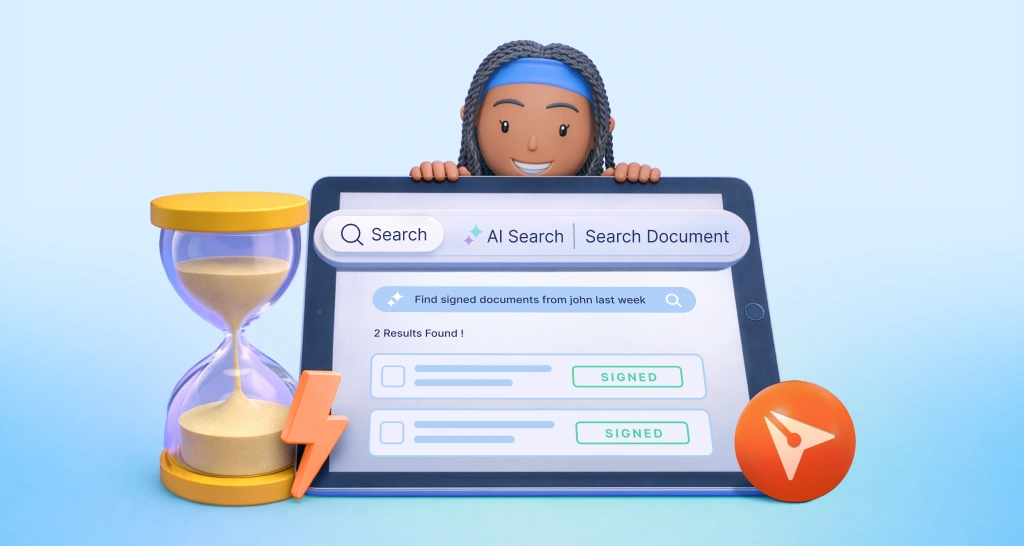
AI Document Search in BoldSign helps teams find documents and templates using natural language. Search by status, date, or signer, without complex filters.