

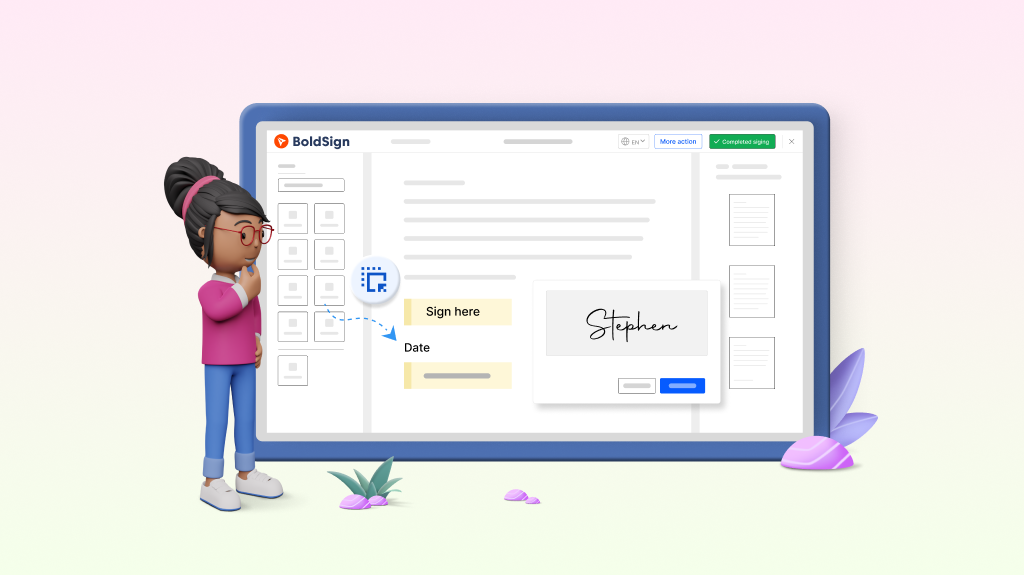
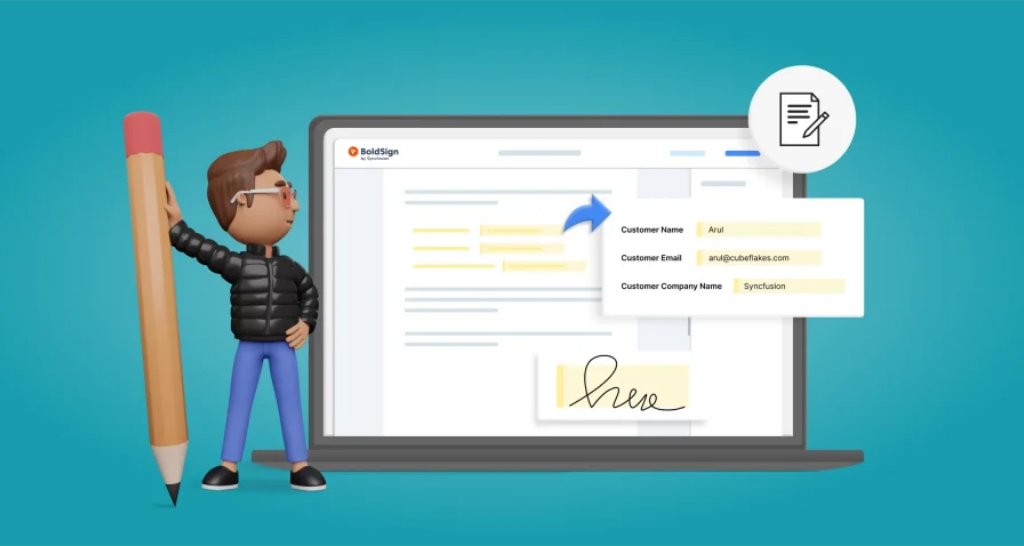
How Signers Can Add Form Fields before eSigning a Document
Learn how to customize documents by adding form fields before electronic signing them, enhancing preparation and workflow efficiency.
 Discover our mission, commitment to our customers, and leadership team.
 Stay updated with our latest news and announcements.
 Learn about the latest BoldSign products and company news.
 Earn ongoing referral fees by embedding and referring BoldSign to clients.
 Connect with us if you have any questions or need help.
 Your business is protected with BoldSign.
 Earn commission by promoting BoldSign via your site, blog, or socials.
 Join our team and build innovative software solutions.
 See the love for BoldSign from users about their experience.
eSignature guides, API tutorials, compliance explainers and product news from the BoldSign team.
Learn how to customize documents by adding form fields before electronic signing them, enhancing preparation and workflow efficiency.

BoldSign is now HIPAA-compliant, ensuring secure handling of patient data, boosting healthcare trust, and meeting top privacy standards for digital signatures.

Use BoldSign's bulk send feature to send documents to multiple recipients at once. Upload a CSV, personalize each request, and track completion in real time.
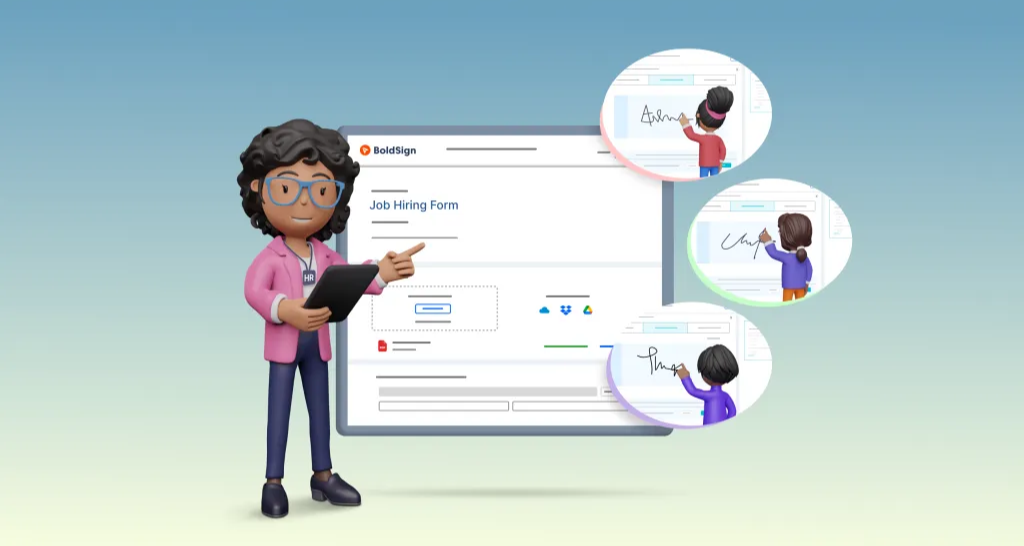
BoldSign eSignature templates for hiring processes boosts productivity, and ensures a secure and efficient onboarding experience.

Discover the best practices for designing SaaS architecture, covering scalability, microservices, multi-tenancy, and security for modern cloud platforms.
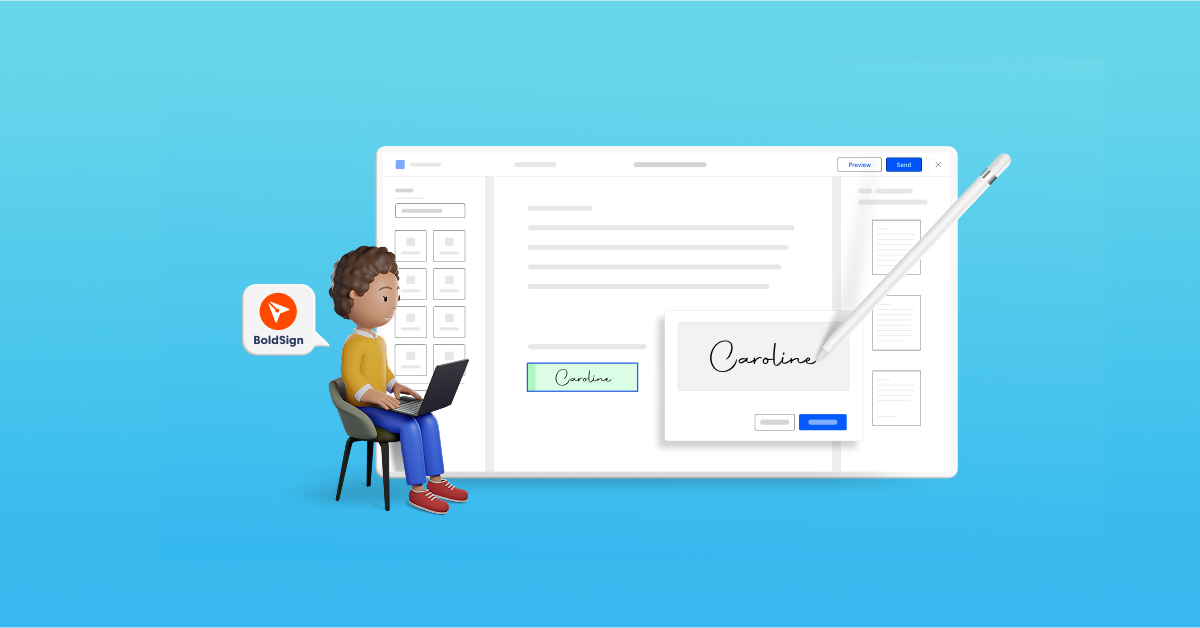
BoldSign platform simplifies attaching documents like proof of ID during eSigning, ensuring a seamless and convenient document signing process for users.

BoldSign provides secure signer authentication via access codes, email OTP, and SMS verification, resulting in a fast and reliable e-signing experience.

Recap of BoldSign in 2023: explore key updates like form fields, SMS, templates, bulk links, security boosts & integrations that enhanced document signing.
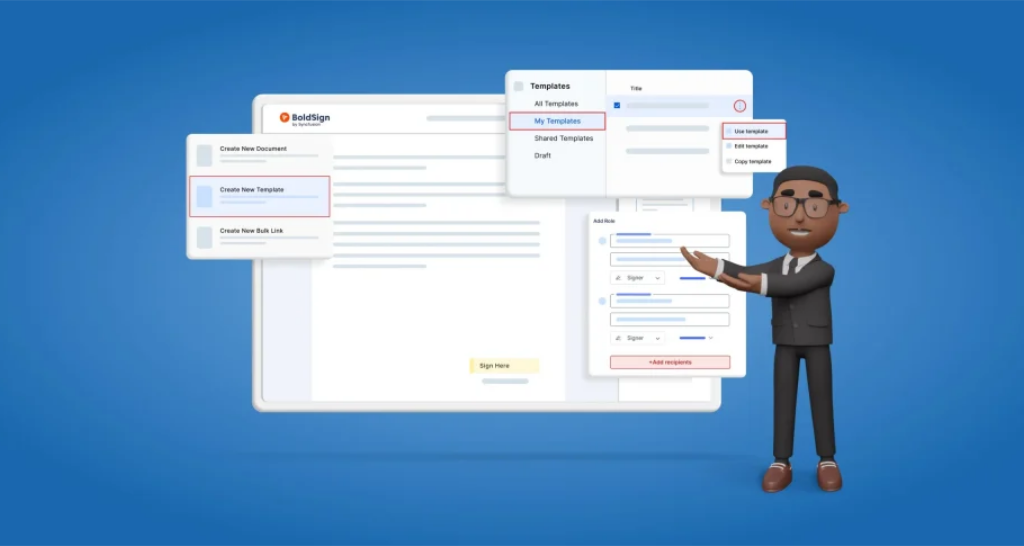
Learn to create, share, and merge BoldSign electronic signature templates for simplified document management, saving time, and streamlining company operations.

Need to send eSignatures quickly? BoldSign lets you Esign via Text Message for seamless, fast, and secure document signing, anytime, anywhere, on any device.

Explore why modern businesses need electronic signature software designed to meet signing requirements while also ensuring both security and legal validity.
BoldSign simplifies document management by letting you prefill forms with customer information before sending them for eSignatures.