

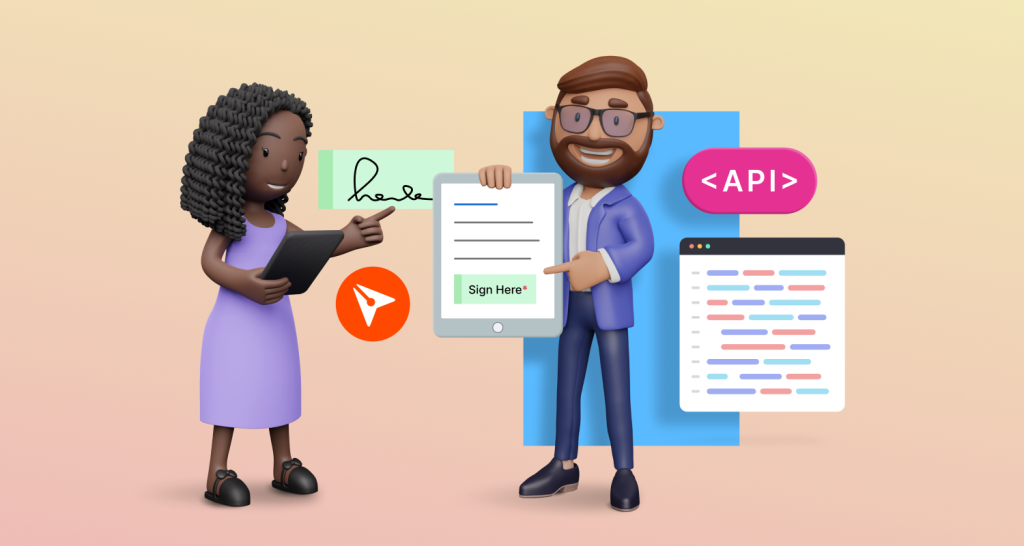
Integrate In-Person Signing to Docs Using BoldSign API
Learn how to integrate in-person signing into your eSignature workflow with API. Simplify document processes and enhance user experience effortlessly.
 Discover our mission, commitment to our customers, and leadership team.
 Stay updated with our latest news and announcements.
 Learn about the latest BoldSign products and company news.
 Earn ongoing referral fees by embedding and referring BoldSign to clients.
 Connect with us if you have any questions or need help.
 Your business is protected with BoldSign.
 Earn commission by promoting BoldSign via your site, blog, or socials.
 Join our team and build innovative software solutions.
 See the love for BoldSign from users about their experience.
Insights and guides
eSignature guides, API tutorials, compliance explainers and product news from the BoldSign team.
Learn how to integrate in-person signing into your eSignature workflow with API. Simplify document processes and enhance user experience effortlessly.
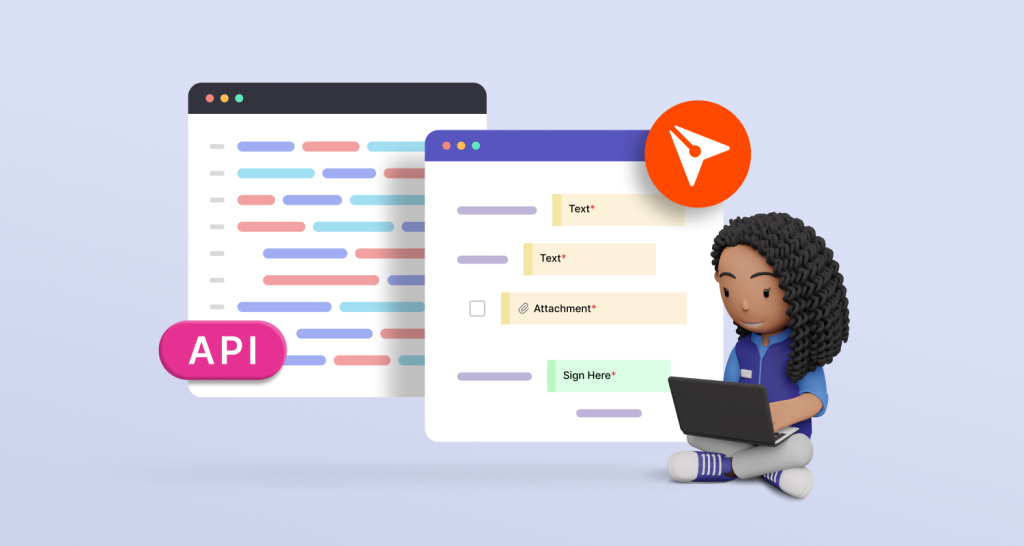
Learn how to create templates in BoldSign using its API. Explore step-by-step instructions for template creation, optimizing workflow efficiency.
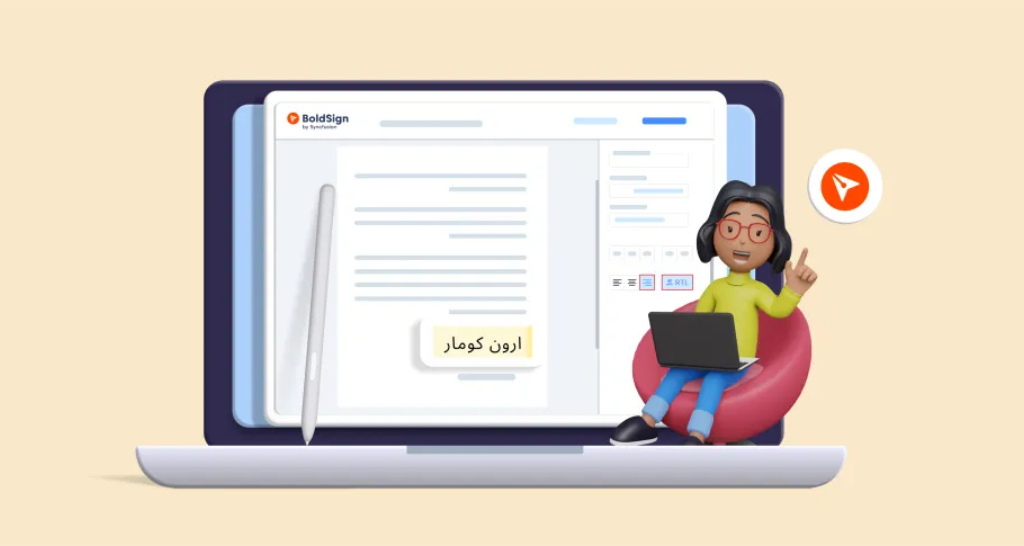
Discover effective methods for collecting eSignatures on Arabic documents, enhancing workflow efficiency, compliance, and productivity for remote teams.

Explore how electronic signatures simplify remote work—enabling secure, seamless document signing and collaboration from anywhere with best practices.
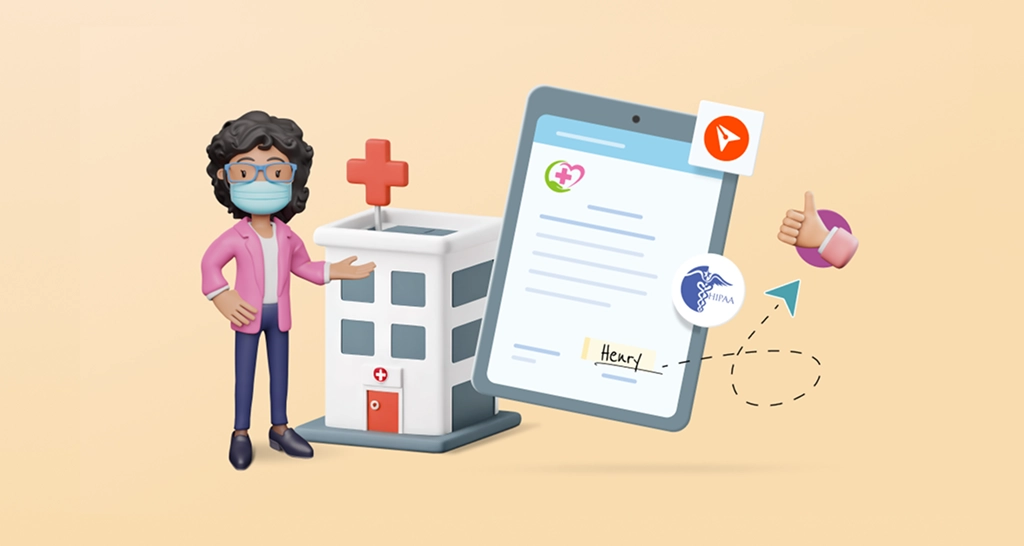
Simplify patient onboarding with electronic signatures for healthcare consent forms—secure, compliant, and designed for fast, paperless documentation.
BoldSign’s free eSignature plan is a win-win for both users and BoldSign, offering rich features that spark curiosity about its generous approach.

Discover the importance of identity verification in electronic signatures and why it's crucial for ensuring security and authenticity.

BoldSign earns G2 Winter 2024 Leader badges for eSignature software, recognized for its UX, powerful features, and trusted performance across industries.

Compare the 5 best HIPAA-compliant electronic signature software platforms in 2026, including BAA setup, encryption, security, and pricing side by side.

Explore the benefits of eSignatures for freelancers, including remote collaboration, boost security, convenience & save time, which can drive business growth.
Utilize eSignatures for insurance policy renewals, improve customer experience, & ensure secure electronic signatures, thereby streamlining the renewal process.
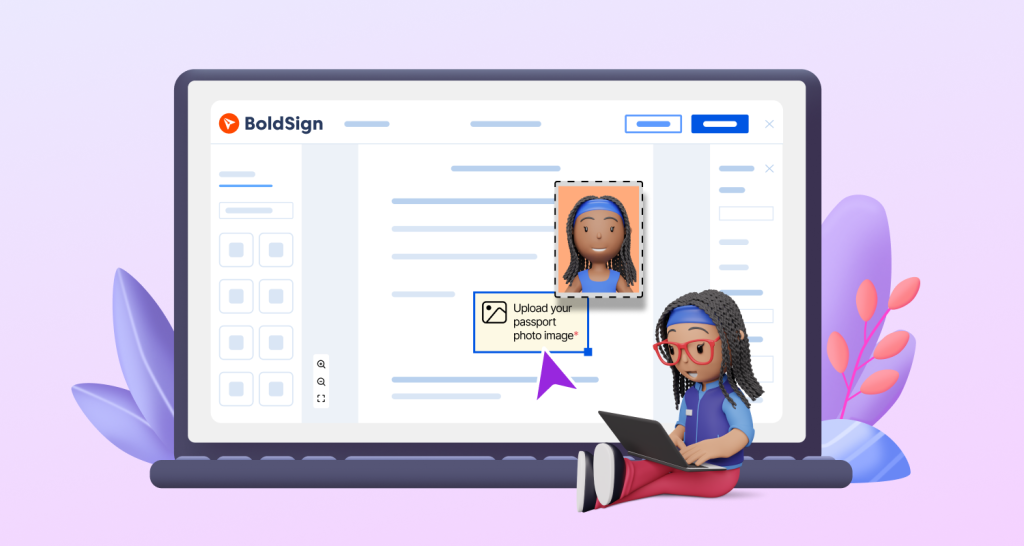
Discover how to collect images from signers with BoldSign’s image field. Add titles, instructions, and format filters to simplify secure uploads during signing.