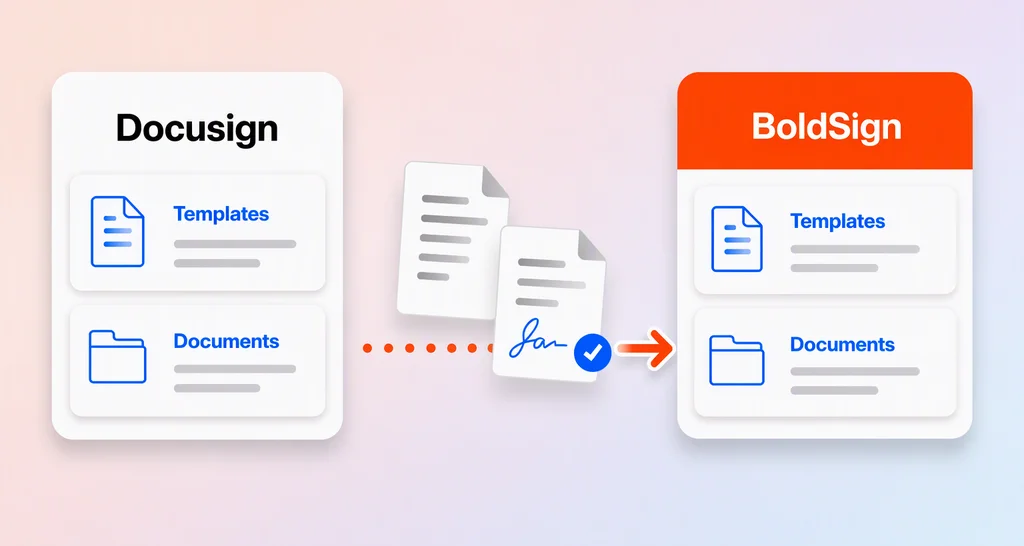
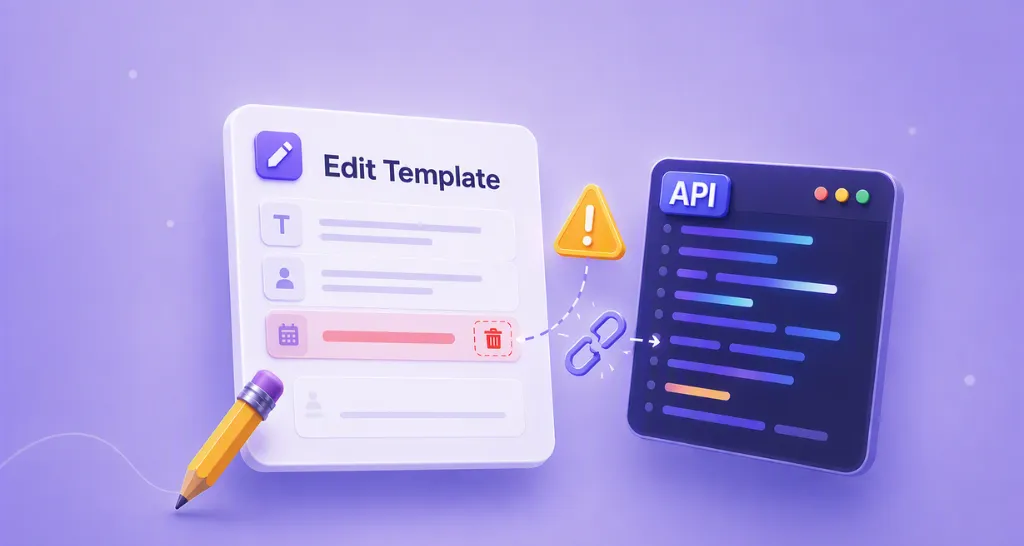
Document workflow management can often be time-consuming, especially when repetitive tasks are involved. In this blog post, we will explore how to streamline document creation and distribution using the BoldSign API. Specifically, we’ll delve into the process of creating templates via API, enabling you to save time and enhance efficiency in managing contracts and agreements.
Why Templates Matter
Imagine needing to send the same contracts to different groups of individuals regularly. Creating templates allows you to reduce the time and effort required significantly. With the BoldSign API, you can easily generate templates for various purposes, whether it’s for self-signing or sending signature requests to multiple signers.
Asynchronous Template Processing
One aspect to understand about template creation is that it’s an asynchronous process. Although you’ll receive a template ID promptly upon initiation, the actual file creation may still be underway in the background. To confirm whether the template has been successfully created, you’ll need to listen for webhooks.
Upon completion, the system triggers either a TemplateCreated or TemplateCreateFailed event, indicating success or failure, respectively. If the creation fails, an error message will be provided. Resolving any errors promptly ensures seamless template creation in subsequent requests.Troubleshooting and resolution details are covered in the Template not found guide.
See Available webhook events and Validate and verify webhook events for implementation and security guidance
Code Snippets
Let’s explore code snippets in various programming languages to demonstrate how to create templates via the BoldSign API.
curl -X 'POST' \ 'https://api.boldsign.com/v1/template/create' \
  -H 'accept: application/json' \
  -H 'X-API-KEY: {YOUR_API_KEY}' \
  -H 'Content-Type: multipart/form-data' \
  -F 'DocumentMessage=Document message for signers' \
  -F 'Files=@{YOUR_FILE_PATH};type=application/pdf' \
  -F 'Title=Title of the template' \
  -F 'DocumentTitle=Title of the document' \
  -F 'Roles={
  "name": "Hr",
  "index": 1,
  "defaultSignerName": "Alex Gayle",
  "defaultSignerEmail": "alexgayle@cubeflakes.com",
  "signerOrder": 1,
  "signerType": "Signer",
  "formFields": [
    {
      "id": "sign_id",
      "fieldType": "Signature",
      "pageNumber": 1,
      "bounds": {
        "x": 50,
        "y": 100,
        "width": 100,
        "height": 60
      }
    }
  ]
}'
var apiClient = new ApiClient("https://api.boldsign.com", "{YOUR_API_KEY}");
var templateClient = new TemplateClient(apiClient);
var documentFilePath = new DocumentFilePath
{
    ContentType = "application/pdf",
    FilePath = "{YOUR_FILE_PATH}",
};
var filesToUpload = new List<IDocumentFile>
{
    documentFilePath,
};
var signatureField = new FormField(
    id: "sign_id",
    type: FieldType.Signature,
    pageNumber: 1,
    bounds: new Rectangle(x: 50, y: 100, width: 100, height: 60));
var formFieldsCollections = new List<FormField>
{
    signatureField,
};
var templateRole = new TemplateRole(
    roleIndex: 1,
    name: "Hr",
    defaultSignerName: "Alex Gayle",
    defaultSignerEmail: "alexgayle@cubeflakes.com",
    signerOrder: 1,
    signerType: SignerType.Signer,
    formFields: formFieldsCollections);
var roles = new List<TemplateRole>
{
    templateRole,
};
var templateRequest = new CreateTemplateRequest()
{
    Title = "Title of the template",
    DocumentMessage = "Document message for signers",
    Files = filesToUpload,
    DocumentTitle = "Title of the document",
    Roles = roles
};
var templateCreated = templateClient.CreateTemplate(templateRequest);
import boldsign

configuration = boldsign.Configuration(api_key="YOUR_API_KEY")

with boldsign.ApiClient(configuration) as api_client:

    template_api = boldsign.TemplateApi(api_client)

    form_field = boldsign.FormField(
        fieldType="Signature",
        page_number=1,
        bounds=boldsign.Rectangle(x=50, y=100, width=100, height=60))

    role = boldsign.TemplateRole(
        index=1,
        name="Hr",
        defaultSignerName="Alex Gayle",
        defaultSignerEmail="alexgayle@cubeflakes.com",
        signerType="Signer",
        signerOrder=1,
        formFields=[form_field])

    create_template_request = boldsign.CreateTemplateRequest(
        title="Title of the template",
        documentTitle= "Title of the document",
        documentMessage="Document message for signers",
        roles=[role],
        files=["YOUR_FILE_PATH"])

    template_created = template_api.create_template(create_template_request=create_template_request)
<?php require_once "vendor/autoload.php";

use BoldSign\Configuration;
use BoldSign\Api\TemplateApi;
use BoldSign\Model\{FormField, Rectangle, TemplateRole, CreateTemplateRequest};

$config = new Configuration();
$config->setApiKey('YOUR_API_KEY');

$template_api = new TemplateApi($config);

$form_field = new FormField();
$form_field->setFieldType('Signature');
$form_field->setPageNumber(1);
$bounds = new Rectangle([50, 100, 100, 60]);
$form_field->setBounds($bounds);

$role = new TemplateRole();
$role->setIndex(1);
$role->setName('Hr');
$role->setDefaultSignerName('Alex Gayle');
$role->setDefaultSignerEmail('alexgayle@cubeflakes.com');
$role->setSignerType('Signer');
$role->setSignerOrder(1);
$role->setFormFields([$form_field]);

$create_template = new CreateTemplateRequest();
$create_template->setTitle('Title of the template');
$create_template->setDocumentTitle('Title of the document');
$create_template->setDocumentMessage('Document message for signers');
$create_template->setRoles([$role]);
$create_template->setFiles(['YOUR_FILE_PATH']);

$template_created = $template_api->createTemplate([$create_template]);
ApiClient client = Configuration.getDefaultApiClient();
client.setApiKey("YOUR_API_KEY");

TemplateApi templateApi = new TemplateApi(client);

FormField signatureField = new FormField();
signatureField.setFieldType(FormField.FieldTypeEnum.SIGNATURE);
signatureField.setPageNumber(1);
Rectangle bounds = new Rectangle().x(50f).y(100f).width(100f).height(60f);
signatureField.setBounds(bounds);

TemplateRole templateRole = new TemplateRole();
templateRole.setIndex(1);
templateRole.setName("Hr");
templateRole.setDefaultSignerName("Alex Gayle");
templateRole.setDefaultSignerEmail("alexgayle@cubeflakes.com");
templateRole.setSignerType(TemplateRole.SignerTypeEnum.SIGNER);
templateRole.setSignerOrder(1);
templateRole.setFormFields(Arrays.asList(signatureField));

CreateTemplateRequest createTemplate = new CreateTemplateRequest();
createTemplate.setTitle("Title of the template");
createTemplate.setDocumentTitle("Title of the document");
createTemplate.setDocumentMessage("Document message for signers");
createTemplate.setRoles(Arrays.asList(templateRole));

File file = new File("YOUR_FILE_PATH");
createTemplate.setFiles(Arrays.asList(file));

TemplateCreated templateCreated = templateApi.createTemplate(createTemplate);
import { TemplateApi, CreateTemplateRequest, TemplateRole, Rectangle, FormField } from "boldsign";
import * as fs from 'fs';

async function main() {
const templateApi = new TemplateApi();
templateApi.setApiKey("YOUR_API_KEY");

const bounds = new Rectangle();
bounds.x = 50;
bounds.y = 100;
bounds.width = 100;
bounds.height = 60;

const formField = new FormField();
formField.fieldType = FormField.FieldTypeEnum.Signature;
formField.pageNumber = 1;
formField.bounds = bounds;

const role = new TemplateRole();
role.index = 1;
role.name = "Hr";
role.defaultSignerEmail = "alexgayle@cubeflakes.com";
role.defaultSignerName = "Alex Gayle";
role.signerType = TemplateRole.SignerTypeEnum.Signer;
role.signerOrder = 1;
role.formFields = [formField];

const file = fs.createReadStream("YOUR_FILE_PATH");

const createTemplateRequest = new CreateTemplateRequest();
createTemplateRequest.title = "Title of the template";
createTemplateRequest.documentTitle = "Title of the document";
createTemplateRequest.documentMessage = "Document message for signers";
createTemplateRequest.roles = [role];
createTemplateRequest.files = [file];

const templateCreated = templateApi.createTemplate(createTemplateRequest);
}

main();
Please note that you must use either the fileUrls or files parameter in a request, both cannot be used together.
How do you use a template to send documents?
Once the template is successfully created and confirmed through the TemplateCreated webhook event, it can be used to send documents for signing. When sending a document, you provide the templateId and assign real users to the predefined roles in the template. The document structure and form fields defined in the template remain unchanged, ensuring consistency across all sends.
Conclusion
In conclusion, creating templates using the BoldSign API is an effective way to streamline and automate your document workflows. Instead of rebuilding documents from scratch, you can rely on reusable templates and focus only on the details that change. If you’re integrating BoldSign into your application, understanding template creation via the API is an essential part of building fast, reliable signing experiences.
To explore and test these features safely, create a free BoldSign Sandbox account and start experimenting with the API right away.
If you need help or have questions, feel free to comment below, book a demo , or reach out to our support team through the support portal.

Gopinath Kannusamy
Gopinath is a passionate software developer with 2 years of experience at BoldSign. He is an avid writer and enjoys sharing his insights on technology and development. In his free time, he enjoys exploring new technologies and learning new things. Connect with him on LinkedIn.
More posts by Gopinath Kannusamy