

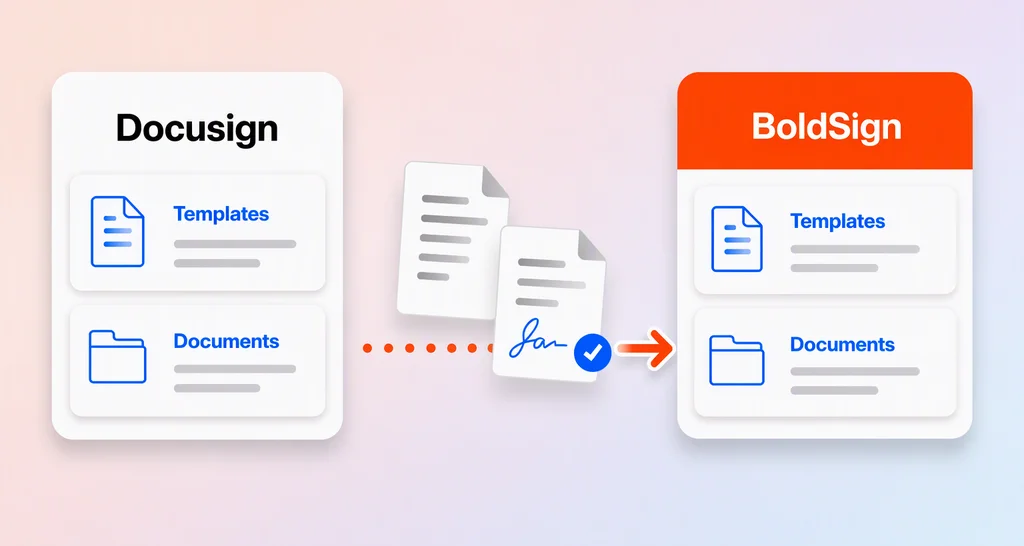
How to Migrate from Docusign Without Losing Templates or Workflow Continuity
Learn how to migrate from Docusign while protecting templates, signed records, and active workflows. Explore key risks, a practical checklist, and next steps.
 Discover our mission, commitment to our customers, and leadership team.
 Stay updated with our latest news and announcements.
 Learn about the latest BoldSign products and company news.
 Earn ongoing referral fees by embedding and referring BoldSign to clients.
 Connect with us if you have any questions or need help.
 Your business is protected with BoldSign.
 Earn commission by promoting BoldSign via your site, blog, or socials.
 Join our team and build innovative software solutions.
 See the love for BoldSign from users about their experience.
 Learn how to migrate from Docusign while protecting templates, signed records, and active workflows. Explore key risks, a practical checklist, and next steps.
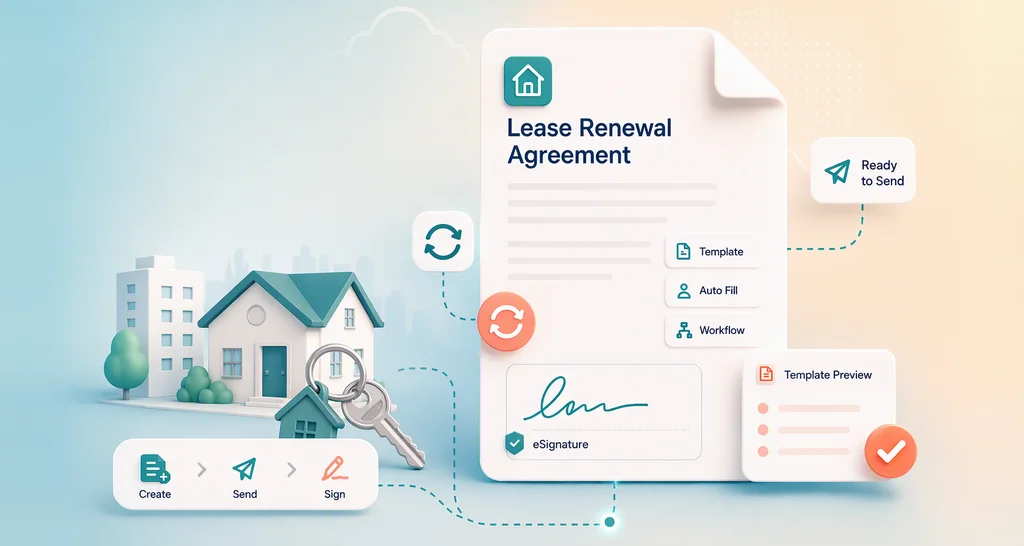
Learn how to build a lease renewal template, update rent and terms, add signer roles, send for eSignature, automate reminders, and retain reliable proof.

Explore the common challenges developers face with a Signature API, from authentication issues to PDF rendering, webhooks, templates, and rate limits.
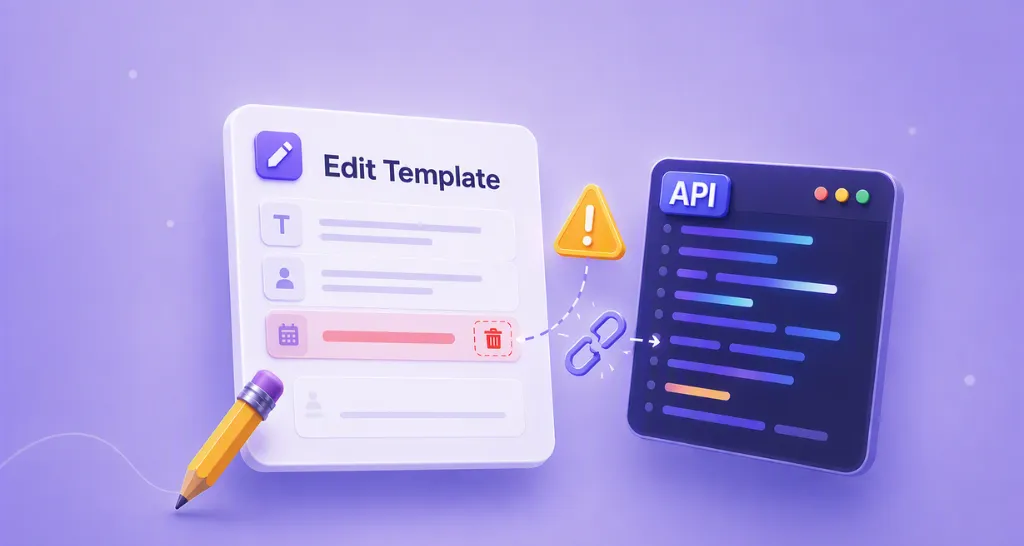
Learn what can break when you edit an eSignature API template, including roles, fields, and indexes, and how to update templates safely in production today.

A change order agent fills your approved template from a chat and sends it for signature. Your client signs. Build one in four steps, with no developer needed.
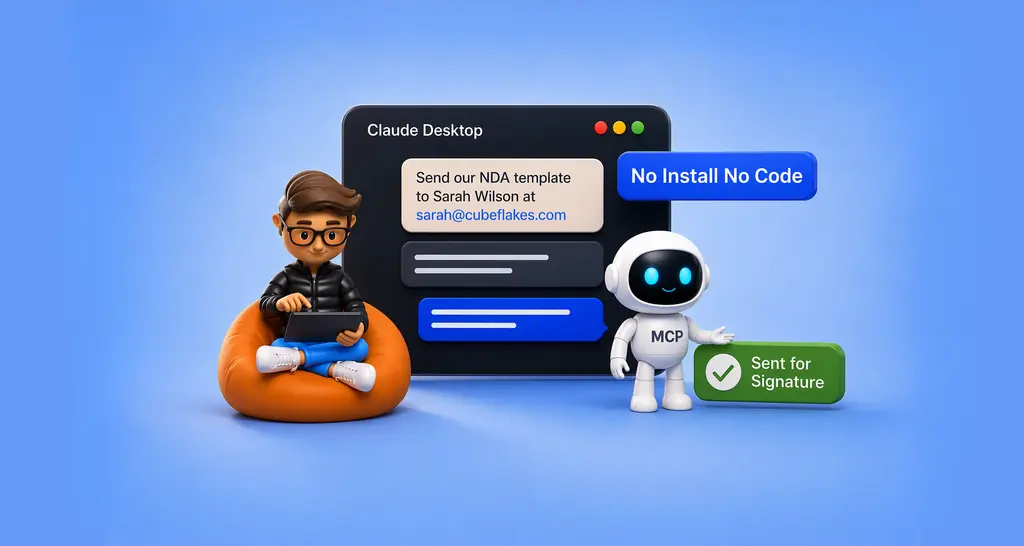
Send contracts from Claude Desktop in three steps. Connect BoldSign once, no code and no installs, then type one sentence to send a template for signature.

Discover how to electronically sign non-disclosure agreements securely with BoldSign. Use templates, bulk send, and track progress—get started free today.
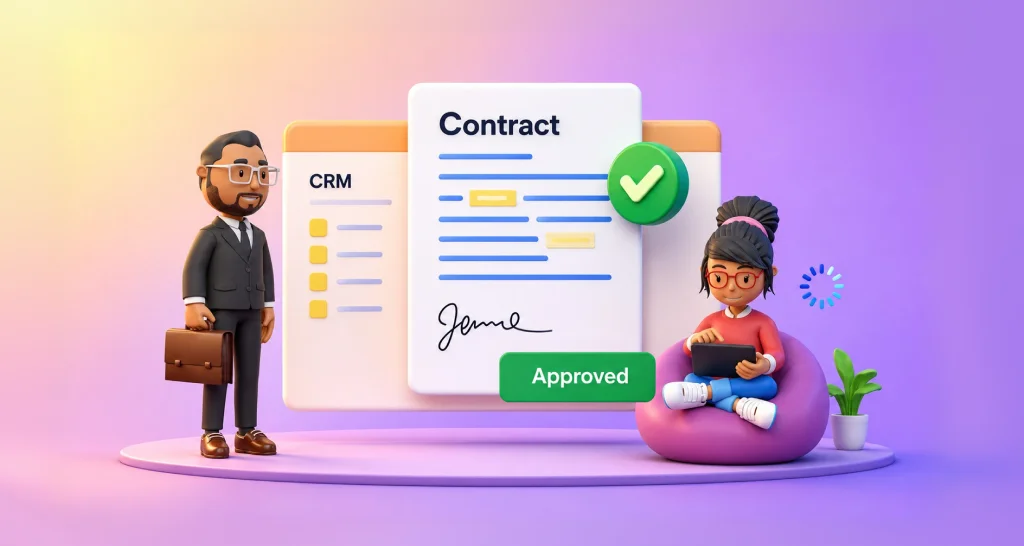
Reduce delays in eSignature deal approvals with CRM automation, locked templates, and audit trails that help teams close faster with BoldSign easily now.
Learn the difference between a work order vs purchase order, when to use each, and how approval workflows with BoldSign reduce delays and disputes.
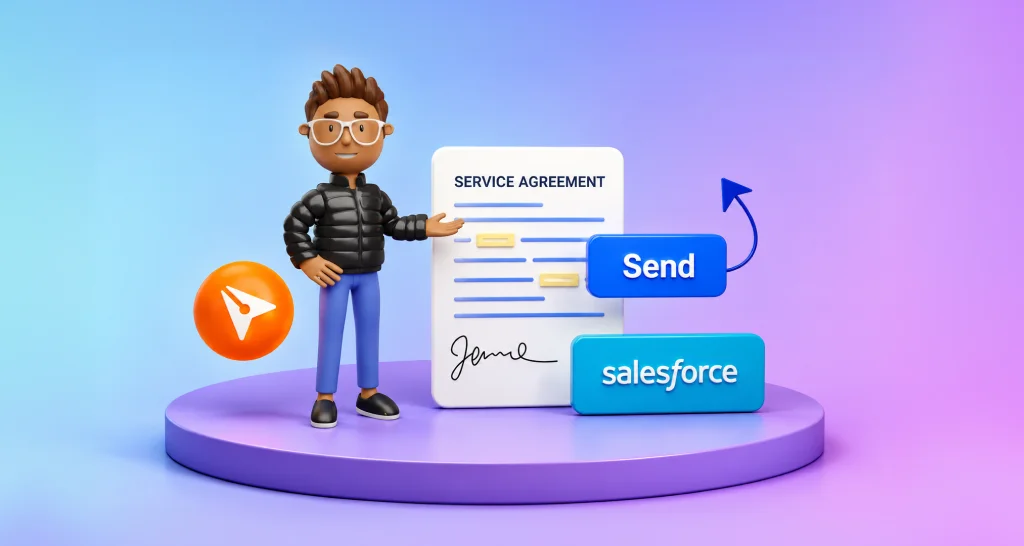
Send contracts from Salesforce with BoldSign. Create templates, auto‑fill fields, send for signature, track status, and save signed documents in your CRM.
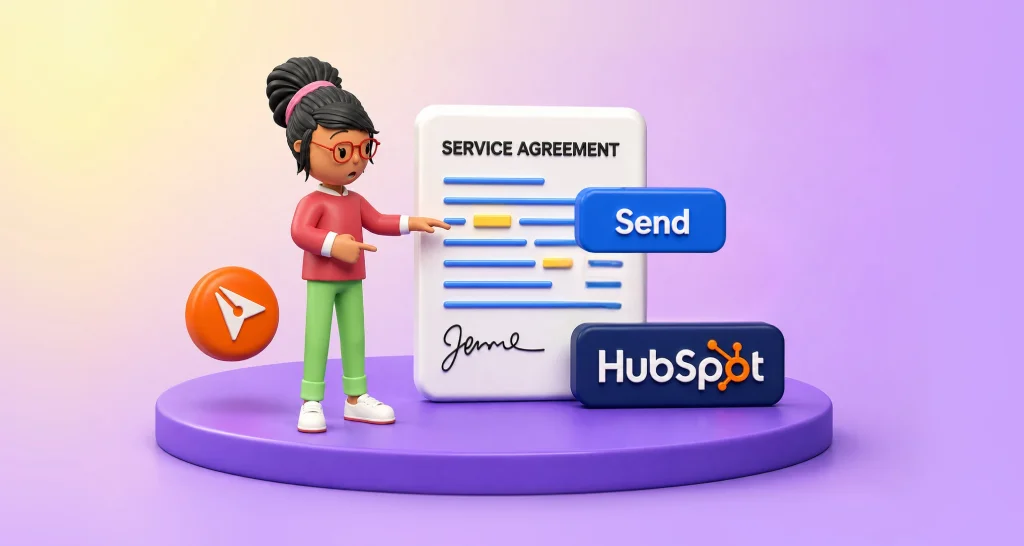
Send contracts from HubSpot with ease using BoldSign. Use templates, auto‑fill fields, track signing progress, and store signed documents directly in your CRM.

Streamline digital agreements with BoldSign using templates, audit trails, and automation to reduce delays and strengthen compliance across workflows.