

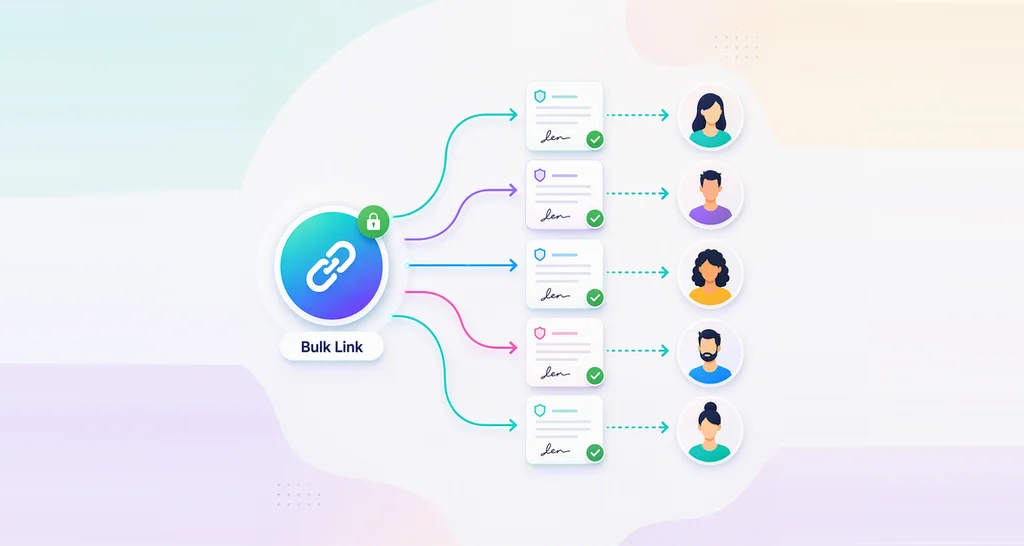
How to Use Bulk Links for Online Waiver Signing
Learn how to create an online waiver form, share one reusable bulk link, collect signatures fast, and add signer verification, templates, and audit trails.
 Discover our mission, commitment to our customers, and leadership team.
 Stay updated with our latest news and announcements.
 Learn about the latest BoldSign products and company news.
 Earn ongoing referral fees by embedding and referring BoldSign to clients.
 Connect with us if you have any questions or need help.
 Your business is protected with BoldSign.
 Earn commission by promoting BoldSign via your site, blog, or socials.
 Join our team and build innovative software solutions.
 See the love for BoldSign from users about their experience.
 Learn how to create an online waiver form, share one reusable bulk link, collect signatures fast, and add signer verification, templates, and audit trails.
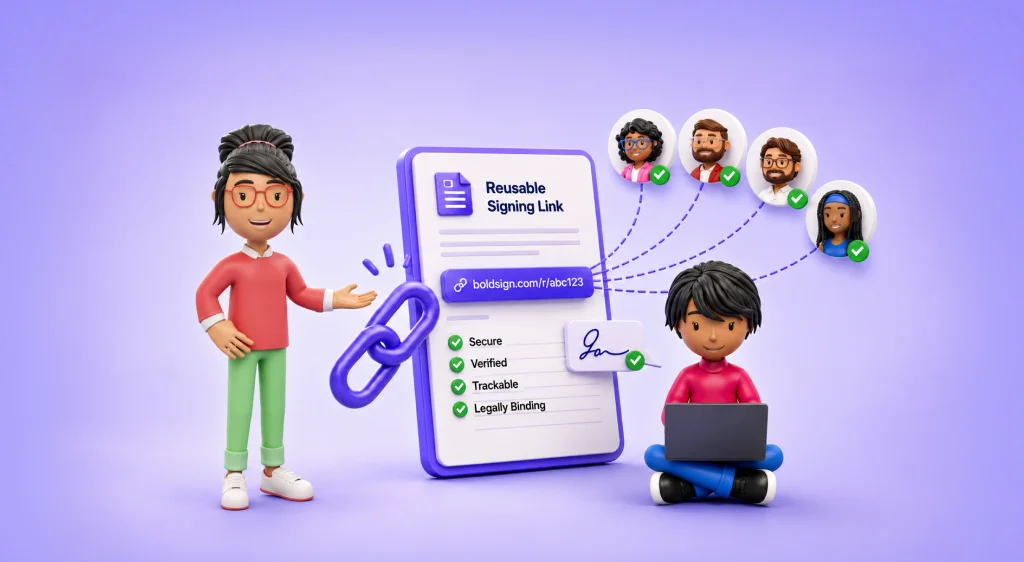
Learn when to use a reusable signing link, how it compares with bulk send and embedded signing, and which security features support secure eSignatures.

Explore how BoldSign’s Bulk send feature streamlines high-volume signature requests. Discover top use cases, industry examples, and how to get started quickly.

Use BoldSign bulk links to streamline e-signing. Share one link for multiple users to sign own copies. Secure and flexible. Try free trial now!
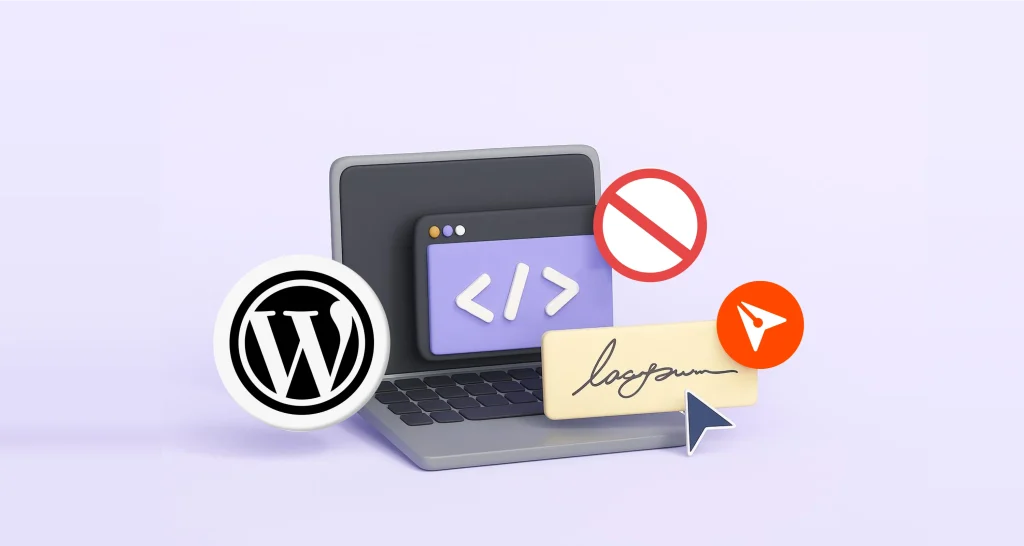
Simplify eSigning with BoldSign’s No Code Integration. Embed secure, mobile-friendly signing forms on WordPress, Wix, or Webflow—no plugins or dev skill needed.
Explore the Top Features of BoldSign 2024 Updates that Simplify eSignature Processes with Enhanced Security and Mobile Access.
Take your eSigning to the next level with bulk links. Learn how to use templates to create a seamless, efficient signing experience for unlimited signers.

Missed our webinar on the BoldSign® bulk send feature? Read our show notes to access the recording and Q&A to learn how bulk sends simplify contract signing.
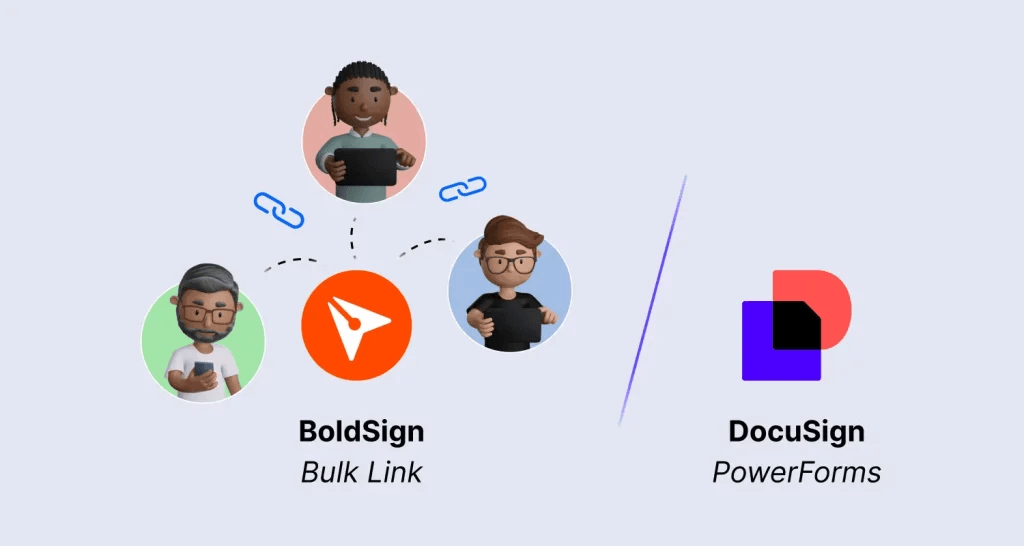
Discover how BoldSign bulk links simplify large-scale document signing with customizable links, advanced security, and flexibility over Docusign PowerForms.

Discover BoldSign’s next-gen eSignature solution built for speed, security, and scale—ideal for modern businesses with bulk send and instant approvals.

Learn how to efficiently send signature requests to multiple recipients using the BoldSign electronic signature API. Streamline your document signing process.

Discover the exciting new updates and features in BoldSign for June 2024. Visit our website now to stay informed.