

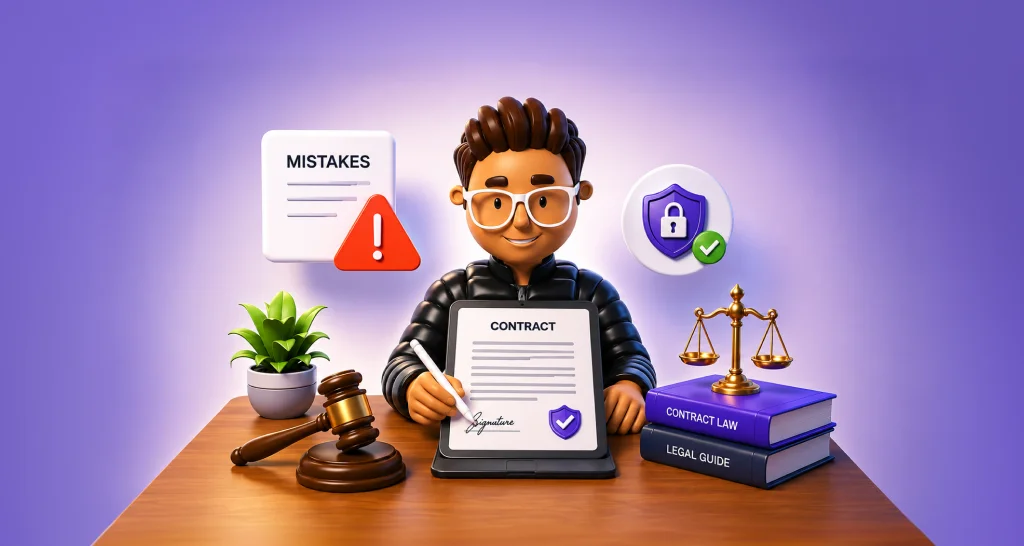
How to Avoid Legal Risks in Contracts Before Signing
Understand legal risks in contracts caused by unclear terms, signing mistakes, missing protections, and poor records, and learn practical ways to avoid them.
 Discover our mission, commitment to our customers, and leadership team.
 Stay updated with our latest news and announcements.
 Learn about the latest BoldSign products and company news.
 Earn ongoing referral fees by embedding and referring BoldSign to clients.
 Connect with us if you have any questions or need help.
 Your business is protected with BoldSign.
 Earn commission by promoting BoldSign via your site, blog, or socials.
 Join our team and build innovative software solutions.
 See the love for BoldSign from users about their experience.
Category
Browse general articles and updates for BoldSign’s eSignature platform. Stay informed about features, tips, and best practices for secure digital signing.
Understand legal risks in contracts caused by unclear terms, signing mistakes, missing protections, and poor records, and learn practical ways to avoid them.
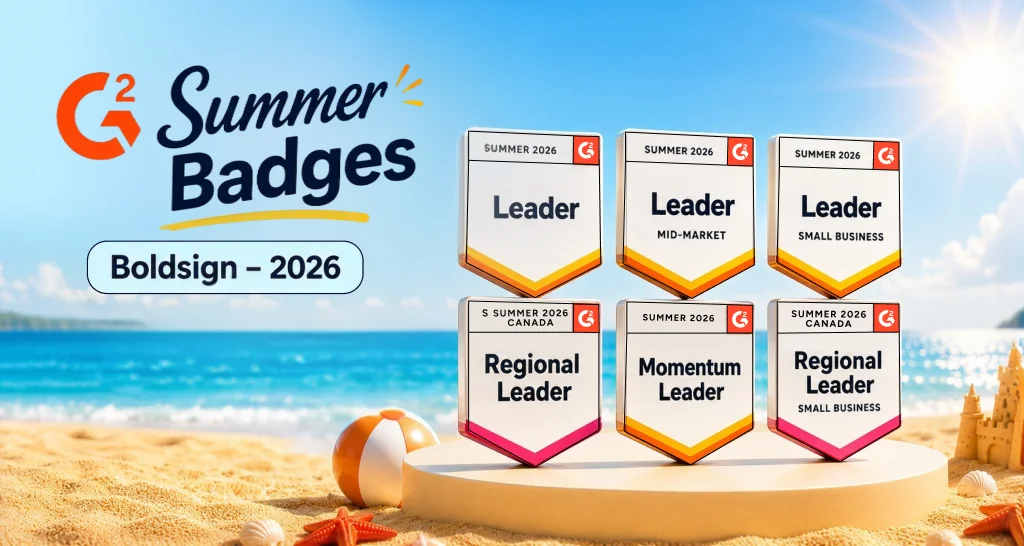
BoldSign earns 6 G2 Summer 2026 badges, including Leader, Momentum Leader, and Canada regional awards, backed by real customer reviews for eSignatures.
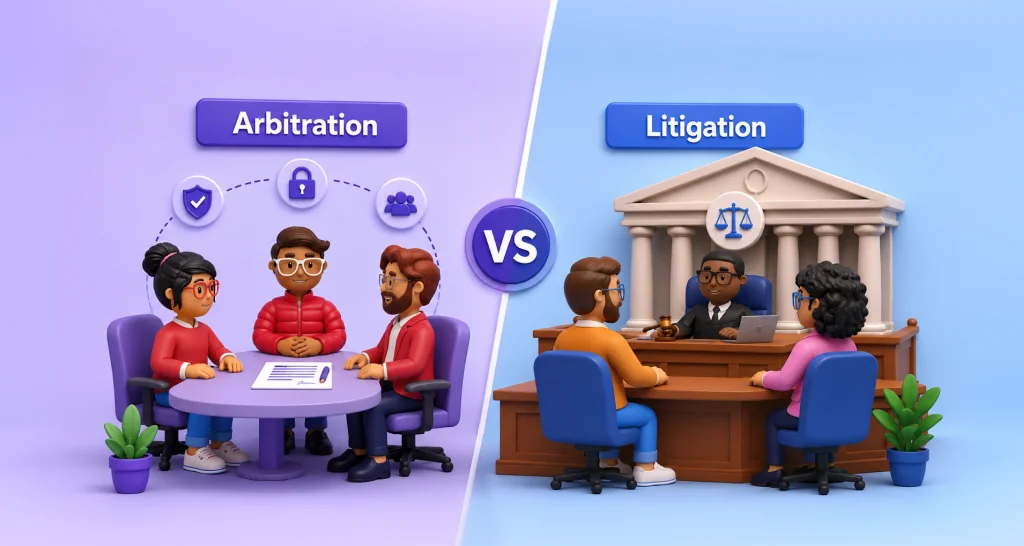
Compare arbitration vs litigation for eSignature contracts. Learn how each affects privacy, cost, speed, appeals, and dispute resolution before you sign.

Understand governing law vs jurisdiction vs venue in international contracts and how each clause affects disputes, enforcement, legal exposure, and outcomes.
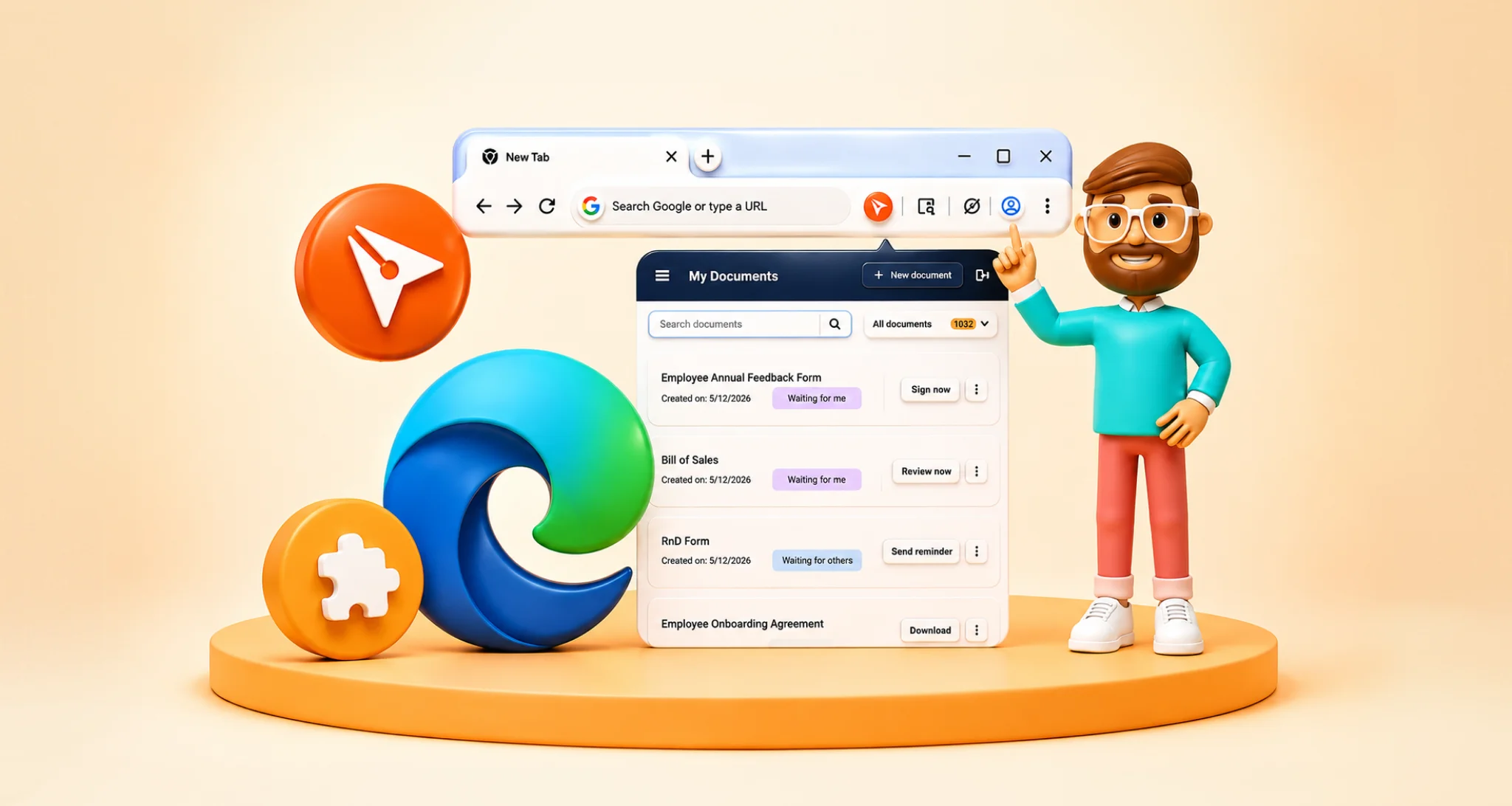
Install the BoldSign eSignature extension from Microsoft Edge Add-ons to track documents, send reminders, use templates, and sign faster in Edge. Try now!
Learn how electronic consent helps meet E-Sign consumer disclosure rules, protect records, prove consent, and reduce compliance risk in digital workflows.
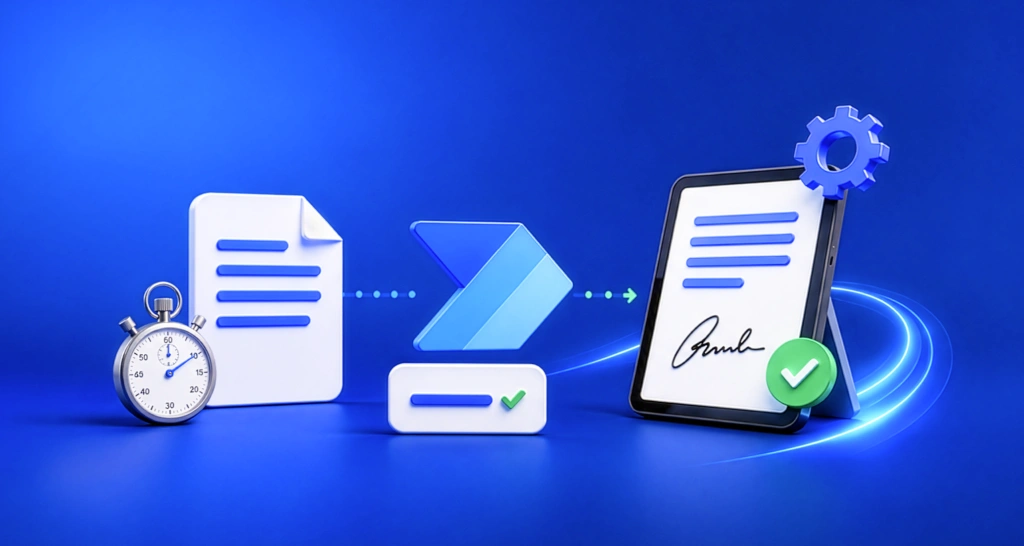
Watch this Power Automate workflow webinar recap to learn how BoldSign automates document sending, team notifications, status tracking, and signed file storage.
Learn how to produce electronic signature evidence for litigation and arbitration using audit trails, timestamps, authentication logs, and document integrity.
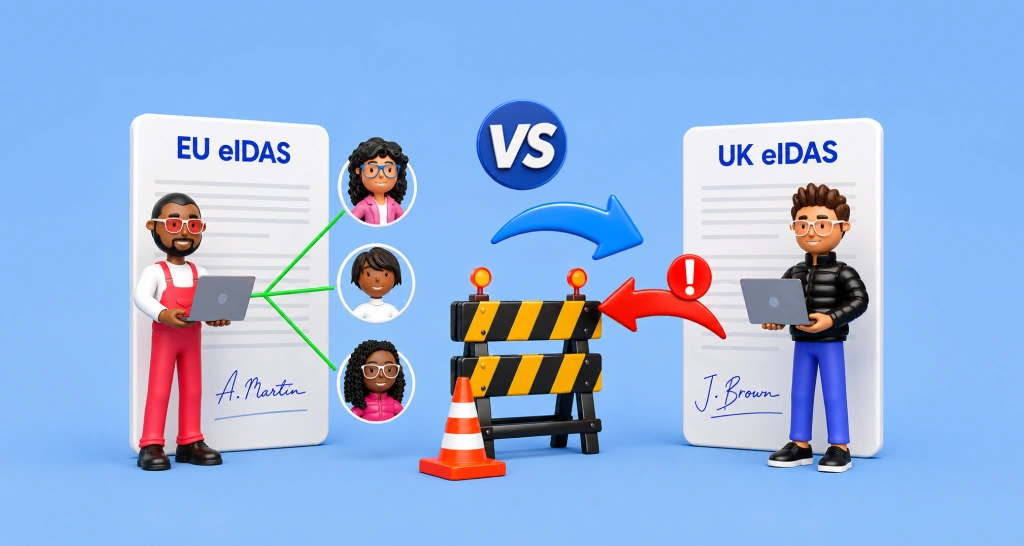
Compare UK eIDAS and EU eIDAS after Brexit. Learn about mutual recognition, QES requirements, eIDAS 2.0, cross-border compliance rules, and legal differences.
Learn what cap on liability means in contracts. Explore common structures, examples, and negotiation tips to manage risk and limit financial exposure.
Track contract status in Salesforce with eSignature integration. Monitor document status, send reminders to pending signers, and complete approvals on time.

Learn how to mark car dents clearly in a vehicle inspection form using BoldSign Drawing Field to record damage, reduce disputes, and speed up claim reviews.