

How to Streamline Document Signing with Group Checkbox Fields in the BoldSign API
Learn how to use group checkboxes in the BoldSign API to validate multiple fields, ensuring efficient and compliant document signing workflows.
 Discover our mission, commitment to our customers, and leadership team.
 Stay updated with our latest news and announcements.
 Learn about the latest BoldSign products and company news.
 Earn ongoing referral fees by embedding and referring BoldSign to clients.
 Connect with us if you have any questions or need help.
 Your business is protected with BoldSign.
 Earn commission by promoting BoldSign via your site, blog, or socials.
 Join our team and build innovative software solutions.
 See the love for BoldSign from users about their experience.
 Learn how to use group checkboxes in the BoldSign API to validate multiple fields, ensuring efficient and compliant document signing workflows.

BoldSign makes it easy to clone documents and retain their form-field values to eliminate repetitive tasks and streamline your document workflows.

Learn how to use BoldSign's API and text tags to automatically add document fields in this step-by-step guide.
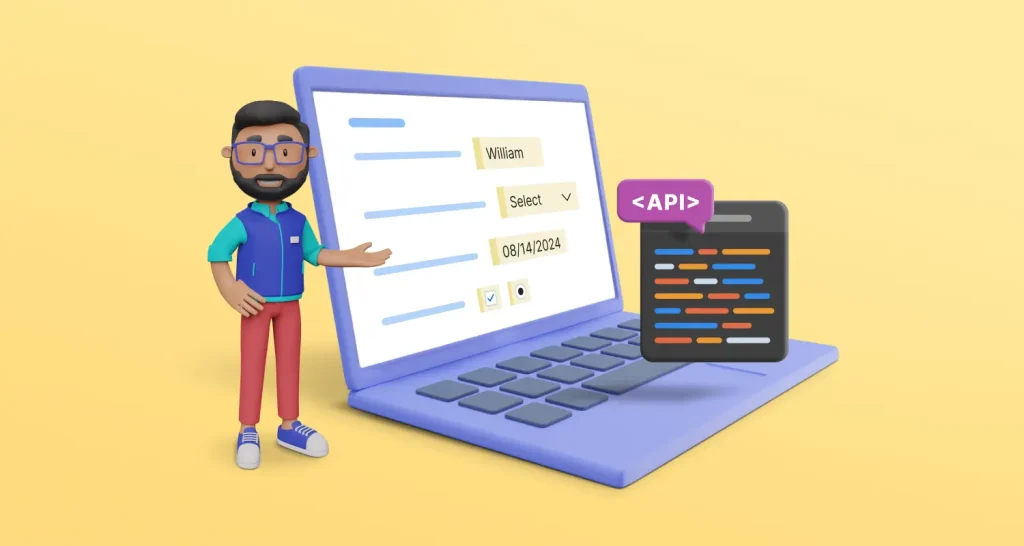
Discover how prefilling form fields after sending eSignatures via API can save time, minimize errors, and enhance the signing experience for users and teams.
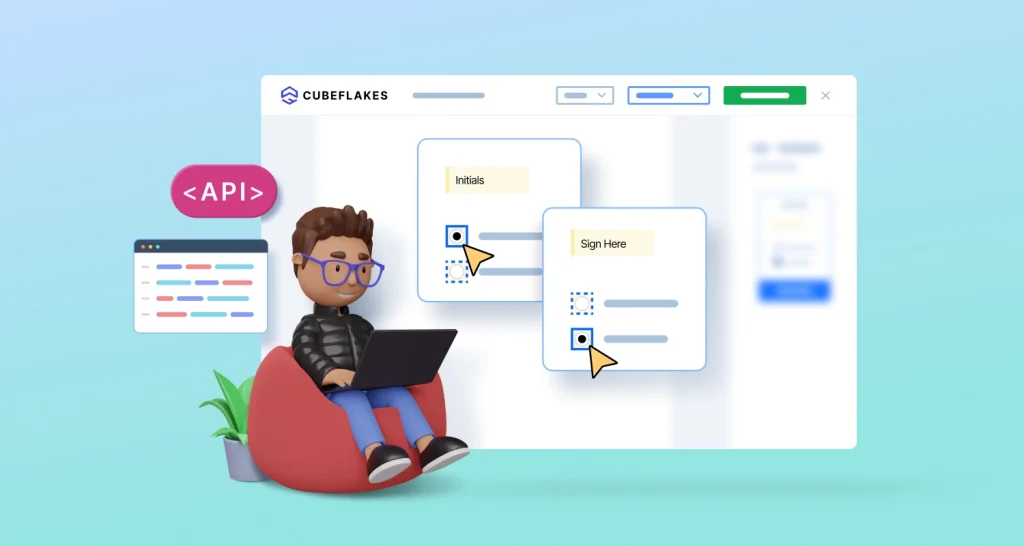
Learn from customer stories how to use BoldSign API to create conditional eSignature fields that adapt to user input, improving accuracy and signing efficiency.

Learn how BoldSign's template, form field, signing language, security, and compliance features simplify bank account opening and improve customer satisfaction.

BoldSign’s May 2024 update adds template labels, document downloads, and form field replication—streamlining signing workflows and improving user experience.
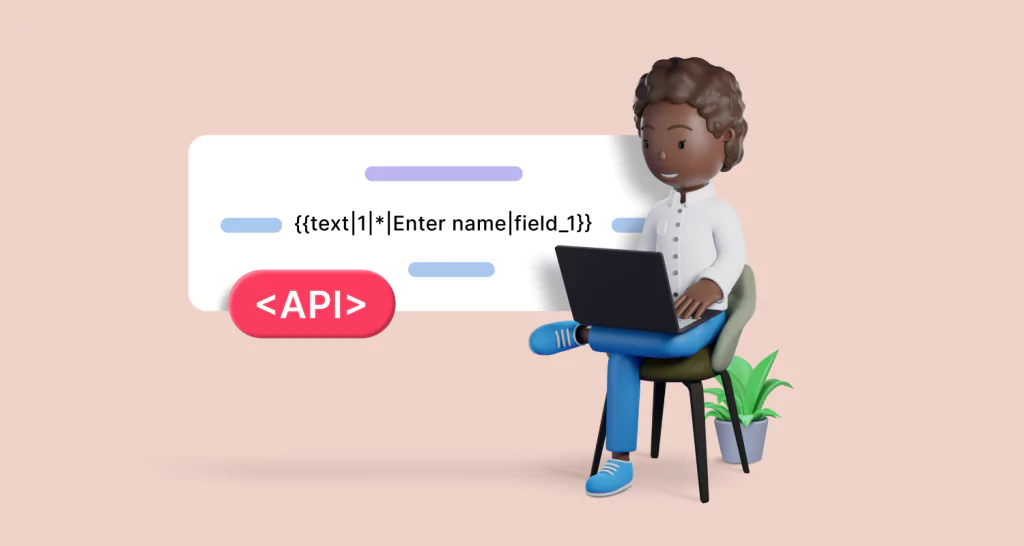
This guide explores how to use the BoldSign API to dynamically add form fields to eSignature requests to enhance the overall signing experience for users.
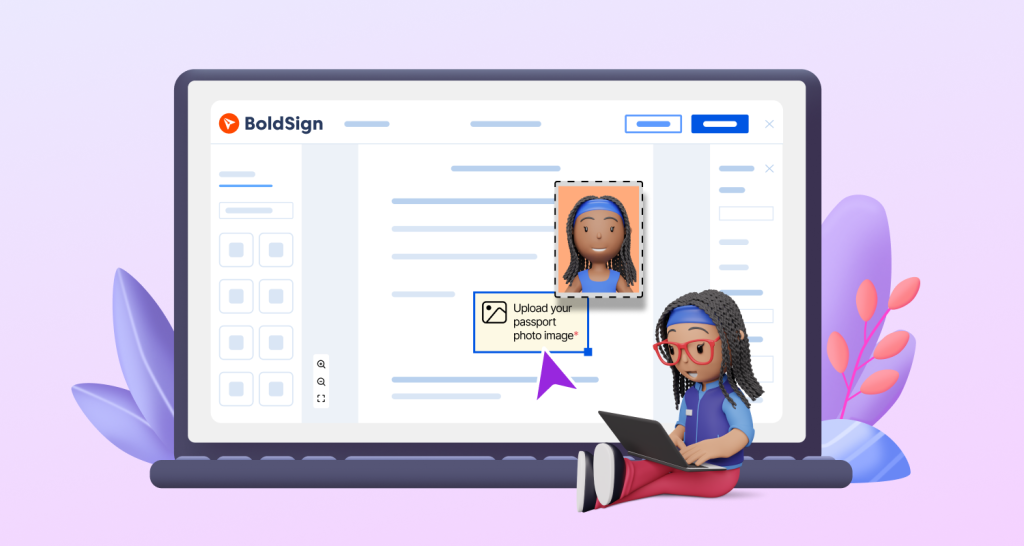
Discover how to collect images from signers with BoldSign’s image field. Add titles, instructions, and format filters to simplify secure uploads during signing.
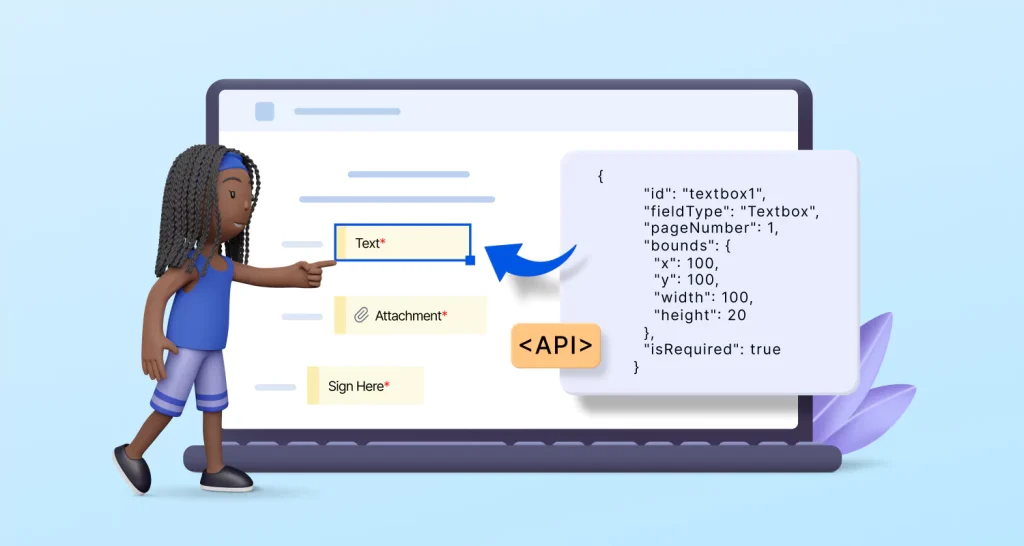
Enhance workflow by adding form fields to eSignature documents using BoldSign API. Enable users to fill and sign electronically with improved document control.
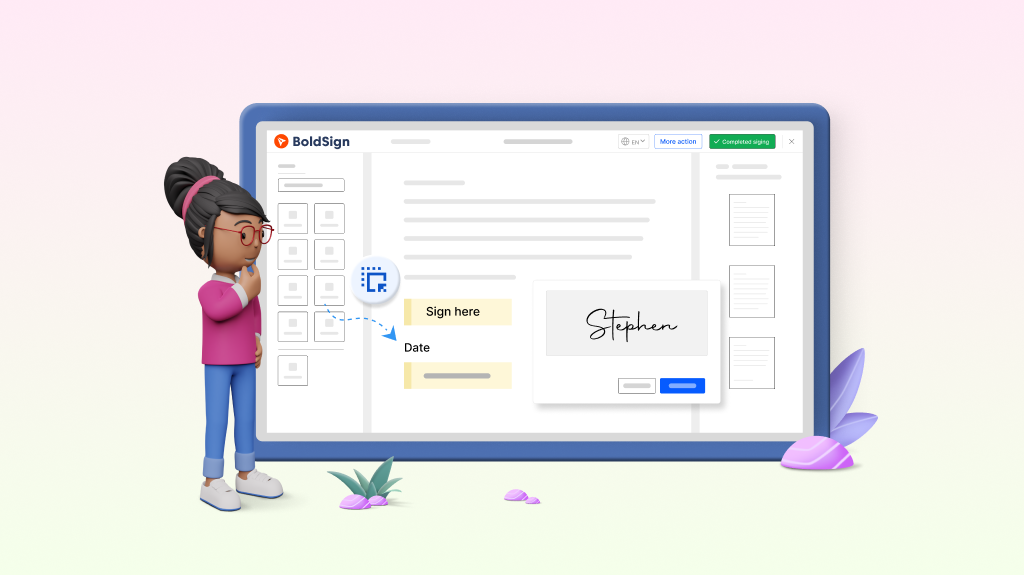
Learn how to customize documents by adding form fields before electronic signing them, enhancing preparation and workflow efficiency.

Recap of BoldSign in 2023—explore key updates like form fields, SMS, templates, bulk links, security boosts & integrations that enhanced document signing.