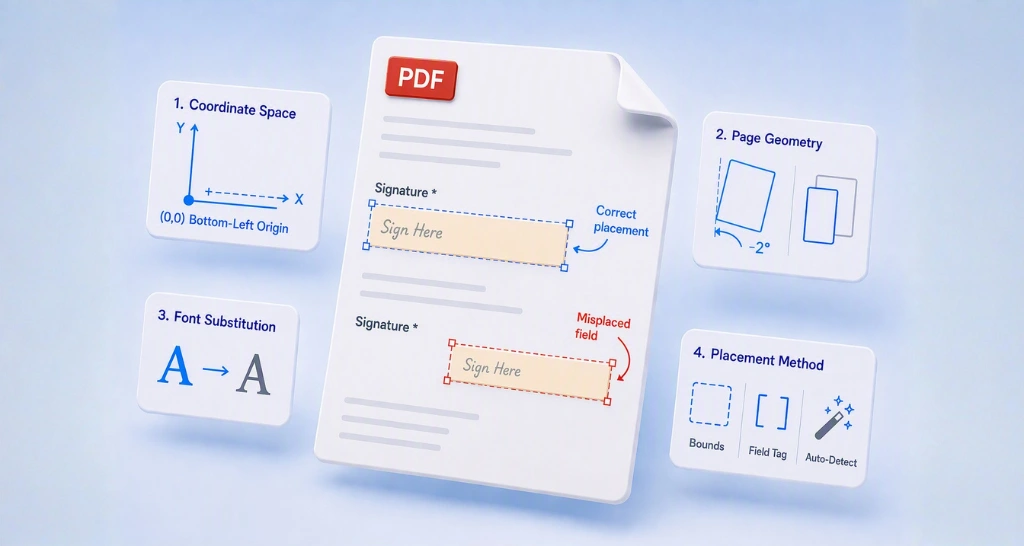
How the PDF Coordinate System Affects eSignature Fields
Understand the PDF coordinate system and prevent misplaced eSignature fields. Fix point-to-pixel conversion, page rotation, font, and API placement issues.
 Discover our mission, commitment to our customers, and leadership team.
 Stay updated with our latest news and announcements.
 Learn about the latest BoldSign products and company news.
 Earn ongoing referral fees by embedding and referring BoldSign to clients.
 Connect with us if you have any questions or need help.
 Your business is protected with BoldSign.
 Earn commission by promoting BoldSign via your site, blog, or socials.
 Join our team and build innovative software solutions.
 See the love for BoldSign from users about their experience.
 Understand the PDF coordinate system and prevent misplaced eSignature fields. Fix point-to-pixel conversion, page rotation, font, and API placement issues.
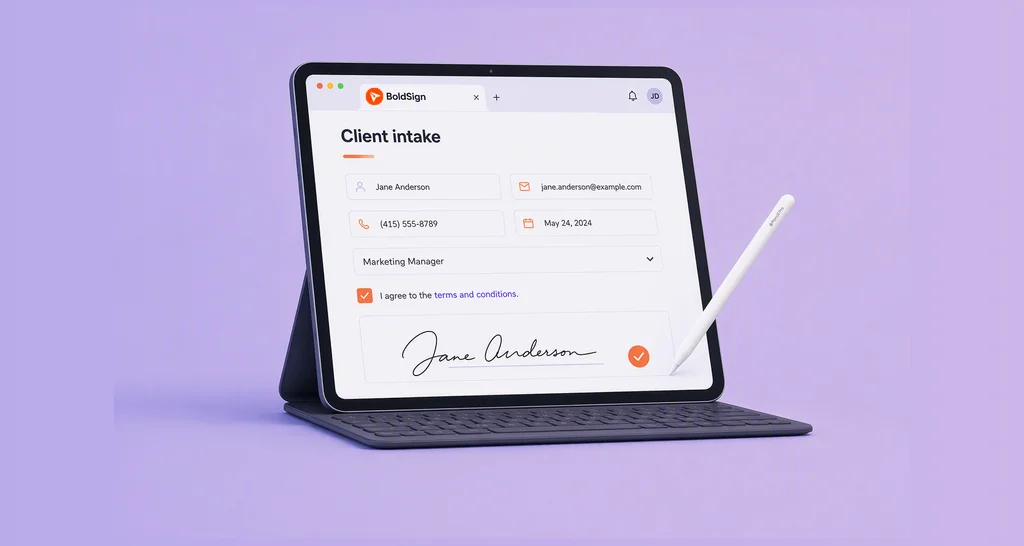
Learn how to build a client intake form that captures better data, uses eSignature form fields, and speeds onboarding with a smooth and efficient signing flow.
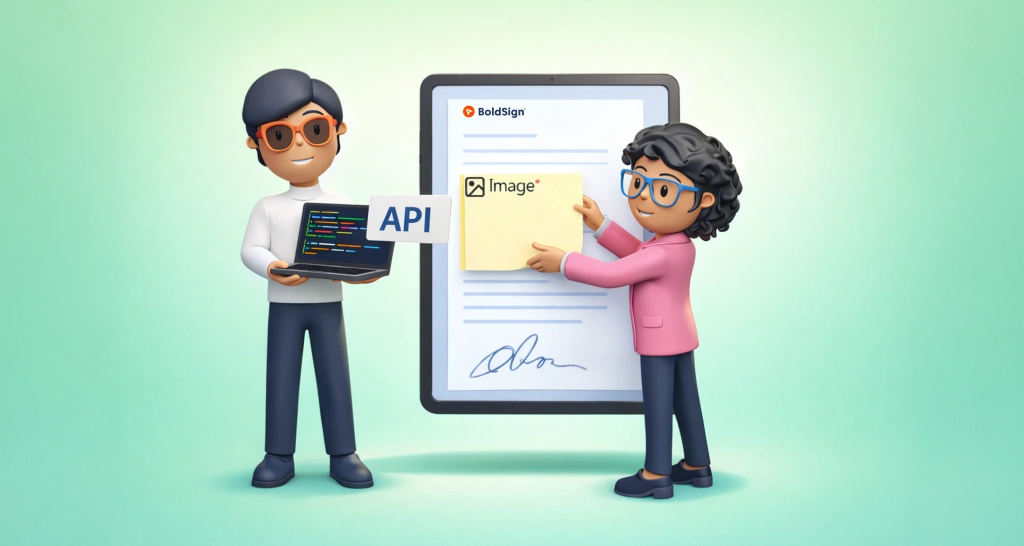
Learn how to use the BoldSign API to add image form fields and collect signer information by uploading IDs, receipts, or photos during the signing process.
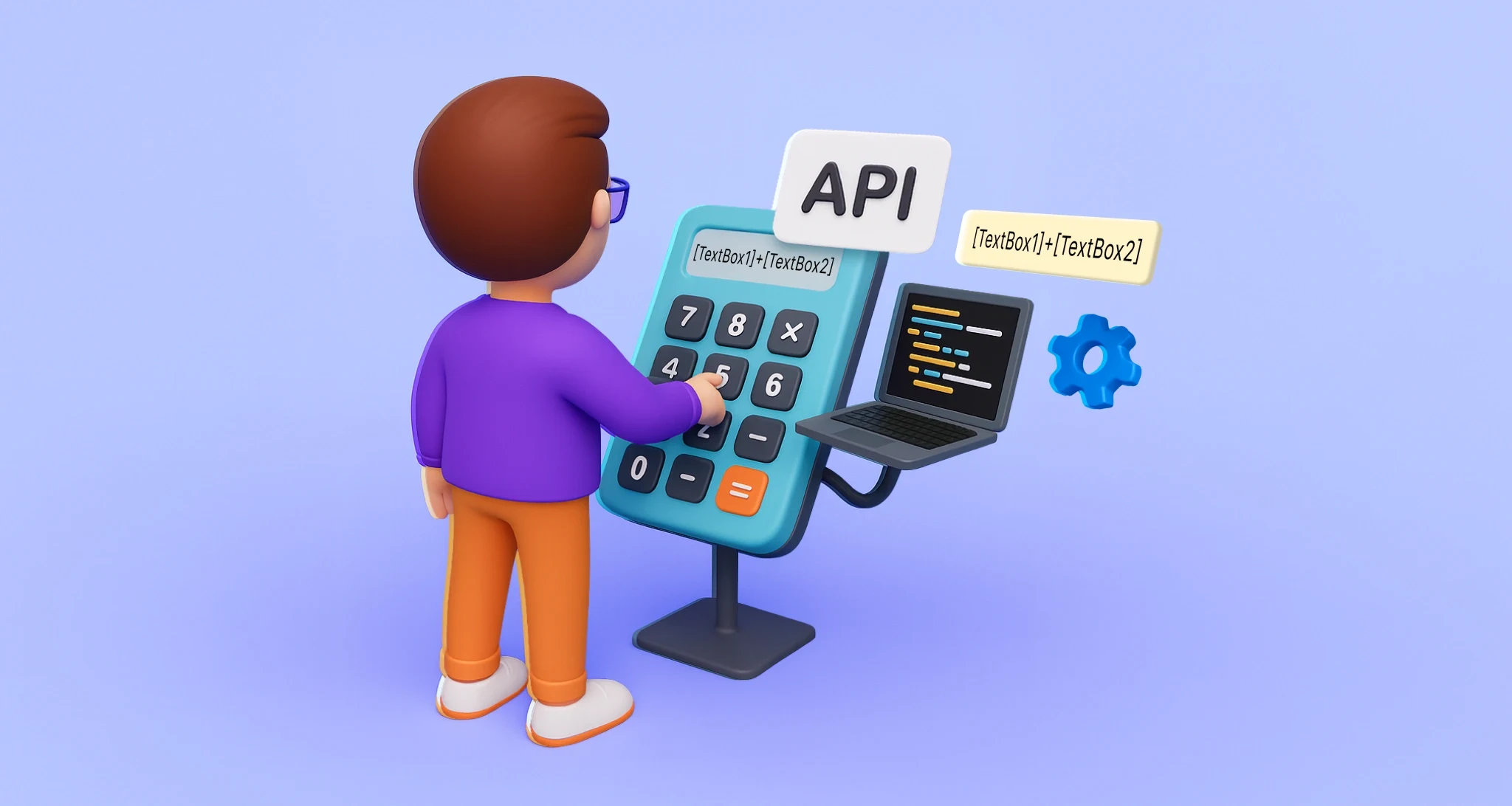
Use BoldSign API formula fields to automate document calculations like totals, taxes, and dates. Improve accuracy and streamline eSignature workflows.
Learn how to edit templates programmatically using the Edit Template API. Update titles, roles, and form fields safely with partial and nested updates.

Accelerate template creation on mobile with BoldSign’s new AI-driven form field detection. Automatically identify, place, and streamline fields in your documents.

This webinar recap shows how to use BoldSign text tags with .NET SDK to automate form fields, reduce manual mapping, and enhance contract signing efficiency.

Tired of manual field mapping? Join BoldSign’s free webinar to embed Text Tags, auto-convert to fields & scale .NET workflows. Reserve your spot—demo included!

Learn how to configure BoldSign form fields for faster signing. This webinar recap shows smart field setup, autofill, & validation tips for smoother workflows.

Revolutionize forms with AI Form Field auto-placement! BoldSign ensures fast, accurate template setup for eSignatures. Try it free & enhance eSign workflows!

Make your eSignature work easier! Learn how to use formula fields for instant, automated calculations in digital documents with BoldSign.