

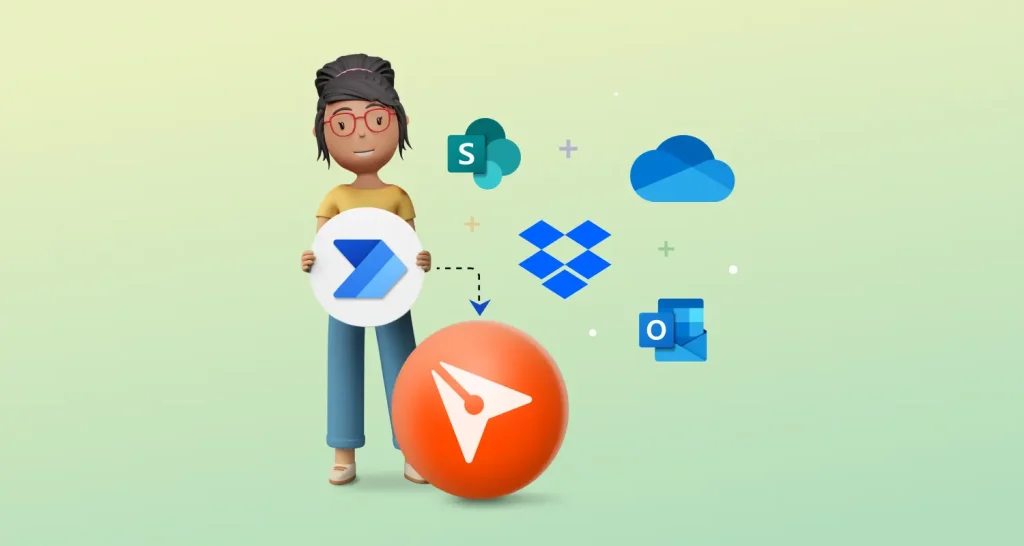
How to Integrate BoldSign with Power Automate – No Coding Needed
Learn how to integrate BoldSign with Power Automate without any coding. Simplify workflows and automate document signing in just a few steps.
 Discover our mission, commitment to our customers, and leadership team.
 Stay updated with our latest news and announcements.
 Learn about the latest BoldSign products and company news.
 Earn ongoing referral fees by embedding and referring BoldSign to clients.
 Connect with us if you have any questions or need help.
 Your business is protected with BoldSign.
 Earn commission by promoting BoldSign via your site, blog, or socials.
 Join our team and build innovative software solutions.
 See the love for BoldSign from users about their experience.
Insights and guides
eSignature guides, API tutorials, compliance explainers and product news from the BoldSign team.
Learn how to integrate BoldSign with Power Automate without any coding. Simplify workflows and automate document signing in just a few steps.
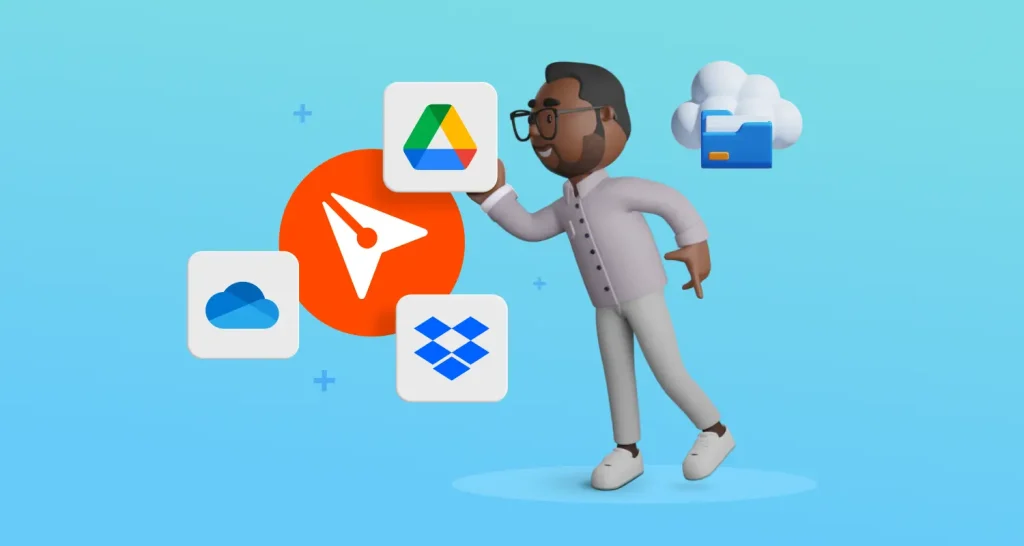
BoldSign lets you auto-backup signed files to Google Drive, OneDrive & Dropbox. Ensure secure access, organized folders & effortless cloud integration.
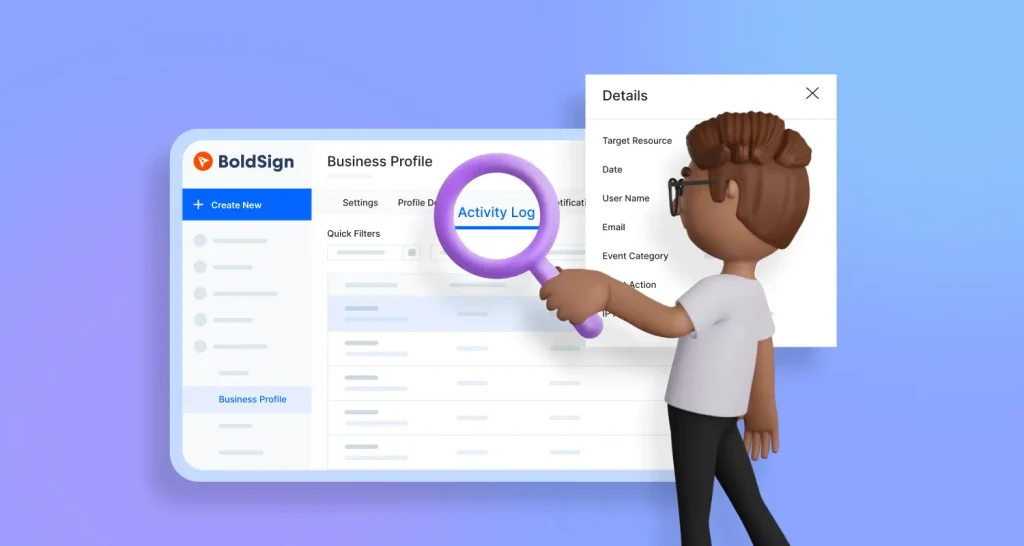
Easily track organization activities in BoldSign with admin-level access to user logs, helping teams stay compliant, efficient, & transparent across workflows.
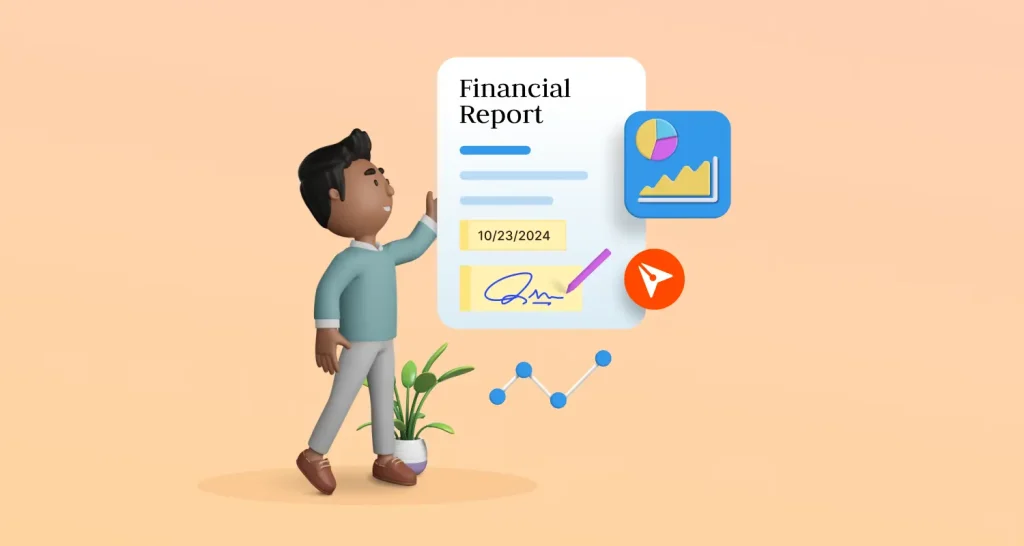
Simplify financial statement and report signing with BoldSign’s secure eSignatures. Boost efficiency, cut turnaround times, and ensure compliance for finance.
We’re excited to launch the BoldSign Python SDK! Simplify e-signature integration and enhance secure document signing in your applications with ease.
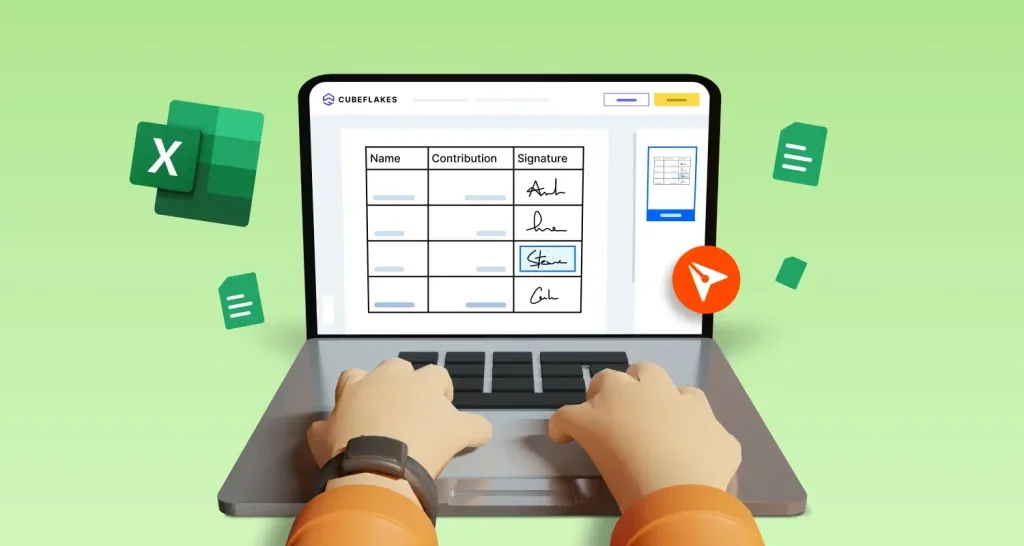
Learn how to insert signatures in Excel files securely with BoldSign. Streamline your document signing process with this simple guide. Free signup available.
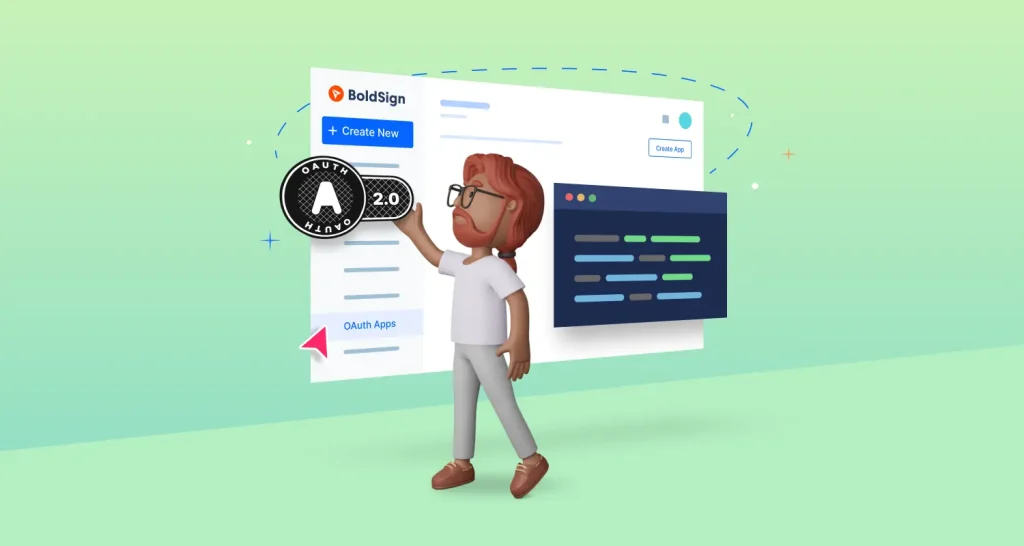
Learn how to integrate BoldSign OAuth 2.0 for secure access and authorization across applications, simplifying authentication without sharing credentials.
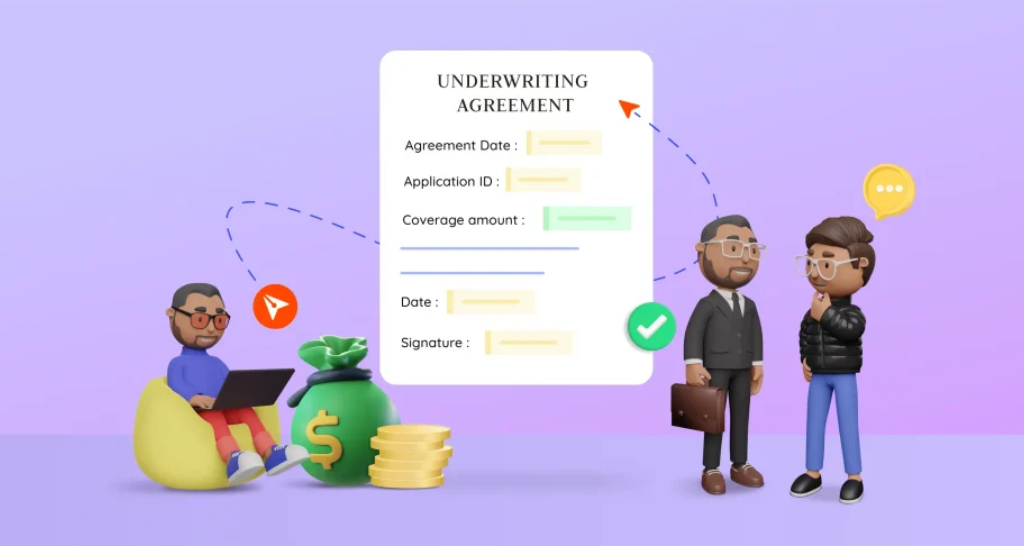
Learn how BoldSign transforms underwriting agreements with secure, efficient eSignatures. Simplify agreement management and streamline document workflows.
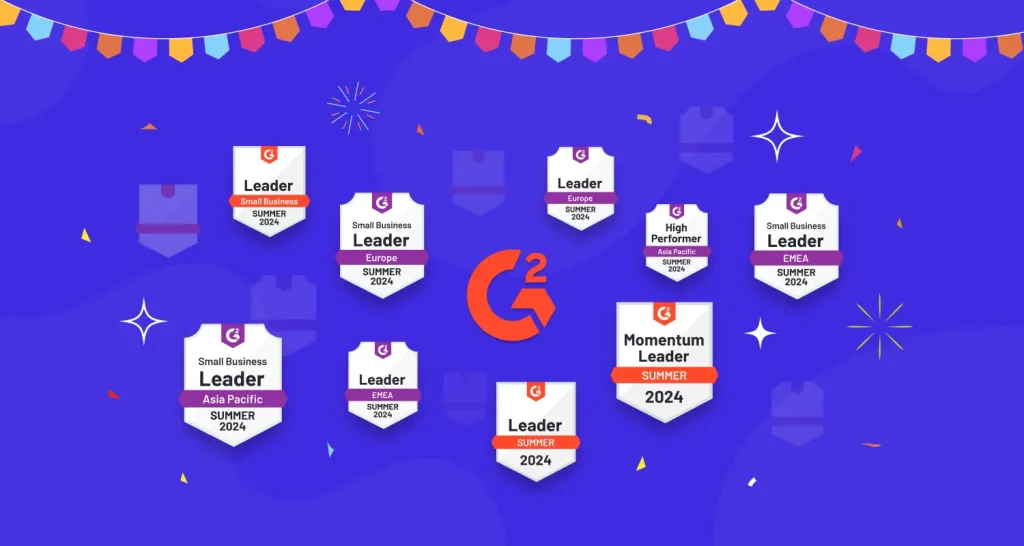
BoldSign earns 9 G2 Summer 2024 Leader badges for eSignature solutions based on user satisfaction and a growing global presence. Learn more about our success!
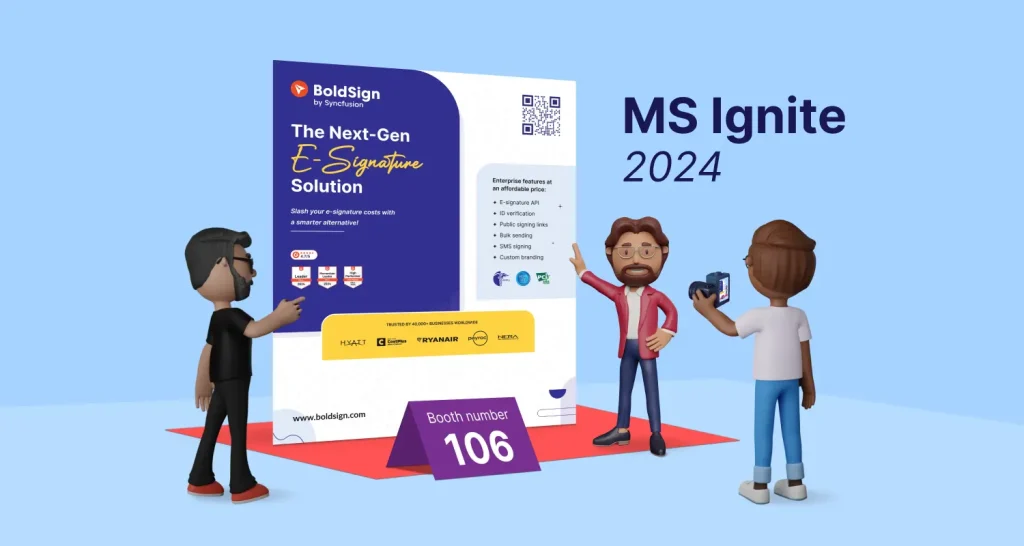
Meet BoldSign’s e-signature experts at Microsoft Ignite 2024. Explore demos, secure workflows, and smart features that simplify signing at Booth #106.
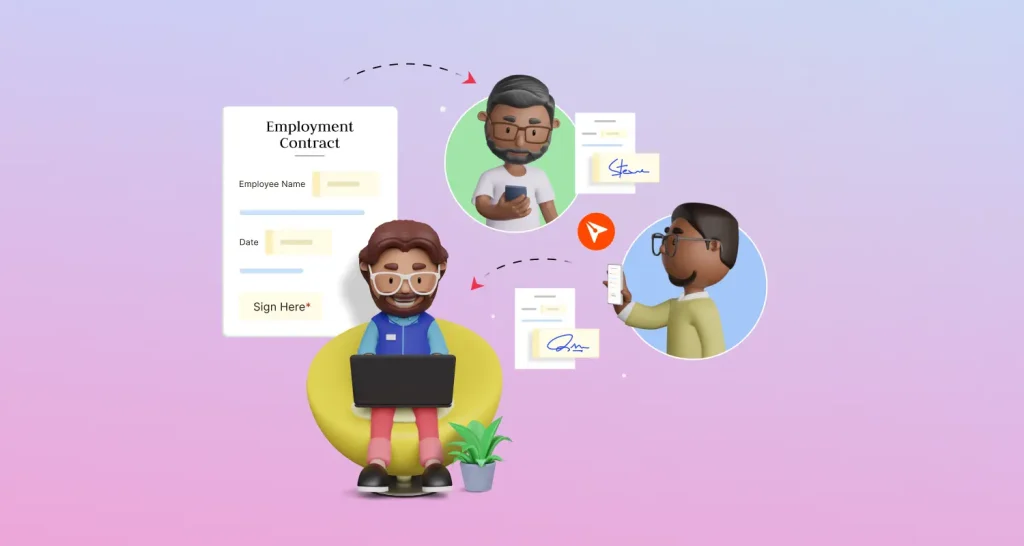
Employment contract signing is seamless with BoldSign. HR teams can automate approvals, reduce errors, and manage documents securely from one dashboard.
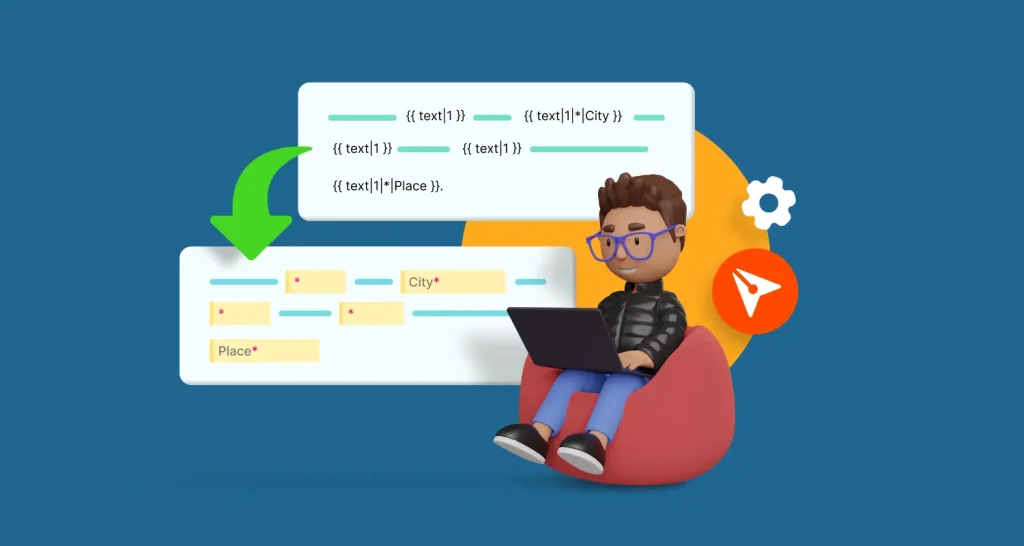
Learn how to use BoldSign's API and text tags to automatically add document fields in this step-by-step guide.