


How to clone documents with form fields in BoldSign
BoldSign makes it easy to clone documents and retain their form-field values to eliminate repetitive tasks and streamline your document workflows.
 Discover our mission, commitment to our customers, and leadership team.
 Stay updated with our latest news and announcements.
 Learn about the latest BoldSign products and company news.
 Earn ongoing referral fees by embedding and referring BoldSign to clients.
 Connect with us if you have any questions or need help.
 Your business is protected with BoldSign.
 Earn commission by promoting BoldSign via your site, blog, or socials.
 Join our team and build innovative software solutions.
 See the love for BoldSign from users about their experience.
Insights and guides
eSignature guides, API tutorials, compliance explainers and product news from the BoldSign team.
BoldSign makes it easy to clone documents and retain their form-field values to eliminate repetitive tasks and streamline your document workflows.
Take your eSigning to the next level with bulk links. Learn how to use templates to create a seamless, efficient signing experience for unlimited signers.

Learn to build a scalable, secure document-signing service by integrating BoldSign with .NET Aspire.

Learn how to send an e-signature request to two recipients using the same email address. Simplify document signing for multiple signers with BoldSign®.

Discover how BoldSign revitalizes legacy apps with easy, fast, and secure digital signatures. A user-friendly upgrade for compliance and efficiency.
Does your HR team struggle with processing employee expense claims? Learn how BoldSign simplifies the approval process with electronic signatures.

Simplify your eSignature process with the BoldSign Mobile App for Android. Enjoy secure, efficient, and seamless document signing anytime, anywhere.
Missed our webinar on the BoldSign® bulk send feature? Read our show notes to access the recording and Q&A to learn how bulk sends simplify contract signing.
Explore BoldSign's October 2024 updates! Discover new eSignature features designed to make document signing easier, faster, and more secure for your business.
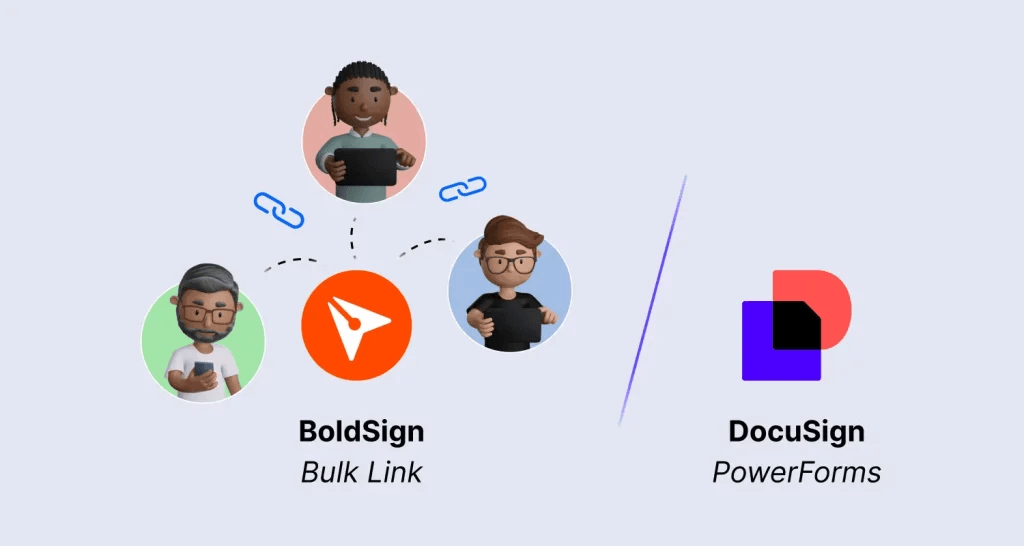
Discover how BoldSign bulk links simplify large-scale document signing with customizable links, advanced security, and flexibility over Docusign PowerForms.
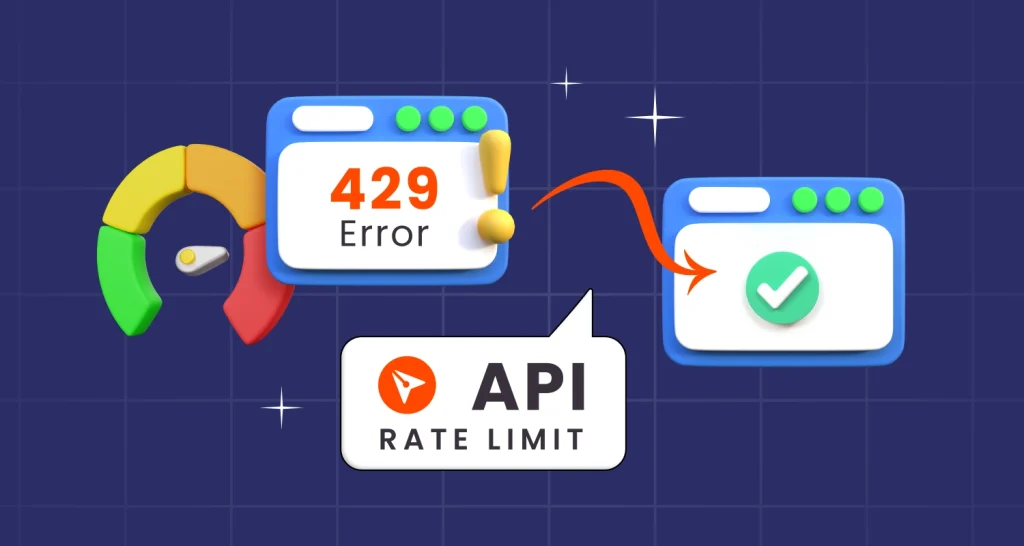
Learn best practices for managing BoldSign® API rate limits and discover how BoldSign® rate-limiting strategies ensure optimal performance and fair use.
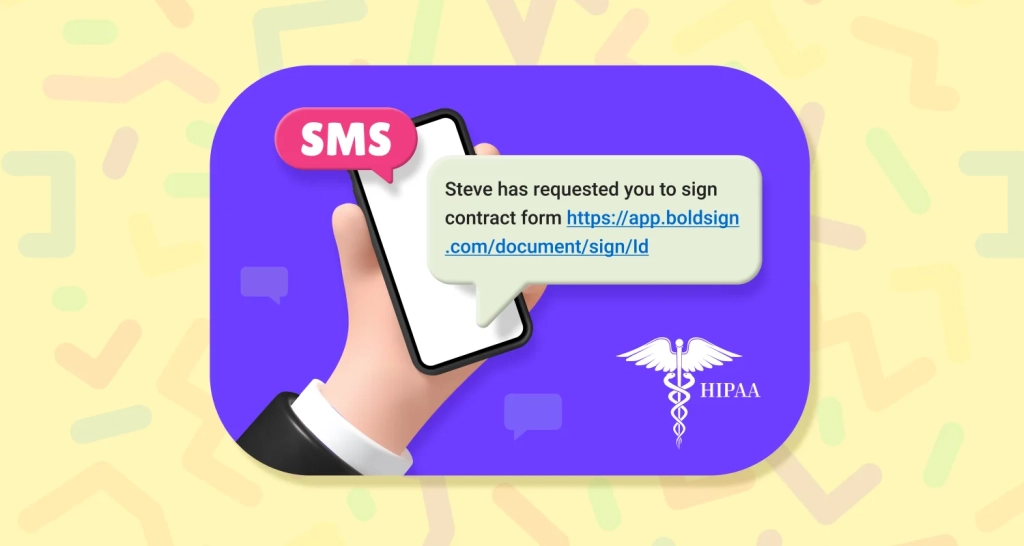
Discover how BoldSign enables HIPAA-compliant eSignatures through secure SMS links. Protect PHI, meet regulations, and streamline healthcare document signing.