

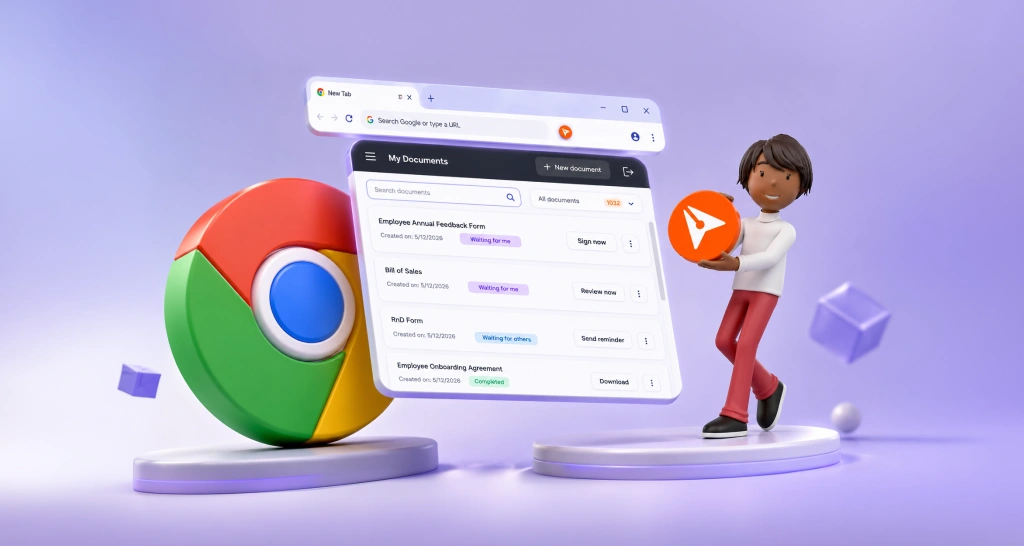
Introducing the BoldSign eSignature Browser Extension
Manage eSignatures faster with BoldSign Browser Extension. Sign, send, track, and download documents directly from Chrome or Edge with instant notifications.
 Discover our mission, commitment to our customers, and leadership team.
 Stay updated with our latest news and announcements.
 Learn about the latest BoldSign products and company news.
 Earn ongoing referral fees by embedding and referring BoldSign to clients.
 Connect with us if you have any questions or need help.
 Your business is protected with BoldSign.
 Earn commission by promoting BoldSign via your site, blog, or socials.
 Join our team and build innovative software solutions.
 See the love for BoldSign from users about their experience.
Author
Gopinath is a passionate software developer with 2 years of experience at BoldSign. He is an avid writer and enjoys sharing his insights on technology and development. In his free time, he enjoys exploring new technologies and learning new things. Connect with him on LinkedIn.
Manage eSignatures faster with BoldSign Browser Extension. Sign, send, track, and download documents directly from Chrome or Edge with instant notifications.
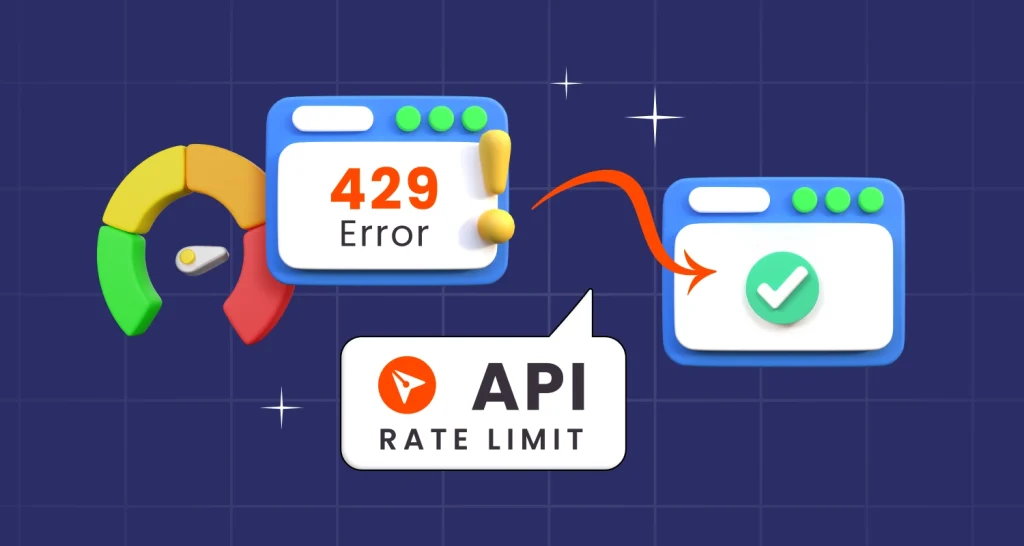
Learn best practices for managing BoldSign® API rate limits and discover how BoldSign® rate-limiting strategies ensure optimal performance and fair use.
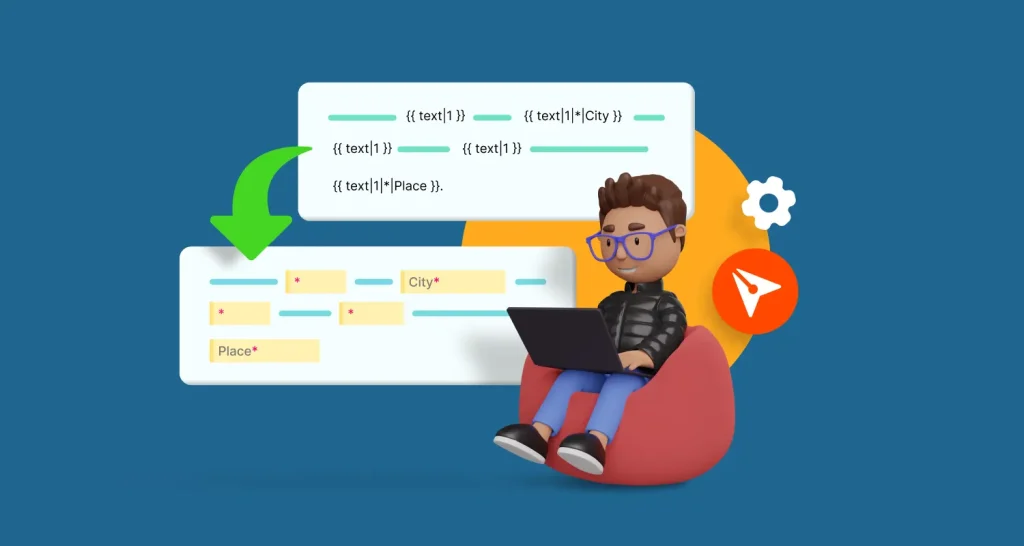
Learn how to use BoldSign's API and text tags to automatically add document fields in this step-by-step guide.

Learn how to efficiently send signature requests to multiple recipients using the BoldSign electronic signature API. Streamline your document signing process.
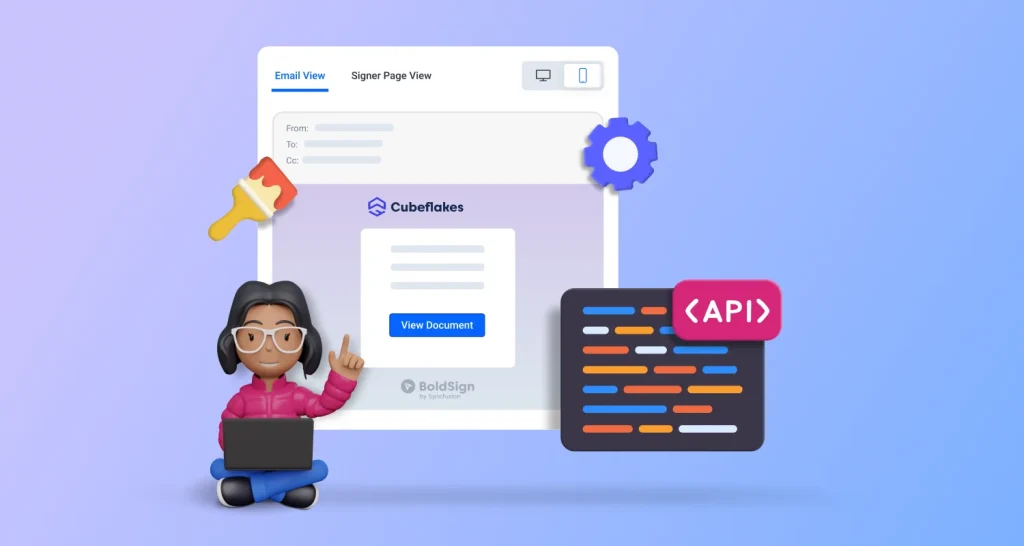
Customize your eSignature requests with your brand identity using BoldSign's API. Integrate a seamless, branded signing experiences into your workflow.
Explore the role of webhooks in API integration and how BoldSign's eSignature platform enhances efficiency through event-driven communication.
Explore BoldSign's web app and API in this guide. Discover which eSignature option best fits your needs by looking at their features, benefits, and use cases.

Learn how to add electronic signatures in Blazor apps with BoldSign. Enable in-app signing, document tracking, & template-based workflows for faster execution.
Discover how prefilling form fields after sending eSignatures via API can save time, minimize errors, and enhance the signing experience for users and teams.

Discover how BoldSign is simplifying and enhancing integration for developers by adding JSON support to its APIs.

Learn how to enhance security for eSignature requests by mandating signer authentication through API integration using BoldSign.
Learn from customer stories how to use BoldSign API to create conditional eSignature fields that adapt to user input, improving accuracy and signing efficiency.