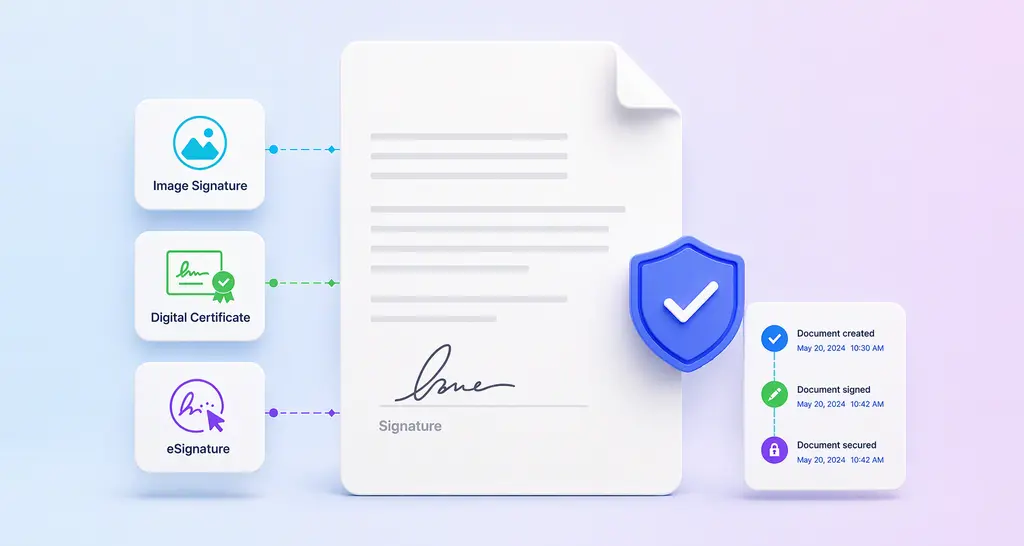
When selecting the best electronic signature software in 2026, businesses and individuals alike are seeking more than just basic signing capabilities. The right solution should offer easy-to-use features, provide advanced authentication options, and enhance productivity without compromising on security.
In this guide, we’ll explore top options that meet these needs, helping you choose the perfect fit for your signing requirements.
Why Finding the Best eSignature Software Matters
The eSignature software you choose can significantly impact your business operations. A good choice not only ensures that your documents are signed quickly and securely but also enhances your overall productivity and efficiency. A bad choice can lead to increased difficulties and expenses.
Features to Consider in eSignature Software
When evaluating eSignature software, it’s essential to consider various features that can make or break your experience. Here are some key features to look for:
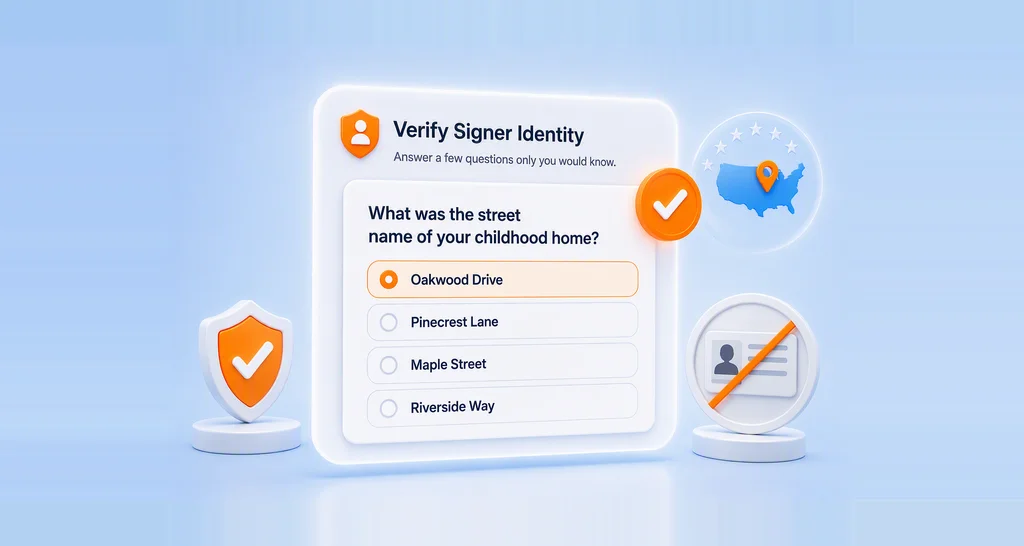
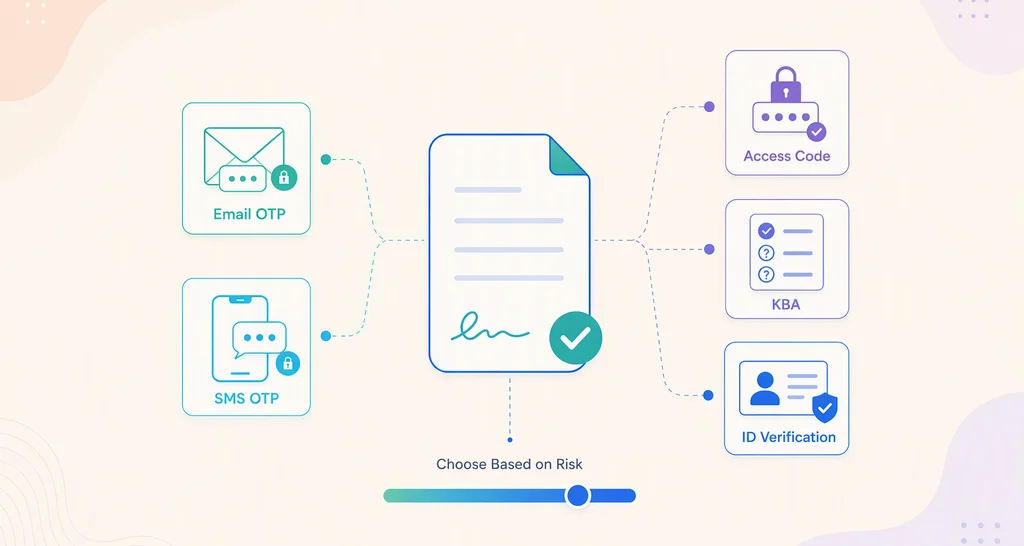
- Signer Authentication: Verify user identities before granting access to the document.
- Templates: Customize templates for reusable documents.
- Notifications: Set automated alerts for document status updates.
- Bulk Send: Send documents to multiple recipients simultaneously, streamlining workflows.
- Bulk Link: Generate a single link for multiple signers to access and sign documents.
- Document Management: Organize and store documents efficiently.
- Team Collaboration: Create multiple teams and share documents and templates with them.
- Integrations: Connect with the tools your team already uses, including CRMs like Salesforce and HubSpot, cloud storage platforms, and other business applications.
- Compliance: Adherence to legal and regulatory standards.
- Tracking: Monitor the status and progress of documents and activities.
- Mobile Compatibility: Access and manage documents from mobile devices.
- Security: Protect data and documents from unauthorized access.
- Customization: Tailor features and settings to specific needs.
- Analytics: Provide data insights and reporting on document usage and performance.
- Branding: Customize the appearance of request emails to reflect your company’s brand identity.
- Identity Verification: Implement advanced identity verification methods to ensure that signers are who they claim to be, enhancing document security and authenticity.
- AI-Powered eSignatures: Work smarter with AI that automatically detects form fields, finds documents faster through natural language search, and connects signing workflows through MCP integration.
Top Picks
Five standout applications have caught the attention of the market:
- BoldSign
- Docusign
- Dropbox Sign
- Adobe Acrobat Sign
- SignNow
BoldSign
BoldSign is easy to use, has great support, and can be set up quickly. The application offers transparent, scalable pricing with generous plan limits.
Why BoldSign Is a Good Choice
- BoldSign stands out as an attractive option for small businesses, large enterprises, and individuals alike.
- It has robust security and compliance features, like dedicated data centers in the U.S, EU, Canada, and Australia.
- A rating of 4.7 out of 5 stars on popular customer review site G2.
- A 30-day free trial, personal demos, and chat support are available before purchase.
- It’s a feature-rich solution, offering advanced features such as bulk sends, SMS & WhatsApp delivery, and identity verification to higher-tier plans.
- You can embed the entire eSignature process in your own application with the BoldSign API.
- BoldSign’s superior support!
Better Customer Support
BoldSign offers customer support without extra monthly fees. Customers with Business licenses can access help from a dedicated customer support manager. The BoldSign team is quick to respond, open to feedback, and available through chat, email, and phone for all plan types.
| Plan | Price (paid annually) | Features |
|---|---|---|
| Essential | Free/1 sender | 25 signature requests/month, 2 templates, limited brandings, audit trail, advanced workflows, etc. |
| Growth | $5/sender/month | 50 signature requests/month, 10 templates, multiple custom brands, integrations, team management, etc. |
| Business | $15/sender/month | Unlimited signature requests and templates, signing groups, custom fields, etc. |
| Premium | $99/month | Unlimited senders, 250 signature requests/month, all business features included, etc. |
Find the detailed pricing plans on the BoldSign pricing page.
The combination of user-friendly features, competitive pricing, and positive user experience positions BoldSign as a worthy option in the eSignature market.
Try BoldSign for free: Sign Up.
Docusign
Docusign is widely regarded as a top eSignature application, as it is one of the oldest. It’s notable for features like easy tracking; powerful templates; and seamless fill, sign, share, and monitoring capabilities.
| Plan | Price (paid annually) | Features |
|---|---|---|
| Personal | $10 | 1 user, 5 signature requests a month, essential features. |
| Standard | $25 | Advanced capabilities. |
| Business Pro Unlimited | $40 | Comprehensive features for larger organizations. |
Dropbox Sign
Formerly known as HelloSign, Dropbox Sign was originally an individual eSignature app; it has evolved into a tool integrated within Dropbox. The company is known for its customer service. The eSignature part is said to be easy to use and has a free trial period. If you already use Dropbox, this may be a good choice, but if not, it comes with a large amount of software you may not need.
| Plan | Price | Features |
|---|---|---|
| Essentials | $15 USD/month | 1 user only, 5 templates |
| Standard | $25 USD/user/month | 5 users included, 15 templates |
| Premium | Contact sales | 5 or more users, unlimited templates |
Adobe Acrobat Sign
Adobe Acrobat is widely acknowledged as the best PDF editor in the market. It features a well-organized interface for navigation. Users can fill in and sign unlimited documents with good editing capabilities. However, many valuable features, like compliance and security beyond just a password, are only available in the standalone solution, for which the price is a mystery.
| Plan | Price (annual, paid monthly) | Features |
|---|---|---|
| Acrobat Standard | $14.99/month | 1 user, tools to convert, edit, eSign, and protect PDFs |
| Acrobat Pro | $19.99/month | 1 user, Standard features, advanced protection, bulk links, bulk sends. |
| Acrobat Standard for teams | $16.99/user/month | Basic PDF editing, conversion, and eSignature capabilities. |
| Acrobat Pro for teams | $23.99/user/month | Standard features, bulk links, bulk sends, branding, and customer support. |
| Acrobat Studio for teams | $29.99/user/month | Standalone eSign solution, security and compliance, and integrations. |
SignNow
SignNow is reported to be easy to use and has responsive customer service. Its intuitive interface simplifies the document signing process, making it accessible for users of all technical levels.
| Plan | Price | Features |
|---|---|---|
| Business | $8/month | Unlimited users, templates, cloud storage, and chat support. |
| Business Premium | $15/month | Business features, bulk sending, payment requests. |
| Enterprise | $30/month | Advanced security and smart fields, branding. |
| Site license | $1.50/signature request | Unlimited users, API access, phone support, certain integrations and compliance. |
FAQs about eSignature Software
1. What is eSignature software?
eSignature software allows users to sign documents electronically, providing a secure and efficient alternative to traditional, paper-based signatures.
2. Are eSignatures legal?
Yes, eSignatures are legally binding in many countries, including the U.S. and EU, as long as they comply with relevant regulations like the ESIGN Act and eIDAS.
3. Can I use eSignature software on my mobile device?
Yes, most modern eSignature software, including BoldSign, offers mobile accessibility, allowing you to sign documents on your phone.
4. How secure is eSignature software?
eSignature software typically uses advanced encryption and signer authentication options to ensure the security and integrity of your documents. It will depend on the software and sometimes the plan you choose.
5. What makes BoldSign the best eSignature software?
BoldSign excels in security, compliance, ease of use, and customization options, making it the top choice for businesses of all sizes.
Conclusion
Choosing the most suitable eSignature software can enhance your business’s efficiency. By following the tips and considering the features mentioned in this blog, we hope you can make a clear decision and select the eSignature software that best meets your needs.
BoldSign stands out as one of the best choices, offering robust features and user-friendly design. Start your digital transformation with BoldSign and experience the future of document signing at an affordable price. See the benefits for yourself by signing up for a 30-day free trial.
Your feedback is important to us, so please share your thoughts in the comments section below. For more information on BoldSign’s features or for personalized assistance, schedule a demo or reach out to our support team through our support portal.

Caroline Dolly
Caroline Dolly is a technical writer at BoldSign who simplifies complex concepts into clear, engaging content. She creates tutorials, help articles, and product documentation, ensuring information is accurate and accessible. Connect with her on LinkedIn.
More posts by Caroline Dolly