When AI Sends the Contract: eSignatures You Can Trust and Prove
AI agents can now send documents, chase signatures, and close the loop on their own. Here’s how BoldSign makes every one of those signatures safe, tracked, provable, and legally valid.
Software used to wait. Now it acts.
Think about how software worked until recently. It sat there and waited for a person to click something. No click, no action.
That is changing fast. AI “agents” are programs that don’t just answer questions. They do things. They can check a claim, fill in a form, and send a document out for signature without a human touching a keyboard.
So the question is no longer “Will AI send agreements?” It’s “When AI sends an agreement, can I trust what comes back?”
The signature is the trust moment
Here’s a simple way to think about it. When a document gets signed, three questions matter:
- Who signed it? (identity)
- Did they really agree? (intent)
- Was the document changed afterward? (integrity)
When a human handles the whole process, people answer those questions informally. When an AI agent starts the process, the signature platform has to answer them, with proof.
In plain words: if a robot did it, you need a receipt. And the receipt itself must be impossible to fake.
How a digitally signed document actually protects itself
An audit trail tells you what happened. But there’s a deeper layer of protection built into every document signed with BoldSign: the document seals itself using cryptography. Here’s how it works, in plain language.
Step 1: The document gets a fingerprint. When signing is completed, the finished PDF is run through a mathematical function called a hash. The hash turns the entire document into a unique digital fingerprint. Change even a single letter, a comma, or one pixel, and the fingerprint changes completely.
Step 2: The fingerprint gets locked with a digital certificate. That fingerprint is then encrypted using a private key tied to a trusted digital certificate. This locked fingerprint is embedded inside the PDF itself. This is what “digitally signed” means. It’s not a picture of a signature. It’s cryptographic proof bonded to the exact contents of the file.
Step 3: Any PDF reader can check it, forever. Open the signed document in a standard PDF reader and it automatically recomputes the fingerprint and compares it against the sealed one. If they match, the reader confirms the document is intact and the signature is valid.
Step 4: Tampering breaks the seal instantly. Now imagine someone, or some rogue AI agent, tries to quietly edit the signed PDF. Change a price, a date, a name, anything at all. The fingerprints no longer match, and the signature is immediately flagged as invalid. There is no way to alter the document and keep the signature intact. The tampering exposes itself.
This is the crucial point for the agent era: the protection doesn’t depend on anyone watching. The math does the watching. A human can’t slip a change past it, and neither can an AI.
Safe, tamper-evident, and legally valid
Put the layers together and here is what every completed BoldSign document gives you:
- A cryptographically sealed PDF. Any modification after signing invalidates the signature, so an undetected alteration is not possible. What you signed is provably what you have.
- A complete audit trail. Who did what, when, and from where: sent, viewed, signed, completed, with timestamps and authentication events recorded.
- Signer identity checks. Email verification, access codes, and layered authentication options prove the human in the loop is really that human.
- Legal validity. Electronic signatures are legally binding under the ESIGN Act and UETA in the United States and eIDAS in the European Union, and BoldSign’s signing process is built to satisfy those requirements: clear consent, signer authentication, and tamper-evident records. You can read the details on BoldSign’s eSignature legality page.
So when an AI agent sends an agreement through BoldSign, the result isn’t just convenient. It’s evidence: a sealed, verifiable, court-ready record.
What an “agent-ready” signature platform must have
Four things. No exceptions.
1. An API the agent can actually use. Agents can’t click buttons on a screen. They need clean, well-documented commands: pick a template, fill the fields, send it, check the status. BoldSign was built API-first. Everything a human can do in the app, an agent can do through the API, with a free sandbox to practice in safely.
2. Instant updates when anything happens. Sent. Opened. Signed. Declined. Expired. BoldSign fires a webhook (an automatic alert) for each of these, so your systems and your people always know the true state of every document.
3. Cryptographic sealing plus a full audit trail. As explained above: the log proves the process, and the digital signature proves the document. Both, always.
4. Proof the signer is real. In an agent-run workflow, the signer’s identity check may be the only human checkpoint left. BoldSign makes that checkpoint strong.
See it working today: an AI agent that handles a warranty claim
This is the part most vendors only talk about. BoldSign lets you try it.
We built a live demo of an AI warranty claim agent. Here’s what it does, start to finish:
- A customer chats with the AI agent about a warranty claim.
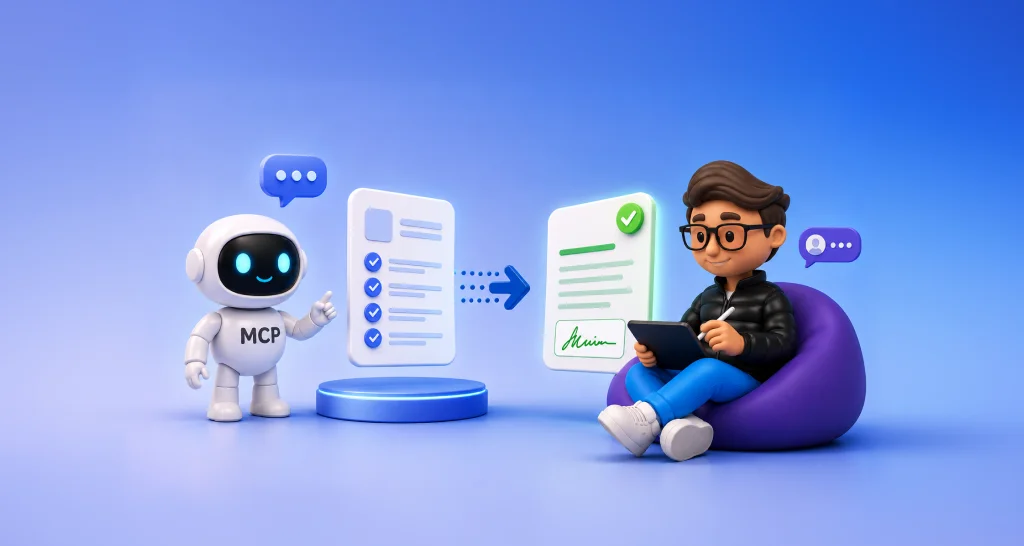
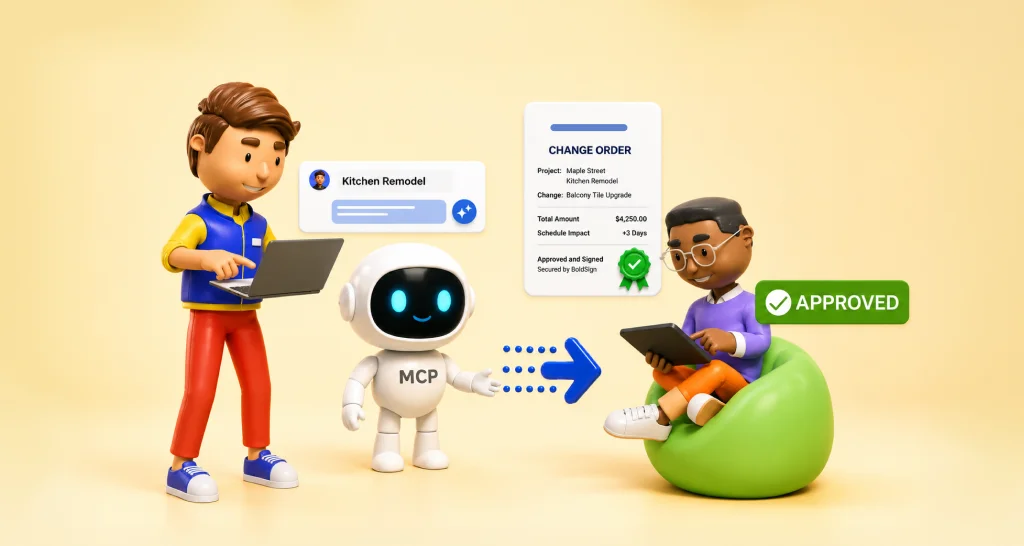
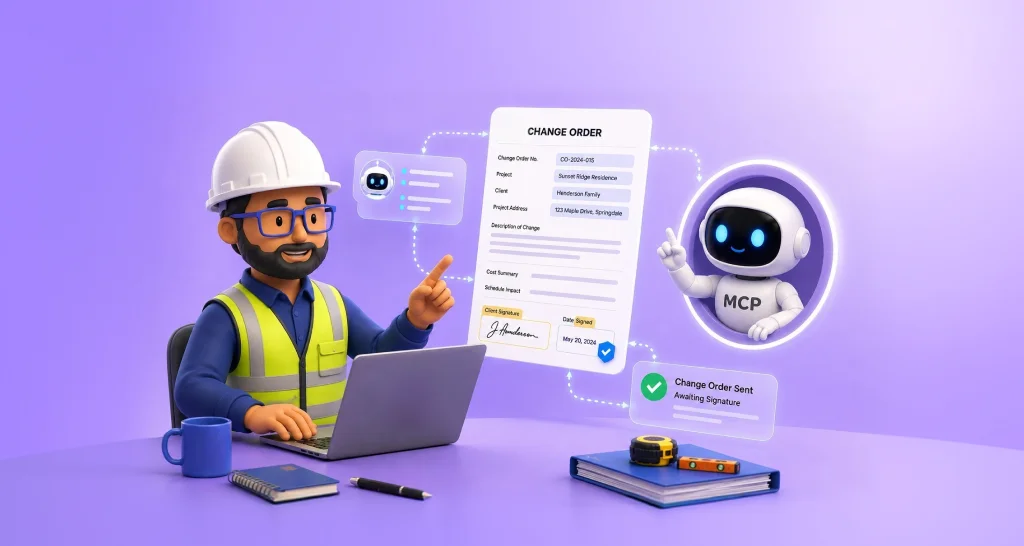
- The agent gathers the details and uses BoldSign MCP to send the warranty agreement out for signature, automatically.
- It tracks the signing status in real time.
- Once signed, it delivers the completed document back to the customer: digitally sealed, audit-trailed, and legally valid.
No human clicked “send.” Yet every step is logged, verified, and provable, and the final PDF will expose any attempt to alter it.
Try the AI warranty claim demo, running live at demos.boldsign.com.
What is BoldSign MCP?
MCP stands for Model Context Protocol, an open standard that lets AI assistants (like Claude, or agents inside Cursor, VS Code, and Windsurf) securely use real tools.
BoldSign MCP exposes BoldSign’s eSignature capabilities as tools an AI can call. You type a plain-English request like “Send the NDA to Sarah using the onboarding template,” and the AI does it through BoldSign, securely, with the full audit trail and cryptographic sealing intact. It can send documents from templates, check status, send reminders, revoke documents, and more.
It’s open source too: the server is on GitHub and installs with a single command, with step-by-step guides for Claude Desktop, Cursor, VS Code, Windsurf, and other MCP clients.
AI agents are going to send more and more of the world’s agreements. That’s not a threat to trust, as long as every signature comes with identity assurance, real-time visibility, a complete audit trail, and a cryptographic seal that makes tampering self-exposing.
That’s exactly what BoldSign delivers, today, through a platform agents can natively drive.
Start here:
- Explore BoldSign MCP
- Watch the AI warranty claim agent in action
- Create a free API sandbox and build your first agent-ready workflow this week.
Frequently asked questions
Are documents sent by an AI agent legally valid once signed?
Yes. ESIGN, UETA, and eIDAS give electronic signatures full legal effect. These laws regulate who signs and what evidence exists, not who sends the document. An AI-prepared, human-signed agreement with proper authentication, an audit trail, and a tamper-evident seal is legally sound.
What happens if someone alters a PDF after it is signed?
The document exposes the change itself. At completion, the PDF gets a cryptographic fingerprint locked with a digital certificate. Altering even one character breaks the seal, and standard PDF readers flag the file as invalid or modified.
What is BoldSign MCP?
An open-source Model Context Protocol server that lets AI assistants like Claude, and agents inside Cursor, VS Code, or Windsurf, send documents for signature, check status, and manage agreements through plain-English requests, with full audit trails intact.
How can I try this today?
Chat with the live AI warranty claim agent at demos.boldsign.com/mcpagent/. It sends a warranty agreement for signature via BoldSign MCP, tracks it in real time, and returns the completed, sealed document.

Meikanda Nayanar
A veteran product manager at BoldSign, boasting a decade-long journey as a .NET developer. With a rich history of leading product development across diverse technologies like Windows Forms, WPF, UWP, Xamarin.Forms, Flutter, and MAUI, Meikandan brings a unique blend of technical expertise and strategic insight to the table. Connect with him on LinkedIn.
More posts by Meikanda Nayanar