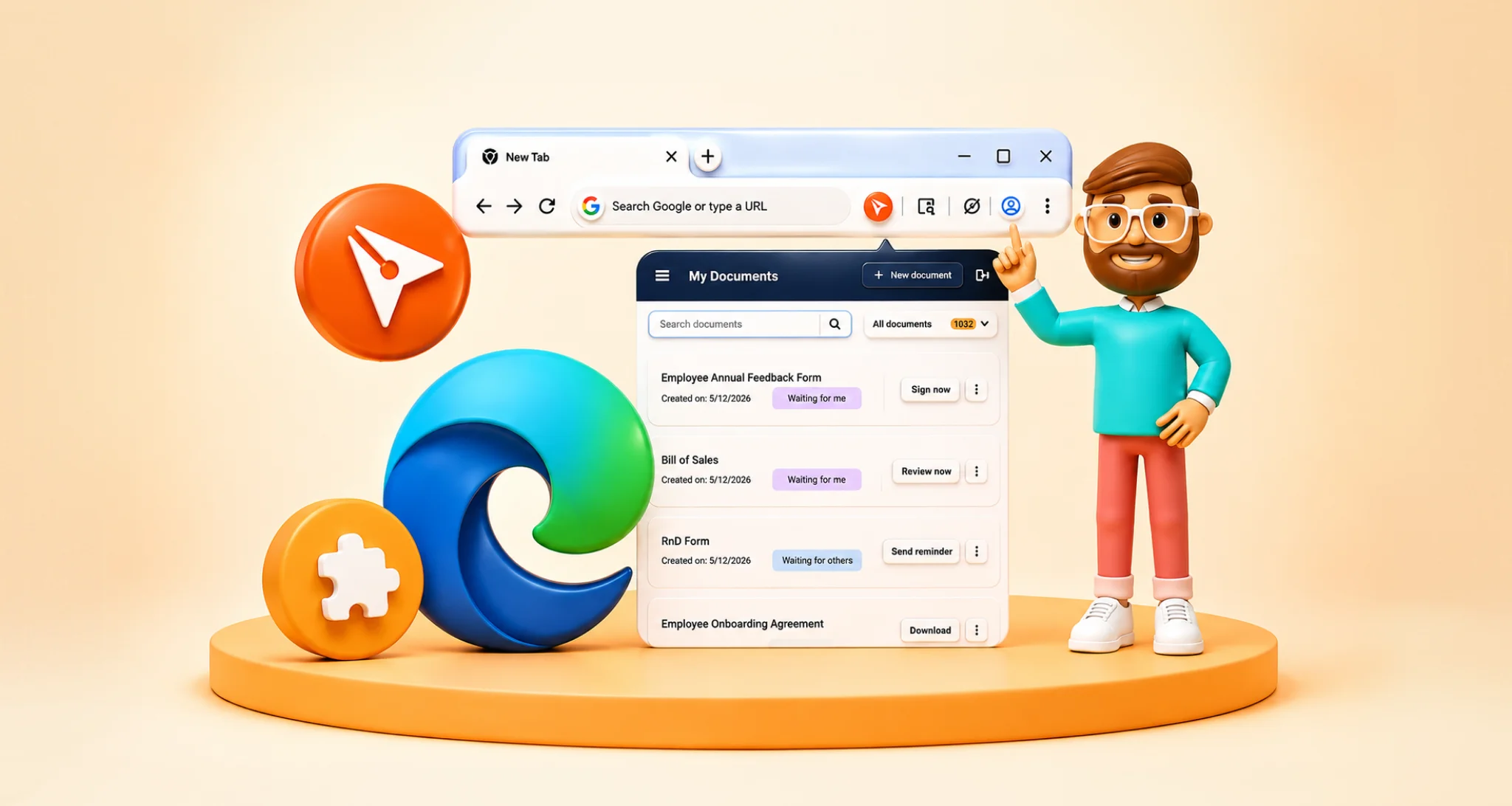
TL;DR: HubSpot can track contract progress using deal stages, custom properties, notes, and workflows. But native tracking often depends on manual updates. With BoldSign’s eSignature integration for HubSpot, teams can automatically sync contract activity, including document views and completed signatures, into the CRM. This gives reps better visibility, improves follow-up timing, and helps deals move from sent to signed faster.
“Has the customer signed it yet?”
That simple question can take longer to answer than it should.
For many sales teams, contracts are sent from one tool, discussed over email, tracked manually, and saved somewhere else after signing. HubSpot may show the deal stage, but not always the real contract status behind it.
That gap creates confusion. A rep may not know if the customer has opened the document. A manager may need to ask for updates. Operations may not know whether the signed copy is already available.
Real-time contract status tracking helps close that gap. When signing activity is visible in HubSpot, teams can see what has been sent, viewed, signed, or completed without switching tools or chasing updates.
In this blog, we’ll look at why real-time contract tracking matters in HubSpot, what statuses teams should monitor, and how a connected eSignature workflow can help teams follow up faster.
Why contract status matters in HubSpot
HubSpot is where many teams manage contacts, companies, deals, sales activity, and customer communication. But if contract signing happens outside the CRM, teams often lose visibility at one of the most important stages of the sales process.
A document may be sent from a separate signing tool. Follow-ups may happen through email. The completed agreement may be stored in a downloads folder, inbox, or shared drive. As a result, the HubSpot deal record does not always show the latest contract activity.
This can create problems such as:
- Sales reps not knowing whether a customer viewed the contract
- Managers asking for manual signing updates
- Missed follow-ups when a document is waiting on a signer
- Completed agreements not being saved to the right record
- Poor visibility across contacts, companies, and deals
- Extra administrative work for sales, RevOps, finance, and operations teams
When contract status is visible in HubSpot, teams can understand what is happening without leaving the CRM.
What does real-time contract status mean?
Real-time contract status means the latest signing activity is visible as the document moves through the signing process.
Instead of opening another tool or waiting for someone to confirm an update, teams can see whether a contract is still pending, already signed, or needs attention.
Common contract status updates may include:
- Drafted
- Sent
- Viewed
- Waiting for signature
- Partially signed
- Completed
- Declined
- Revoked
- Expired
These updates help teams decide what to do next. If a contract has been sent but not viewed, the rep may follow up. If the document is waiting on one signer, the team can send a reminder. If the agreement is completed, the signed copy can be saved back to the HubSpot record.
Why manual contract tracking slows teams down
Manual tracking may work when a team sends only a few documents. But as contract volume grows, tracking updates through email threads, spreadsheets, or separate signing dashboards becomes harder to manage.
A sales rep may need to open the signing tool, check the document status, update HubSpot manually, and message the manager. If multiple teams are involved, the process becomes even slower.
Manual tracking can lead to:
- Missed follow-ups
- Delayed deal closures
- Duplicate status updates
- Incorrect deal information
- Unclear ownership
- Signed documents stored outside HubSpot
- More time spent on administrative tasks
For revenue teams, these small delays can affect deal momentum. A connected contract tracking process helps teams move faster with fewer manual checks.
Where contract status should appear in HubSpot
Contract status is most useful when it appears where the team already works.
In HubSpot, teams may need contract visibility across contact, company, and deal records.
Contact records
A contact record helps teams understand signing activity linked to a specific person. This is useful when the signer is the main decision-maker, buyer, approver, or customer contact.
Company records
A company record helps teams see agreement activity at the account level. This is useful when multiple contacts are involved in the same contract or when teams need a broader customer view.
Deal records
A deal record is often the most important place to track contract status. It helps sales reps and managers understand whether an agreement is still pending, waiting on a signer, or completed.
When status updates appear in the right HubSpot records, teams can make faster decisions and avoid unnecessary follow-ups.
Key contract status details teams should track
A useful contract tracking workflow should show more than whether a document was sent.
Teams may need to track:
- Document name
- Sender details
- Recipient or signer details
- Sent date
- Viewed status
- Signing status
- Pending signer
- Completion date
- Declined or expired status
- Completed document link
- Document history or audit trail
These details give teams a clearer view of where the agreement stands and what action is needed next.
How real-time tracking improves the contract workflow
Faster follow-ups
When sales reps can see whether a document has been viewed or signed, they can follow up at the right time instead of guessing.
Better deal visibility
Managers can review deal progress without asking reps for manual updates. This helps improve pipeline visibility and forecasting.
Fewer delays
If a document is waiting on a signer, the team can act quickly by sending a reminder or checking whether the signer details are correct.
Cleaner CRM records
When contract activity is connected to HubSpot, teams can keep document history close to the relevant contact, company, or deal.
Easier handoffs between teams
Sales, RevOps, finance, legal, and operations teams can all refer to the same HubSpot record instead of searching across multiple tools.
Example: From sent contract to signed agreement
Imagine a sales rep sends a contract from a HubSpot deal record.
The customer receives the document, opens it, and shares it internally for review. The rep can see that the document has been sent and viewed, but not yet signed.
Instead of sending a blind follow-up, the rep can wait for the right moment or send a reminder if the document remains pending.
Once the customer signs, the status changes to completed. The signed agreement is then available from the related HubSpot record, making it easier for sales, finance, or operations teams to find it later.
This creates a smoother path from contract sent to contract completed.
Best practices for tracking contract status in HubSpot
Keep contract activity connected to the right record
Make sure documents are sent from the correct HubSpot contact, company, or deal record. This helps keep status updates and completed agreements connected to the right customer or opportunity.
Use clear document names
A clear document name helps teams identify the agreement quickly. For example, use names that include the customer name, document type, or deal name.
Track the signer, not just the document
If multiple signers are involved, teams should know who has signed and who still needs to complete the document.
Send reminders at the right time
Real-time status helps teams avoid unnecessary reminders. If the document has not been viewed, a different follow-up may be needed than when it is waiting on the final signer.
Save completed agreements back to HubSpot
The workflow should not end when the document is signed. Saving the completed agreement back to the related HubSpot record helps teams access it later for renewals, finance checks, onboarding, or customer support.
Use templates for repeatable contracts
For common documents such as sales agreements, NDAs, order forms, service agreements, and renewals, reusable templates can help teams send contracts faster and reduce manual preparation.
If your team is still building its document library, you can explore BoldSign’s free contract templates and customize them for common signing workflows.
Where eSignature fits into HubSpot contract tracking
Contract tracking becomes easier when the signing process is connected to HubSpot.
A connected HubSpot eSignature workflow can help teams:
- Send documents from HubSpot records
- Use templates for repeatable agreements
- Auto-fill documents with HubSpot data
- Track document status in real time
- Send reminders when needed
- Save completed documents back to HubSpot
For teams that want to understand the broader signing workflow, this guide on HubSpot eSignature workflows explains how document signing, tracking, and CRM updates can work together.
How BoldSign helps track contract status in HubSpot
BoldSign for HubSpot helps teams send, track, and manage eSignature documents directly from HubSpot.
With the BoldSign HubSpot integration, teams can send documents from Contacts, Companies, and Deals, track document status, and keep completed agreements connected to the related HubSpot record. This helps sales teams avoid switching between tools just to check whether a contract has been sent, viewed, signed, or completed.
BoldSign can support HubSpot contract workflows such as:
- Send documents without leaving HubSpot
- Use reusable templates
- Auto-filling documents with HubSpot properties
- Tracking document status from HubSpot
- Sending reminders when action is needed
- Accessing completed documents from the CRM
For a broader look at sending and managing contracts from HubSpot, read Send Contracts from HubSpot Easily with BoldSign Integration.
You can also read Sign Docs Faster with HubSpot + BoldSign Integration for a feature-focused overview of how the integration helps teams send, track, and manage signed documents in HubSpot.
How to view contract status in HubSpot with BoldSign
Once the HubSpot integration is connected, users can view signature request status from the BoldSign app card inside HubSpot.
The status view helps teams check document progress and take follow-up actions from the CRM. Depending on the document stage, users can view the document, send reminders, revoke requests, or access completed files.
For detailed step-by-step guidance, refer to the KB article on how to view the status of a signature request in HubSpot.
Teams can also update HubSpot records based on document status using workflows and BoldSign webhooks. For setup details, read how to update HubSpot records based on document status using workflows.
Additional HubSpot resources
If you are setting up or improving your HubSpot signing workflow, these resources may help:
-
HubSpot admin guide: install and connect BoldSign in HubSpot
-
HubSpot user guide: connect BoldSign from the HubSpot App card
Conclusion
Tracking real-time contract status in HubSpot helps teams stay informed at one of the most important stages of the sales process.
Instead of switching tools, searching emails, or asking for manual updates, teams can see whether a contract has been sent, viewed, signed, or completed from the CRM record they already use.
With a connected eSignature workflow, HubSpot can become more than a place to manage deals. It can also help teams send contracts, track progress, follow up faster, and keep signed agreements organized.
BoldSign for HubSpot helps teams bring these steps together by supporting document sending, real-time status tracking, reusable templates, HubSpot property mapping, and completed document access from HubSpot.
Ready to track contract status without leaving HubSpot? Start your free BoldSign trial or book a demo to see how your team can manage contract signing from HubSpot.
Frequently asked questions
Can I track contract status in HubSpot?
Yes. With a connected eSignature workflow, teams can track contract status from HubSpot records and see whether a document has been sent, viewed, signed, declined, expired, or completed.
Why is contract status tracking important in HubSpot?
Contract status tracking helps sales teams follow up faster, improve deal visibility, reduce manual updates, and keep signed agreements connected to the right HubSpot record.
What contract statuses should teams track?
Teams commonly track statuses such as sent, viewed, waiting for signature, partially signed, completed, declined, revoked, and expired.
Can completed contracts be saved back to HubSpot?
Yes. With the right integration, completed agreements can be saved back to the related HubSpot contact, company, or deal record for easier access later.
How does BoldSign help track contract status in HubSpot?
BoldSign for HubSpot helps teams send documents, track signing status, send reminders, and access completed documents directly from HubSpot records.

Stephen Otieno Okoth
Stephen is a Technical Assistant at BoldSign who specializes in creating clear documentation and engaging videos. He combines his technical skills and creativity to deliver user-focused solutions. Connect with him on LinkedIn.
More posts by Stephen Otieno Okoth