

How to Sign Documents on Android Using an eSignature App
Learn how to sign documents on Android: sign PDFs, Word files, and email attachments securely from your phone with a free, mobile-friendly eSignature app.
 Discover our mission, commitment to our customers, and leadership team.
 Stay updated with our latest news and announcements.
 Learn about the latest BoldSign products and company news.
 Earn ongoing referral fees by embedding and referring BoldSign to clients.
 Connect with us if you have any questions or need help.
 Your business is protected with BoldSign.
 Earn commission by promoting BoldSign via your site, blog, or socials.
 Join our team and build innovative software solutions.
 See the love for BoldSign from users about their experience.
 Learn how to sign documents on Android: sign PDFs, Word files, and email attachments securely from your phone with a free, mobile-friendly eSignature app.
Integrate BoldSign API for mobile-first e-signing in your .NET MAUI app. Let users sign, send, and manage documents within the app.

Check out what’s new in BoldSign March 2025 updates—scheduling, SDKs, cloning documents, & more powerful eSignature features to streamline your workflow.
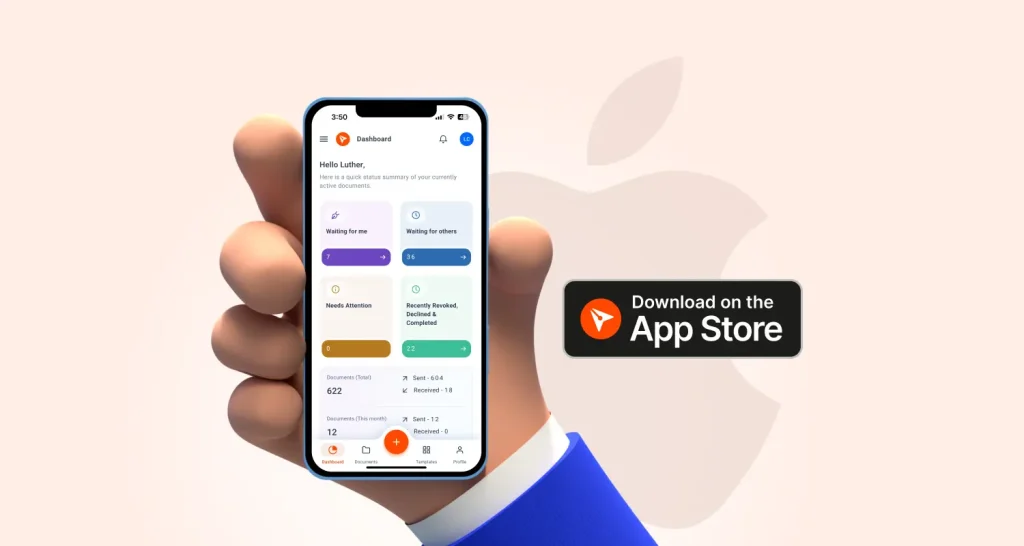
Looking for the best eSignature app for iOS? BoldSign is now on the App Store—secure, mobile-friendly signing made easy. Try it today!

Simplify your eSignature process with the BoldSign Mobile App for Android. Enjoy secure, efficient, and seamless document signing anytime, anywhere.
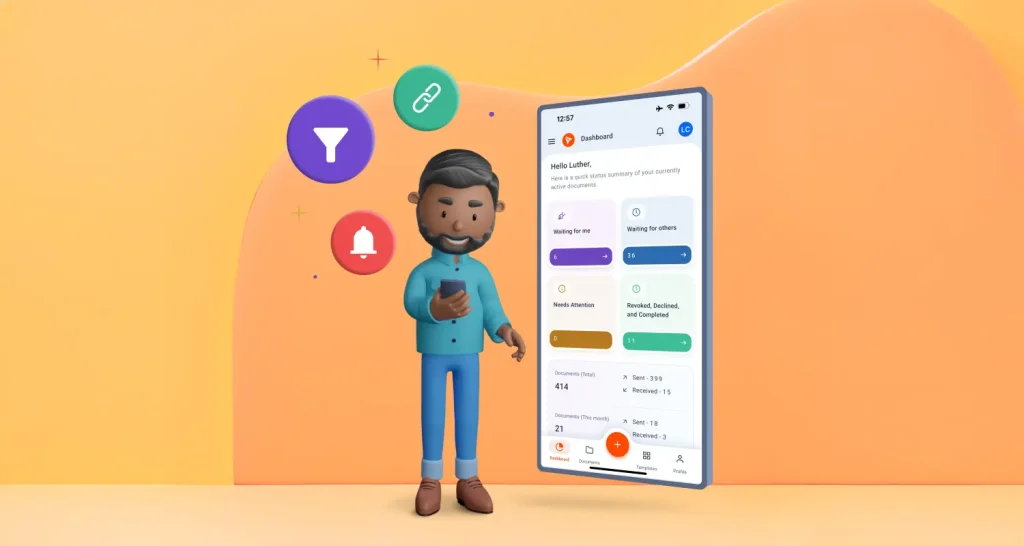
BoldSign mobile app lets you send, sign, and manage documents easily. Customize signatures, track status, and streamline your eSignature workflow securely.
BoldSign simplifies loan eSignature workflows with secure digital signing, mobile access, & real-time tracking to accelerate approvals for banks and borrowers.
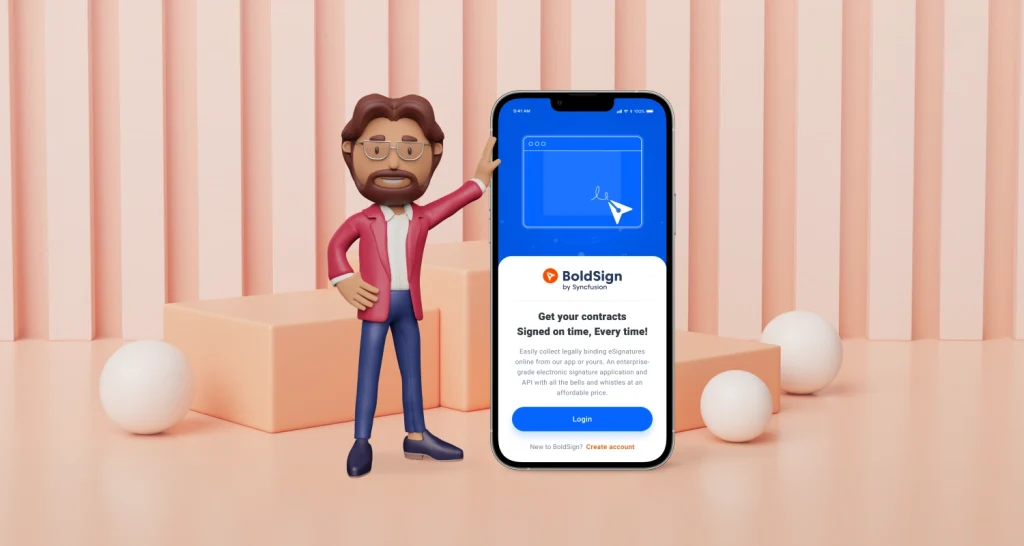
Explore how to use the BoldSign mobile app for electronic signatures—send, sign, and manage documents securely on iOS and Android with ease and efficiency.
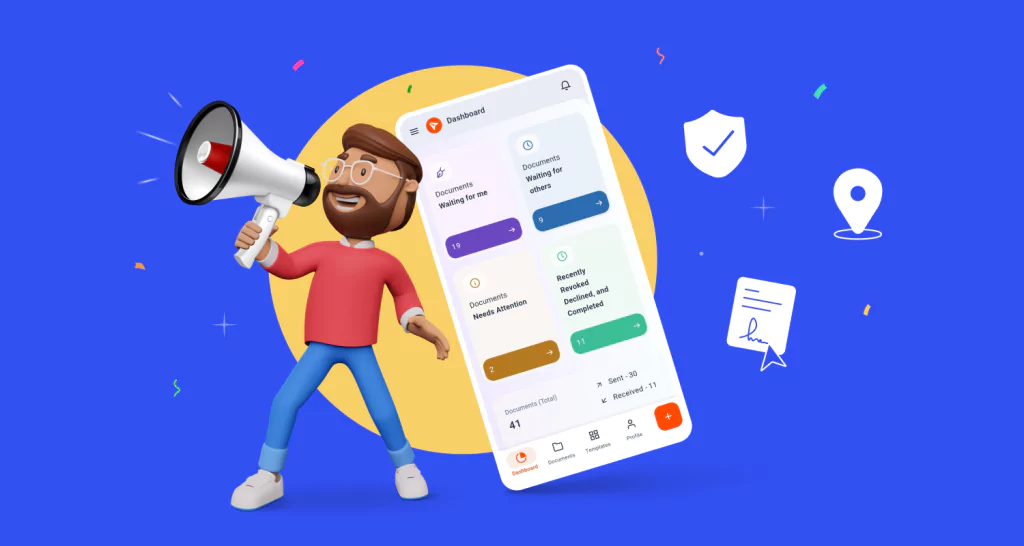
BoldSign's mobile app simplifies eSigning for individuals and businesses, allowing them to sign, request, track, and manage agreements from anywhere.