

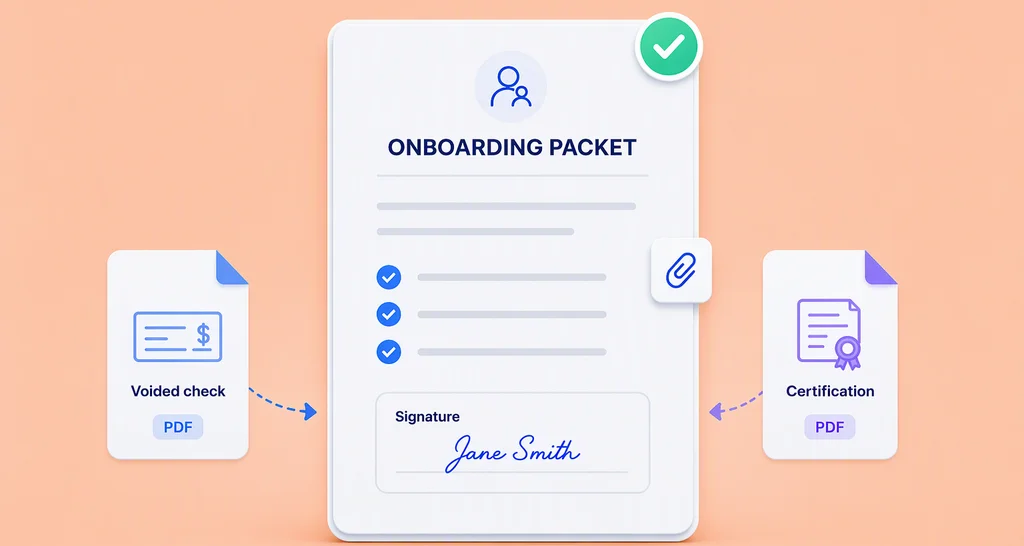
How to Use Attachment Fields for Employee Onboarding Documents
Discover how attachment fields help HR teams collect employee documents, signatures, and supporting files through one efficient digital onboarding workflow.
 Discover our mission, commitment to our customers, and leadership team.
 Stay updated with our latest news and announcements.
 Learn about the latest BoldSign products and company news.
 Earn ongoing referral fees by embedding and referring BoldSign to clients.
 Connect with us if you have any questions or need help.
 Your business is protected with BoldSign.
 Earn commission by promoting BoldSign via your site, blog, or socials.
 Join our team and build innovative software solutions.
 See the love for BoldSign from users about their experience.
 Discover how attachment fields help HR teams collect employee documents, signatures, and supporting files through one efficient digital onboarding workflow.
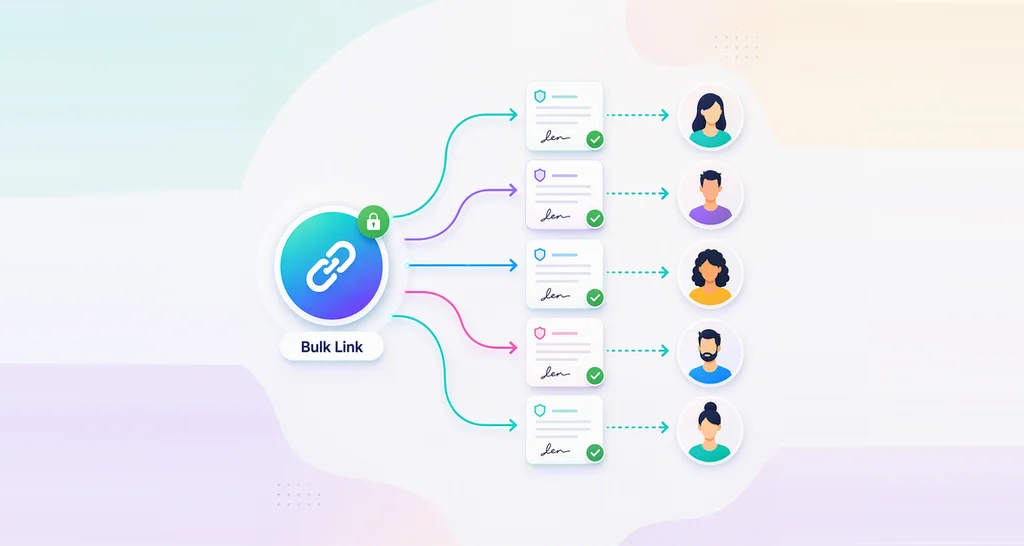
Learn how to create an online waiver form, share one reusable bulk link, collect signatures fast, and add signer verification, templates, and audit trails.
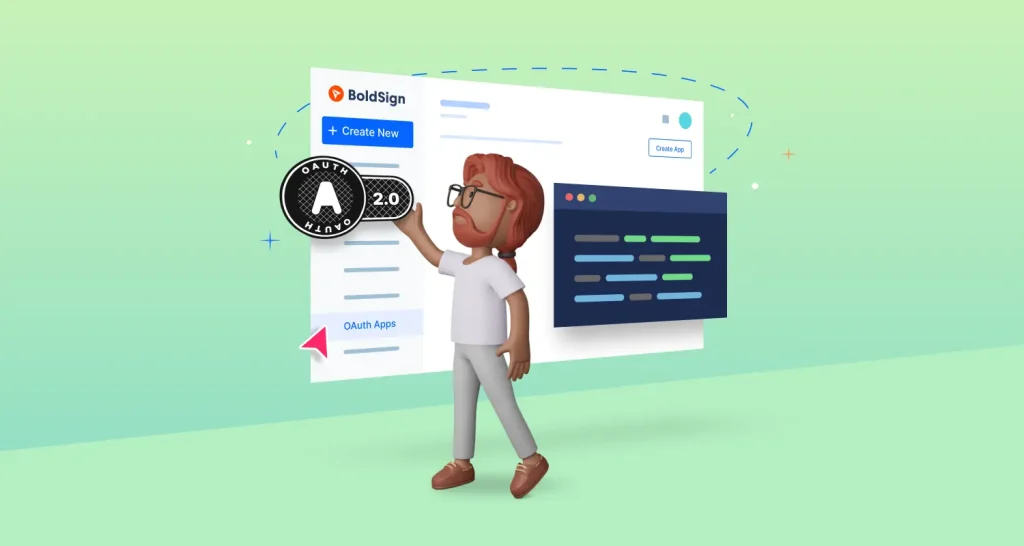
Learn how to integrate BoldSign OAuth 2.0 for secure access and authorization across applications, simplifying authentication without sharing credentials.

Try BoldSign’s electronic signature free trial. Our FAQ covers features, limits, and benefits—30 days of full access with templates, branding, and secure docs.

Get started with BoldSign: learn to send, sign, track, and manage documents securely with our easy-to-follow guide.
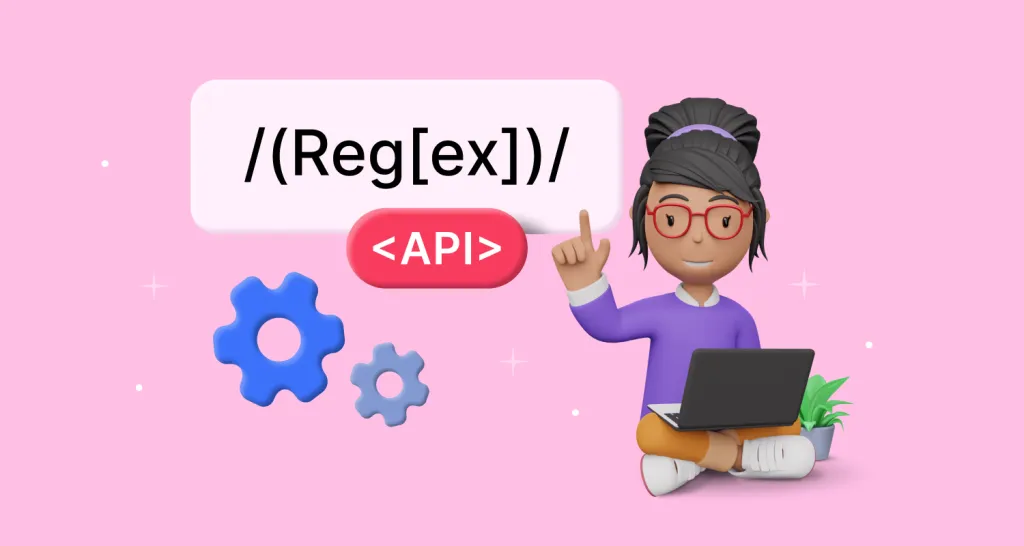
Learn how to use regular expression validation for form fields in eSignatures to ensure data integrity and prevent errors during the signing process.
BoldSign’s free eSignature plan is a win-win for both users and BoldSign, offering rich features that spark curiosity about its generous approach.
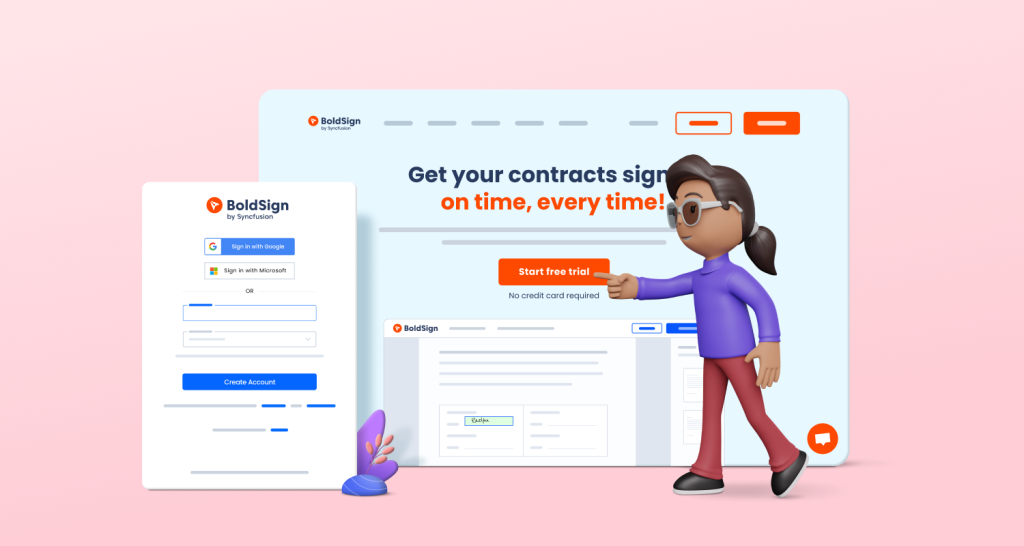
Get started with the BoldSign eSignature free trial. Access all features, send up to 50 documents, manage teams, and simplify your workflows for 30 days.