Build Client Trust with Every Document—Beyond Just Signatures
Trust isn’t built at the moment of signing, it begins long before. Every document you send, from proposals to contracts, is a reflection of your professionalism, transparency, and commitment to the client. With BoldSign eSignature software, you can turn routine paperwork into meaningful trust-building experiences. Here’s how to make every document count.
How Every Document Interaction Builds Client Trust
Every document you share with a client, from the first proposal to the final contract, shapes how they perceive your brand. These interactions are not just about completing a transaction. They communicate your standards, attention to detail, and commitment to a smooth and professional experience.
BoldSign helps you deliver documents that are clear, well-structured, and easy to navigate. Each touchpoint becomes an opportunity to build trust, strengthen collaboration, and demonstrate your expertise well before a signature is added.
The following are seven practical ways your documents can inspire trust from the very first interaction.
1. Communicate Clearly to Eliminate Uncertainty
Clients are more likely to trust your business when documents are clear and easy to understand. With BoldSign’s templates, you can use simple language, add helpful notes, and highlight key sections to guide your clients through the content. This clarity reduces confusion, ensures consistent communication, and helps clients feel confident in your services.
2. Brand Documents for Lasting Credibility
Polished, branded documents signal professionalism. Sloppy formatting or errors can undermine confidence, while sleek designs convey attention to detail. Our branding tools let you incorporate your logo, colors, and email domain into every signature request email, from quotes to contracts.
3. Enhance Trust with Real-Time Visibility
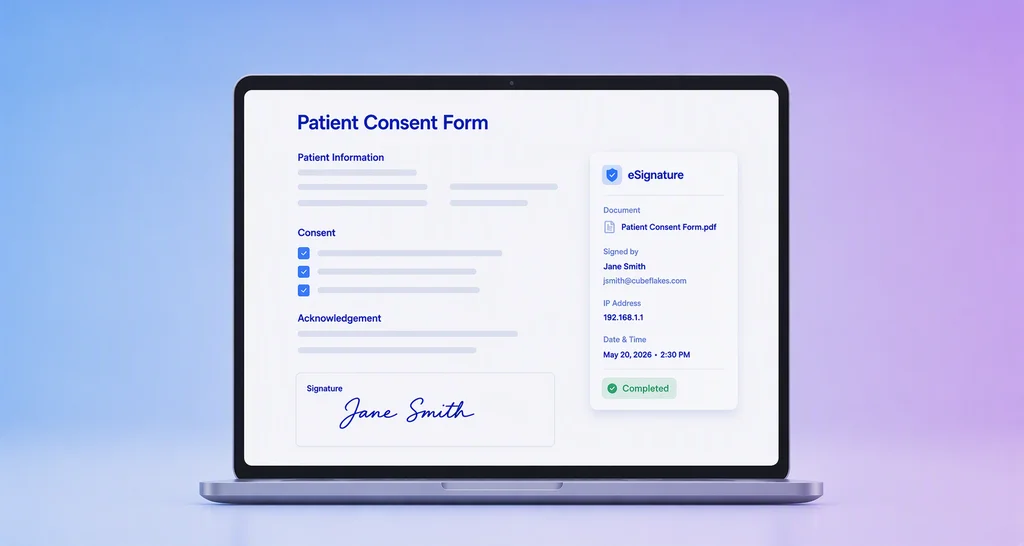
Client’s hate being left in the dark. The real-time tracking and audit trails in BoldSign provide visibility into every step of the document process, showing when a document was sent, viewed, or signed. For example, senders or authorized BoldSign users track document progress, eliminating uncertainty. This transparency, combined with the secure audit logs, reassures clients of your accountability and commitment.
4. Streamline Collaboration for a Client-Focused Experience
When documents involve multiple stakeholders, the way you manage collaboration reflects your commitment to serving client needs. BoldSign supports smooth teamwork through features like multiparty signing, automated reminders, shared templates, and real-time agreement tracking.
Authorized team members can collaborate on document preparation and field placement, while clients and other recipients can review and sign the completed document according to their assigned roles. With custom permissions and workflow transparency, you ensure that every participant stays informed and aligned.
5. Personalize Documents for a Deeper Connection
Personalizing documents shows clients you care and understand their needs. With BoldSign, you can easily add details like names, project goals, or timelines to make each document feel tailored and relevant.
Even when sending documents in bulk, BoldSign’s CSV-based Bulk Send feature ensures every client receives a customized version without extra manual work, helping build trust through thoughtful, efficient communication.
6. Sustain Trust with Post-Signature Engagement
Trust-building extends beyond the signature. Follow-up documents like progress reports or invoices keep clients informed and engaged.
BoldSign integrates with popular business, productivity, and automation tools, including HubSpot, Salesforce, Power Automate, Zapier, Xero, OneDrive, Google Drive, Dropbox, WhatsApp, and Microsoft 365. These integrations help you automate document workflows, manage eSignature requests, and store signed documents in the tools your team already uses.
7. Prioritize Security for Client Confidence
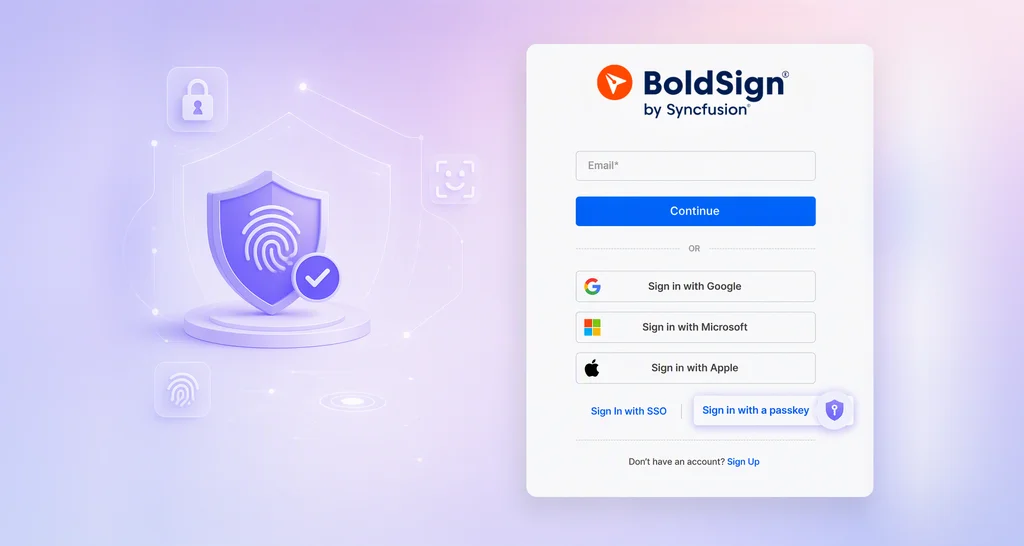
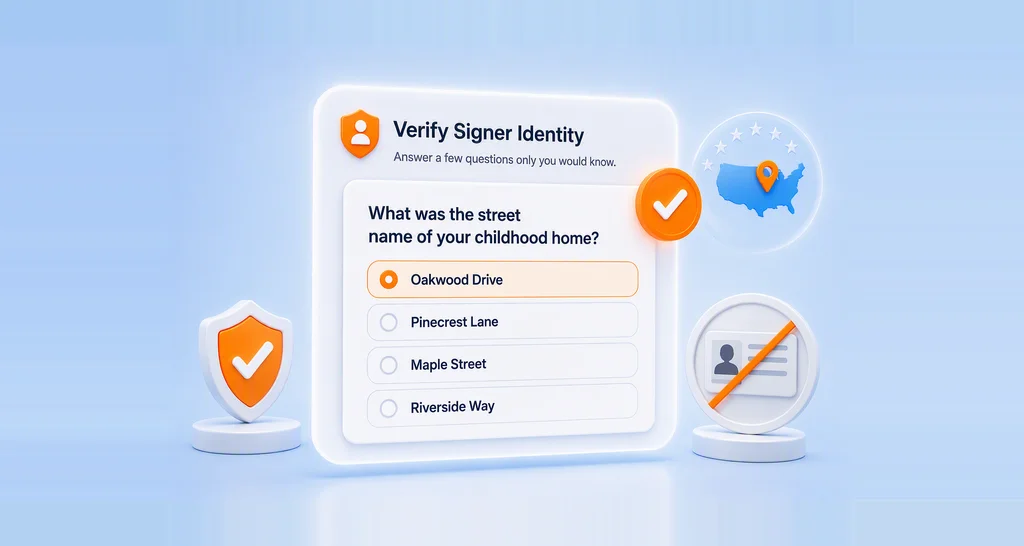
Clients need assurance that their sensitive information is handled with care. BoldSign meets top global standards like SOC 2, GDPR, HIPAA, and PCI DSS. BoldSign supports legally binding electronic signatures and complies with applicable ESIGN and eIDAS requirements, subject to the document and jurisdiction. With AES-256 encryption, your data stays protected from start to finish. By using BoldSign, you demonstrate a strong commitment to data protection, building trust through secure and responsible document handling.
Intuitive Document Experiences
Documents should feel less like tasks and more like seamless interactions. BoldSign helps you create smooth, intuitive signing experiences that reflect your professionalism and respect for your clients’ time with:
- Mobile-friendly signing: Clients can review and sign documents from any device using the BoldSign iOS and Android apps.
- Custom signer guidance: Add clear instructions and field labels to guide clients through complex forms, reducing confusion and improving completion rates.
- Accessibility and ease-of-use: A clean interface and adaptive layout make documents easy to navigate for all users, including those with limited tech experience.
Accelerate Growth with Effortless Document Automation
As your client base grows, delivering consistent, trust-building documents should remain an efficient process. Automation capabilities in BoldSign help you maintain quality while freeing your team to focus on client relationships:
- Trigger-Based Document Workflows
Automatically send documents when specific actions occur in your connected apps like a deal closing or a new client onboarding. Using Power Automate or Zapier, you can set up workflows that ensure timely communication and reduce manual effort. - Scalable Template Libraries
Create reusable, multilingual templates to support global clients and maintain consistency across markets. These templates can be used in bulk sends or embedded in automated flows for faster execution. - Automated Reminders and Expiry Settings
Keep your document processes moving with automated reminders for pending signatures and customizable expiry dates. This reduces delays, improves turnaround time, and ensures clients stay engaged without manual follow-ups.
BoldSign: Your Partner in Building Trust
BoldSign does more than simplify e-signatures, it helps you show up for clients consistently. Templates ensure brand consistency, smart fields enable fast personalization, and collaborative tools eliminate delays, creating a smoother client experience. These features save time while making interactions more transparent and engaging.
Conclusion
The documents you send are a chance to showcase your commitment to transparency, professionalism, and client success. With BoldSign, you can transform every document interaction into a trust-building moment, from personalized proposals to secure, trackable contracts. Start using BoldSign to elevate your client relationships.
Ready to turn your documents into trust-building tools? Sign up for BoldSign free trial and see how easy it is to create, sign, and manage client-focused documents that strengthen relationships.
For more details about BoldSign’s features, schedule a personalized demo or contact our support team via our support portal.

Rayronald Ochola Otieno
Rayronald Ochola Otieno is a content specialist at BoldSign, specializing in video content and help articles within the eSignature domain. As a blog author, he creates well-researched, insightful content that simplifies complex eSignature topics like digital signatures, compliance, and workflow automation for businesses and professionals. With expertise in creating educational videos and articles, Ray helps users understand and adopt secure, efficient signing solutions. Beyond writing and video creation, Ray enjoys exploring new technologies, reading about the latest industry trends, and continually refining his skills.
More posts by Rayronald Ochola Otieno