

What’s New in BoldSign: August 2025 Features & Enhancements
BoldSign’s August 2025 updates bring multi-signer QES, mobile template editing, hyperlink support, and smarter document delivery for faster workflows. Try now!
 Discover our mission, commitment to our customers, and leadership team.
 Stay updated with our latest news and announcements.
 Learn about the latest BoldSign products and company news.
 Earn ongoing referral fees by embedding and referring BoldSign to clients.
 Connect with us if you have any questions or need help.
 Your business is protected with BoldSign.
 Earn commission by promoting BoldSign via your site, blog, or socials.
 Join our team and build innovative software solutions.
 See the love for BoldSign from users about their experience.
eSignature guides, API tutorials, compliance explainers and product news from the BoldSign team.
BoldSign’s August 2025 updates bring multi-signer QES, mobile template editing, hyperlink support, and smarter document delivery for faster workflows. Try now!
Compare OpenAPI vs REST API. Learn key differences, use cases, Swagger documentation, SDK generation, testing, automation, and developer integrations.
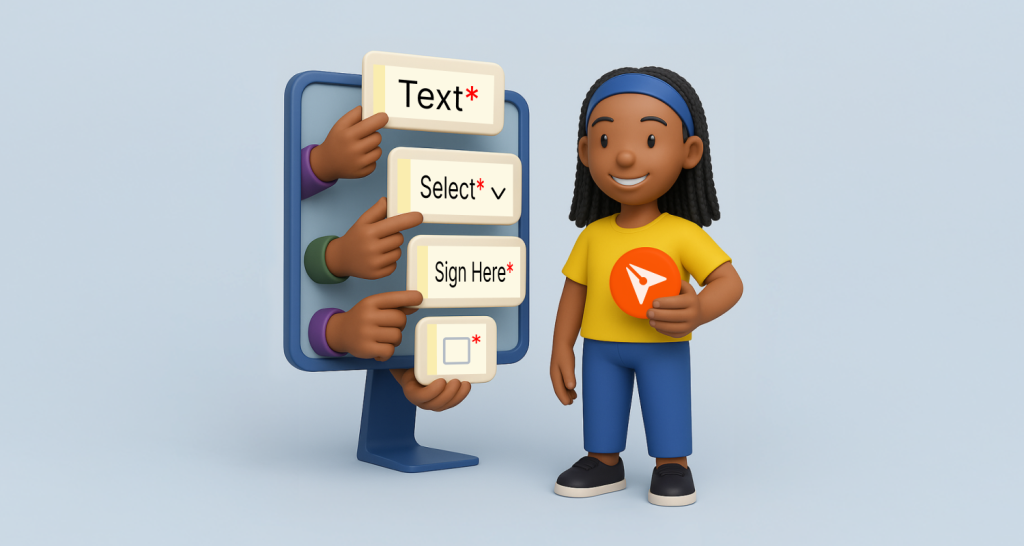
Learn how to configure BoldSign form fields for faster signing. This webinar recap shows smart field setup, autofill, & validation tips for smoother workflows.

Save up to 80% on eSignatures with BoldSign for schools and counties. Streamline contracts, forms, and approvals with secure, easy-to-use digital signing.

Discover how API rate limiting improves performance, prevents overload, and enhances security, featuring best practices and real-world examples like BoldSign.
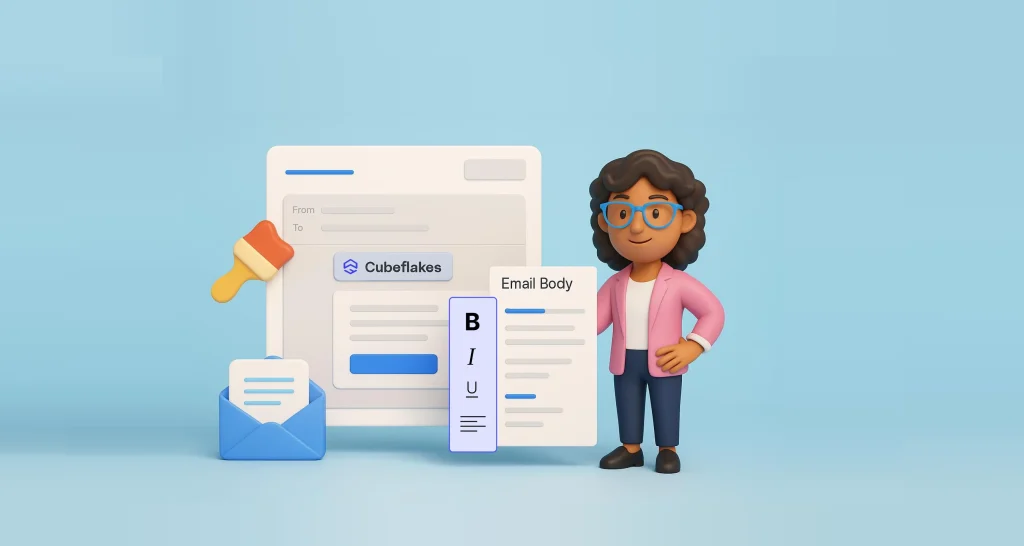
BoldSign lets you design eSignature emails with logos, colors, and messaging that elevate your brand, build trust, and improve recipient response rates.
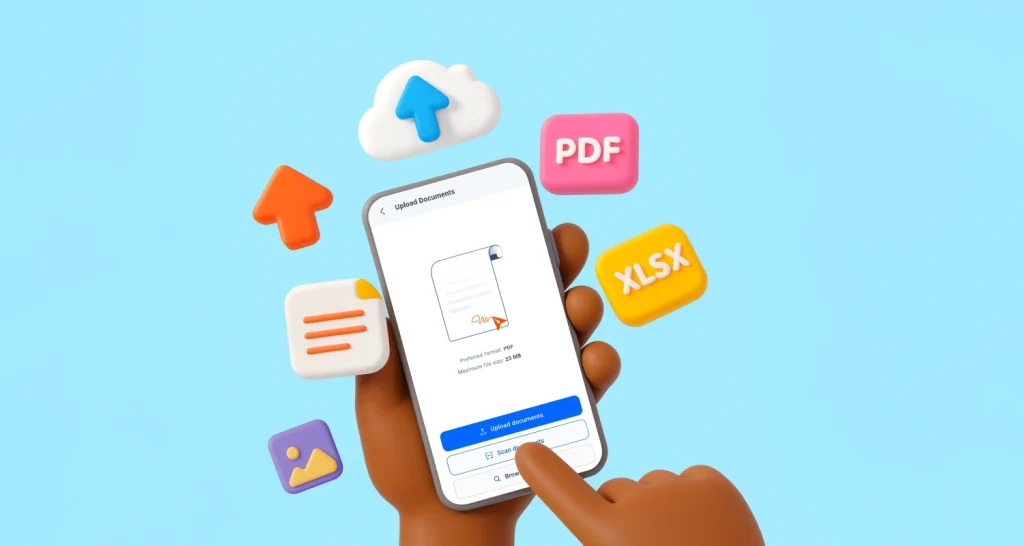
Upload files in BoldSign mobile app using device, cloud, or scan. Send PDFs, docs, and images for secure e-signature anytime, anywhere. Fast and hassle-free.

This BoldSign webinar recap shows how bulk links help collect multiple signatures in WordPress, ideal for petitions, events, and volunteer onboarding.
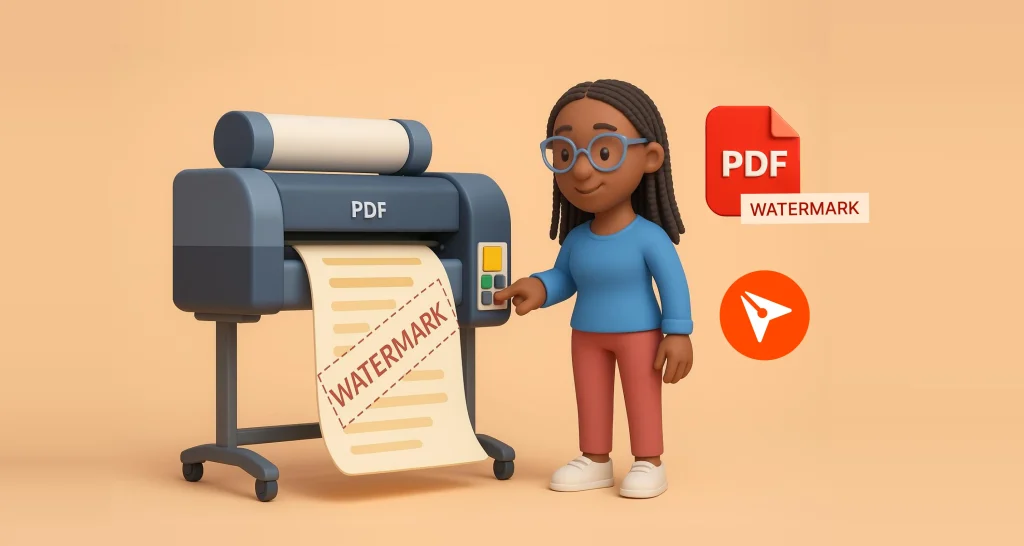
Add watermarks to PDF files online with BoldSign. No signup, no download. Free tool for students, professionals, & businesses.

Use multichannel delivery to send signature requests via email, SMS, and WhatsApp, ensuring secure, fast signing across devices and global regions.
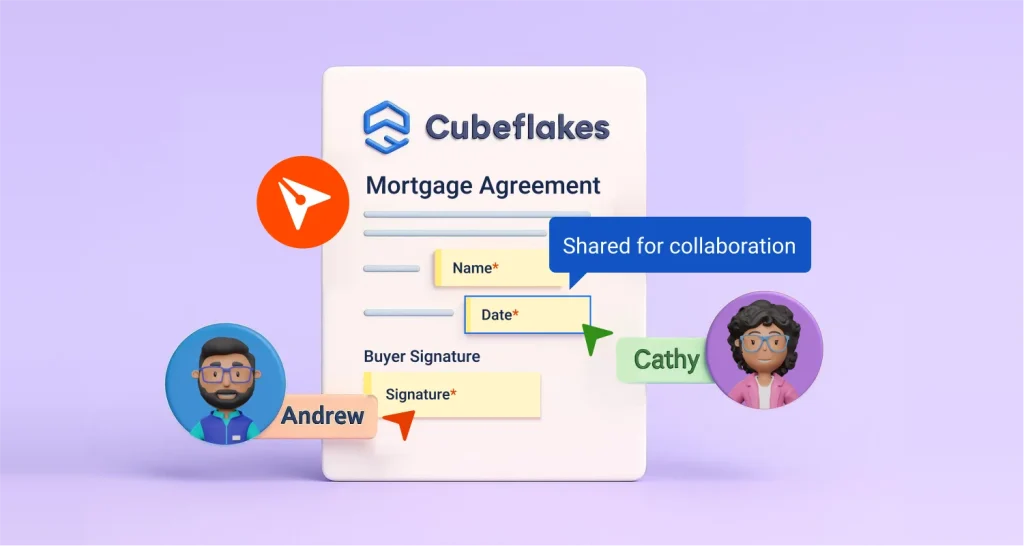
Use Collaborative Field Editing to allow multiple signers to verify and edit shared fields, ensuring accurate, compliant, and error-free documents in BoldSign.
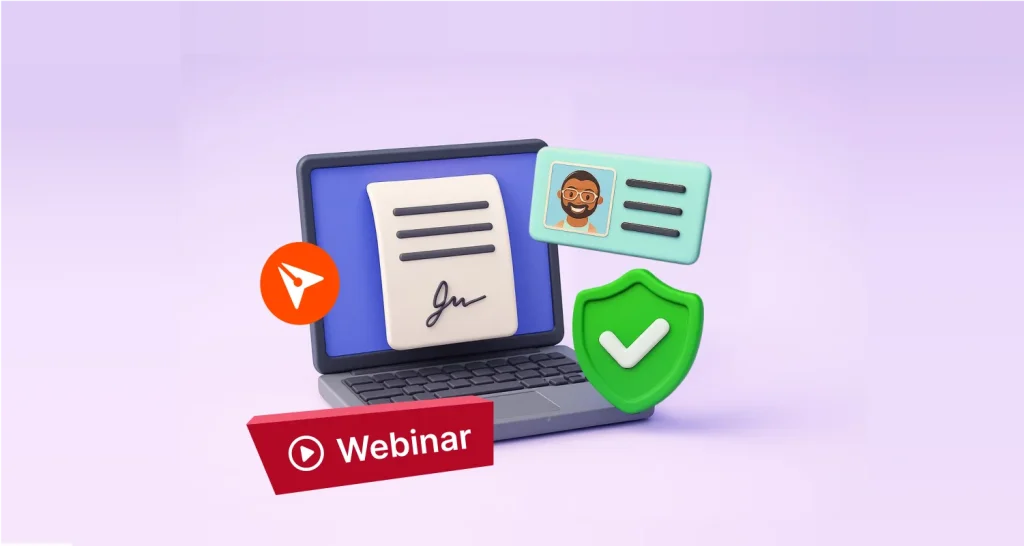
Discover how BoldSign’s ID verification protects documents, prevents fraud, and ensures only verified users sign your agreements. Watch this webinar recap now.