

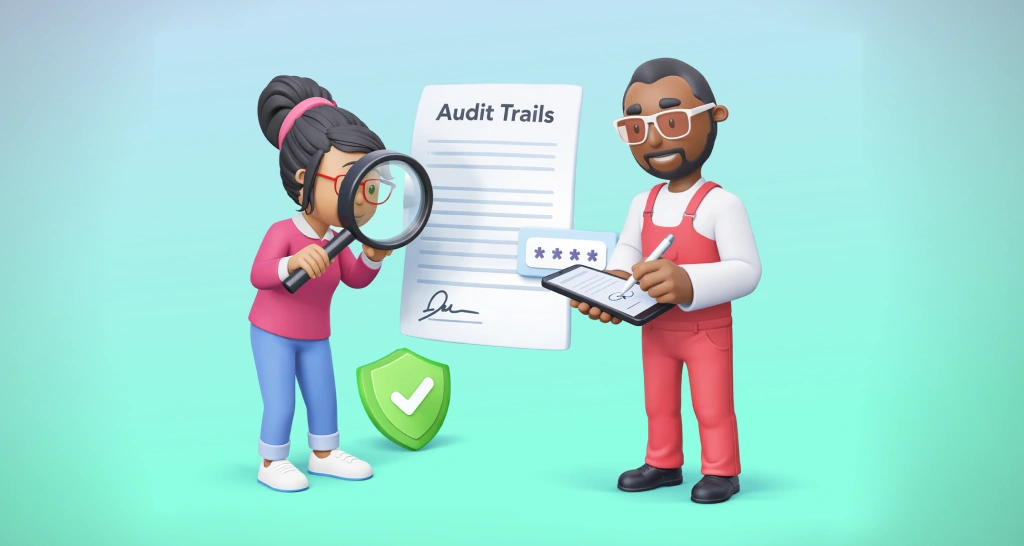
Prevent “I Didn’t Sign This” Claims with ID Verification Methods & Audit Trails
Protect key agreements with BoldSign using identity verification methods like OTPs, access codes, government ID validation, and tamper‑evident audit trails.
 Discover our mission, commitment to our customers, and leadership team.
 Stay updated with our latest news and announcements.
 Learn about the latest BoldSign products and company news.
 Earn ongoing referral fees by embedding and referring BoldSign to clients.
 Connect with us if you have any questions or need help.
 Your business is protected with BoldSign.
 Earn commission by promoting BoldSign via your site, blog, or socials.
 Join our team and build innovative software solutions.
 See the love for BoldSign from users about their experience.
Insights and guides
eSignature guides, API tutorials, compliance explainers and product news from the BoldSign team.
Protect key agreements with BoldSign using identity verification methods like OTPs, access codes, government ID validation, and tamper‑evident audit trails.
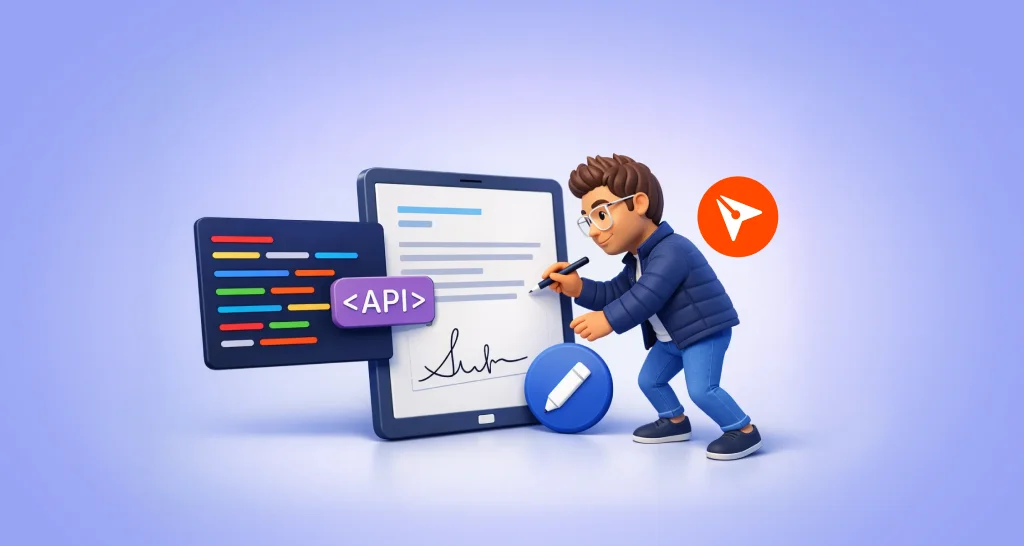
Update documents with BoldSign Edit Document API. Modify signers, files, and fields without recreating and keep your eSignature workflow uninterrupted.
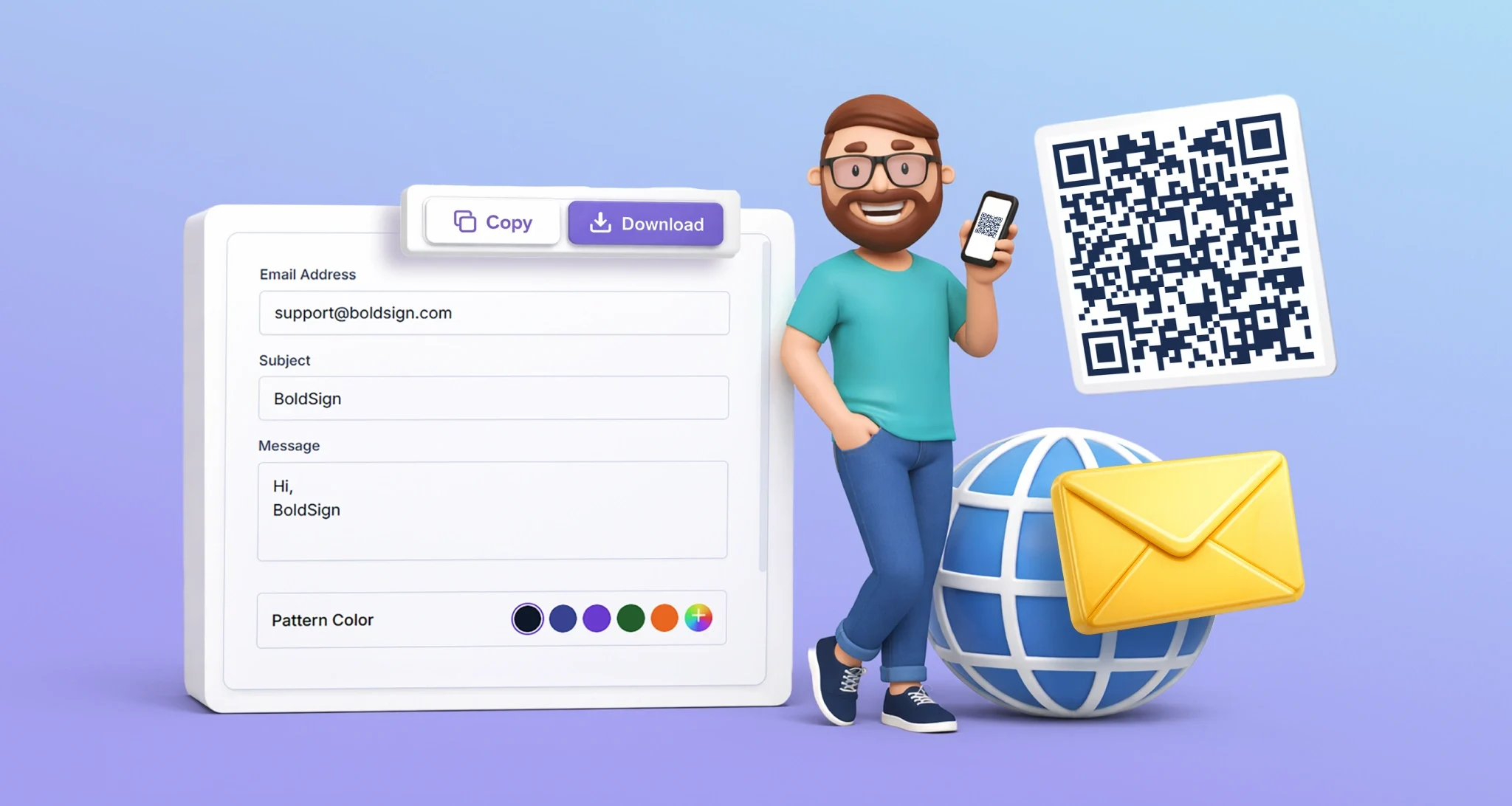
Create an email QR code in seconds and allow people to contact you easily without typing. Reduce errors, keep communication simple, and use the tool for free.

Use a construction audit trail to track who approved what and when, with timestamps, versions, and signer details to reduce disputes and delays on every project.
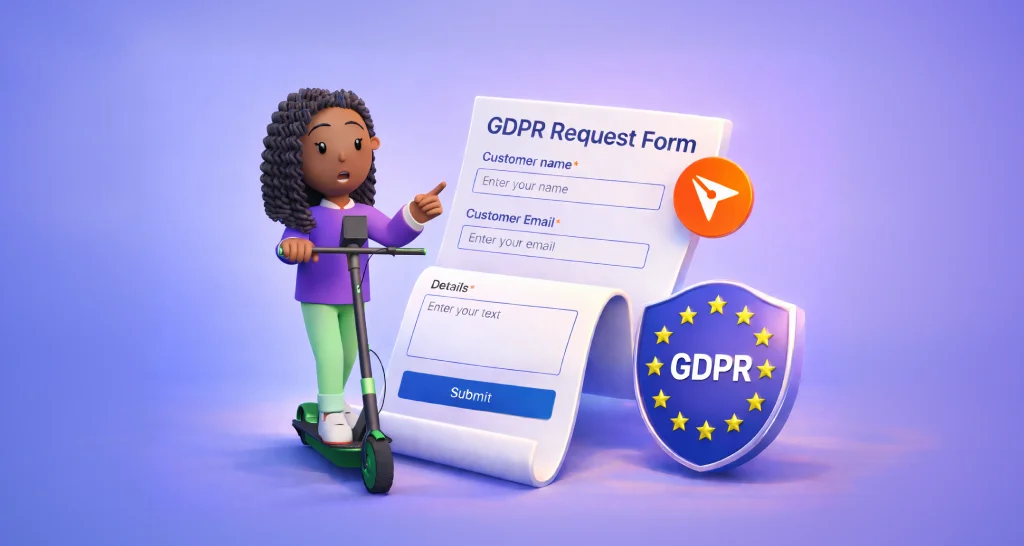
Looking to exercise your GDPR rights? Learn how BoldSign users in the EEA and UK can submit a data subject request to access, update, or delete personal data.
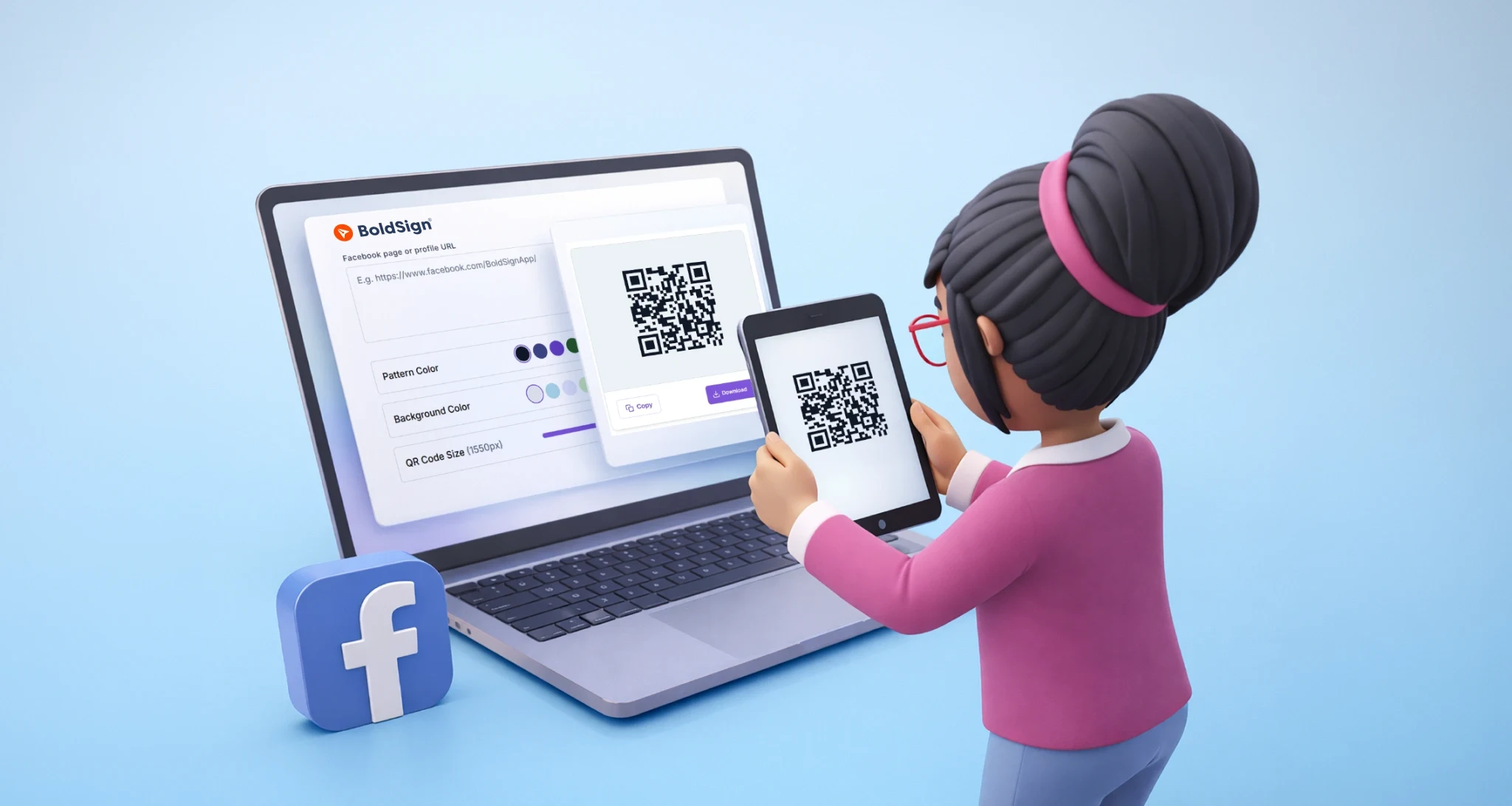
Generate a Facebook QR code in seconds with no sign-up. Paste your link, customize the design, and download high-quality QR codes for profiles or pages.
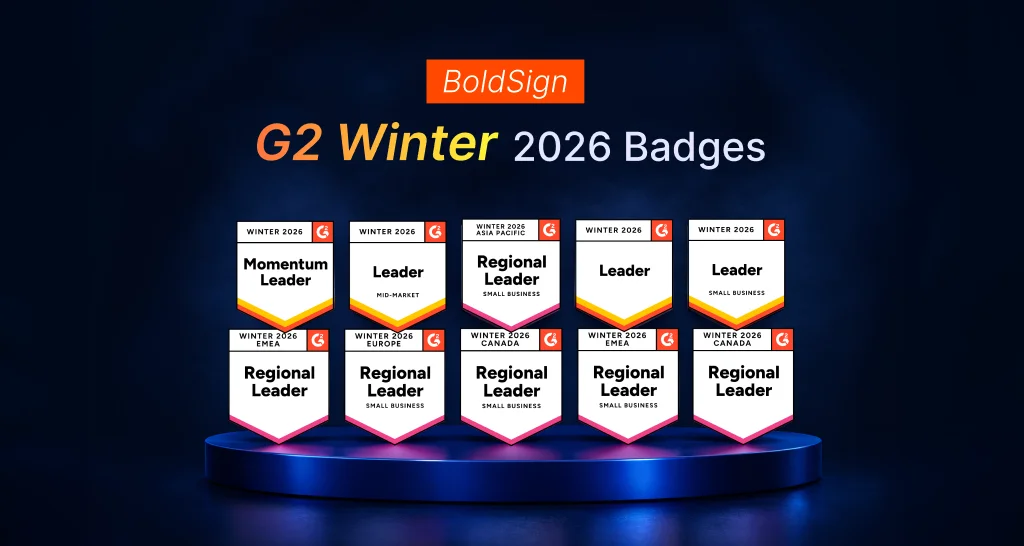
BoldSign earns 10 G2 Winter 2026 badges across regions and segments, highlighting strong customer satisfaction and leadership in e-signature software.
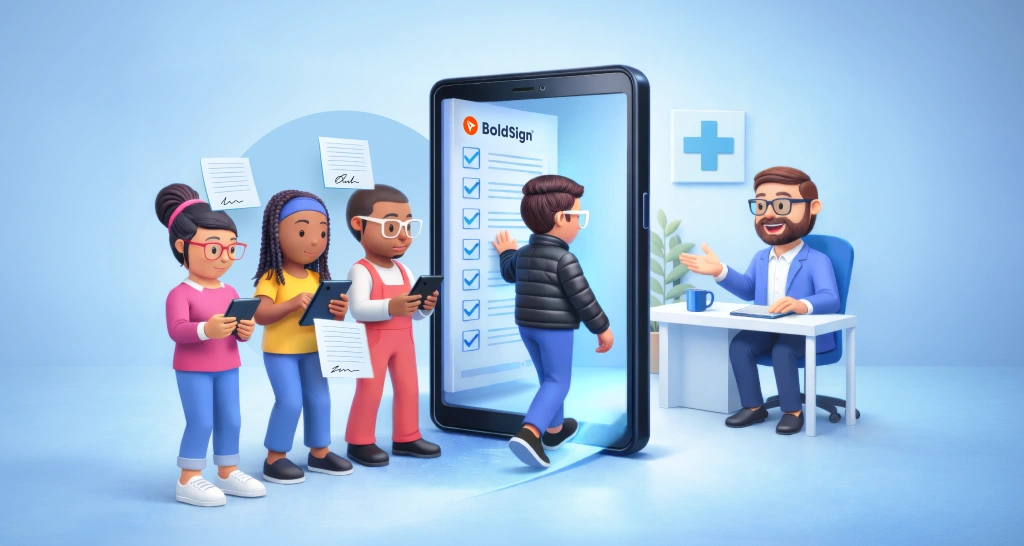
See how clinics replace paperwork with a smooth digital patient intake workflow using online forms, mobile signatures, and faster check‑ins with BoldSign.

BoldSign AI Search helps you find contracts in seconds. Watch the webinar recap to see how natural language queries simplify document search across accounts.
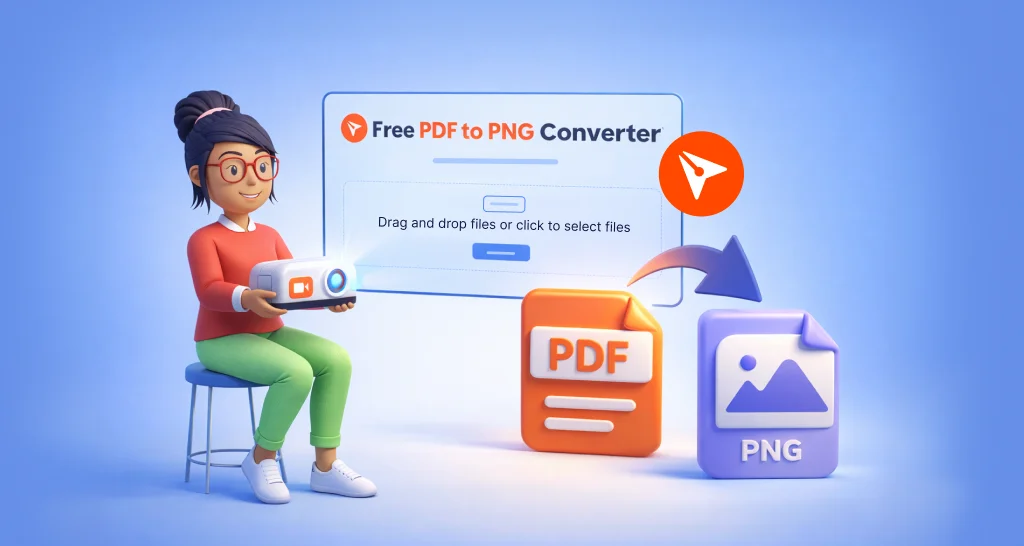
Convert PDF to PNG online for free with BoldSign. Turn each page into high-quality images, choose DPI, and download all files as a ZIP, fast, secure, and easy.
Compare controllers vs Minimal APIs in .NET 8. Learn key differences in structure, routing, validation, and performance to choose the right approach.
Learn how to edit templates programmatically using the Edit Template API. Update titles, roles, and form fields safely with partial and nested updates.