Free PDF to WebP Converter
Convert your PDF files into high-quality WEBP images in just three steps—100% free, no sign-up required, no watermarks, and your files never leave your browser.
Drag and drop your PDF files here, or click to select
Your files never leave your device
Upload, Customize, Download. Done!
Convert your PDF documents into WEBP images in just a few steps. Adjust output settings to suit your needs and download instantly. Enjoy a smooth and hassle-free experience
with no watermarks or limitations.

Upload Your PDF
Drag and drop your PDF files or click to upload them directly from your device.

Customize Output
Choose image quality, resolution, and page range to generate optimized WEBP images.

Download Your Images
Download your converted WEBP images instantly as individual files or bundled together in a ZIP file.
Why use our PDF to WEBP Tool?
Our PDF to WEBP tool helps you convert documents into optimized,
high-quality images quickly and securely.

Your Files Stay Private
All processing happens on your device. We never store or upload your files anywhere.

Works on Any Device
Use the tool on Windows, Mac, Linux, iOS, or Android with no software installation required.

Fast and Simple
Convert PDF pages into WEBP images in seconds with an easy, intuitive interface.
Convert PDFs into the images you need
Convert PDF pages to PNG, JPG, or WEBP in your browser. Your files stay on your device and are never uploaded or stored.


Why Free?
We built this tool to make PDF to WEBP conversion simple and accessible for everyone. There are no fees, no signup requirements, and no hidden restrictions. It’s our way of introducing BoldSign, our full-featured eSignature solution trusted by over 50,000 businesses worldwide.
Free tools built for the community
BoldSign offers these free online tools as a contribution to society, completely browser based and free for personal or commercial use with no watermarks, limits, or hidden costs.


Explore more articles on this topic
Discover the latest articles, updates, and helpful insights related to this topic.
-
November 20, 2025
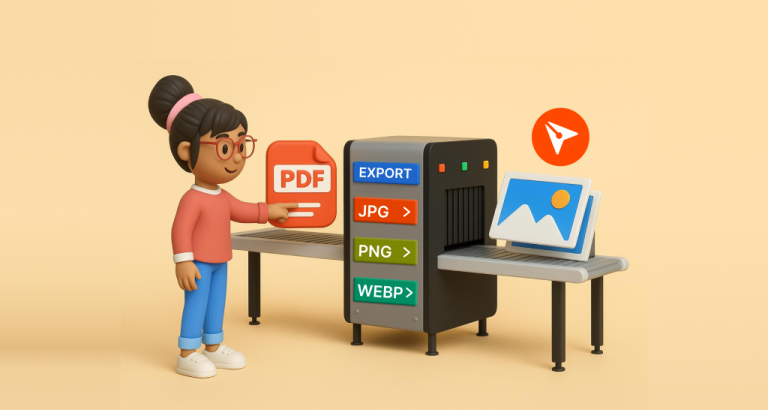
Introducing BoldSign’s free PDF to Image converter
-
April 28, 2025
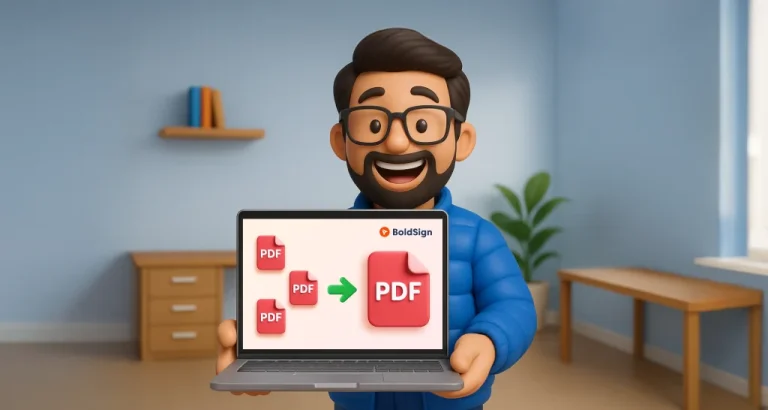
Introducing the BoldSign’s Free PDF Merge Tool
Frequently asked questions
Upload your PDF file, select your preferences like page range and quality, preview the output, and download your WEBP images instantly.
The tool supports standard PDF documents of any size, including multi-page files.
Yes, you can convert an entire PDF or select specific pages to convert into WEBP images.
Yes, you can adjust quality settings to balance between file size and image clarity.
You can choose standard or high-resolution output depending on your requirements.
Yes, you can download individual WEBP images or all converted pages bundled in a single ZIP file.
Yes, you can choose specific pages or ranges before converting.
All processing happens locally in your browser. We never upload, store, or access your files.
No account or signup is required.
Yes, it works on Windows, Mac, Linux, iOS, and Android using any modern browser.
No. All files are generated without watermarks or branding.
Sign up for your free trial today!
Start free trial 30-day free trial
- No credit card required
- 30-day free trial
- No credit card required