Free PDF to JPG Converter
Convert your PDF files into high-quality JPG Images in just three steps—100% free,
no sign-up required, and your files never leave your browser.
Drag and drop your PDF files here, or click to select
Your files never leave your device
Turn PDFs into JPG images in seconds
Upload your PDF, set the desired quality and DPI, and download the JPGs instantly.

Upload Your PDFs
Drag and drop your PDF files or click to upload from your device.

Customize JPG Quality
Choose your image quality and DPI based on your preference.

Download Your Images
Click Download as ZIP to save the JPG images instantly.
Why our PDF to JPG converter?
Quickly convert the PDF pages into JPG images for free—no registration required. Your data stays secure in your browser, delivering fast, high-quality results.

Your Files Stay Private
All processing happens securely in your browser. We never store or send your files anywhere.

Works on Any Device
Use our tool on Windows, Mac, Linux, iOS, or Android—no apps needed.

Fast and Simple
Convert PDFs to JPG images with our tool in seconds, no setup required.
Convert PDFs into the images you need
Convert PDF pages to PNG, JPG, or WEBP in your browser. Your files stay on your device and are never uploaded or stored.


Why free?
We built this tool to convert PDF into JPG images quickly and easily for everyone—no fees, no sign-up, no catch. It’s our way of introducing BoldSign, our full-featured
eSignature solution trusted by 50,000+ businesses.
Free tools built for the community
BoldSign offers free tools as a contribution to society. The tools run entirely in the browser and support personal and commercial use, with no watermarks, limits, or hidden costs.


Explore more articles on this topic
Discover the latest articles, updates, and helpful insights related to this topic.
-
November 20, 2025
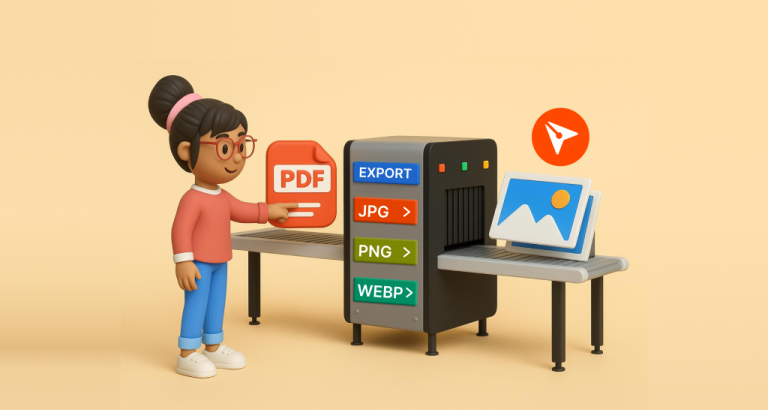
Introducing BoldSign’s free PDF to Image converter
-
April 28, 2025
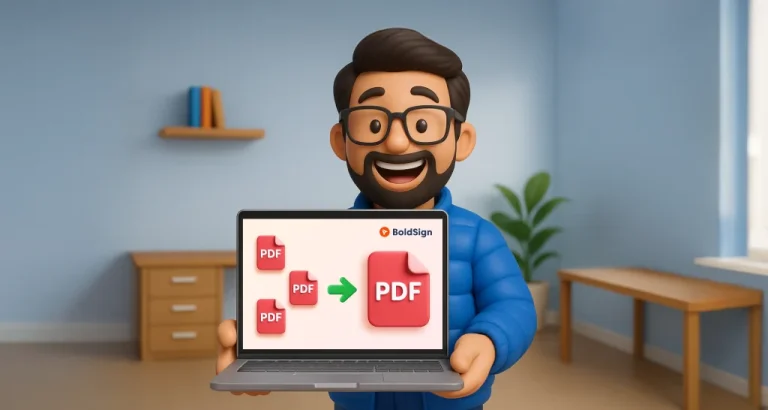
Introducing the BoldSign’s Free PDF Merge Tool
Frequently asked questions
Upload your PDF files, customize the quality and DPI, and download the JPG images in seconds. No signup or software installation is required.
There’s no strict limit, but for the best performance, we recommend under 50 files (up to 250MB) at a time.
Yes. You can upload and convert multiple PDF files in a single session.
Yes, you can download a single image or all images based on your needs.
Yes, our tool is completely free to use, with no hidden fees or limits.
Yes, you can use this tool for both personal and commercial purposes. No license is required.
No, you don’t need to sign up or create an account to use the tool.
The PDF to JPG Converter requires an internet connection to load the browser-based interface. However, all file processing happens locally in your browser.
Yes, our tool works on any device, including Windows PCs, Macs, iPhones, Android phones, and tablets. No installation is required.
No. It has no IP limits, allows unlimited conversions, requires no signup, and processes all files locally. Your data is never sent to any server.
Yes. You can use our PDF to JPG tool on any modern web browser, including Google Chrome, Microsoft Edge, Firefox, Safari, and others. No installation is needed.
Sign up for your free trial today!
Start free trial 30-day free trial
- No credit card required
- 30-day free trial
- No credit card required