


Automatic Renewal Clause: Risks, Examples, and Best Practices
Learn how an automatic renewal clause works, including key risks, notice requirements, cancellation rights, compliance rules, and drafting best practices.
 Discover our mission, commitment to our customers, and leadership team.
 Stay updated with our latest news and announcements.
 Learn about the latest BoldSign products and company news.
 Earn ongoing referral fees by embedding and referring BoldSign to clients.
 Connect with us if you have any questions or need help.
 Your business is protected with BoldSign.
 Earn commission by promoting BoldSign via your site, blog, or socials.
 Join our team and build innovative software solutions.
 See the love for BoldSign from users about their experience.
 Learn how an automatic renewal clause works, including key risks, notice requirements, cancellation rights, compliance rules, and drafting best practices.
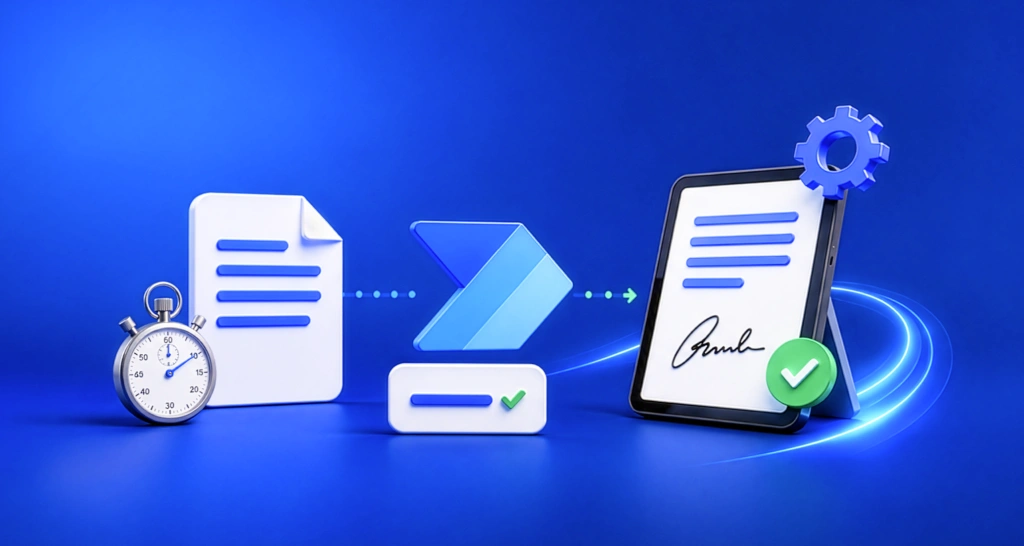
Watch this Power Automate workflow webinar recap to learn how BoldSign automates document sending, team notifications, status tracking, and signed file storage.

Learn how signed HubSpot contracts are saved automatically, keeping documents on the right CRM record, improving visibility, and reducing manual uploads.

Streamline HubSpot workflows with BoldSign eSignature integration. Automate contracts, approvals, document signing, and CRM updates to close deals faster.
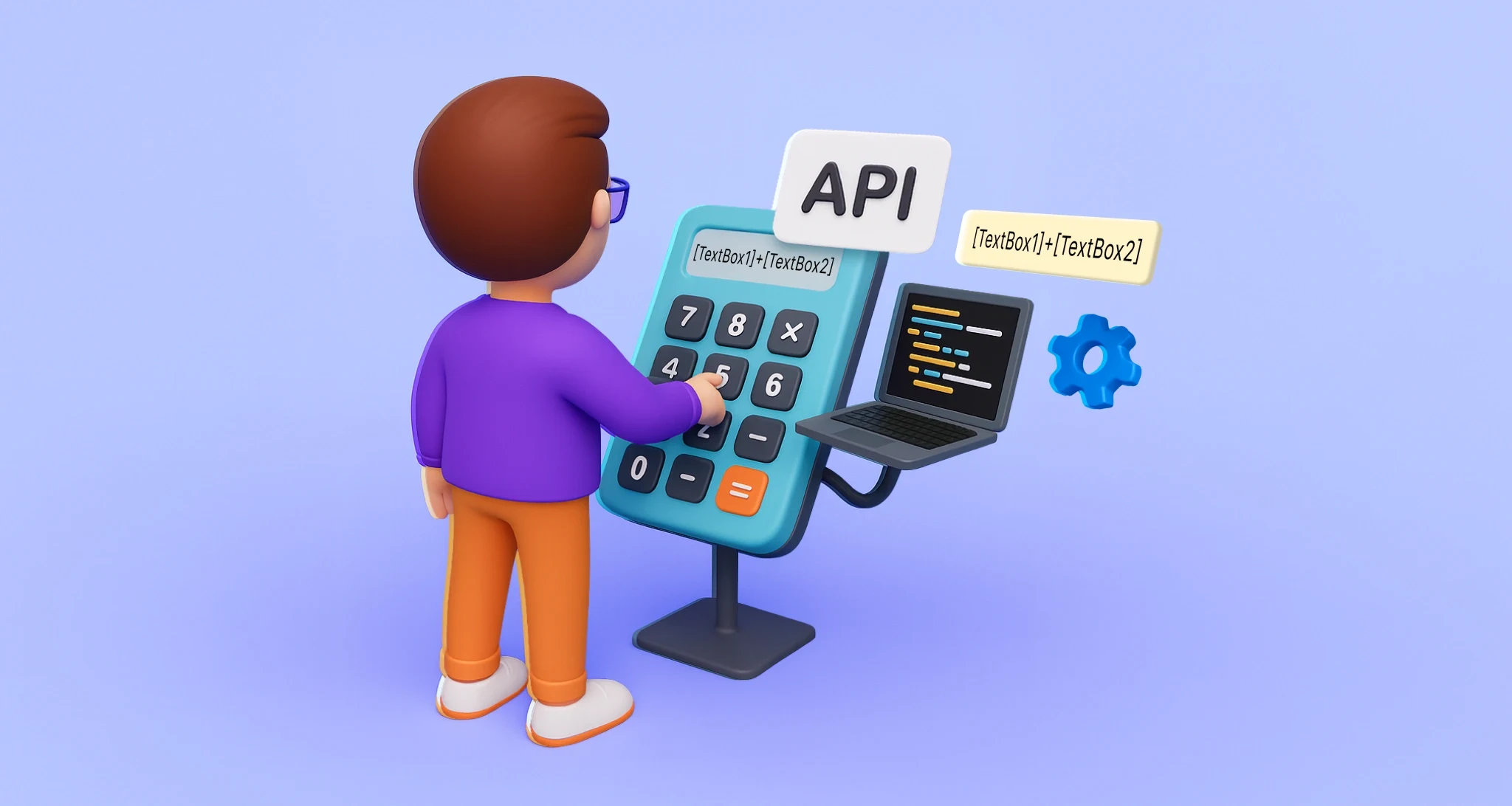
Use BoldSign API formula fields to automate document calculations like totals, taxes, and dates. Improve accuracy and streamline eSignature workflows.

Microsoft Entra ID SCIM provisioning automates BoldSign user creation, updates, and deactivation using SCIM 2.0 for centralized onboarding and access control.

Use Document Deletion and retention policy to automate file cleanup, meet legal standards, manage retention, and ensure secure data handling in BoldSign.

Missed the BoldSign webinar? See how Zapier and Google Sheets automate e-signature workflows. No code needed—just smart Zaps and seamless integration.

Make your eSignature work easier! Learn how to use formula fields for instant, automated calculations in digital documents with BoldSign.

Learn how to integrate BoldSign with Power Automate without any coding. Simplify workflows and automate document signing in just a few steps.
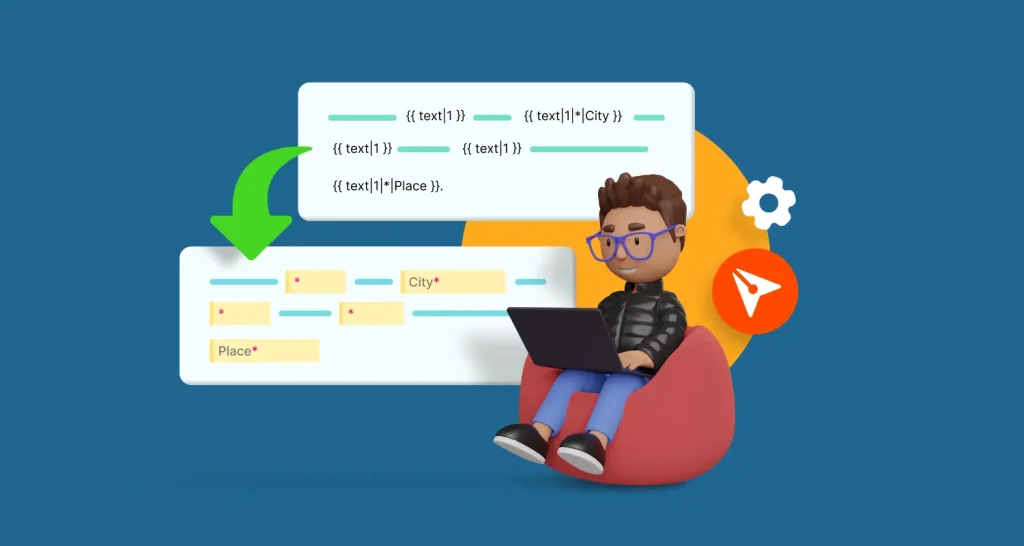
Learn how to use BoldSign's API and text tags to automatically add document fields in this step-by-step guide.

Discover how to automate NUnit test cases using GitHub Copilot Chat, enhancing your development efficiency and ensuring stable project quality.