Finally, a document scanner app without ads, subscriptions, or cloud uploads
TL;DR: A free document scanner app that lets you scan, edit, and export documents from your phone without ads, subscriptions, cloud uploads, or sign-up.
Most document scanner apps today feel more complicated than they need to be.
You install a scanner app to scan one PDF, and suddenly:
- You hit a subscription paywall
- Your document uploads to the cloud
- Watermarks appear everywhere
- Ads interrupt every tap
- You’re asked to create an account just to export a file
We built the new BoldSign Document Scanner app to solve exactly that.
- No ads.
- No sign-up.
- No subscriptions.
- No cloud uploads.
Just open the app, scan your document, and save it directly to your device.
Why use this document scanner app
BoldSign Document Scanner is a free mobile app that lets you:
- Scan documents using your phone camera
- Convert images into PDFs
- Export files as PDF, JPG, PNG, or ZIP
- Organize and manage scanned files
- Scan completely offline
The app is available for:
- Android phones and tablets (Android 10+)
- iPhone and iPad (iOS 14+)
And unlike many scanner apps, your files never leave your device.
That means:
- No cloud syncing
- No external uploads
- No account required
- Better privacy by default
Why we built it
Scanning documents should be one of the simplest things you do on your phone.
But most apps overcomplicate the experience with:
- Aggressive subscriptions
- Limited free scans
- Login requirements
- Internet dependency
- Confusing interfaces
- Unnecessary AI gimmicks
We wanted to build something simpler:
A fast, reliable document scanner that respects your privacy and just works.
What you can scan
The app works well for:
- Receipts
- Contracts
- Notes
- IDs
- Invoices
- Forms
- Handwritten pages
- Multi-page PDFs
Whether you’re scanning a tax receipt, signing paperwork, or digitizing notes, the process takes only a few taps.
Key features
Completely free
No subscriptions, hidden limits, or premium unlocks.
Works fully offline
No internet connection required.
Privacy-first
Your files stay on your device and are never uploaded to external servers.
No account needed
Install the app and start scanning immediately.
Multiple export formats
Save scans as:
- JPG
- PNG
- ZIP
Smart document capture
- Automatic edge detection
- Auto capture support
- Manual capture mode
- Image enhancement filters
Built-in editing tools
You can:
- Crop pages
- Rotate scans
- Reorder pages
- Rename documents
- Merge PDFs
- Adjust export quality
Dark mode support
Choose between:
- Light theme
- Dark theme
- System theme
Download the app
The app is available on the App Store and Google Play Store.
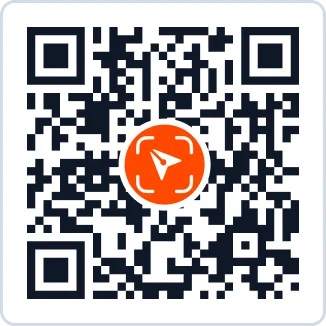
Scan the QR code below to download the app instantly.
Get the app from the links below.
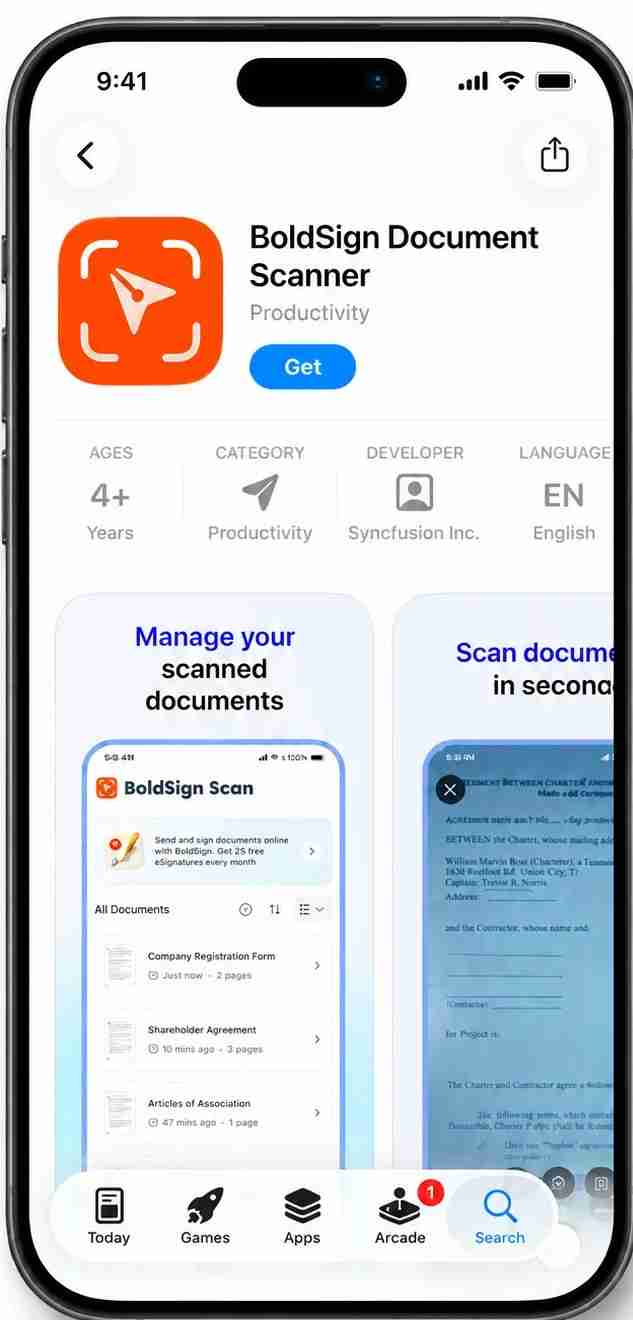
Document Scanner app on App Store
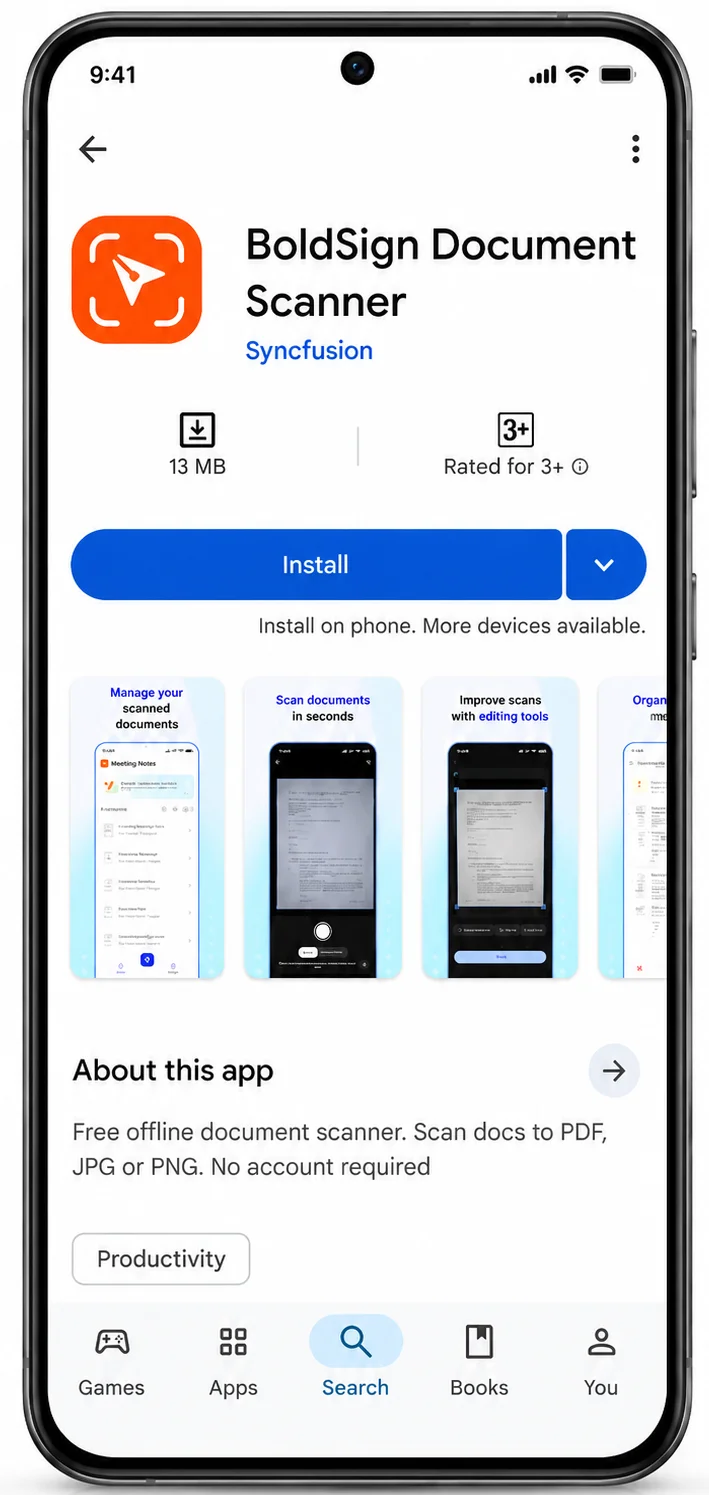
Document Scanner app on Play Store
Once installed, you can start scanning immediately. No sign-up required.
How scanning works
Using the app is intentionally simple.
Step 1: Add a document
Tap the Add Image button.
You can:
- Scan using your camera
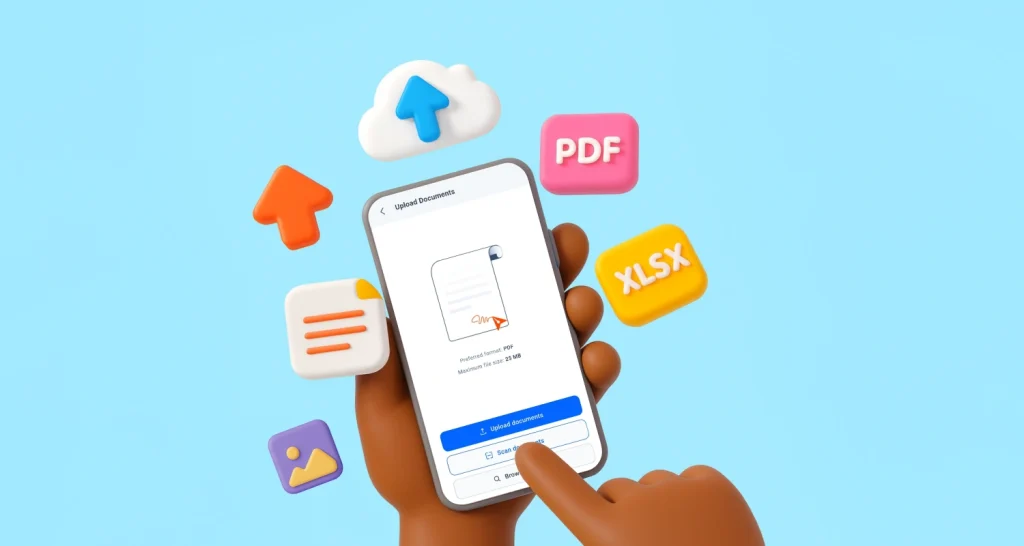
- Upload images from your device
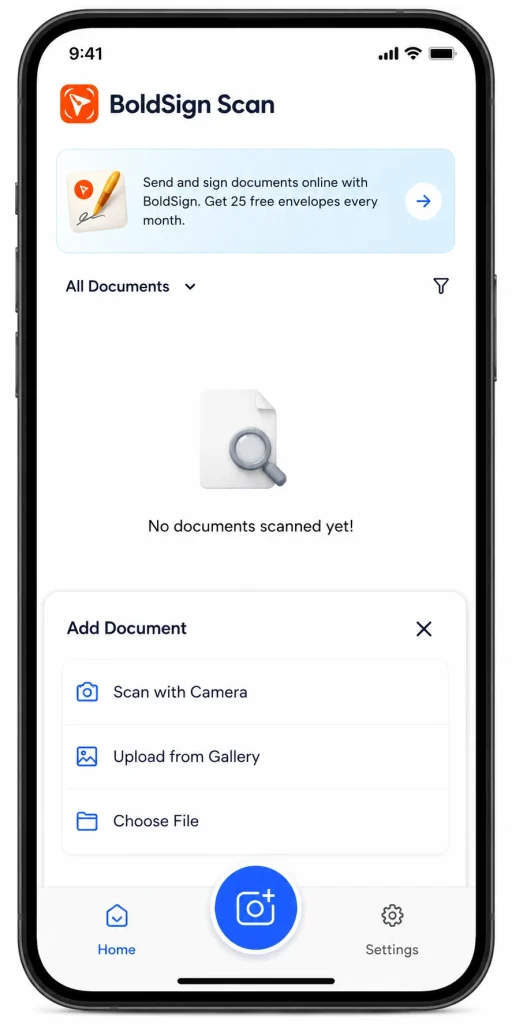
Add image button on home screen
Step 2: Capture the document
The app automatically detects document edges and can auto-capture when the page is steady.
You can also switch to manual capture anytime
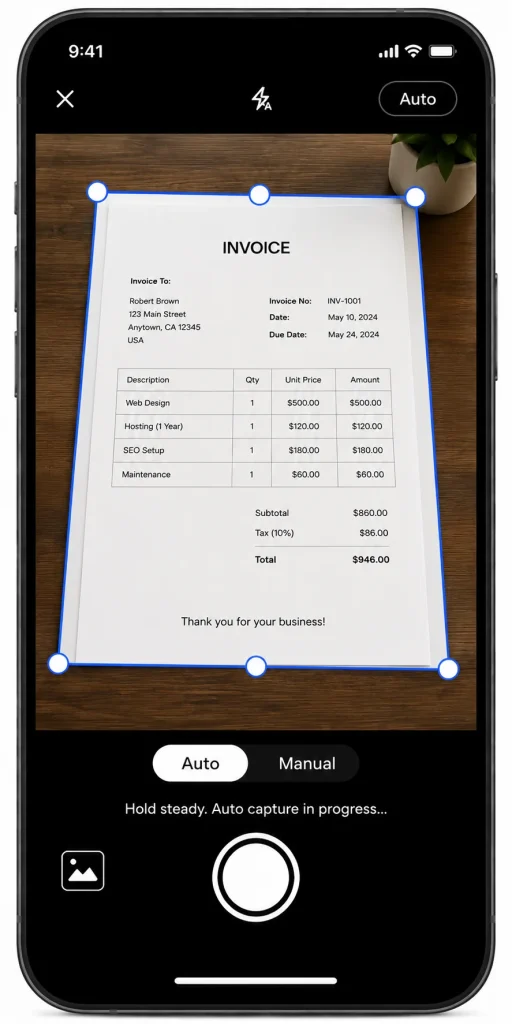
Scan documents
Step 3: Enhance the scan
After capturing, you can:
- Adjust crop borders
- Rotate pages
- Apply filters like:
- Color
- Grayscale
- Black & White
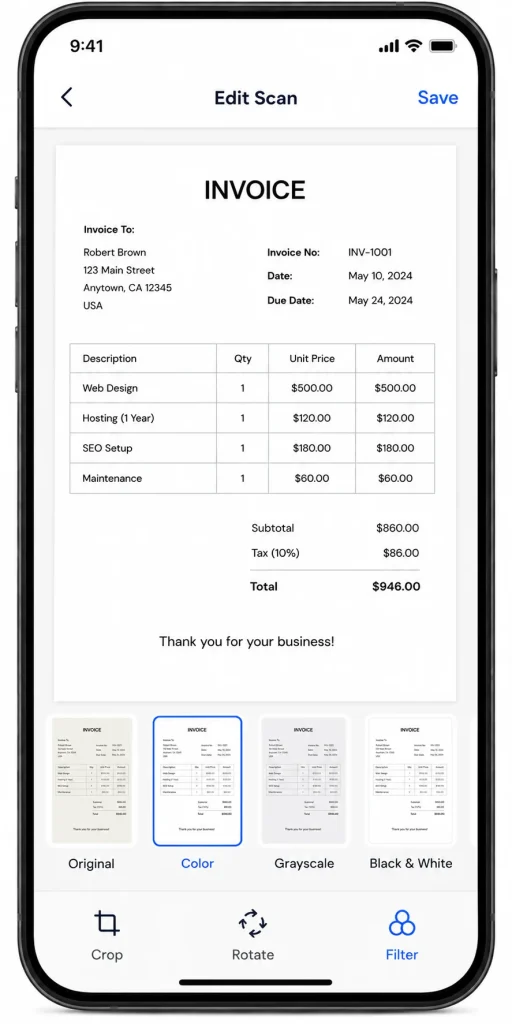
Edit scanned documents
Step 4: Export or share
Export your scans as:
- JPG
- PNG
- ZIP
You can also:
- Print directly
- Share files instantly
- Save to any folder on your device
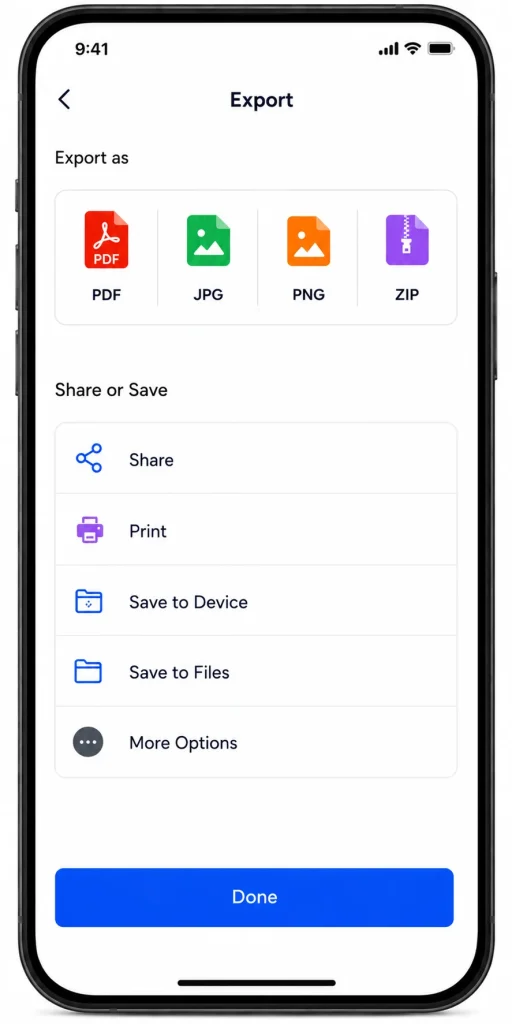
Export documents
Manage your documents easily
All scanned documents are stored locally on your device and displayed on the home screen.
You can:
- Rename documents
- Delete files
- Merge multiple scans
- Reorder pages
- Sort documents
- Switch between list and grid view
The experience is designed to stay lightweight and clutter-free.
Built for real everyday use
This app isn’t trying to become an “AI productivity platform.”
It’s a document scanner. And that’s the point.
- You open it
- Scan your file
- Export your PDF
- Done
No distractions. No friction.
What’s next
This is only the first release, and we’re already working on additional improvements and features.
We’d love your feedback as we continue improving the app experience.
For detailed step-by-step guidance, explore our Document Scanner App KB article. Once your document is scanned, you can use BoldSign’s free document signing app to send it for a legally binding electronic signature.
If you’ve been looking for a scanner app that’s fast, private, offline, and actually pleasant to use, give BoldSign Document Scanner a try today.

Jayavigneshwaran
Product Manager at BoldSign with a strong foundation in web and mobile development. Started as a web developer working with React, Angular, TypeScript, and Blazor, then moved into mobile development with Flutter and Dart. Now leading the BoldSign mobile app and support experience, combining technical depth with product strategy to deliver reliable releases and great customer outcomes. Connect with him on LinkedIn.
More posts by Jayavigneshwaran