
Self-Help Demos
Explore step-by-step demos to get started and make the most of our e-signature solution.


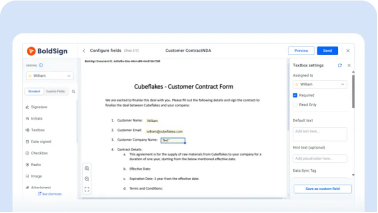
1:38
Send a Signature Request with BoldSign

1:21
Send an E-Signature Request to Multiple Signers

2:12
Send an E-Signature Request to Multiple Signers in Order
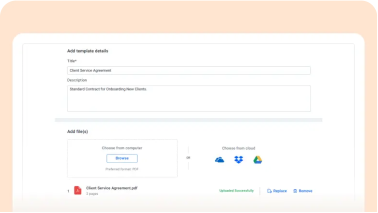
2:50
Create and Use BoldSign Templates

2:49
Set Up Automatic Reminders for Signers
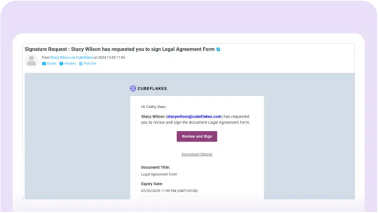
2:24
Add Your Branding to E-Signature Requests
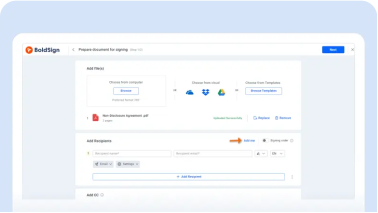
1:35
Sign Your Own Document
1:35
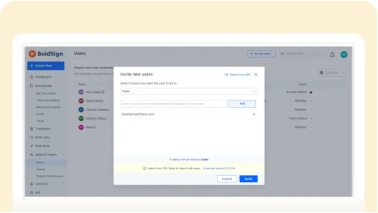
Add Users to Your BoldSign Account
2:38
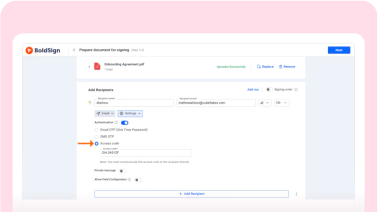
Verify Signers with Access Codes
1:25
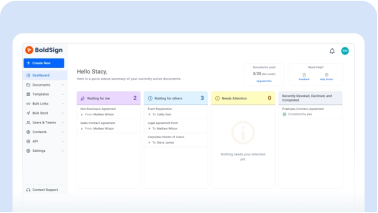
Navigate Your BoldSign Account with Ease
2:03
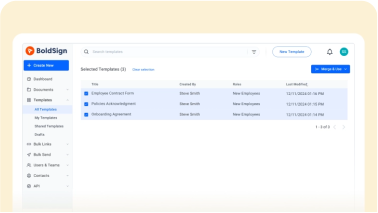
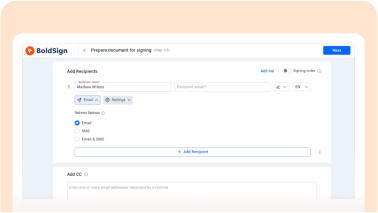
Merge Multiple Templates and Send a Signature Request
2:00
Send and Sign with Multi-Channel Delivery

2:14
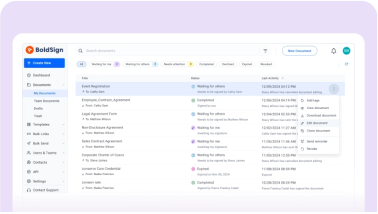
Share Templates for Effective Team Collaboration
2:04
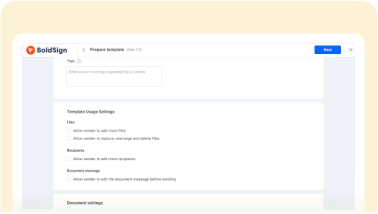
Update a Document After Sending It Out for E-Signature
1:46
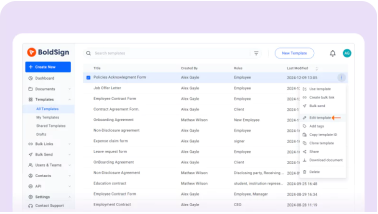
Protect Templates from Unauthorized Edits
1:42
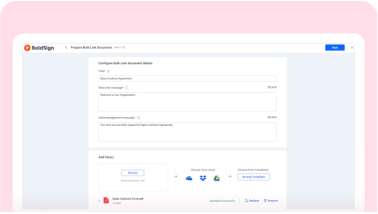
Edit Templates Securely
2:16
Generate Bulk Signing Links for Agreements

2:02
Send Bulk Signature Requests for Approvals

2:43
How to Create and Manage Teams in BoldSign
2:53
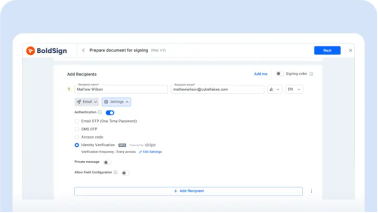
Verify the Signer's Identity with Documents and a Selfie
1:49
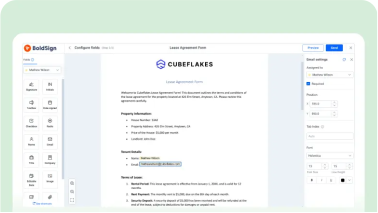
How to Customize Form Fields for an E-Signature Request
2:01
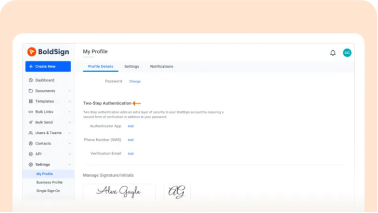
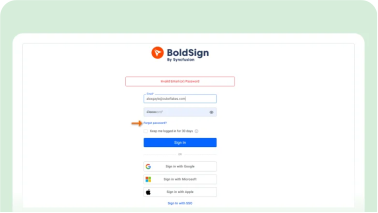
Enable Two-Factor Authentication in BoldSign
1:19
Reset Your BoldSign Account Password Easily

1:21
Track Document Status in Real Time with BoldSign Notifications
1:10
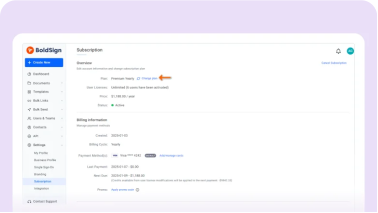
Update Your BoldSign Subscription Plan
1:25
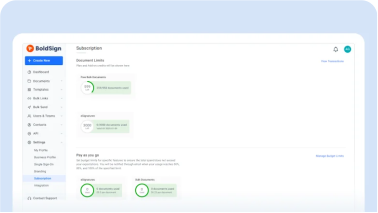
Track Account Usage and Document Consumption
2:18
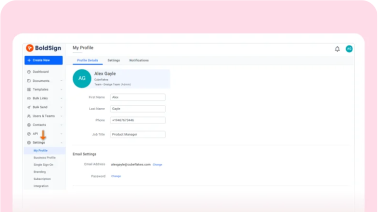
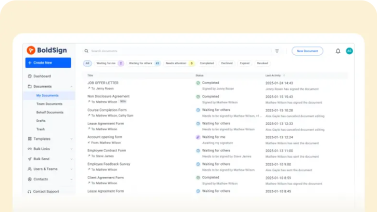
Navigate Your Account Settings Easily
2:41
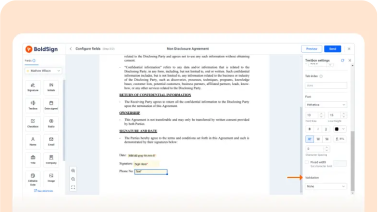
Organize and Manage Your Envelopes
1:47
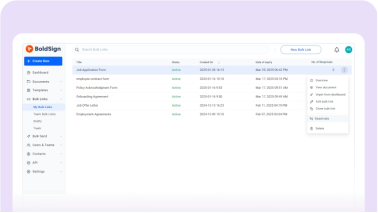
Send and Sign Documents with Data Validation
1:15
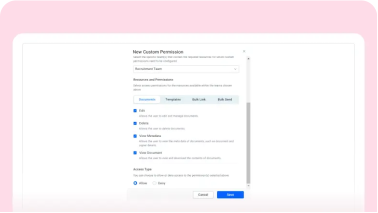
Managing Bulk Signing Links in BoldSign
2:33
Create and Manage Custom Permissions for Documents

1:52
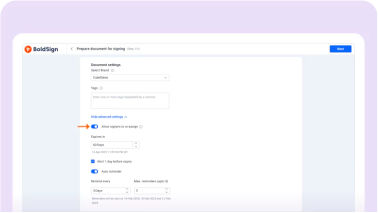
Manage Contacts Efficiently
1:41
Reassign a document with ease

2:01
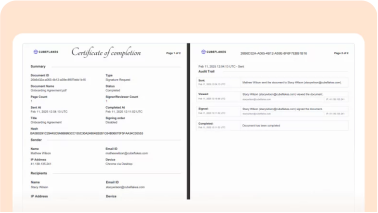
Configure the signing process
2:24
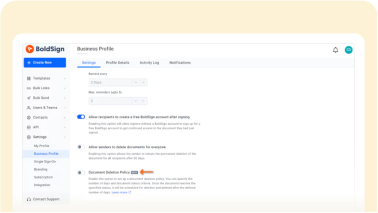
Get Audit Trails for Your Documents
1:54
How to Manage Document Deletion Policies in BoldSign

2:12
Integrate BoldSign with Google Drive for Automatic Backup
2:39
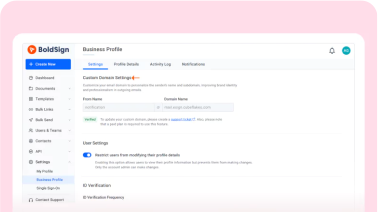
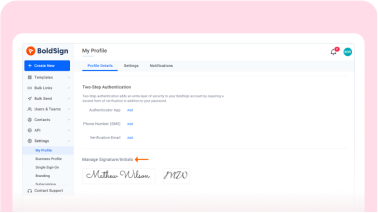
Configure a Custom Email Domain in BoldSign
2:10
Set a Default Signature for Signers

1:55
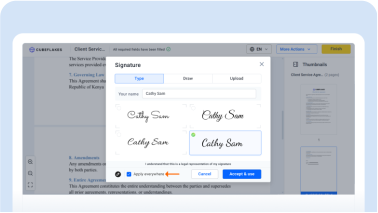
Localize Your Signature Requests
1:36
Sign Everywhere at Once

1:44
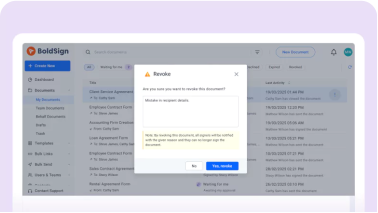
Add Custom Legal Terms to Documents
2:13
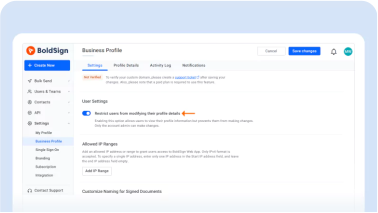
Revoke and Resend a Signature Request by Cloning
1:46
Edit User Details and Restrict Modifications
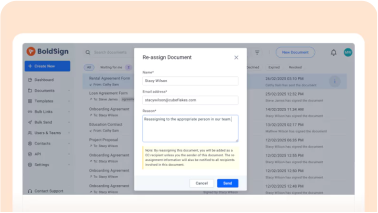
1:24
Delegate Signing Responsibilities to Team Members
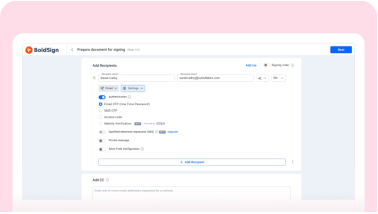
1:32
Secure Your Documents with Signer Authentication

1:03
Schedule a Document for Signature
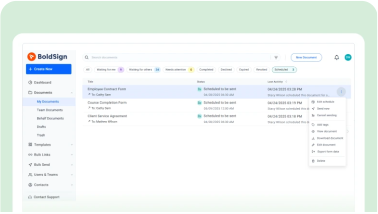
1:41
Manage Scheduled Documents
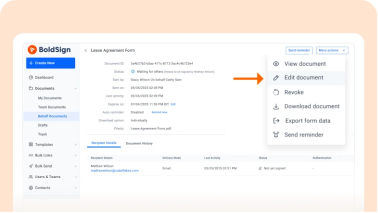
1:56
Edit On-behalf Documents
1:35
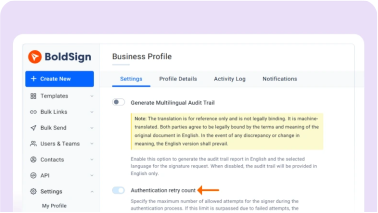
Set Authentication Retry Limit
1:49
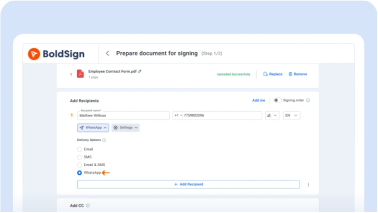
Send Signature Requests via WhatsApp Using BoldSign

1:22
Send Private Messages to Recipients

1:11
Track Your Organization’s Activity in BoldSign
1:50
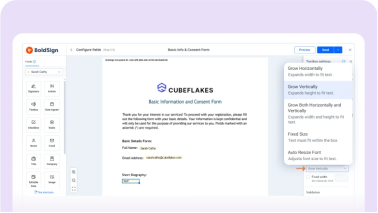
Resize Text Box Fields in BoldSign
2:06
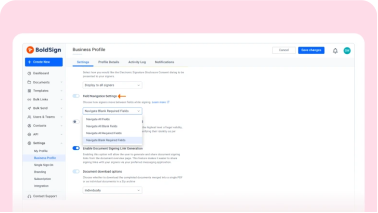
Customize Field Navigation Settings
1:50
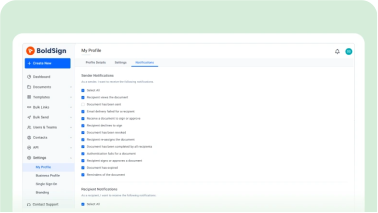
Customize Email Notification Settings

1:12
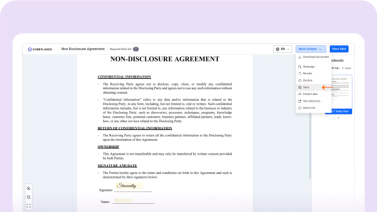
Export Document Information as CSV in BoldSign
1:00
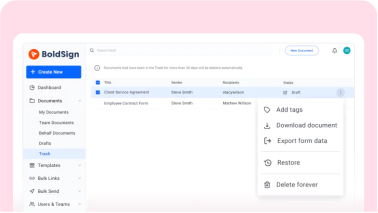
Save the Signing Process in BoldSign
0:58
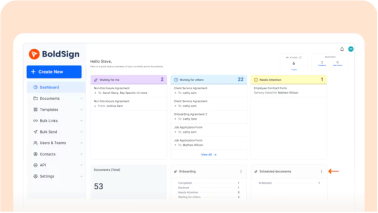
Manage Trashed Documents
1:37
Pin Filters in BoldSign
1:25
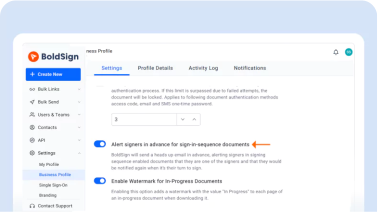
Alert Signers in Advance
1:22
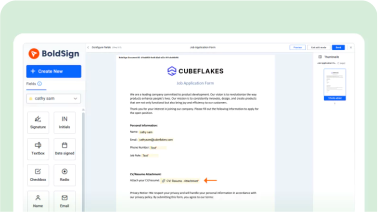
Request Attachments from Signers
1:54
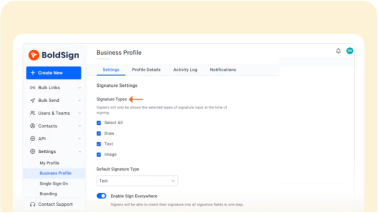
Allowed Signature Methods in BoldSign

1:05
Preview Your Document Before Sending
0:47
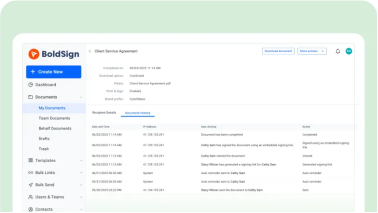
View your Signing History in BoldSign

1:34
Add checkbox field for agreement

1:29
Enable Auto Field for Repeated Data Fields

1:06
Duplicate a Document for Reuse
2:28
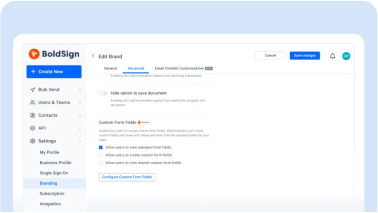
Set up Custom Field Labels

1:46
Organize and Manage Documents Using Tags in BoldSign
1:42
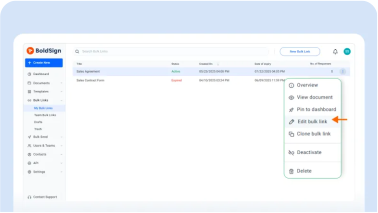
Edit and Update Existing Bulk Link Details
1:44
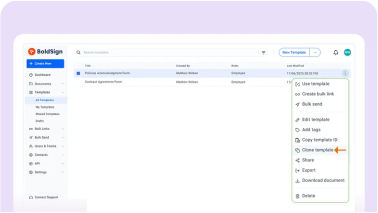
Clone or Duplicate Templates in BoldSign

0:59
Clone Bulk Links

1:32
Import and Export Templates
1:58
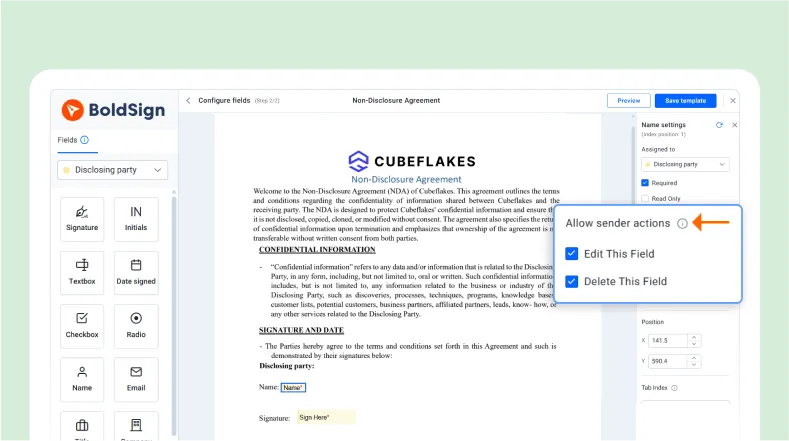
Configure Sender Actions for Template Form Fields

2:42
Send a Signature Request to a Contact Group
1:23
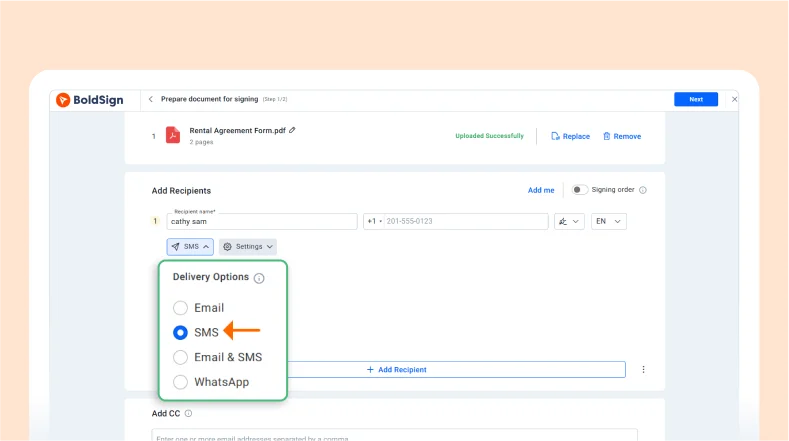
Send a Signature Request via SMS
1:35
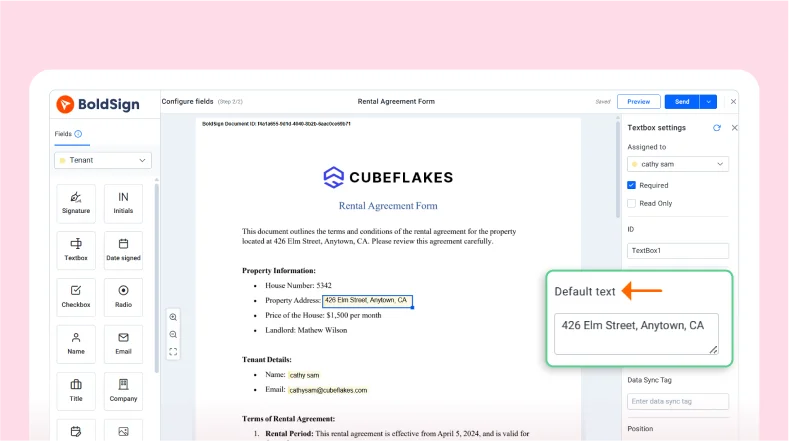
Prefill Documents Before Sending for Signature
1:17
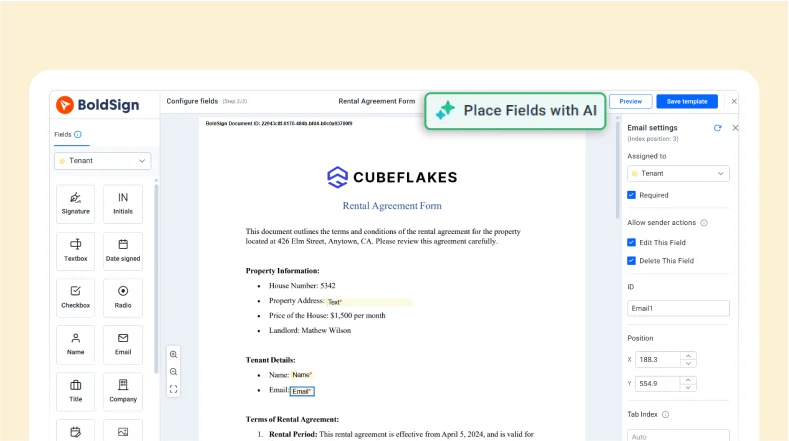
Place Template Fields Using AI
1:47
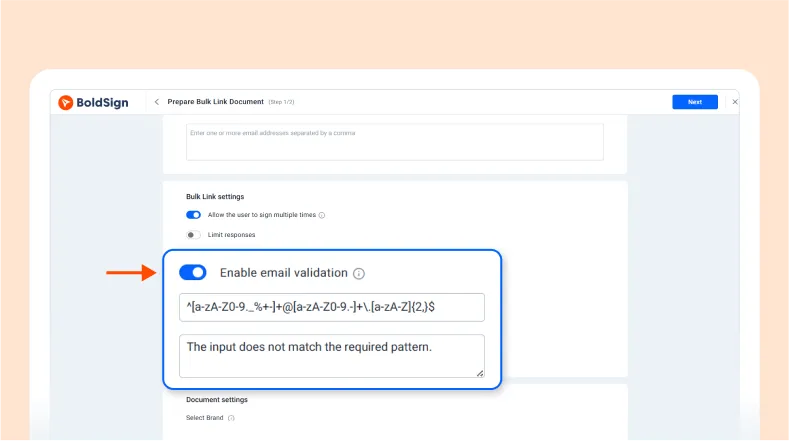
Create Regular Expressions for Email Address Validation in Bulk Links
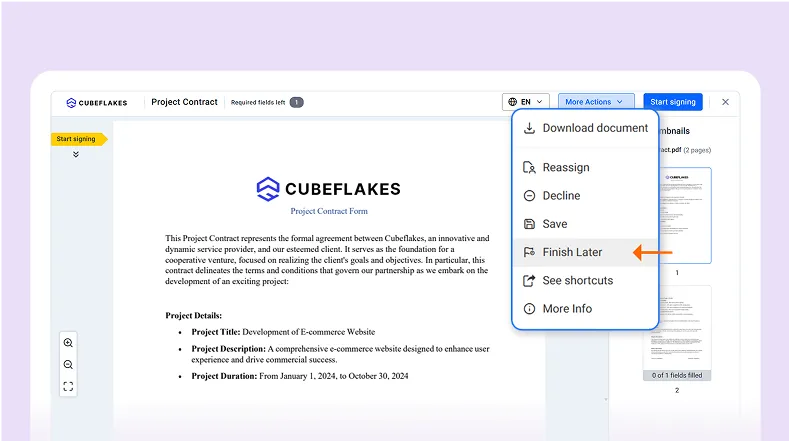
2:41
Skip a Document During the Signing Process

2:16
Manage Team Bulk Send Documents
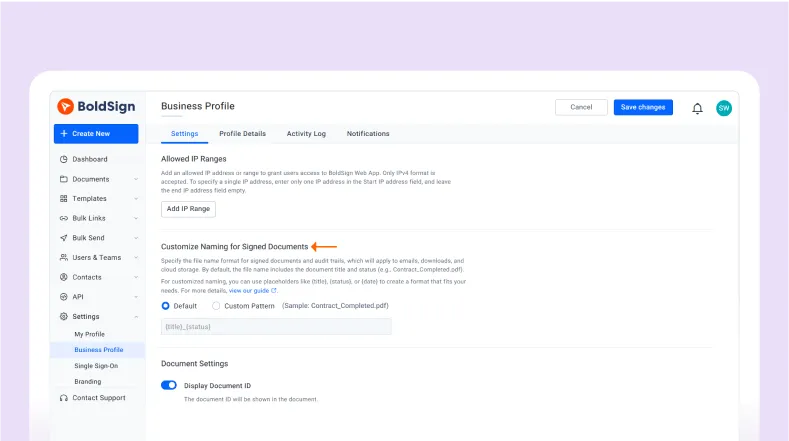
2:46
Customize File Names for Signed Documents
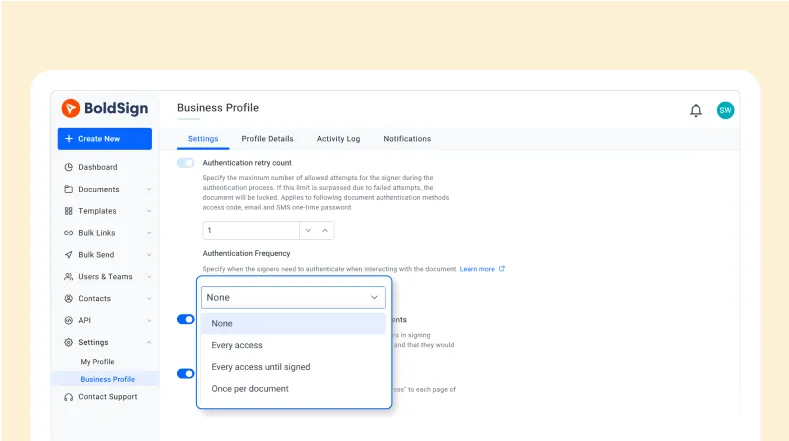
2:49
Configure Authentication Frequency Settings

1:51
Localize Audit Trail
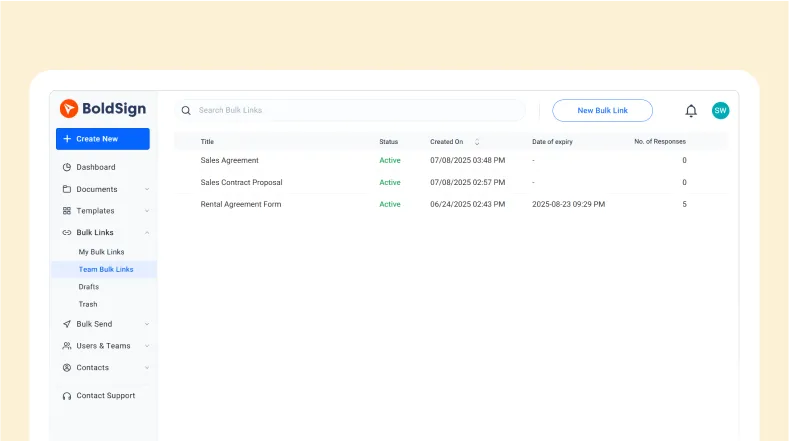
1:23
View and Manage Team Bulk Link
1:31
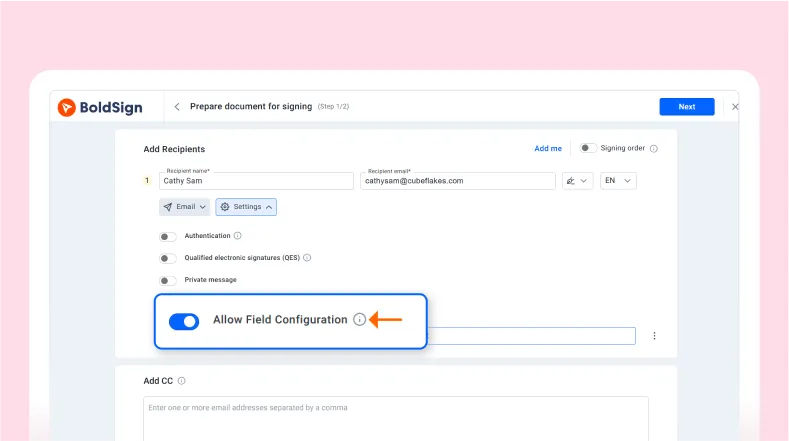
Allow Signers to Add Form Fields in BoldSign

4:37
Send Signature Requests with Qualified Electronic Signature (QES)
1:57
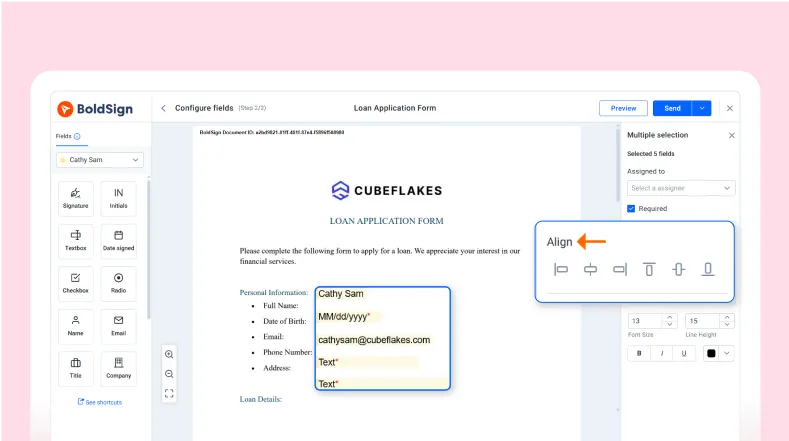
Perfectly align BoldSign from fields

1:36
Send the Signed Document as a Link or Attachment

2:09
Manage Electronic Signature Disclosure Consent

1:49
Set your Default Signature and Initials
1:22
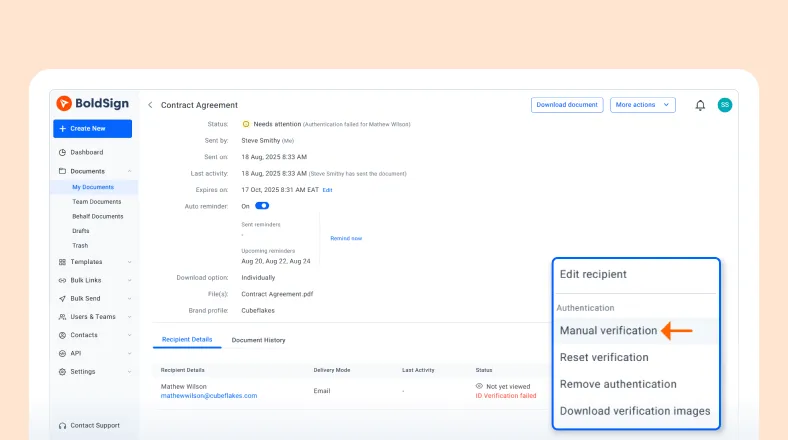
Review uploaded documents manually for ID verification
1:58
Customize Date and Time Stamp Formats for the Date Signed Field

2:20
Set Up Require Initials for Collaborative Field Changes in BoldSign
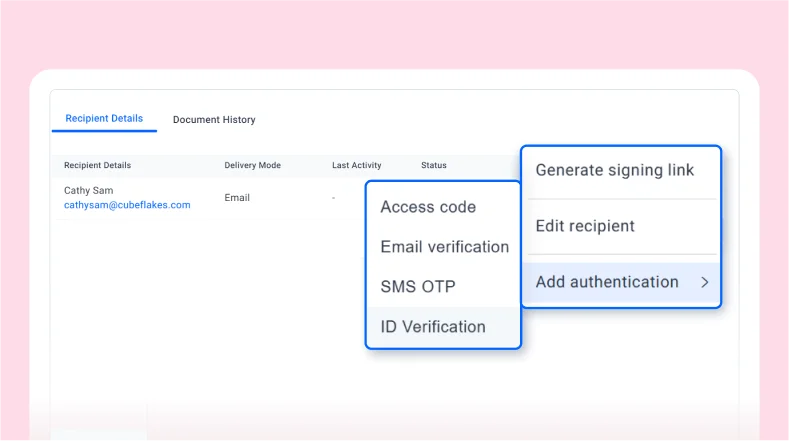
1:52
Add ID verification on a sent Document

1:33
Enhance document security with BoldSign’s IP whitelisting

1:17
Send manual reminders
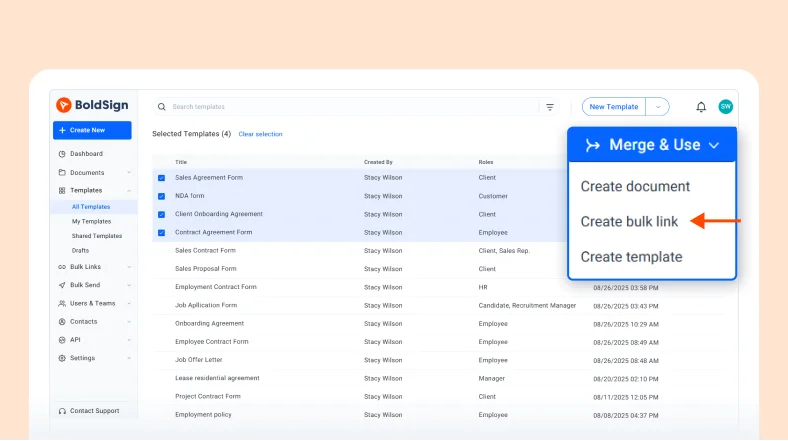
2:43
Merge multiple templates and create bulk signing link

2:16
Apply Coupons While Making a Payment in BoldSign
2:24
Restore Access to an Expired Document
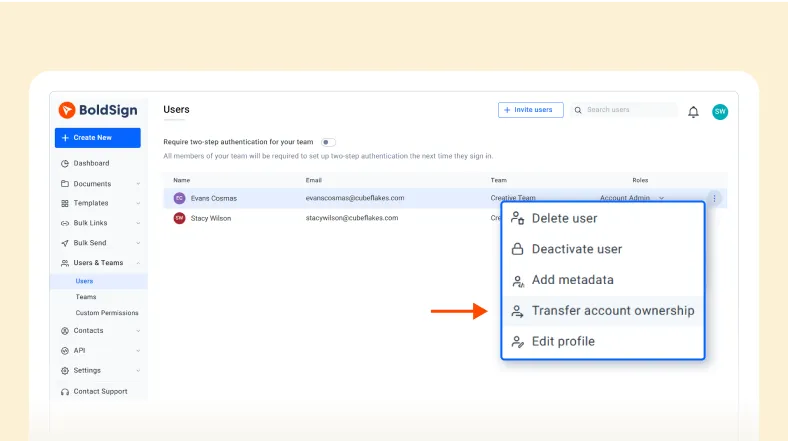
1:26
Transfer Account Ownership to Another User
2:27
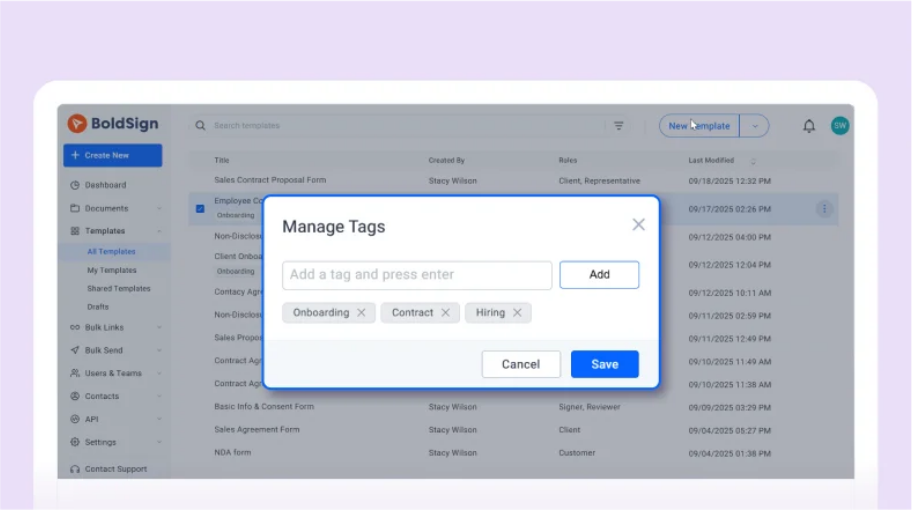
Create and Manage Templates with Tags
2:14
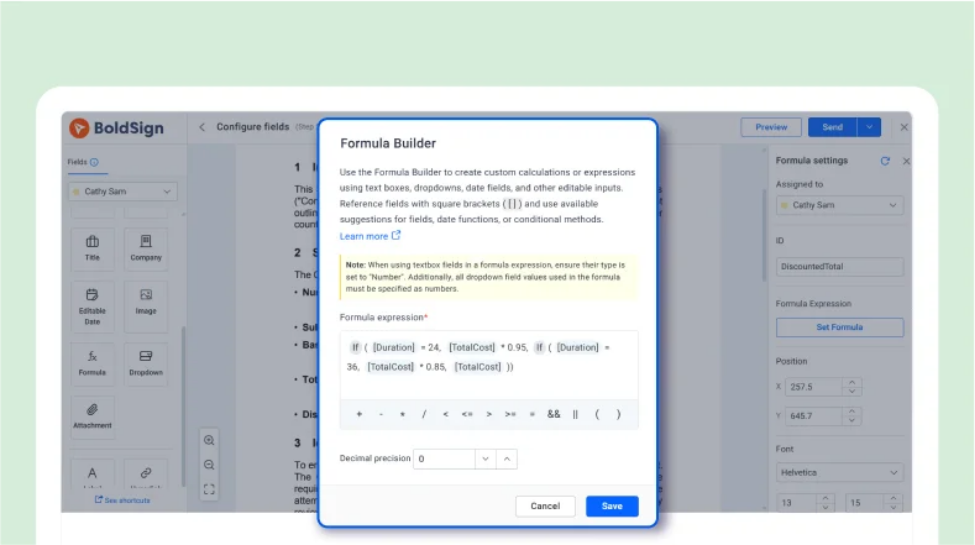
Create a Custom Discount Calculation Using Formula Fields
2:29
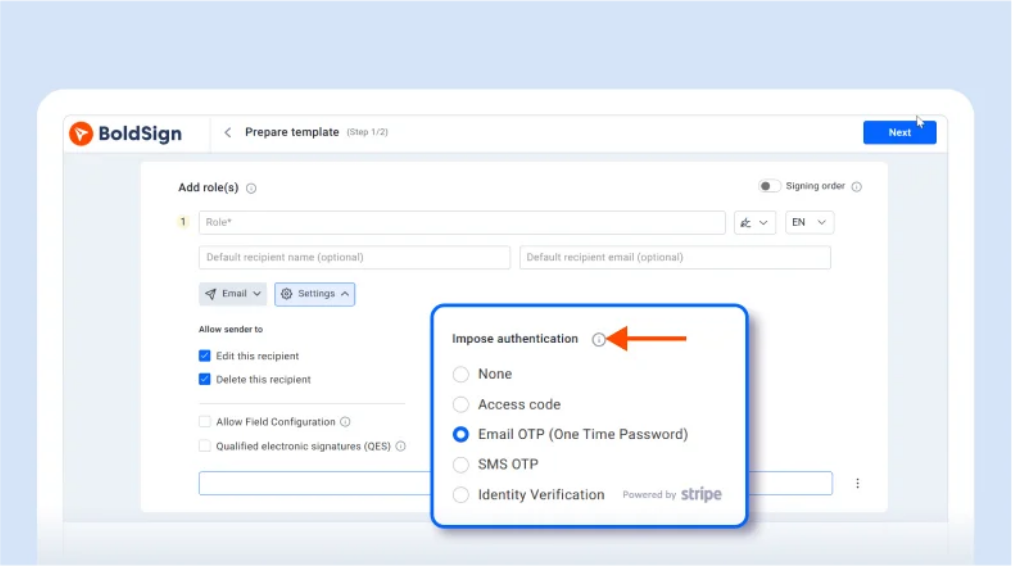
Manage and Track Identity Verification Documents
1:26
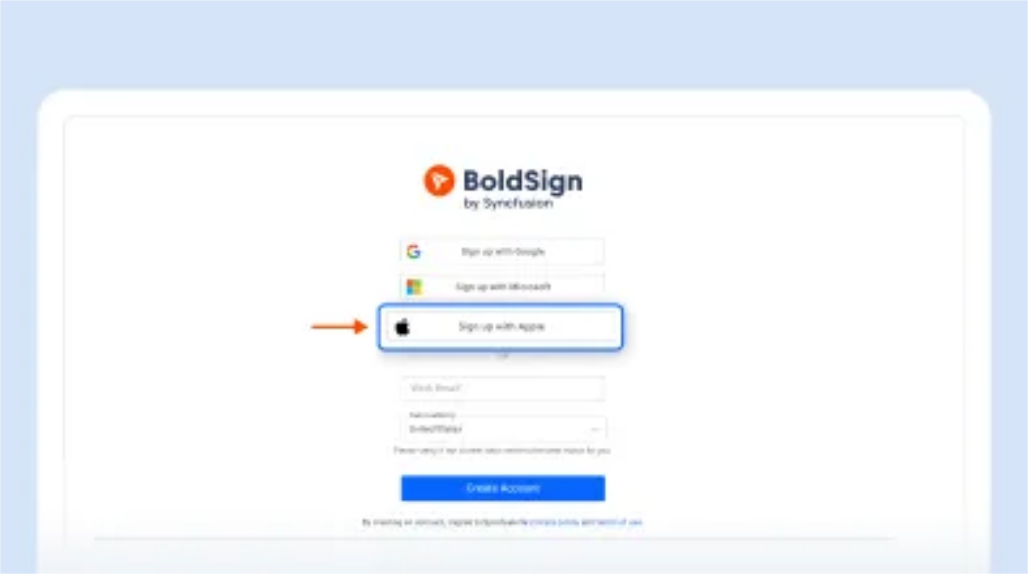
Create a BoldSign Account Using Your Apple ID

1:38
Prevent Your Signers from Saving a Signature Request
2:10
Edit Non-Editable PDFs Using the Label Form Field
1:47
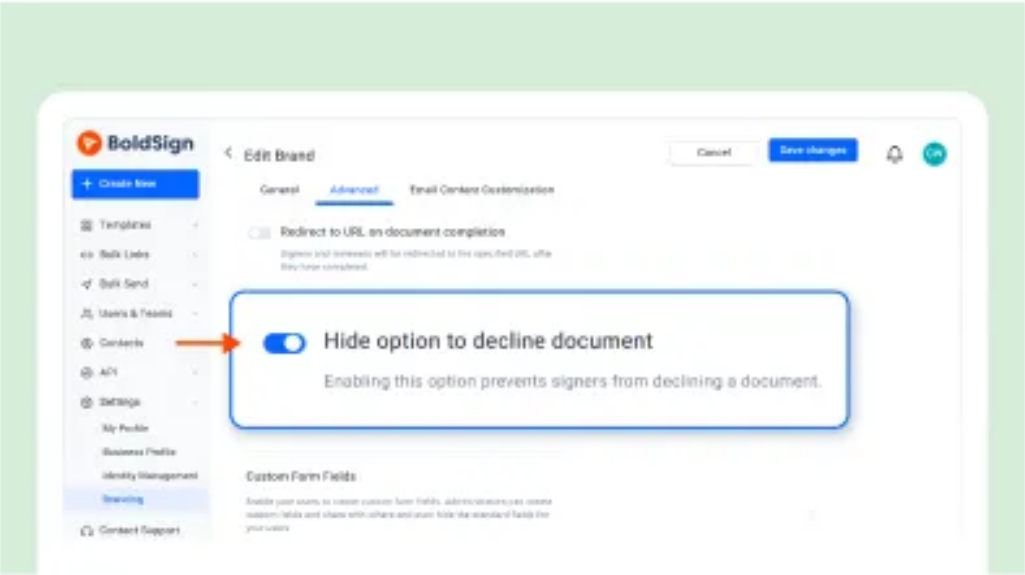
Prevent Your Signers from Declining a Signature Request
2:14
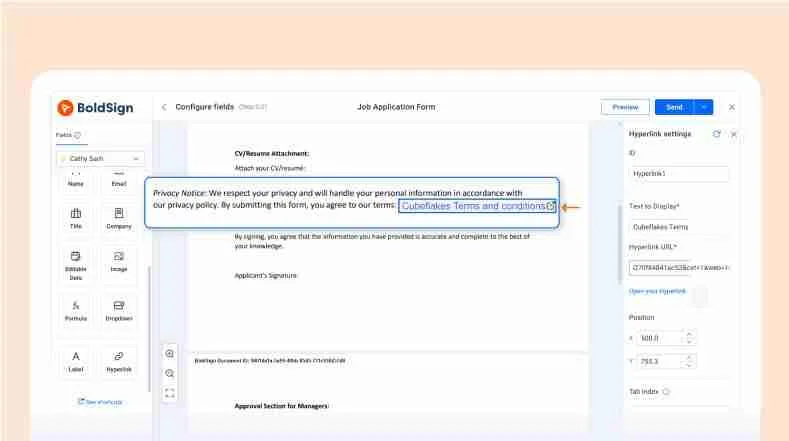
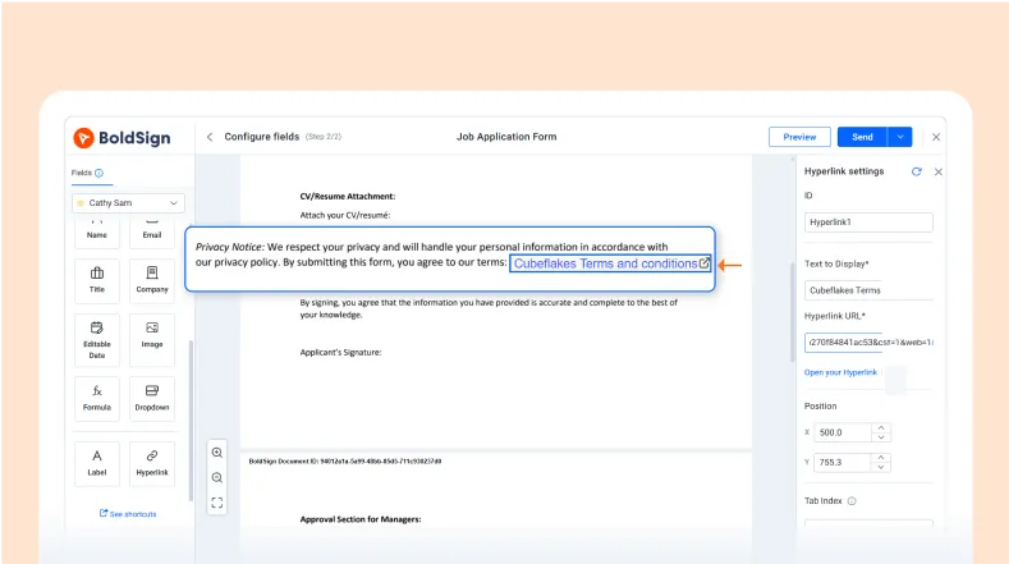
Add a Hyperlink to eSignature Request Documents
2:53
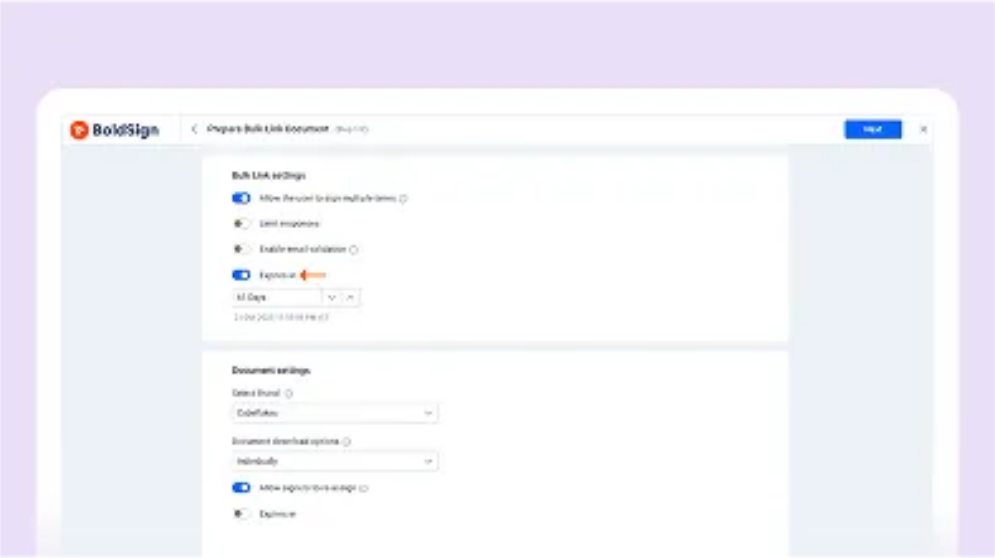
Prevent Your Bulk Signing Links from Expiring

04:17
Collect Images from Signers Using Image Fields
03:04
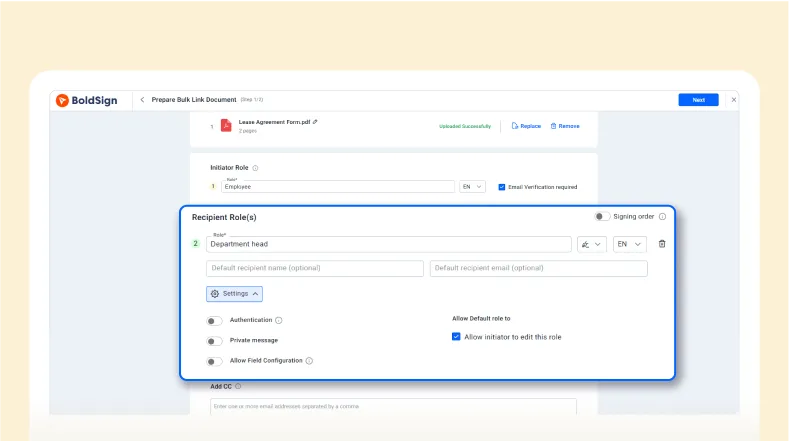
Set Up Additional Roles in Bulk Signing Links

02:12
Add Editable Date Fields for Signers

03:07
Easily Manage Organization Users in BoldSign
02:51
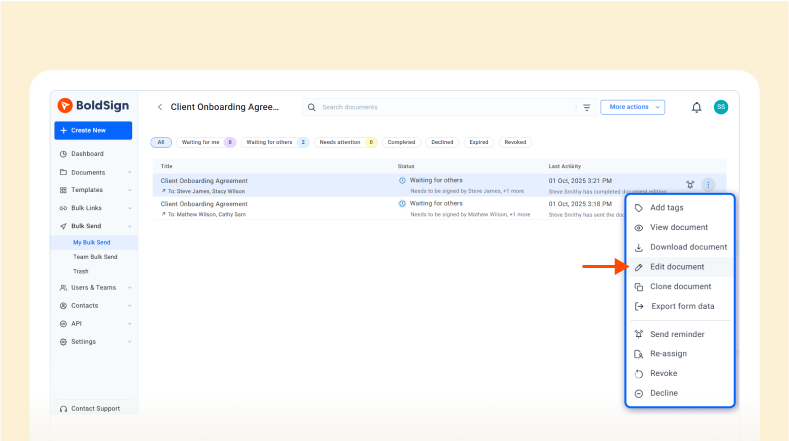
Edit the Bulk Send document

02:22
Hosting An In-Person Signing
03:43
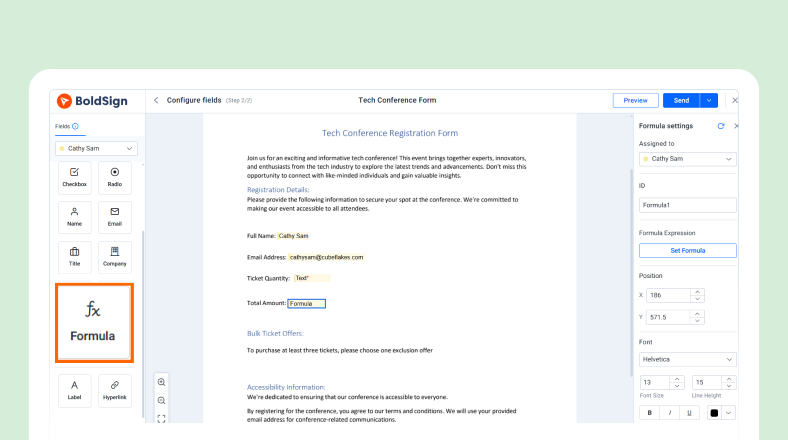
Configure and Use Formula Fields to Automate Calculations

2:52
Automate Sending Signature Request Details via Gmail using Zapier
04:10
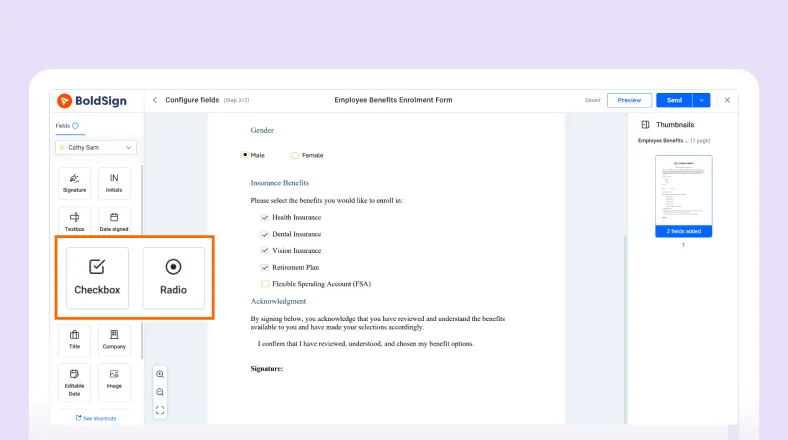
The Difference Between Radio Buttons and Checkboxes
04:05
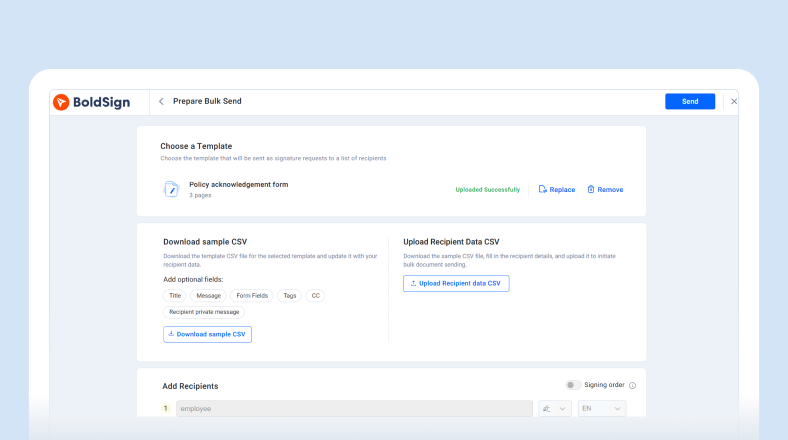
Send Documents in Bulk via WhatsApp

03:42
Create BoldSign signature requests from new Google Form entries

02:28
Import contacts from Xero to BoldSign

02:59
Delete Documents for Everyone in BoldSign
02:48
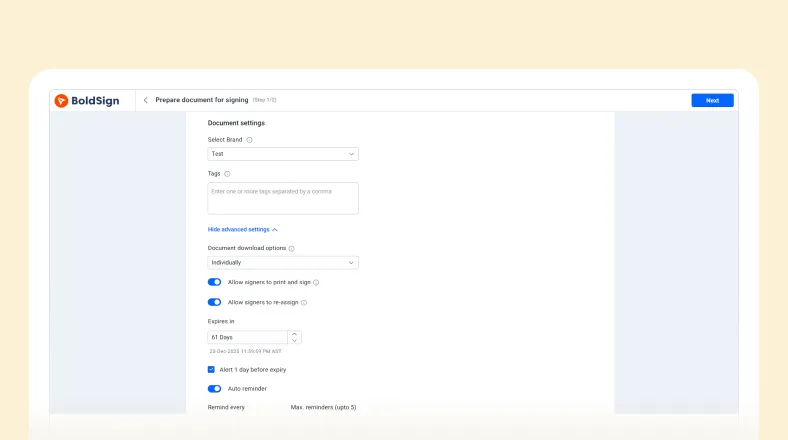
Change Default Document Settings in BoldSign
02:45
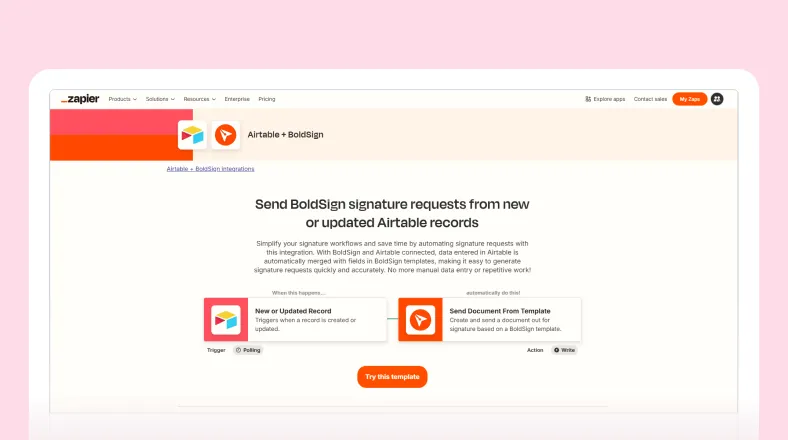
Automate BoldSign Document Storage in Airtable Using Zapier
02:52
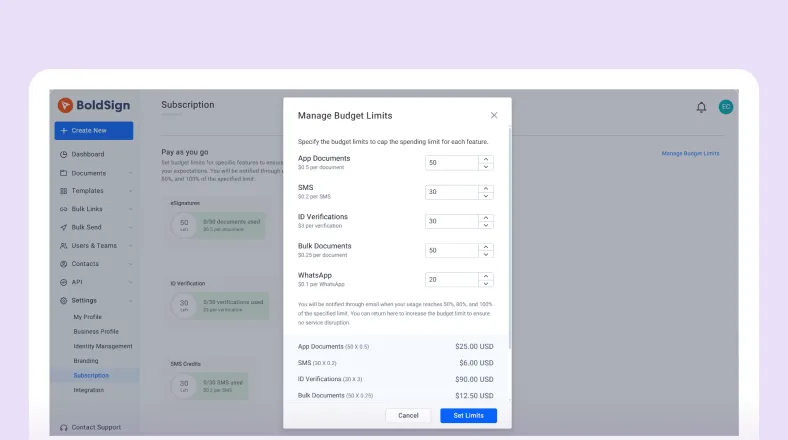
Managing Budgets for Pay‑As‑You‑Go in BoldSign
02:38
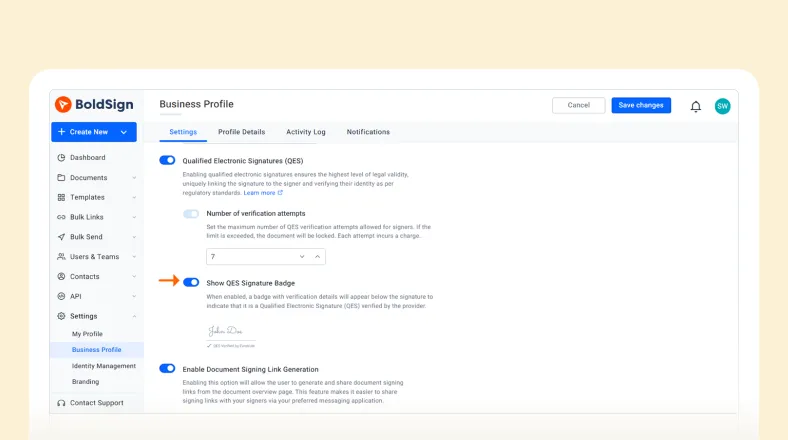
How to Show the QES Signature Badge in BoldSign
03:50
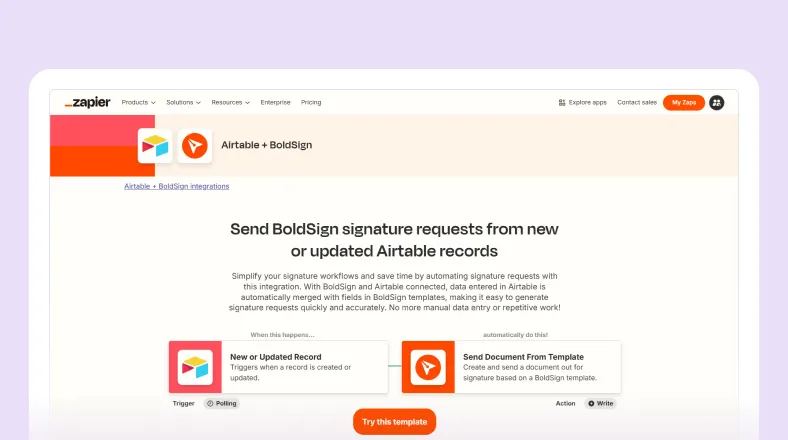
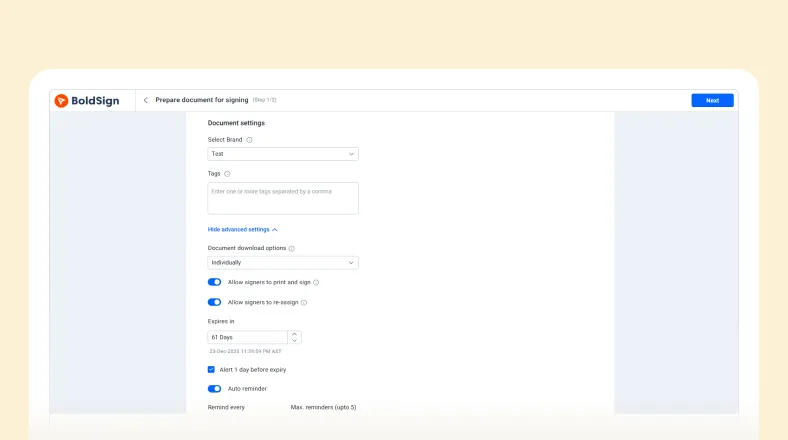
Automate Signature Requests in Airtable with Zapier
03:39
Prevent Senders from Changing Template Field Settings
Enterprise-Ready E-Signatures
Built to scale with your business
Close deals faster, cut costs, and stay compliant. From startups to global enterprises, thousands trust BoldSign to simplify document signing.
Years in business
Customers
Countries
Built-in features
Testimonials
Why our customers love us
The true measure of our impact lies in the stories shared by our valued partners.
Google Integration, 25 free sends, dashboard, Signature font options, App is very responsive / fast, Emails between sender and signer are good, Audit trail is very helpful, No account needed for signer is great, Mobile experience is good for signer.
Jeremy Kadlec
Edgewood Solutions

Switch to BoldSign already! It's intuitive to use and affordable for small businesses. I never have to worry about the status of a document because with BoldSign I know. Plus, they let you program the frequency of reminders signatories receive. I'm so glad to have found it!
Sarah Dillard
Kaleidoscope

We’re using BoldSign successfully in our b2b SaaS platform - as it’s embedded to allow seasonal farm workers and their agribusiness employers to e-sign their employment onboarding documents for the first time. It’s part of the total solution saving the workers and HR managers 50% more time compared to their traditional pen/paper manual process.
Scott Prince
Croft

Sign up for your free trial today!
 30-day free trial
- No credit card required
- 30-day free trial
- No credit card required
