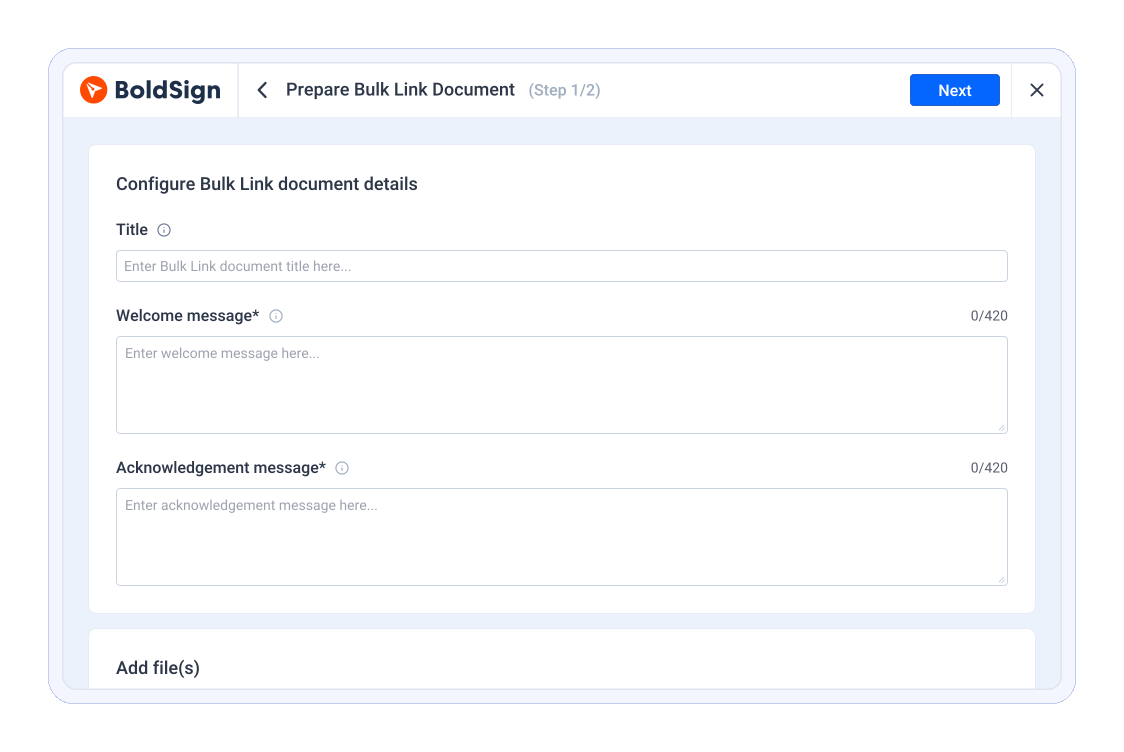
Collect Multiple Signatures with a Single Bulk Links

BoldSign’s Bulk Links feature lets you share one reusable signing link, so every signer completes their own unique copy—perfect for surveys, consent forms, or mass agreements.

Trusted by 50,000+ businesses worldwide

trusted company

Flexible Bulk Links for Efficient
eSignature Collection

Beautiful, hand-crafted designs to get you started. Install any demo or template with a single click. Mix and match anything.

Comprehensive Feature Set

Access powerful tools to reuse documents and collect signatures with ease.

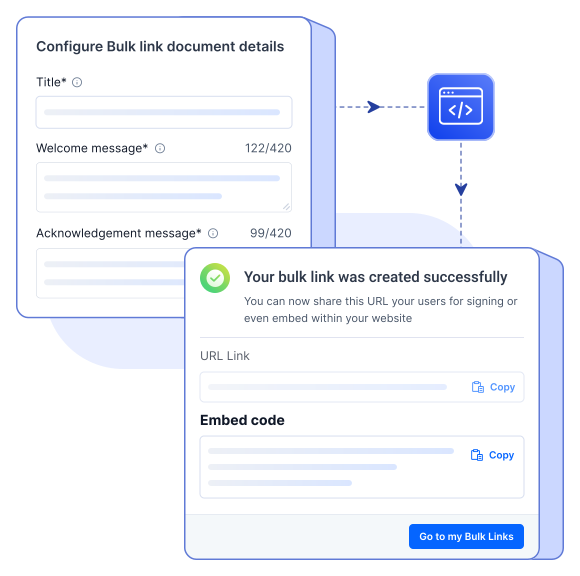
Embed on Your Website

Place bulk links on your site so signers can complete documents securely online.
Embed on Your Website Image

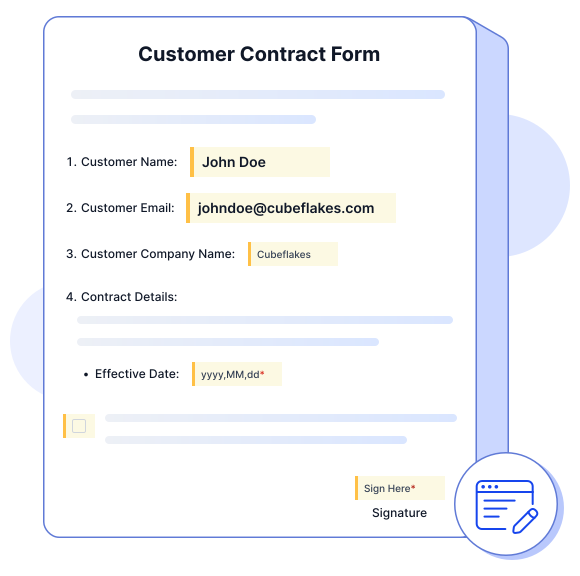
Prefill Document Fields

Save time by preloading details so signers only review, sign, and submit.
Prefill Document Fields Image

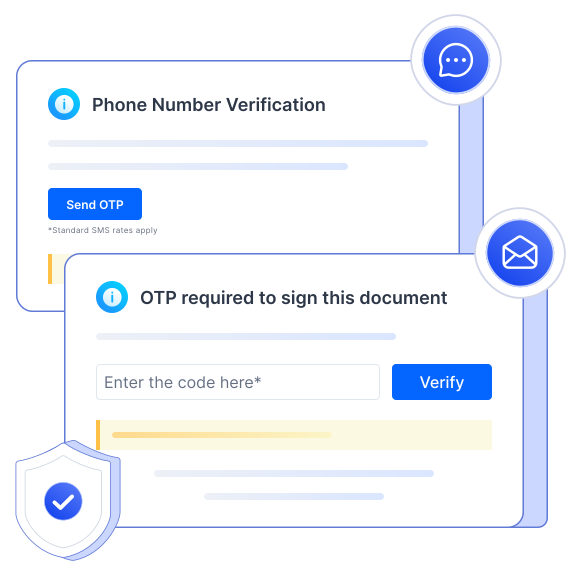
Email Confirmation Before Signing

Enable OTP verification to ensure valid email IDs and authentic signers.
Email Confirmation Before Signing Image

Customize Signer Language

Deliver documents in 15+ languages for a seamless global experience.

Customize Signer Language Image
Embed on Your Website

Same Signer, Multiple Uses

Perfect for recurring agreements—allow one signer to sign repeatedly.

Same Signer, Multiple Uses Image

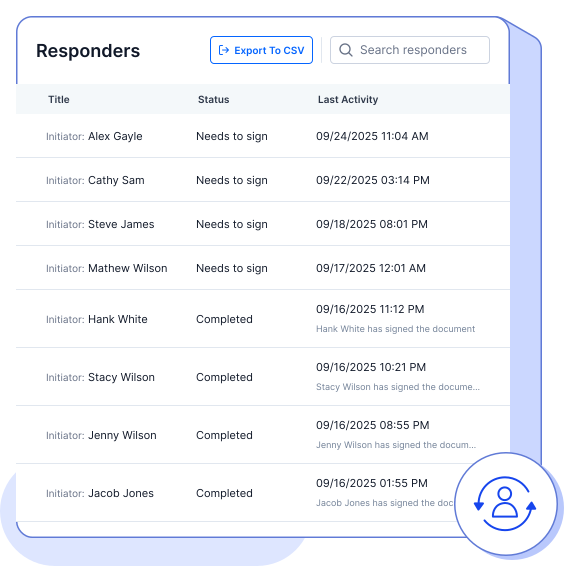
Real-Time Responder Updates

See signer activity instantly as they view or complete documents.
Real-Time Responder Updates Image

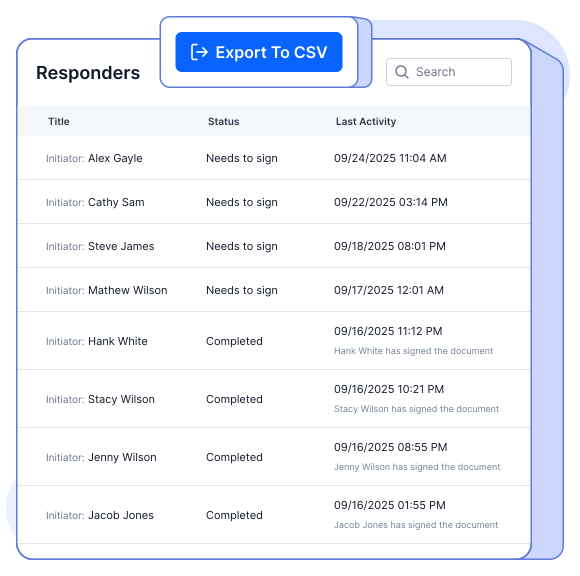
Export Responder Details

Download signer data from bulk links into CSV for easy tracking.
Export Responder Details Image

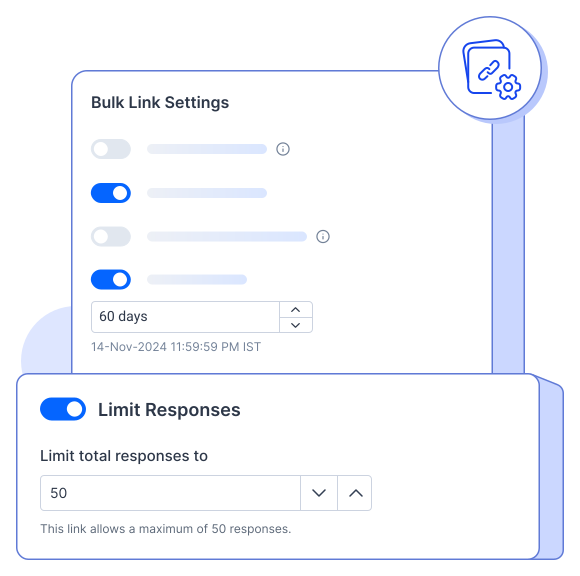
Limit Participants

Set a cap on signers—once the limit is reached, the bulk link closes automatically.
Limit Participants Image
Same Signer, Multiple Uses

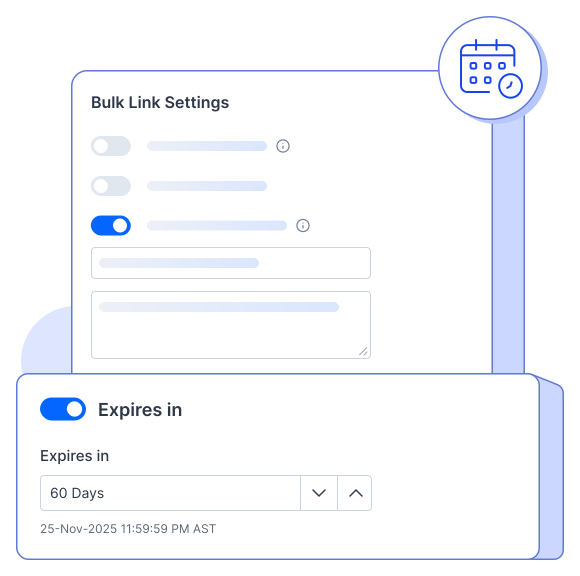
Set Expiration Date

Control access by deactivating bulk links after a set period.
Set Expiration Date Image

Allow Reassignment

Let signers reassign documents to colleagues when needed.
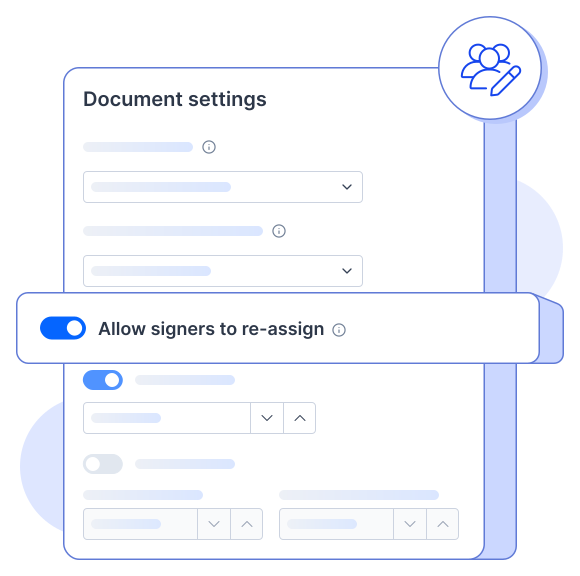
Allow Reassignment Image

Revise Existing Links

Easily update bulk link content without starting over.
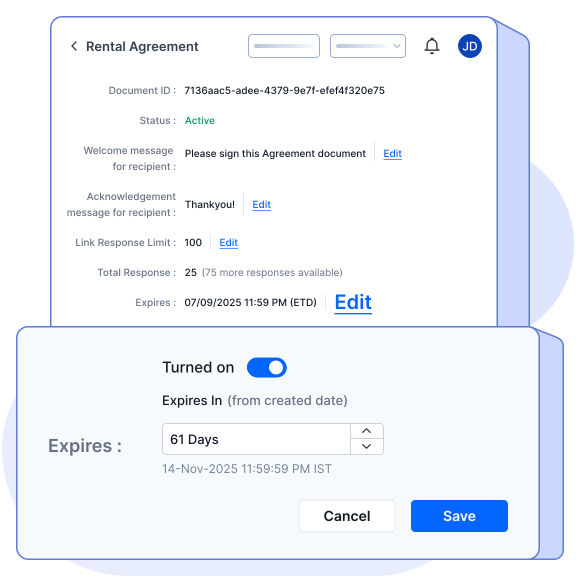
Revise Existing Links Image

Download Signed Documents

Export completed documents individually or in bulk, as you prefer.

Download Signed Documents Image
Set Expiration Date

Manage Bulk Links

Deactivate, delete, or reactivate links anytime for complete control.
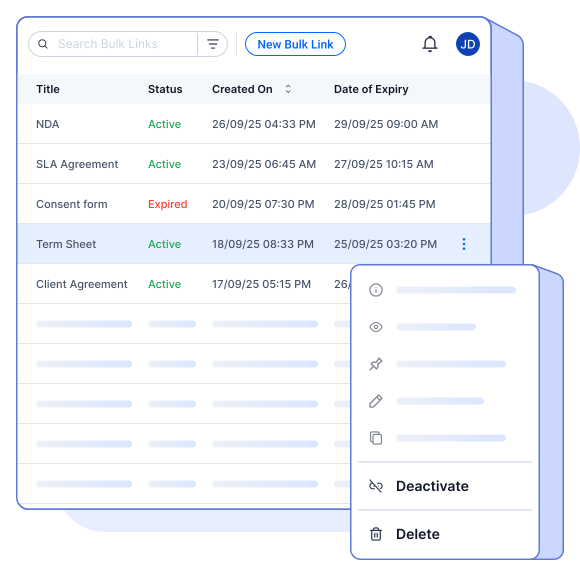
Manage Bulk Links Image

Pin to Dashboard

Keep important bulk links at the top of your BoldSign dashboard.
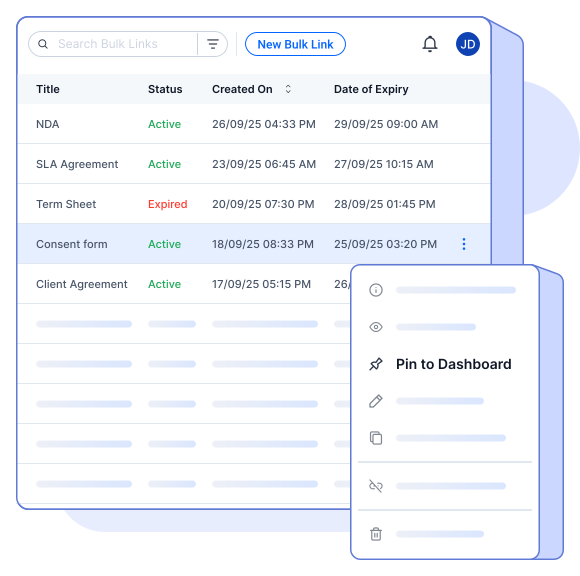
Pin to Dashboard Image

Simple, No-Code Setup

Create bulk links instantly with an intuitive, code-free interface.
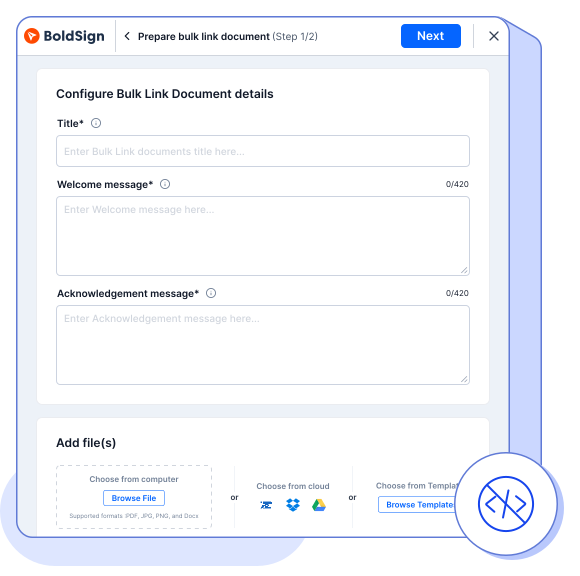
Simple, No-Code Setup Image

Rock-Solid Security

Compliant with ESIGN and eIDAS, with audit trails for every transaction.
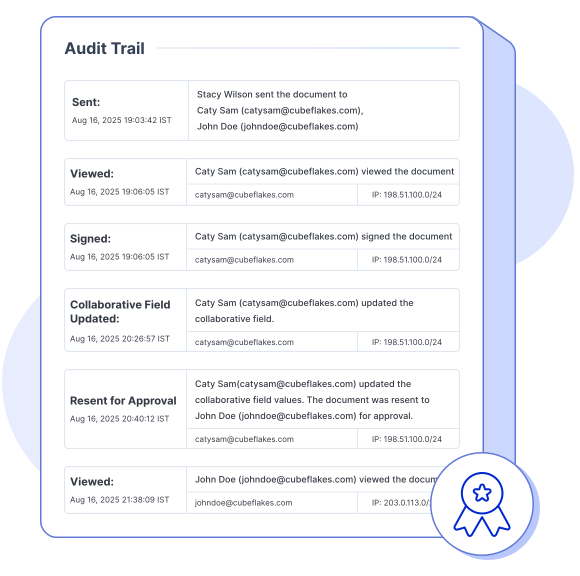
Rock-Solid Security Image
Manage Bulk Links

Ideal Scenarios for Bulk Links

Reusing bulk links saves time and simplifies collecting signatures across common use cases.

Frequently asked questions

A bulk link is a reusable signing link that allows multiple people to access and sign the same document. It’s ideal for collecting eSignatures from a large group without needing to send individual requests.

Yes. BoldSign tracks signer activity in real time, lets you export responder’s details to a CSV file, and download signed documents.

Bulk Links are great for collecting eSignatures on NDAs, contracts, lease forms, insurance documents, and more. Set up once and reuse the link.

Bulk Links are secure with full signer authentication, audit trails—meeting ESIGN and eIDAS standards.

Yes. You can easily add a bulk link to your page to enable fast, secure document signing from your website itself—no coding required.

Yes. You can assign unique fields to each signer by selecting their role before placing the fields.

Yes, if the sender has enabled the reassign option, you can be reassigned to another signer.

It enforces a custom pattern rule so only email addresses matching your specified format (e.g., company domain, structure) are accepted before signing.

Yes, you can set your own signer limit and an expiration date.

It’s designed for scenarios where the same person needs to sign regularly, like weekly reports or monthly approvals.

No, the Bulk link feature is considered an add-on and is billed separately. Bulk Link requests are charged at $0.25 per envelope.

You can revoke bulk links documents in BoldSign, but credits used for those documents will not be refunded.

In Bulk Link, a envelope is counted when a recipient submits their name and email address to access the document.

Sign in to your BoldSign account, choose a Business or a Premium plan, and complete the purchase. Contact sales for customized packages.
If you run out of bulk links, you can purchase additional links through the Pay As You Go option.
Yes, you will receive an email notification when you reach your bulk link usage limit.
You can monitor your bulk link usage in the BoldSign application under the Subscription section, where you can see how many links have been used and how many remain.

Sign up for your free trial today!

  • tick-icon
    30-day free trial
  • tick-icon
    No credit card required
  • tick-icon
    30-day free trial
  • tick-icon
    No credit card required
signup-banner